




Introduction
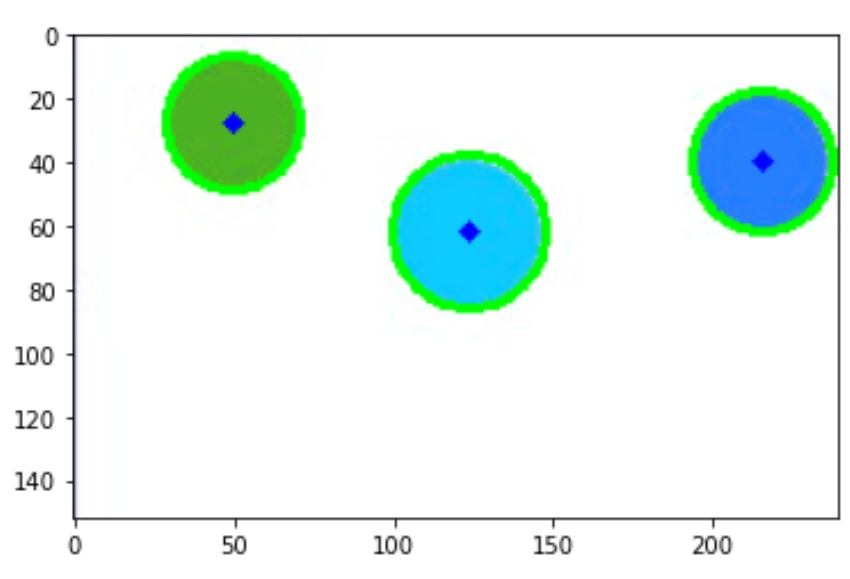
In the OpenCV Line Detection, we use the function of the Hough lines, which helped us detect lines in a picture; similar to this circle detection, we will use the function of Hough Circles. Circle detection finds various uses in biomedical applications, ranging from iris detection to white blood cell segmentation.
Hough Circles
The first step is standard in every OpenCV Detection program, i.e., to load the Image on which the algorithm is applied.
Then, the image is resized, and we store a colorful copy of that Image in another variable. Then, we convert the Image to the grayscale Image as we can apply the HoughCircles() function only to the grayscale images. Then, we apply HoughCircle() function to the grayscale image. Gray scaled Image is then blurred using medianBlur() function.
The HoughCircles() function in the OpenCV library takes many parameters.
- image: 8-bit, single-channel image. If we work with a color image, convert it to grayscale first.
- method: Defines the process to detect circles in images. Currently, the only implemented method is cv2.HOUGH_GRADIENT.
- dp: It is the inverse ratio of the accumulator resolution to the image resolution. With the increase in dp, the accumulator array becomes small.
- minDist: It is the minimum distance between the center (x, y) coordinates of detected circles. If the minDist is too tiny, multiple circles in the same neighborhood as the original may be (falsely) detected. If the minDist is too large, some circles may not be detected at all. The minDist parameter is essential. Without an optimal minDist value, we may end up missing out on some circles, or we may detect many false circles.
- param1: This parameter is the gradient value used to handle edge detection.
- param2: This parameter is the accumulator threshold value for the cv2.HOUGH_GRADIENT method. The smaller the threshold is, the more circles will be detected (including false circles). The larger the threshold is, the more circles will potentially be returned.
- minRadius: It is the minimum size of the radius (in pixels).
- maxRadius: It is the maximum radius size (in pixels).



 16+ registered

