




Introduction
Nearly all smartphones today have the ability to make phone calls in addition to taking pictures, playing music, scheduling appointments, and providing directions using GPS. The number of potential smartphone uses expands by tens of thousands as more apps are downloaded, and the list keeps growing.
Almost all businesses, including retail stores, have mobile apps to keep their audience engaged. Numerous apps, including games, music players, cameras, and others, are created specifically for these smartphones to run on Android.

So Ninja, are you excited about building your ideal app to represent your idea?! But what comes next? Don’t worry, Ninja we will let you get fimiliarized with the Google Play Store rules. Come now, let's examine the process to publish Android app on the Google Play Store.
Once your Android application has been developed and thoroughly tested, you can start giving it away for free or selling it through Google Play. You can publish your android app through very few simple steps. You can also directly send applications to the people or let them download from your website.
Steps to Publish Android App
Let's now walk through the simple steps required to publish an Android app on Google Play, even though the official Android website offers a thorough publication process you can review.
Step |
Activity |
|
Fill the following form to create a developer account in the Google Play Store. 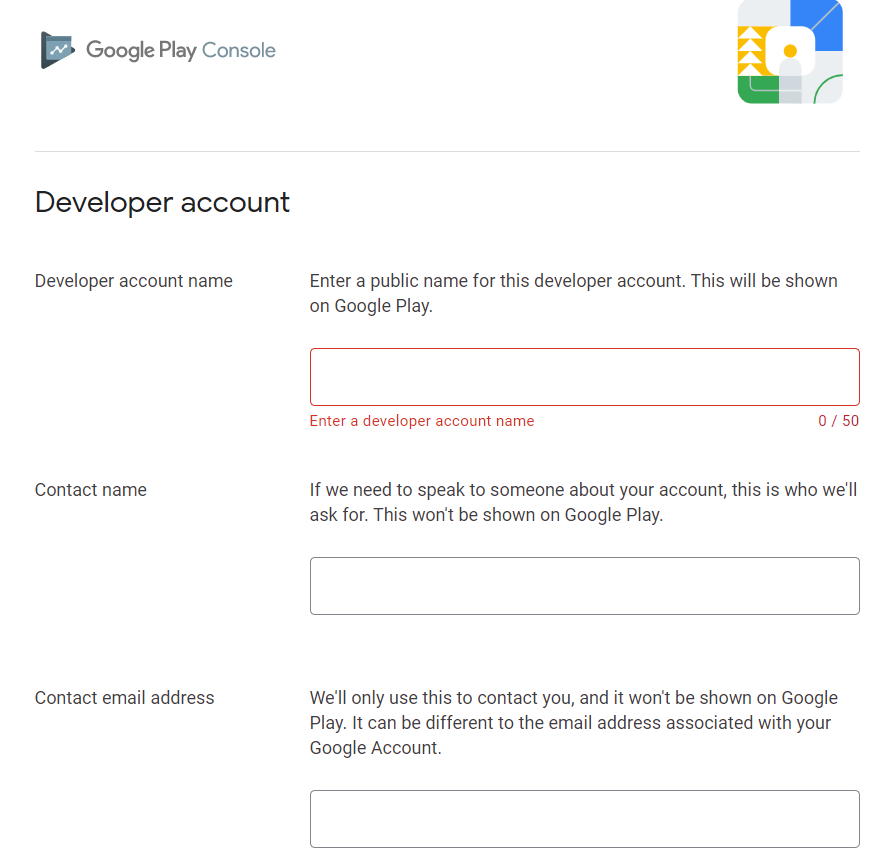 |
|
2. |
Accept the terms and conditions. 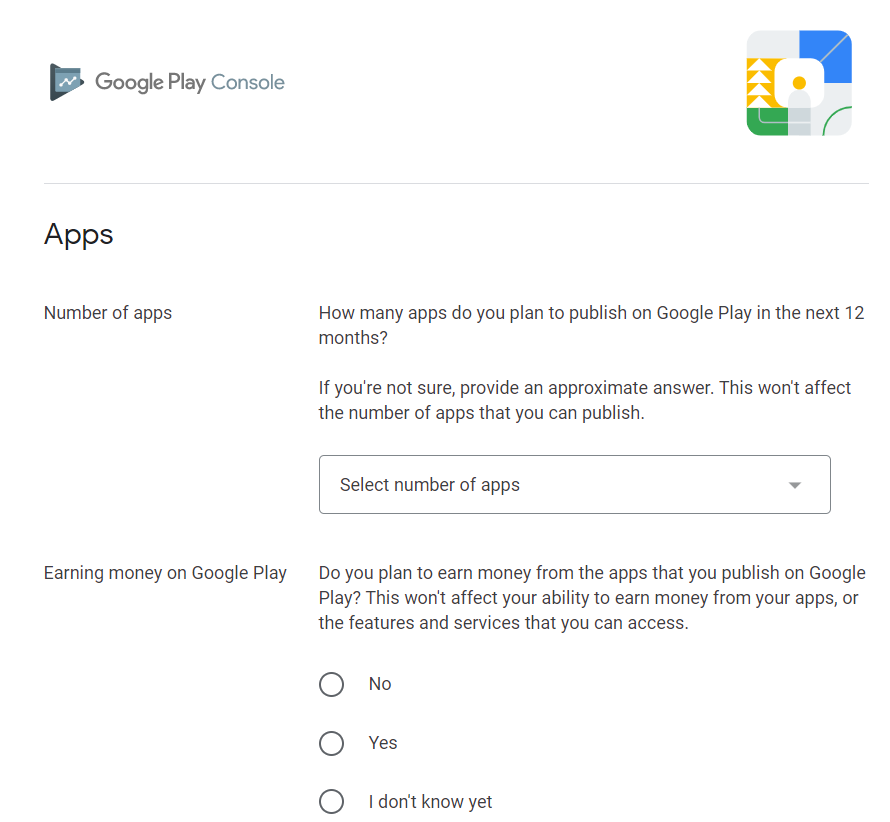 |
3. |
Add your account details and pay $25 to complete the purchase.  |
| 4. |
Regression Testing: Make sure your app meets the primary standards of quality for all Android apps on all of the devices you are targeting before you publish it. Therefore, carry out the necessary testing on different types of devices, including phones and tablets.
|
| 5. |
Application Rating: In order to let Google Play users know how mature your application is, you must give it a content rating when you publish it there.  |
| 6. | Target Regions: You can choose which countries and territories on Google Play will sell your application. You must therefore take care of setting up the time zone, localization, and any other particular requirements according to the targeted region. |
| 7. |
Application Size: The largest APK that can currently be published on Google Play is 50 MB. You can use APK Expansion Files, which Google Play will host for free on its server infrastructure, and take care of the download to devices if your program is larger than that or if you wish to offer a secondary download. 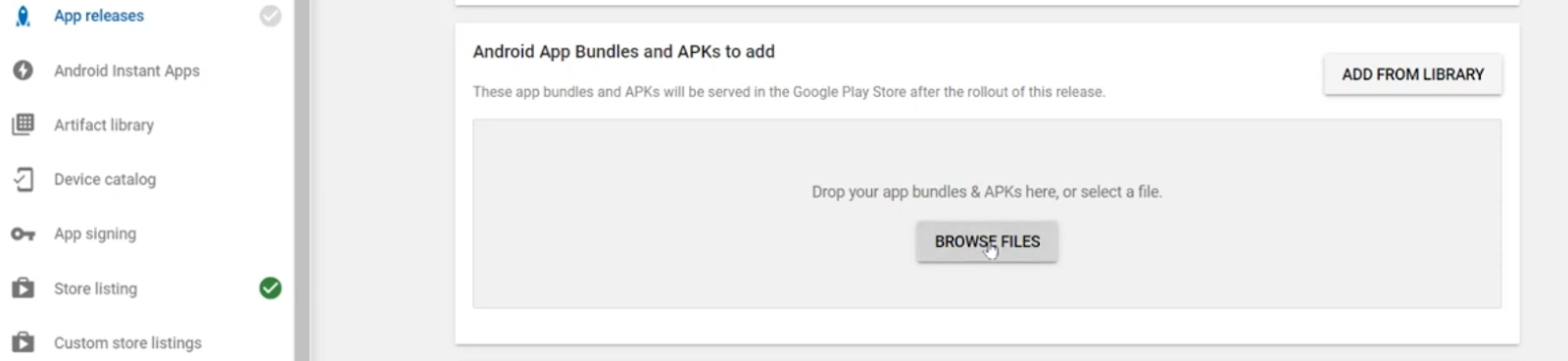 |
| 8. | Screen and SDK Compatibility: Making sure that your app is built to run efficiently across the Android platform versions and device screen sizes you intend to target is crucial. |
| 9. |
Application Pricing: It's crucial to decide if your app will be free or paid because, on Google Play, free apps are required to stay free. You must indicate the pricing of your application in multiple currencies if you wish to sell it. 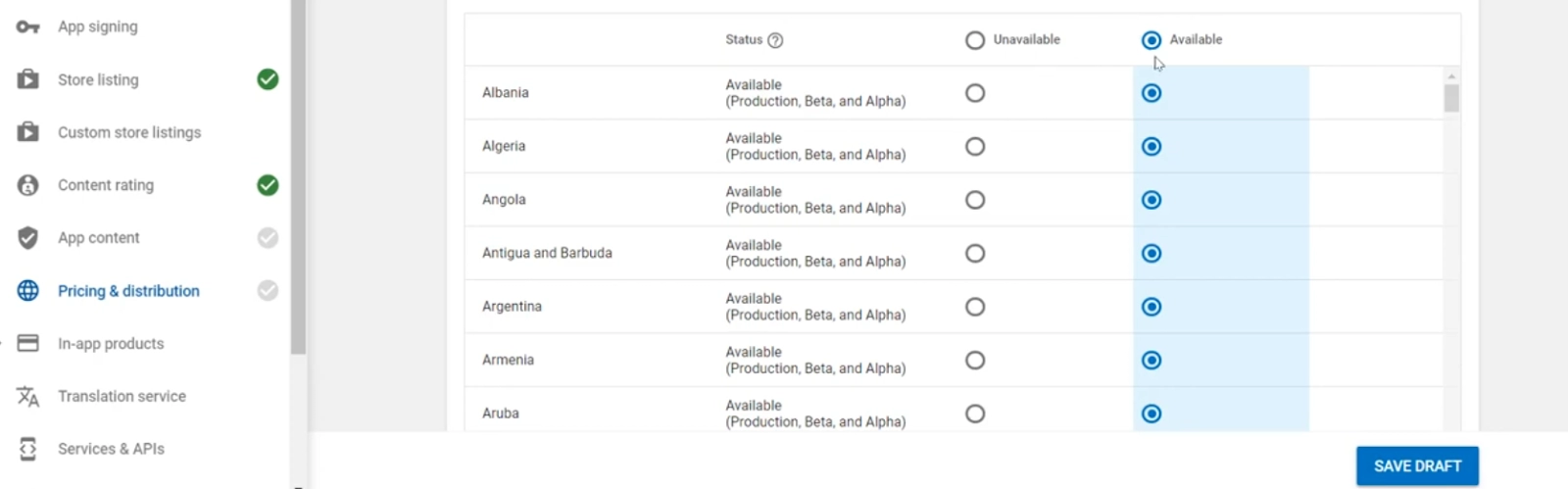 |
| 10. | Promotional Content: To showcase your app or brand, it is a smart marketing practice to provide a range of high-quality graphic assets. These show up on your product details page, in-store listings, search results, and other places after you publish them. |
| 11. | Build a release-ready APK: which you will then upload to the Developer Console and make available to users. |
| 12. |
Finalize the application details: On your product details page, Google Play offers a variety of ways to advertise your app and interact with users, from vibrant graphics, screenshots, and videos to localized descriptions, release info, and links to your other apps. In order to personalize your application page and provide as much clear, crisp detail as possible.  |



 1+ registered

