





Javascript pop() method
What are competencies?
EXP:

80
JavaScript Pop Method
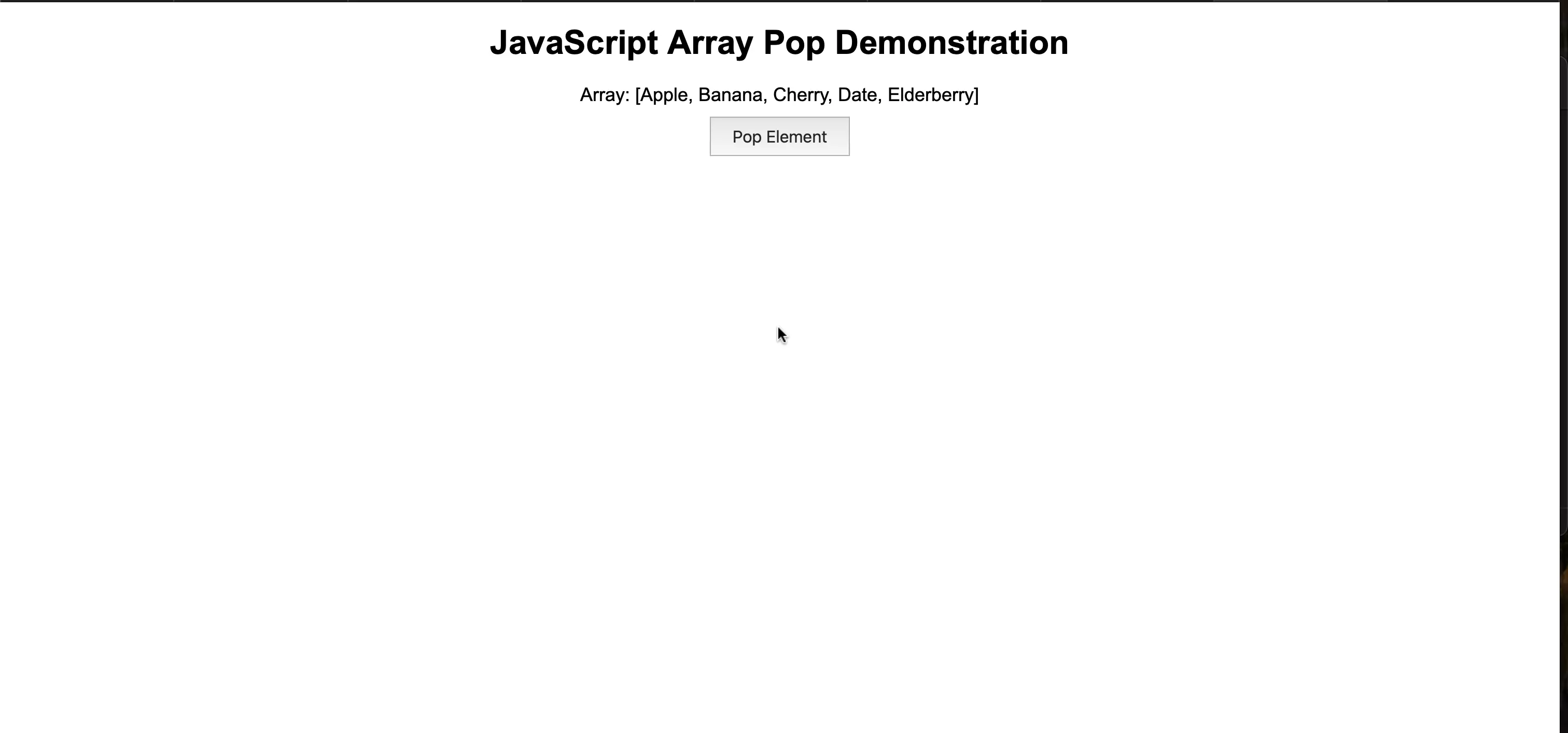
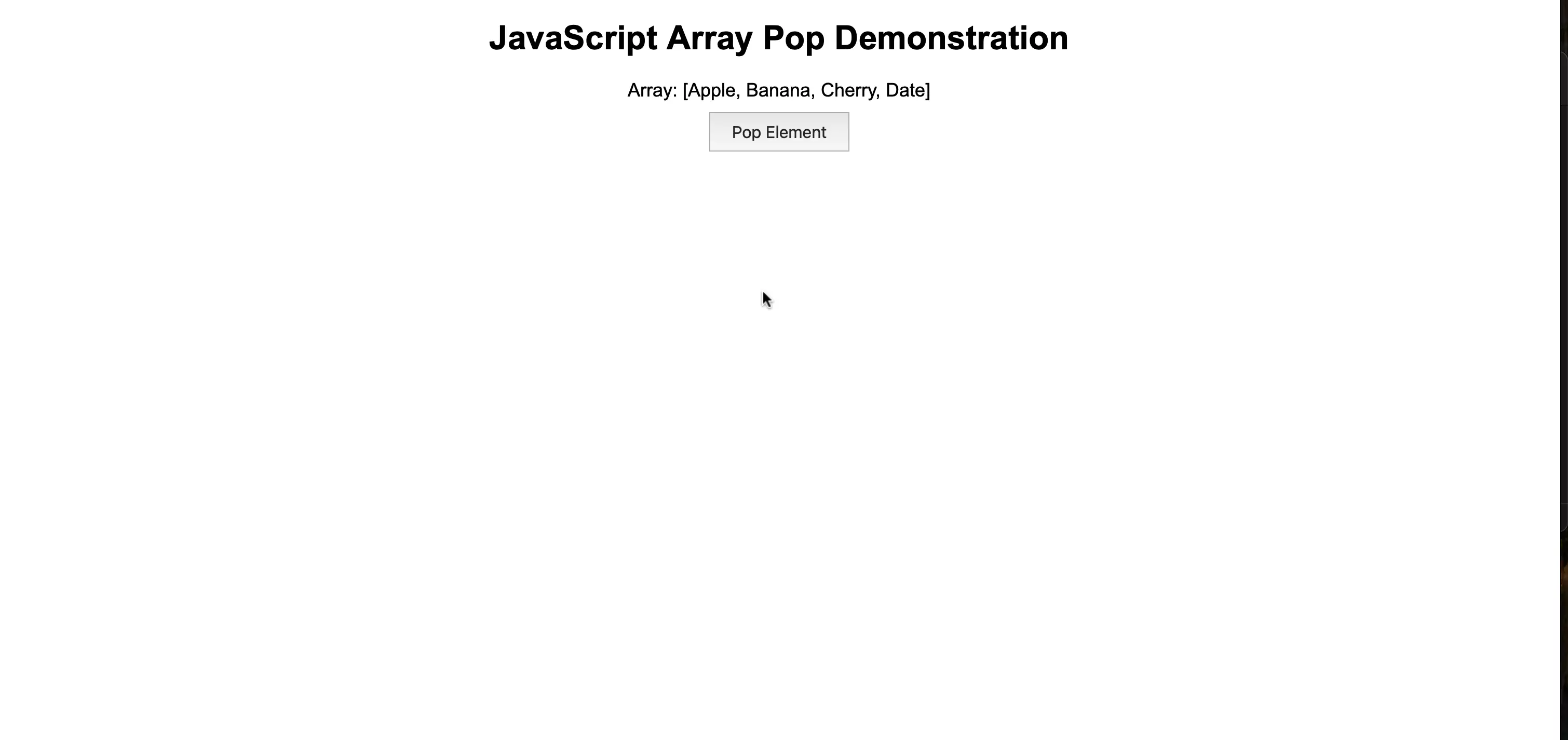
The JavaScript pop() method removes the last element from an array and returns that element, modifying the original array.
Initial CSS & some JS for this problem is already written for you. Your task in this problem is to apply an event listener to #popButton element so that on every click, one item from the last gets removed.
| S. no | Problem |
|---|---|
| 1 | target the #popButton, apply click event listener to it & trigger a function on every click to remove the last item. |
INSTRUCTIONS
| Step No. | Instruction | Code |
|---|---|---|
| 1 | target the #popButton element & apply click event listener to it. | document.querySelector('#popButton').addEventListener('click',()=>{}) |
| 2 | inside the callback function, check if there are elements. If yes, then remove with pop function | document.querySelector('#popButton').addEventListener('click',()=>{
/* check if array has any elements i.e. if array has length > 0 */ |
- Before Pop
- After Pop
Evaluation
- After submission, your solution will be evaluated automatically based on the tasks defined above.
- Upon successful completion of all the tasks/requirements, you will get a full score, and there will not be any partial scoring.
- You can work on your failed test cases & resubmit your solution.
- Your problem will get evaluated instantly.
Do’s & don’t
- Use the given code structure in editor and do not make any changes.
- Do not modify existing classes or tags.
- Focus on correct HTML structure and class names.
Query & feedback
- In case of any query/feedback on this project, please fill this form & we will soon get in touch with you to resolve.
Best of luck, developers!