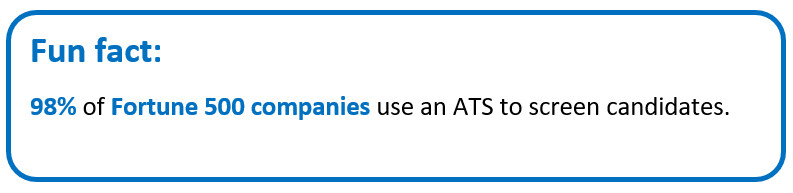
Keywords are the backbone of a powerful resume. These simple terms often decide if your resume ever reaches the hiring manager. Most companies now use applicant tracking systems (ATS) to scan resumes before anyone in HR even looks at them. The system picks out key terms from the job post and checks if your resume uses the same words. If it does not find them, your application slips out of the race without you even knowing. That is why using the right keywords is so important.
In this guide, you will learn how to find those keywords in a job post and place them in your resume in a natural way.
Finding and adding resume keywords – Key highlights
● What are ATS resume keywords? They can be job titles, hard skills, tools, or software names. These words tell the ATS that your resume matches the role.
● Why do you need resume keywords? Keywords help your resume pass ATS filters. Without them, the system may skip your application. The right keywords increase your chances of reaching the hiring manager.
● How to find resume keywords? Read the full job post. Highlight repeated skills, tools, and tasks. Compare similar job listings to spot common terms. These repeated words usually form your main keywords.
● How to use resume keywords? Place keywords naturally inside your summary, skills list, and work experience. Use exact phrases from the job post. Combine them with action verbs for a clear match.
● Use online CV builder to add keywords: Online CV builders can help you place keywords correctly. They offer ready templates and keyword suggestions that make your resume more ATS-friendly.
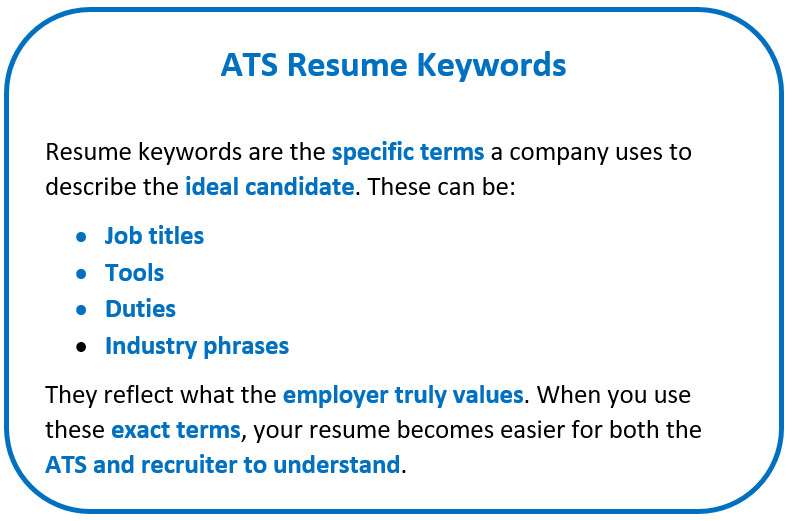
What are resume keywords?
To understand resume keywords, you must first know what an ATS and RMS are and how they shortlist resumes based on matching terms.
What is an ATS?
ATS stands for applicant tracking system. It is software that companies use to scan and sort resumes. It turns your resume into plain text and searches for important terms to filter out applications that do not match the job requirements closely enough.
What is an RMS?
RMS stands for recruiting management system. It helps recruiters manage the whole hiring process. This tool stores applicant data and tracks interviews. It also builds talent pools and works with the ATS to organize and shortlist resumes based on skills and keywords.
How do ATS and RMS read your resume?
Both systems scan your resume for specific terms taken from the job post. They look for job titles, skills, tools, and qualifications.
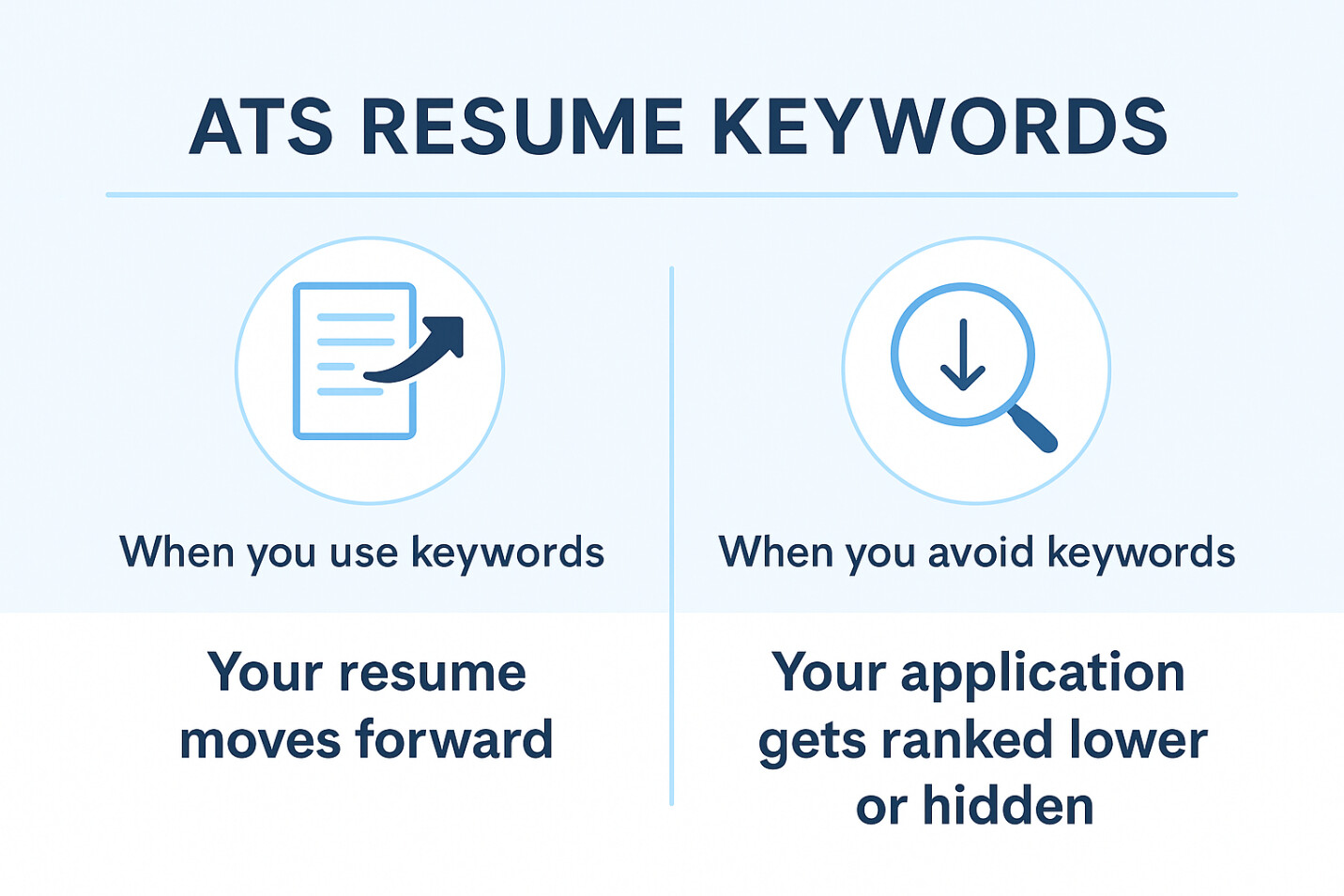
● If those exact or similar terms appear – your resume moves forward.
● If they don’t appear – your application gets ranked lower or hidden.
Why resume keywords are so important for ATS and RMS
Resume keywords help these systems understand your match. Here’s why resume keywords are so important:
● They match your resume with the job description
● They make your resume “visible” to the recruiter
● They reduce the chances of silent rejection
● They speed up the screening process for hiring teams
● They decide your ranking in the applicant list
How to find the right keywords in a job post
You can find the right keywords by studying the job post closely. The most important terms are usually hidden in simple lines that many people skip.
● Read the full job post slowly from top to bottom
● Highlight repeated skills, tools, and tasks
● Check sections like Responsibilities, Requirements, and Qualifications
● Note job title variations mentioned anywhere in the post
● Look for software, tools, or certifications listed
● Save all repeated terms in a separate list
● Compare 3–5 similar job posts to spot common patterns
● Focus on hard skills first since ATS prioritizes them over soft skills
Pro tip: You can also use an online CV maker to help you find the right keywords to add in your resume. Online CV builders highlight skills from the job post and show you where to place them for better ATS results.
How to organize your keyword list
Once you have all your keywords, you need to group them neatly. This helps you add them in the right sections without missing anything important.
● Divide keywords into Skills Keywords and Work Experience Keywords
● Place tools, software, and hard skills under Skills
● Place duties, tasks, and role-related phrases under Work Experience
● Keep job title variations in a small separate list
● Use an online CV builder to properly organize the keywords in the right sections
How to add keywords to your resume naturally
Once you have your keyword list, the next step is to place those terms in your resume without making it look forced. Keep it simple and clear.
● Add the main job title in your resume summary
● Place top skills and tools in your skills section
● Use action verbs + keywords in work experience bullets
● Add only keywords that match your real experience
● Use the same wording from the job post when possible
● Spread keywords across the resume instead of placing them in one spot
● Mention required certifications or tools in a separate section if needed
● Use an online CV maker for natural keyword placement and to save time
Other places to add resume keywords
Keywords don’t have to stay only in the main sections. Adding them in a few extra places can help strengthen your match.
● Cover letter introduction and body
● Resume headline or title
● Project or portfolio section
● Education or training section (especially if the job requires specific tools or degrees)
● LinkedIn profile heading and “About” section
Resume keyword do’s and don’ts (quick guide)
A few simple rules can help you use keywords the right way and avoid common mistakes that make your resume look forced or unclear.
Do’s | Don’ts |
● Match keywords with the job post | ● Don’t stuff keywords everywhere |
● Use simple and clear wording | ● Don’t copy long lines from the job description |
● Add keywords in skills and experience sections | ● Don’t add skills you don’t have |
● Update keywords for every new job | ● Don’t rely on one generic resume |
● Use action verbs with experience keywords | ● Don’t hide keywords in long paragraphs |