

 48,549 Resumes Created | Free ATS-Friendly Templates | Editable & PDF/DOC Download
 Try this free template
Pulse
Traditional layout for corporate professionals
Choose from professional resume templates built for experienced professionals across different job roles and industries. Naukri360 brings Naukri’s deep understanding of the Indian hiring market into every template. Each layout reflects how recruiters review resumes and how ATS systems read them. Pull in your professional information from your Naukri profile and download your resume in Word or PDF for free.
Try Our Resume Maker Buy Naukri360 Pro
Choose from free resume templates in different styles and layouts. Preview each design before you start and switch templates anytime without adding your details again.
Try this free template Try this free template
 Try this free template
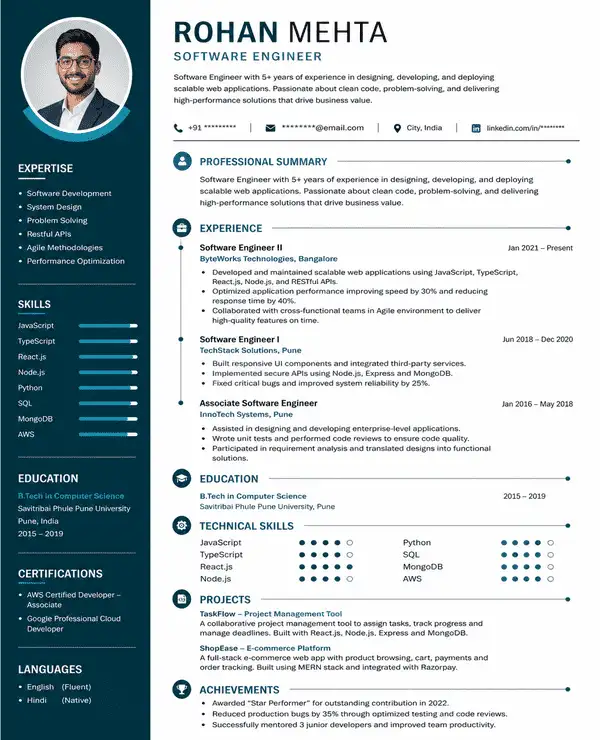 Try this free template
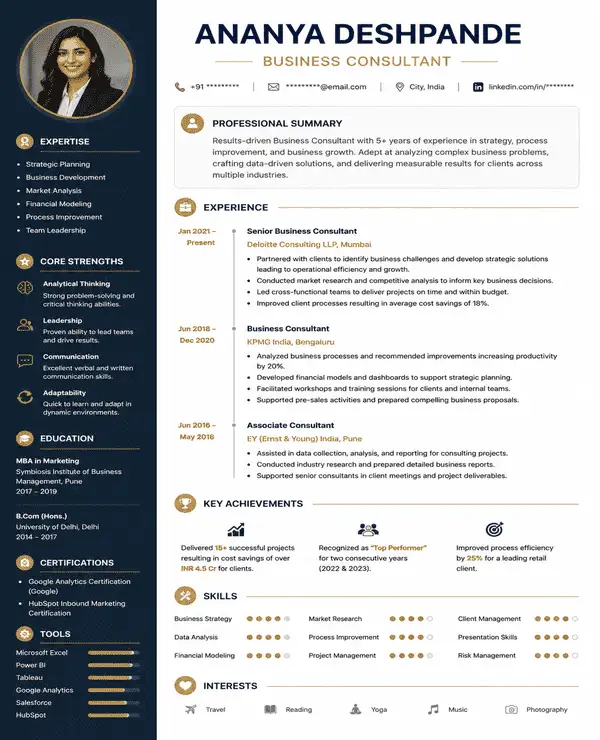 Try this free template
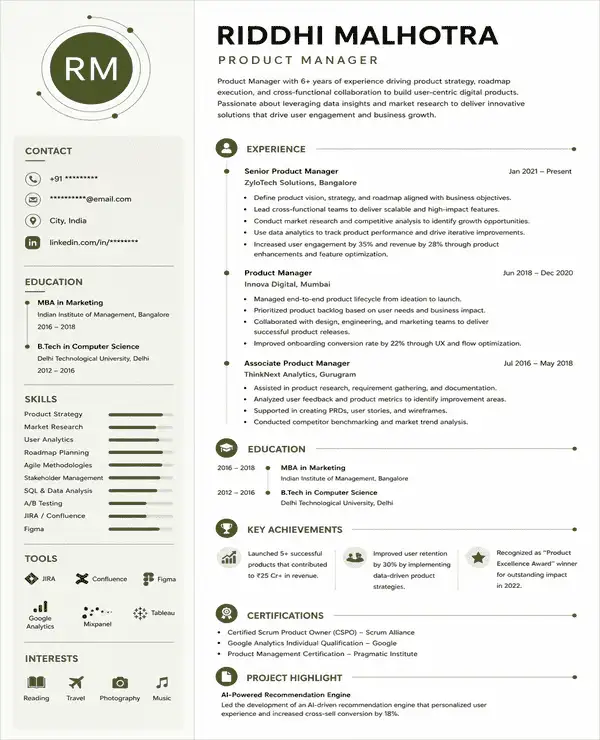 Try this free template
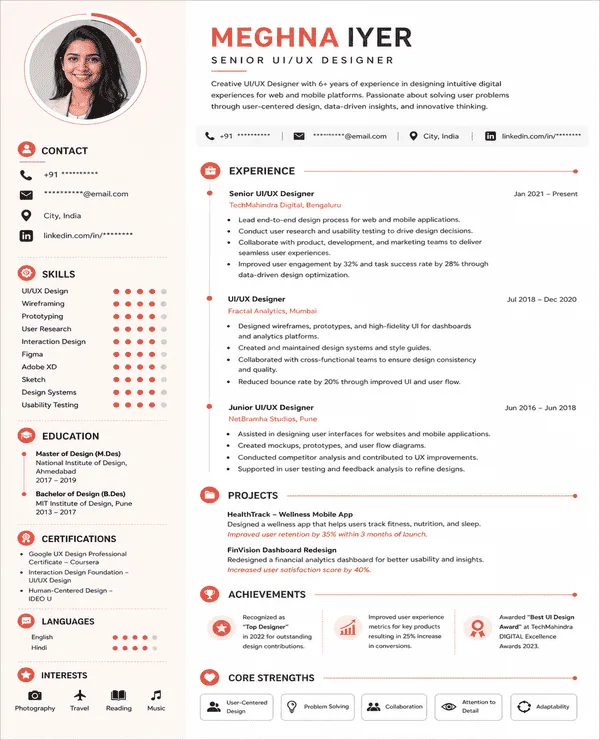 Try this free template
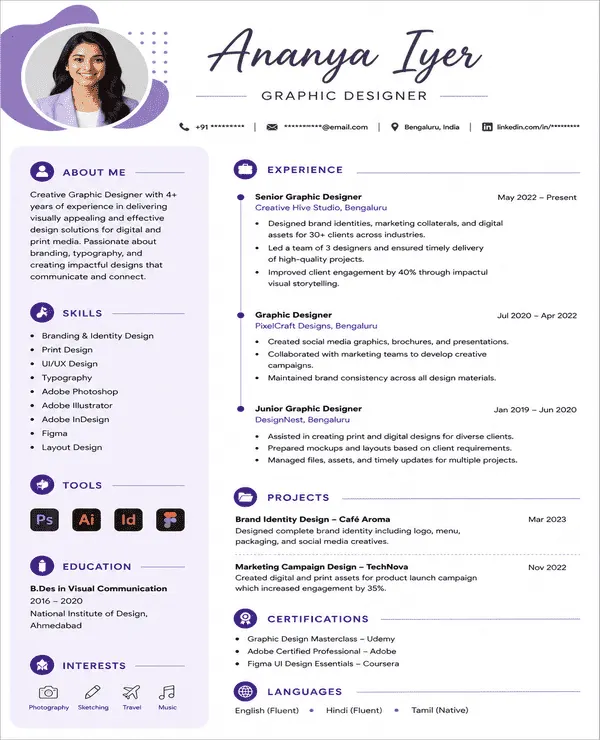 Try this free template
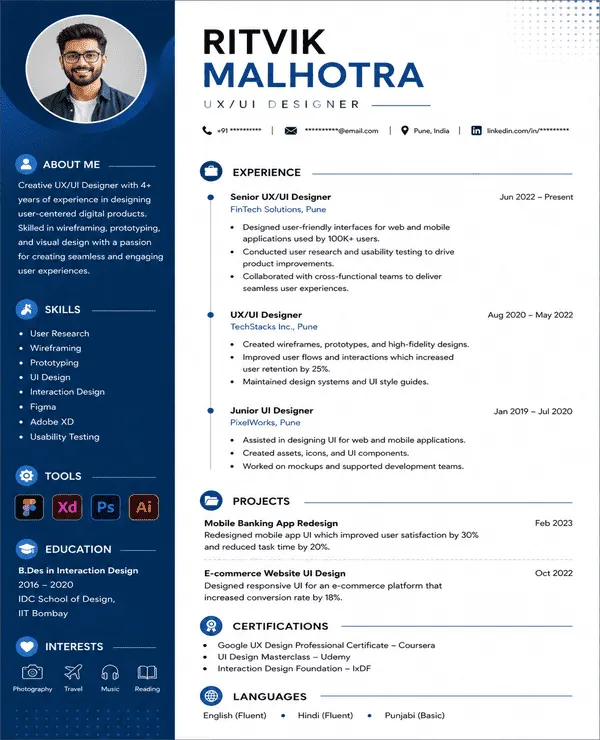 Try this free template
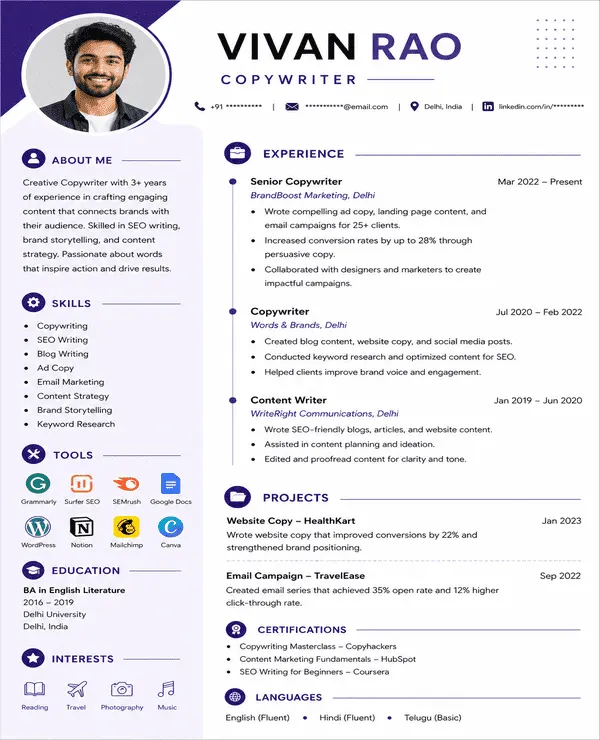 Try this free template
Browse our complete library of professional resume templates
Want a resume that looks current without becoming too creative? Modern resume templates give your experience a fresh structure while keeping the overall presentation professional.
Works best for: Professionals in tech, product, marketing, consulting, and other fast-moving industries.
Choose a resume template professional enough for corporate roles and simple enough to keep your career history easy to scan. This professional resume format uses familiar sections that recruiters can review quickly.
Works best for: Banking, finance, law, HR, operations, and established corporate roles.
Have strong experience and no need for extra design? Simple resume templates remove visual distractions, so recruiters can focus on your achievements and skills.
Works best for: Experienced professionals who want a clear resume without heavy design elements.
When presentation is part of your profession, your resume can show some of it too. Creative templates add visual character while giving your experience a clear professional structure.
Works best for: Design, content, advertising, media, and creative marketing roles.
Applying through company career pages or job portals? ATS resume templates use straightforward sections that make your information easier for applicant tracking systems and recruiters to process.
Works best for: Professionals applying through company career pages and online recruitment systems.
One-page resume templates help you present your most relevant experience without unnecessary details. Every section gets limited space so your strongest achievements come first.
Works best for: Targeted applications where only your strongest experience needs space.
Two-column resume templates divide your information into clear sections. This resume format gives skills and career details their own space without making the page too long.
Works best for: Technical and skills-heavy profiles with plenty of relevant information.
Photo resume templates include dedicated space for a professional photograph without taking attention away from your experience. Use one when the employer or role specifically asks for a photo.
Works best for: Hospitality, aviation, media, entertainment, and appearance-led professions.
Microsoft Word templates are a good choice if you are looking for free resume templates download options that you can edit offline. They are useful when a recruiter asks for a Word document or you prefer making final edits offline.
Works best for: Professionals who want an editable resume format for job applications and future updates.
Google Docs resume templates let you edit your resume online without installing any software. You can update your professional resume from any device and keep the latest version ready for your next application.
Works best for: People who want quick online editing, easy access and simple resume updates.
The best resume template depends on what you want the recruiter to notice first. Start with your career situation, choose the right format, then pick a template layout that supports it.
|
Your Situation |
Recommended Template |
Recommended Resume Format |
Avoid |
|
Steady Career Growth |
Professional or Modern |
Reverse chronological |
Hard-to-scan layouts |
|
Career Change |
Simple or Professional |
Combination |
Hiding transferable skills |
|
Software or Engineering |
ATS or One-Column |
Reverse chronological |
Skill bars and heavy graphics |
|
Creative Profession |
Modern or Creative |
Reverse chronological or Combination |
Overdesign |
|
Senior Leadership |
Professional or Two-Page |
Reverse chronological |
Cramming everything onto one page |
|
Skills-Heavy Profile |
Two-Column |
Combination |
Crowded skill sections |
|
Academic or Research |
Academic CV |
Detailed curriculum vitae format |
Cutting important credentials |
|
Large Company Application |
ATS or Simple |
Reverse chronological |
Tables and text boxes |
|
Photo Specifically Requested |
Photo Resume |
Reverse chronological |
Adding photos unnecessarily |
Yes. Naukri360 resume templates are designed to be easy for applicant tracking systems to read and process. They use clear headings, readable fonts, clean sections, and simple formatting so important details like your experience and job titles can be identified correctly. The templates also leave enough space to add relevant skills and job-specific keywords without making the resume crowded. For better results, keep the design simple and customize your resume to each job description.
A resume format decides how your information is arranged. It determines what comes first, such as work experience, skills, or education. A resume template for job decides how your resume looks. It controls the layout, fonts, spacing, columns, and section design.
Choose the format first. Then pick a template that supports it.
A resume template controls how your resume looks. Your resume format decides what the recruiter sees first. Choose the format based on the part of your career you want to lead with.
|
Resume format |
Put this first |
Best when |
Think twice if |
|
Reverse-Chronological |
Your latest work experience |
You have steady career progression and relevant recent roles |
Your recent experience does not support the role you want next |
|
Combination |
Key skills and achievements followed by full work history |
You are moving into a bigger role or want to connect broad experience to a specific job |
Your skills section would simply repeat your work experience |
|
Functional |
Transferable skills and capabilities |
You are making a major career change or need to shift attention away from your timeline |
Your employment history is already strong and relevant |
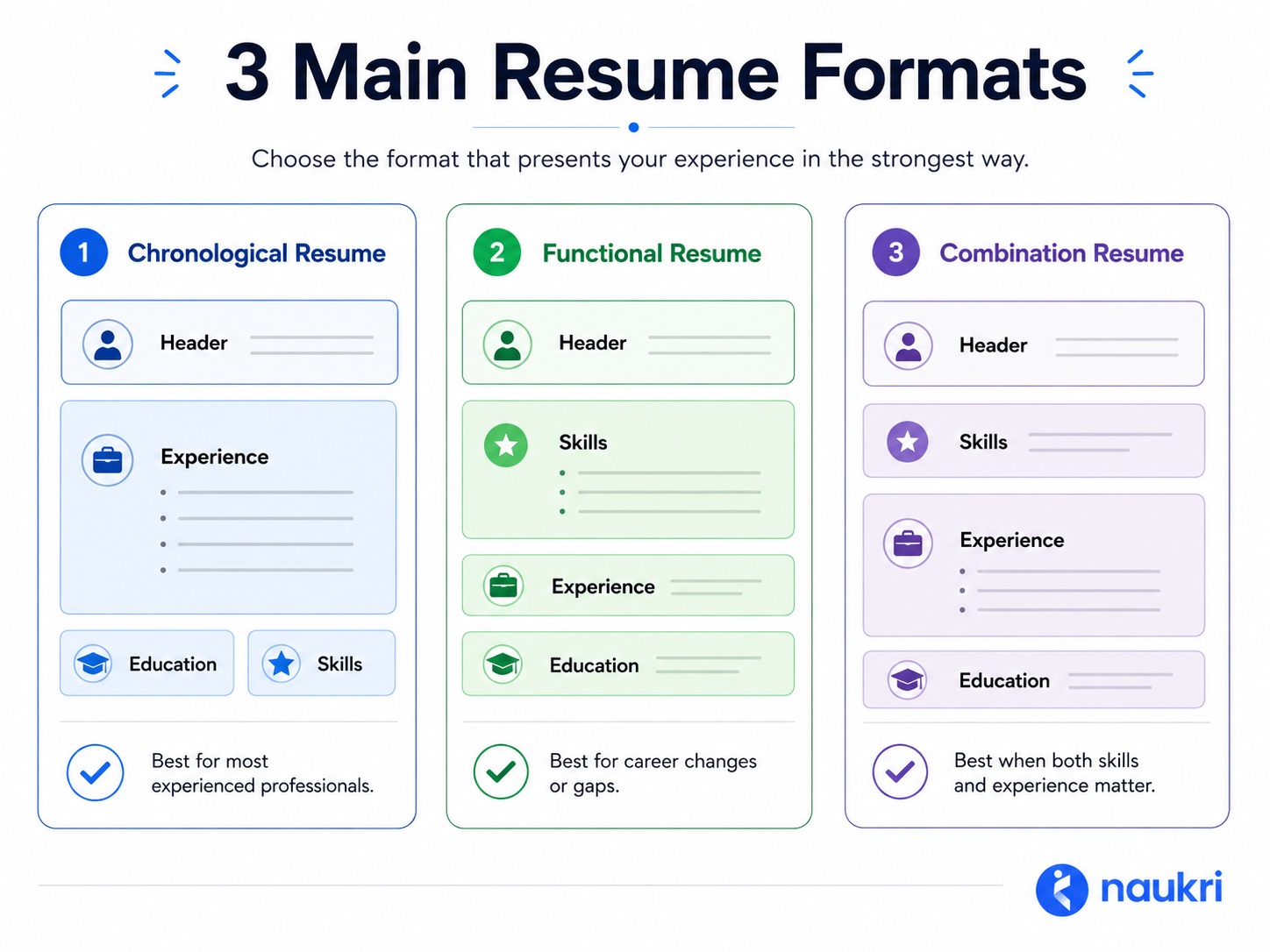
For most experienced professionals, this is the strongest starting point. Your latest role appears first, which helps recruiters quickly understand your current level and career progression.
Choose it when:Your recent experience supports the job you are targeting.
This professional resume format gives your strongest capabilities more visibility before moving into your complete career history. It works well when your value cannot be explained by your latest job title alone.
Choose it when: You are targeting leadership roles, changing functions, or bringing together experience from several areas.
A functional format puts skills before job history. That can help when you are moving into a very different field, but it also gives recruiters less immediate context about where and when you gained that experience.Choose it when: Your transferable skills matter more to the target role than your recent job titles.
In India, recruiters often use “CV” and “resume” to mean the same thing. So when a job posting asks for a CV, check the role before choosing the document.
For most corporate jobs, a focused professional resume is usually the better choice. It keeps recent experience and career progression easy to review.
Choose a professional CV format when the role needs more detail. This is common for academic and research positions where publications, projects, certifications, or research work matter.
A quick way to decide:
|
Your situation |
What to use |
|
Corporate or management role |
Professional Resume |
|
Senior role with extensive experience |
One-Page or Two-Page Resume |
|
Academic or research role |
Curriculum Vitae Format |
|
Medical or specialist position |
Professional CV Format |
|
Employer asks for a detailed CV |
Professional CV Template |
|
Job post only says “Send your CV” |
Check the role requirements first |
The right CV format or resume format should make your most relevant experience easy to find. Extra pages only help when the role actually needs that detail.
Naukri360 resume templates are built around how hiring works in India. They help experienced professionals turn their career history into a clear resume that recruiters can scan quickly and ATS systems can process correctly.
Here is what you get with Naukri360:
Built for Indian hiring: Naukri connects job seekers and recruiters across India every day. That experience helps us design resume templates around what hiring teams actually review.
ATS-friendly structure: Our resume templates use clear headings, readable fonts, and well-organized sections that hiring systems can process easily. You also get enough space to add relevant skills and keywords for the job you are targeting.
Build faster with your Naukri profile: Already have a profile on Naukri? Pull in your work experience, education, and skills to create your resume faster without entering everything manually.
Templates for different jobs and industries: Your resume should match the role you are applying for. Our resume templates range from simple and traditional to modern and creative so you can find a design that suits your profession and experience.
Easy customization: Want to try another layout or update a section? You can edit your information and switch templates without rebuilding your resume from the beginning.
AI-powered resume support: Our resume builder uses AI to help you write stronger resume content faster. You can improve summaries and key sections with suggestions customized to your experience and target role.
Free and premium options: Start with Naukri360 for free and create your resume using our available templates and tools. Upgrade to premium when you want more customization options and unlimited downloads.
PDF and Word downloads: Choose the file format that works for your application. You can download your finished resume as a PDF or Word document.
No watermarks or hidden fees: Your resume stays clean and professional when you download it. There are no watermarks and no unexpected charges at the final step.
The best resume templates make your experience easy to read and your strongest qualifications easy to find. Here are a few things to check before choosing one.
A clear header: Your name and contact details should be easy to find at the top of the page. A good header also gives you space for your LinkedIn profile or professional portfolio when needed.
Easy readability: Recruiters should be able to scan your resume without effort. Choose a template with clear fonts and enough white space. Avoid designs that pack too much information into a small area.
Enough space for your experience: Experienced professionals need room to show career growth and key achievements. Choose a template with a strong work experience section that does not force you to cut important details.
Professional fonts and colours: Your font should be clear on both desktop and mobile screens. The colour scheme should suit the type of role you are applying for. Simple colours usually work best for corporate roles while creative fields can allow more flexibility.
Clear section headings: Experience should look like experience. Skills should look like skills. Standard section names help recruiters find information faster and also make your resume easier for ATS software to process.
Room for relevant keywords: A strong template should give you enough space for important skills and job-specific keywords. You should be able to tailor the resume without making the page look crowded.
Easy customization: Your resume may need small changes for every job application. Choose a template that lets you update sections and switch layouts without rebuilding the whole document.
The right file format: Always check what the employer asks for before you apply. PDF is useful when you want to keep the layout unchanged. Word is better when the recruiter needs an editable file.
Build a professional resume without starting from scratch. Choose a template and let Naukri360 help you complete the rest.
Step 1: Choose a Template
Pick a resume template that suits your role and experience. You can preview different styles before you decide.
Step 2: Add or Import Your Information
Already have a Naukri profile? Pull in your work experience, education, and skills to save time. You can also add your details manually.
Step 3: Improve and Download
Review your resume and improve key sections with AI suggestions. Then download your final resume in PDF or Word.
The templates were amazing. Got 3 interviews in my first week.

Naukri360 saved me hours. Done in 15 minutes.
Outstanding quality. Got a call that doubled my salary.
Helped me highlight transferable skills. Hired in 2 weeks!
The resume must usually be one page in the case of freshers and entry-level applicants, and one to two pages in the case of experienced people. The number of length must be pegged on applicable skills and experience, but not redundant information.
Yes, it is common knowledge that recruiters like to look at short resumes as they are going through a huge amount of resumes. An efficient resume that is well-organized and focused will enable recruiters to determine the essential qualifications.
The resume templates that exhibit creativity through the application of creative designs and visual representations include creative resume templates, whereas professional resume templates include formal layouts and a structured format that is appropriate in corporate and traditional industries.
The contemporary templates of the resume can be applied to most work areas, particularly technology, marketing, and business jobs. Nonetheless, the conservative sectors like finance or the government might use professional or plain resume templates.
You can start with Naukri360 for free and use the available resume templates to build your resume. Premium options give you access to more customization features and unlimited downloads.
Employers want to find relevant experience, skills, and achievements quickly. Keep your resume easy to scan and use measurable results where possible. Add keywords that match the job description so recruiters and ATS systems can understand your fit for the role.
Add a photo only when the employer asks for one, or when it is relevant to the role. For most corporate jobs, you can leave it out and use the space for your experience or achievements.
Yes. Your resume content is saved separately from the design. You can try different templates without entering your information again.
Keep the file name simple and professional. A format like FirstName_LastName_Role_Resume.pdf makes your document easy for recruiters to identify.
They can be. Many modern ATS platforms can read a well-built two-column resume without trouble. Problems are more likely when the layout uses tables or complex text boxes. If you are unsure which system the employer uses, a single-column resume is the safer choice.
Use PDF for most applications because it keeps your resume layout consistent across devices. Choose Word when the employer or application portal specifically asks for an editable document.
Yes, when the employer uses “CV” as another name for a professional resume. If the role requires a detailed professional CV, you may need extra sections for certifications, research, publications, projects, or specialist work.
Join 4 million+ professionals who built their winning resume templates resume with Naukri360
