Do you think IIT Guwahati certified course can help you in your career?
Introduction
In the digital era, authentication is a necessary aspect of daily life. Authentication is the process of validating a person's or device's identification. To protect communication between the client and the server, we generally require authentication, an inbound request accompanied by a set of identifying credentials. With the growing number of threats, the authentication mechanism's stability has become critical for all applications.
In this article, we’ll walk through Authentication using JWT and its advantages over cookies. Before we go any further, first let us understand the history of Authentication.
History of Authentication
Before we had authentication types, we had passwords and servers.
To guarantee that the appropriate individuals got access to the right things at the right time, we employed traditional approaches. It wasn't always practical.
Consider passwords. Typically, they include:-
User acquisition:- Someone comes up with a mix of letters, numbers, and symbols.
Memory:- The individual must maintain that one-of-a-kind combo in mind.
Repetition:- When the user needs to access something, the password must be typed.
Password theft is prevalent. One of the earliest reported examples of password theft occurred in 1962. People can't remember all of their passwords; therefore, they use techniques like:-
Making a list of them. Passwords written on scraps of paper are a security nightmare.
They are being repeated. People have a habit of using the same password on various sites. Many accounts can be compromised if a single password is found.
They've been tweaked somewhat. When prompted to update a password, people change one letter or number.
Passwords necessitate server authentication as well. Every time a user signs in, the computer keeps a record of the transaction. As a result memory burden also rises.
Several authentication methods are being introduced to improve the user experience while also addressing security issues. Given that we're talking about token-based authentication, let's look at what are tokens and how they are used to authenticate.
What are Web Tokens?
A token is a secure format of communication and transmission of sensitive information between two parties in a compact or self-contained manner. Tokens are generally used to strengthen the authentication process, whether it is within a website or application. With token-based authentication, a secondary service validates a server request. When the verification is finished, the server returns a token and responds to the request.
The user may still have one password to remember, but the token provides another type of access that is significantly more difficult to steal or defeat. Furthermore, the session's record takes up no server space.
Let us now discuss the JSON Web Token (JWT): A Special Form of Auth Token.
Authentication using JWT
Let us break down this section into possible minor parts:-
What is JWT
JWT, or JSON Web Token, is an open standard that allows two parties — a client and a server — to exchange security information. Each JWT includes encoded JSON objects as well as a set of claims.
What is JSON
JSON (JavaScript Object Notation) is a standard text-based format for encoding structured data based on JavaScript object syntax. It is often used for data transmission in web applications (e.g., sending some data from the server to the client to be displayed on a web page, or vice versa).
JWTs are signed with a cryptographic technique to ensure that the claims cannot be changed after issuing the token. It is concise, readable, and digitally signed by the Identity Provider (IdP) using a private key/or a public key pair. As a result, other parties may verify the token's integrity and legitimacy. The goal of utilizing JWT is to confirm the data's validity, not to hide it. JWT is not encrypted, but it is signed and encoded.
Now you must be thinking thatwhat is the difference between encrypted and encoded?
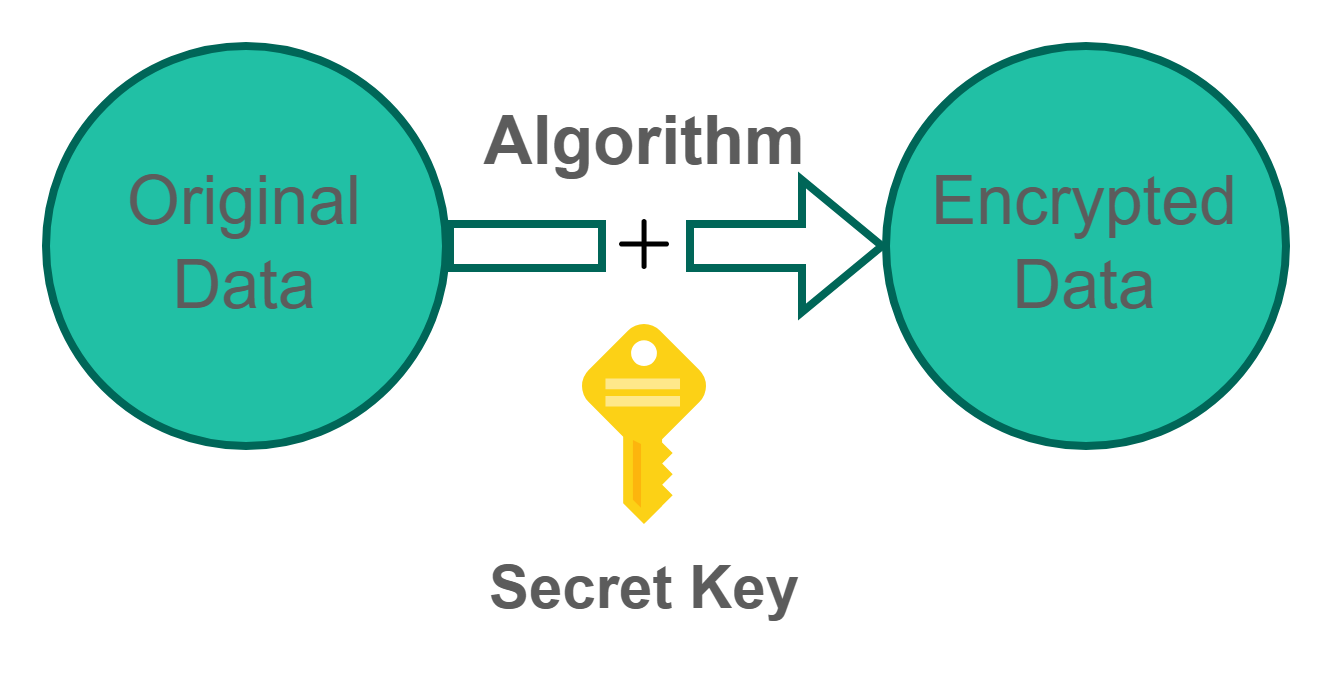
Encoding is used to keep data usable and can be reversed by using the same algorithm to decode the information, i.e., no key. Encryption is used to keep data private and needs a key (which must be kept a secret) to decrypt it.
Encoding
Encryption
JWT is a stateless authentication technique based on tokens. Because it's a client-side stateless session, the server doesn't need to rely on a datastore (database) to keep session data.
Difference between Web Tokens and JWT
In the case of JWT, we don’t need a database to store the JWT in order to validate them. JWTs have all the information stored inside, which includes the expiration date/time. These are pretty useful because we can validate the token, then use the data within the token (like username) to return the relevant information.
While in the case of a standard web token, when we receive the token we have to validate the token in the database, after that we need to pull out the relevant user information related to the token, and then do the lookup/data retrieval.
Structure of JWT
A JWT token has three pieces that are separated by dots (.).
header.payload.signature
You can also try this code with Online Javascript Compiler
The payload, which contains the claims, is the second element of the token. Claims are statements about an entity (usually, the user) and extra information. There are three sorts of claims: registered claims, public claims, and private claims.
Registered claims:- This is a set of preconfigured claims that are not required but are recommended to give a set of relevant, interoperable claims. Iss (issuer), exp (expiration time), sub (topic), aud (audience), and others are examples.
Public Claims:- These are the custom claims that a user can define by using alphanumeric characters. However, they should be registered in the IANA JSON Web Token Registry or they should use a collision-resistant name to avoid clashes.
Private Claims:- Private claims often include information unique to your company, such as an internal user ID. Private claims, unlike public claims, are vulnerable to collision since they are not recorded and should be utilized with caution.
The signature is the third part of the token. To produce the signature section, you must sign the encoded header, the encoded payload, a secret, and the algorithm provided in the header.
For example, if you wish to utilize the HMAC SHA256 algorithm, the signature will be generated as follows:
The signature is used to verify that the sender of the JWT is who it says it is and to ensure that the message hasn't been altered along the way. The signature is created using a secret key known only to the server, which can then be used to verify the authenticity of the JWT on the client side.
Since you have understood the structure of JWTs, let us now look at how it works.
Working of JWT
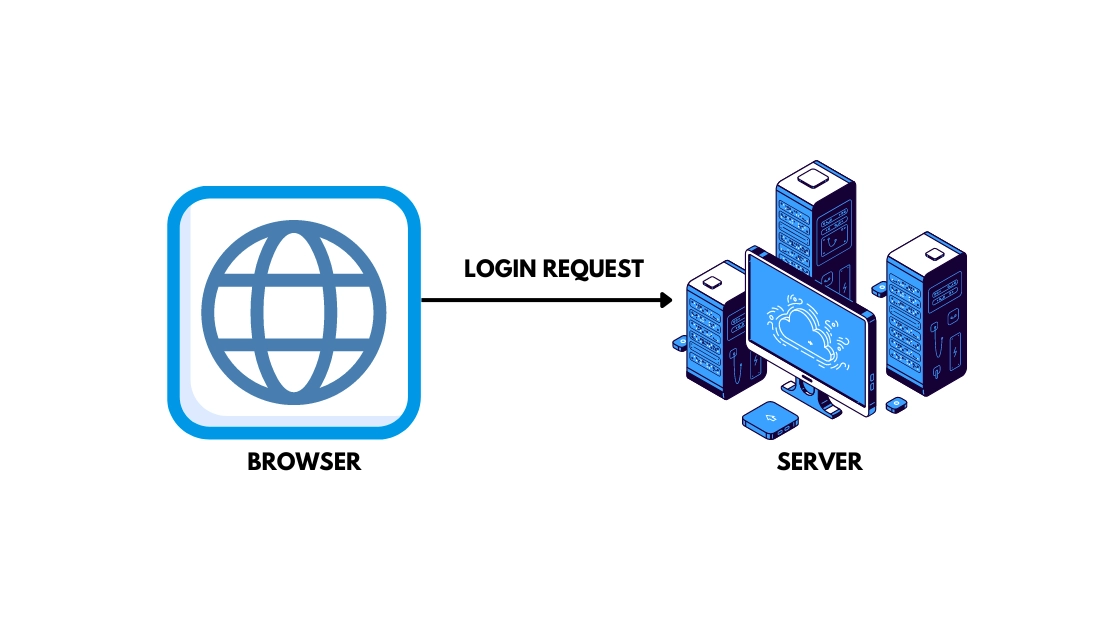
1. The user logs in to the application using their credentials.
2. The server validates the credentials, produces a token, signs it with a secret key, and returns it to the browser.
3. Save the token in the browser's storage and use JavaScript to add it to subsequent requests.
The browser in Local storage, Session storage, or Cookie storage can save this token. The token will then be appended to the authorization header of every relevant request and submitted to the server for validation. As a result, adding a token to the header must be done via JavaScript.
This is how the header is provided to the server with every request:
headers: {
    'Authorization: Bearer <JWT>'
}
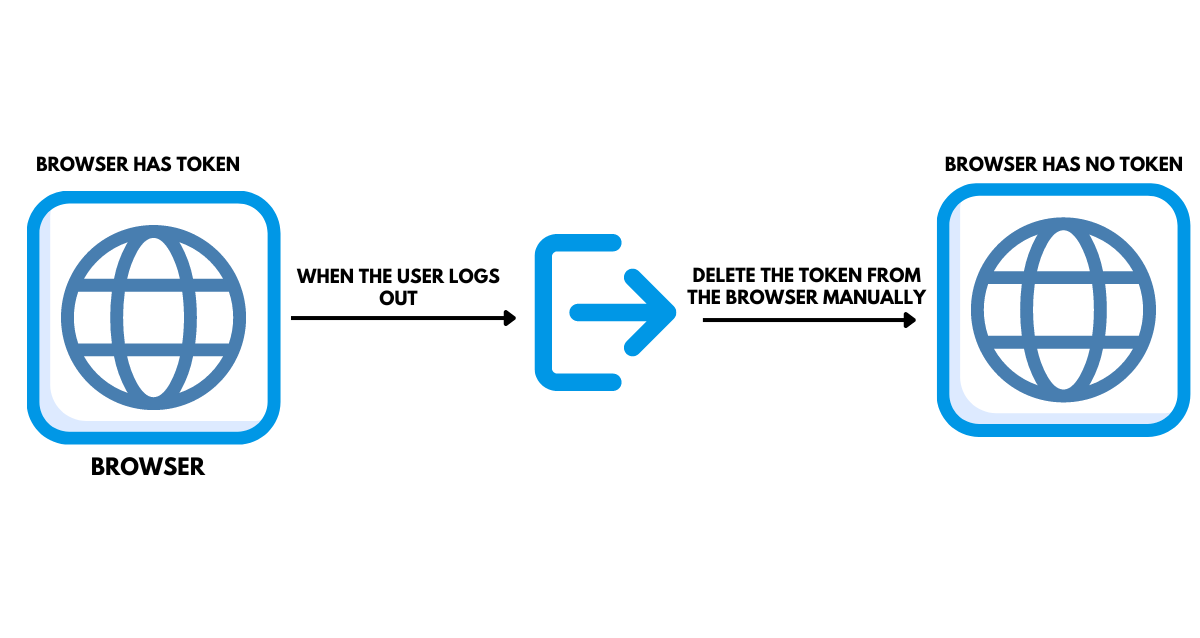
4. When the user logs out, you must manually erase the token from its storage.
When a user logs out of the system, you must manually clear the token kept in the local storage, which will make it inaccessible for future requests.
On the client side, the user's state is stored in a JWT. The token is destroyed on the Client side(localStorage) when the user logs out.
Assume that you are shopping online and add some products to the basket, such as headphones. Then you hunt for some other stuff and want that cart item to be saved, so they don't get lost while you are looking for other stuff. You want your states to be recognized throughout the purchase process.
So the user's state is saved on the client side; as a result, rather than sending requests to the server, the majority of the data can be retrieved immediately.
Let us now have a look at its advantages over Cookies:-
Advantages of JWT over Cookies
Scalability
Unlike cookies, token-based authentication is stateless. This indicates that no user information is saved in the database or on the server. Since the server is only responsible for creating and validating tokens, more scalable solutions can be built with a token-based mechanism than the Cookie-based method.
A JSON Web Token is stored on the client side (typically in local storage, but cookies can also be used).
Note: It is worth noting that tokens may require access to the database on the backend. This is especially true for refresh tokens. For blacklisting, they may need access to a database on the authorization server.
Performance
The backend performs a lookup when employing cookie-based authentication, whether it is a typical SQL database or a NoSQL option. The round trip will certainly take longer than decoding a token. You can avoid making several search requests to get and process the required data because there is some data inside the JWT, such as the user's permission level.
Mobile Ready
APIs in the modern-day do not simply interface with browsers. A single API, when correctly written, may serve both the browser and native mobile platforms such as iOS and Android. Cookies and native mobile platforms do not get along. There are several limits and constraints when we use cookies with mobile platforms. On the other hand, Tokens are far more straightforward to install on iOS and Android. Tokens are also simpler to deploy for Internet of Things applications and services that do not use the cookie store paradigm.
RESTful API Services
The traditional approach of utilizing sessions and cookies for user identification does not operate effectively since they bring states into the application. A RESTful API should be stateless, implying that a response within specific parameters may always be anticipated without side effects when a request is made. The authentication state of a user introduces such a side effect, which violates this concept.
It is standard for an API to be served from one server and consumed by another. We must allow Cross Origin Resource Sharing (CORS) to do this. Since cookies can only be utilized for the domain from where they were created, they are of little use for APIs on domains other than the applications. In this scenario, using JWTs for Authentication means that the RESTful API is stateless. In the case of JWT, you don't have to worry about where the API or application is being served.
Downstream Services
Another frequent pattern in modern web apps is their reliance on downstream services. For example, a call to the main application server may send a request to a downstream server before the original request is processed. The problem is that cookies do not readily transit to downstream servers and cannot inform about the user's authentication status. There is a lot of resistance to flow since each server has its cookie scheme, and connecting to them is challenging. Again, JSON web tokens make this a breeze!
Frequently Asked Questions
How does authentication using JWT work?
It works like the server generates and delivers a token to the client that verifies the user's identity. The client will transmit the token back to the server for each future request, letting the server know that the request is coming from an individual identity.
What is the structure of JWT?
A JWS (the most frequent type of JWT) has three sections separated by a dot ( . ). The first two components are Base64-URL encoded JSON (the "header" and "payload"), while the third is a cryptographic signature.
What are the claims in JWT?
The JSON Web Token (JWT) is an encoded representation of a claim(s) that can be transferred between two parties. The token's issuer digitally signs the claim, and the person that receives the token can later use this signature to confirm claim ownership.
Who uses JWT?
Authentication using JWT proves to be very effective in modern Web Apps.
For example, Google, If you use the Google APIs, you will use JWT.
List the libraries used for authentication in JavaScript.
The top libraries used for Authentication are Passport JS, AuthO, Permit, Grant, Feathers Authentication Management, and Firebase Authentication.
Conclusion
To wrap up the discussion, we've discussed Authentication using JWT and its advantages over cookies in detail. Since we've seen the benefits of JWTs over cookies, it is not always necessary to utilize only JSON web tokens for Authentication.
There isn't a one-size-fits-all solution. It will always be determined by the architecture of your application and the use case.











 5+ registered

