




Introduction
The presentation layer in the Django MTV model is the template. This layer communicates with the user, routes requests to the views, and responds to the user.
Django templates are concerned with HTML/CSS/JS. Templates handle all rendering. Django includes a templating language and the basic HTML/CSS/JS constructs to render dynamic data in the form of templates. So here, we will learn about them, their configuration, usage, and many more.
So, let's get started with our blog without wasting any time.
Django Template
Before learning about templates, let's see what the options are without using them. Let's assume we have to make a homepage for our website.
As we've learned in our Introduction blog, the moment we send a request to a page, it will go to our project's URLs to check where exactly the control should pass to complete the request.
So, we'll create a simple Django app named "home" for the homepage inside our project. In our app folder, we'll then create a urls.py file. Now let's see the code inside the urls.py file of our project and app.
Inside urls.py of our project:
from django.contrib import admin
from django.urls import path, include
urlpatterns = [
path('admin/',admin.sites.urls))

    path('', include(home.urls))
]
The code means, if a request comes for admin, send it to the Django admin page, for the rest of the request, redirect to home.urls. Now let's see the code of our app's urls.py file.
Inside urls.py of our app i.e. home:
from django.contrib import admin
from django.urls import path, include
from home import views
urlpatterns = [
path('"", views.index, name= 'home')
]
So, first of all, we'll import views. And we'll redirect any request coming here to the index function of views.py.
Now, inside the views.py of our app.
from django.shortcuts import render, HttpResponse
def index(request):
return HttpResponse("Hello, World!")
Output:
Now, we'll get this line as output when we reload our localhost server.
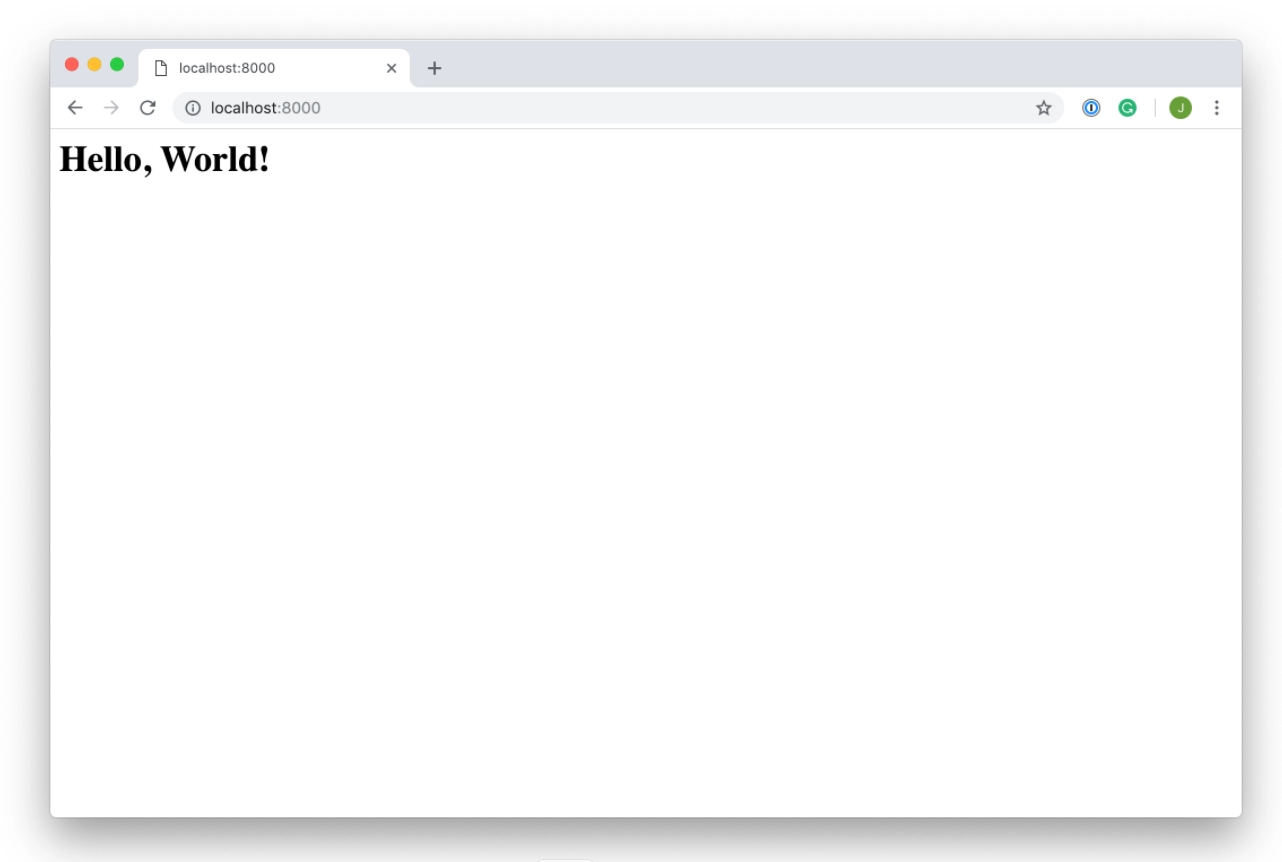
But, this is not what we want our homepage to look like. So, we can clearly see that whatever string we provided in the HttpResponse function got rendered on our web page.
We want to add dynamic style to our home page, which is definitely not possible this way. That is when templates come into picture to save us.
We all know that HTML is a static language and can't interpret the python code written in it as python is a dynamic language, so templates act as a bridge between these two and help to form dynamic HTML pages.
Templates in Django contain static parts also as they are written in desired CSS, HTML, Javascript output. With the help of this, the pages can be rendered efficiently, and the process becomes easy.
Configuration:
First of all, the templates folder is created and kept in the same directory. Now, go to the settings.py file of our project and change the DIRS to the path to the templates folder to configure the Django template system.
TEMPLATES = [
    {
        'BACKEND': 'django.template.backends.django.DjangoTemplates',
        'DIRS': [os.path.join(BASE_DIR,'templates')],
        'APP_DIRS': True,
        'OPTIONS': {
            'context_processors': [
                'django.template.context_processors.debug',
                'django.template.context_processors.request',
                'django.contrib.auth.context_processors.auth',
                'django.contrib.messages.context_processors.messages',
            ],
        },
    },
]
The template folder also contains manage.py. This templates folder includes all of the templates you'll use in your Django Apps.
Example:
Now, we'll look at a simple example explaining templates in Django. First of all, for using a template, complete the configuration step given above.
A view and a URL mapped to that view are required to render a template. Let's start by making a view in the views.py of our app.
from django.shortcuts import render, HttpResponse

# Create your views here.
def index(request):
    return render(request,'index.html')
As we can see earlier, we used HttpResponse in our index function. Now we are rendering a template named index.html.
After that, we need to map a URL to render this view. So, in the urls.py file of our app, we'll add a redirection to the index function of the views.py file of our app.
from django.contrib import admin
from django.urls import path
from home import views
urlpatterns = [
   path("",views.index, name='home')
]
After that, we’ll create a template(index.html) in the templates directory. Now, we’ll write our HTML code in our template file i.e. index.html.
<!DOCTYPE html>
<html lang="en">
<head>
   <meta charset="UTF-8">
   <meta name="viewport" content="width=device-width, initial-scale=1.0">
   <meta http-equiv="X-UA-Compatible" content="ie=edge">
   <title>Homepage</title>
</head>
<body>
   <h2>Hello Ninja!!</h2>
   <h1>Welcome to CodingNinjas</h1>

</body>
</html>
Output:
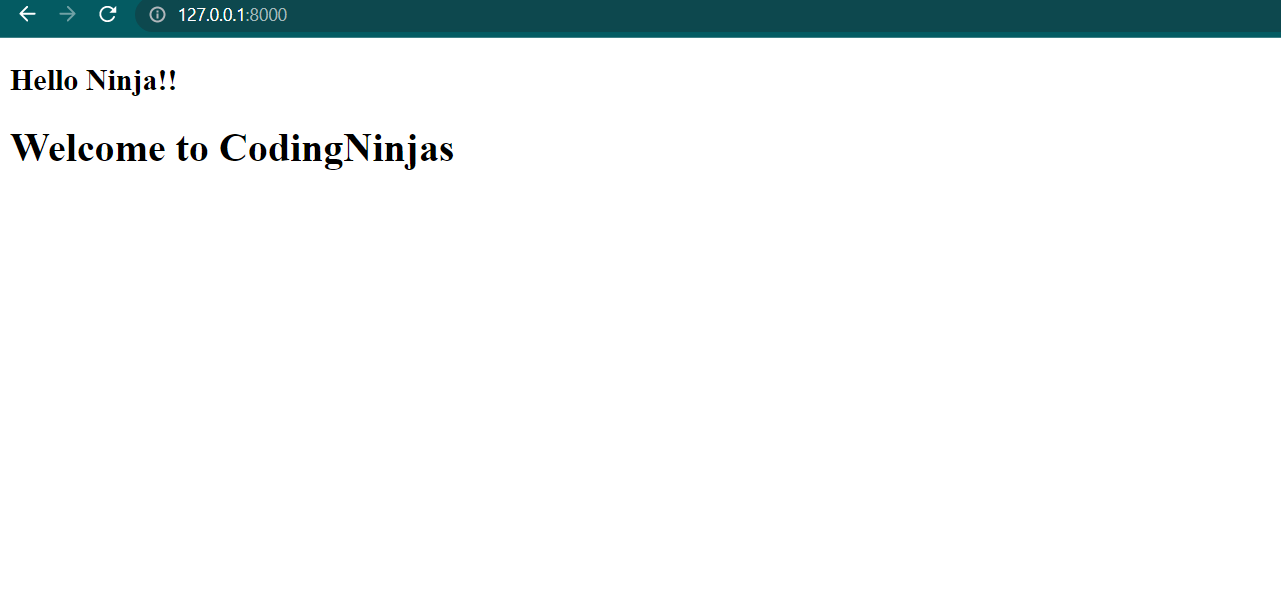
This is just a representation of how we can use templates. For creating dynamic web pages, we can use templates as directed.

 1+ registered

