




Dynamic components with keep-alive
In earlier times, is attribute was used to switch between components in a tabbed interface. The code for the same looks like this:
| <component :is="currentTabComponent"></component> |
While switching between these components, you need to maintain the state sometimes or to avoid rerender affecting performance issues. Let’s say you have an application that has a posts tab and an archive tab. And if you select a post from that tab and then move to another tab, the tab will be deselected. This is because vue will be creating a new instance of the currentTabComponent.
Let’s take a look at if the expanded interface is tabbed:
HTML code:
|
<div id="dynamic-component-demo" class="demo"> <button v-for="tab in tabs" :key="tab" :class="['tab-button', { active: currentTab === tab }]" @click="currentTab = tab" > {{ tab }} </button> <component :is="currentTabComponent" class="tab"></component> </div> |
CSS code:
|
.demo { font-family: sans-serif; border: 1px solid #eee; border-radius: 2px; padding: 20px 30px; margin-top: 1em; margin-bottom: 40px; user-select: none; overflow-x: auto; } .tab-button { padding: 6px 10px; border-top-left-radius: 3px; border-top-right-radius: 3px; border: 1px solid #ccc; cursor: pointer; background: #f0f0f0; margin-bottom: -1px; margin-right: -1px; } .tab-button:hover { background: #e0e0e0; } .tab-button.active { background: #e0e0e0; } .demo-tab { border: 1px solid #ccc; padding: 10px; } |
Javascript code:
|
const app = Vue.createApp({ data() { return { currentTab: 'Home', tabs: ['Home', 'Posts', 'Archive'] } }, computed: { currentTabComponent() { return 'tab-' + this.currentTab.toLowerCase() } } }) app.component('tab-home', { template: `<div class="demo-tab">Home component</div>` }) app.component('tab-posts', { template: `<div class="dynamic-component-demo-posts-tab"> <ul class="dynamic-component-demo-posts-sidebar"> <li v-for="post in posts" :key="post.id" :class="{ 'dynamic-component-demo-active': post === selectedPost }" @click="selectedPost = post" > {{ post.title }} </li> </ul> <div class="dynamic-component-demo-post-container"> <div v-if="selectedPost" class="dynamic-component-demo-post"> <h3>{{ selectedPost.title }}</h3> <div v-html="selectedPost.content"></div> </div> <strong v-else> </strong> </div> </div>`, data() { return { posts: [ { id: 1, title: 'Sandwich', content: '<p>Sandwich is one of the famous recipies consumed all over the world. It is made with breads. Now, the interesting part is consumers to consume it ot the person who made it, they use variety of things inside sandwich. some prefer using eggs, some prefer cheese, some fresh veggies and even some prefer corns or paneer.</p>' }, { id: 2, title: 'Maggi', content: '<p>Maggi is every Indian favourite dish. Whenever we think about college life, there is one work which comes to mind, its none otherthan maggi. rich or poor, everyone loves it.</p>' }, { id: 3, title: 'Cupcake', content: '<p>Cupcakes is not so famous,but mostly the one who stay at cities consume it. It is not found in villages like Maggi.</p>' } ], selectedPost: null } } }) app.component('tab-archive', { template: `<div class="demo-tab">Archive component</div>` }) app.mount('#dynamic-component-demo') |
On running the above code snippet, the below output appears on the screen.
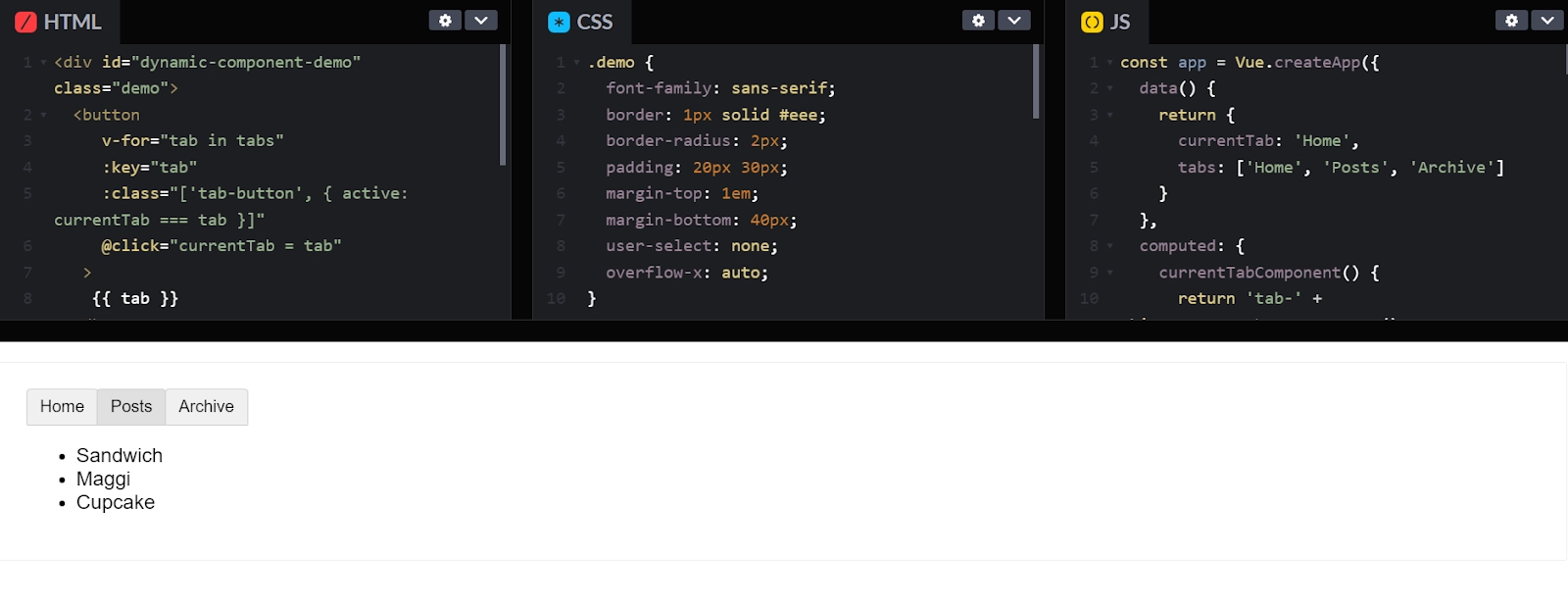
Here, the user has three options in the posts screen, Sandwich, Maggi, or Cupcake. Users can click on anything from the three of them. I suppose he/ she clicks on a sandwich, the output appearing is:

Similarly, clicking on maggi looks like this:

And, for cupcakes it looks like:
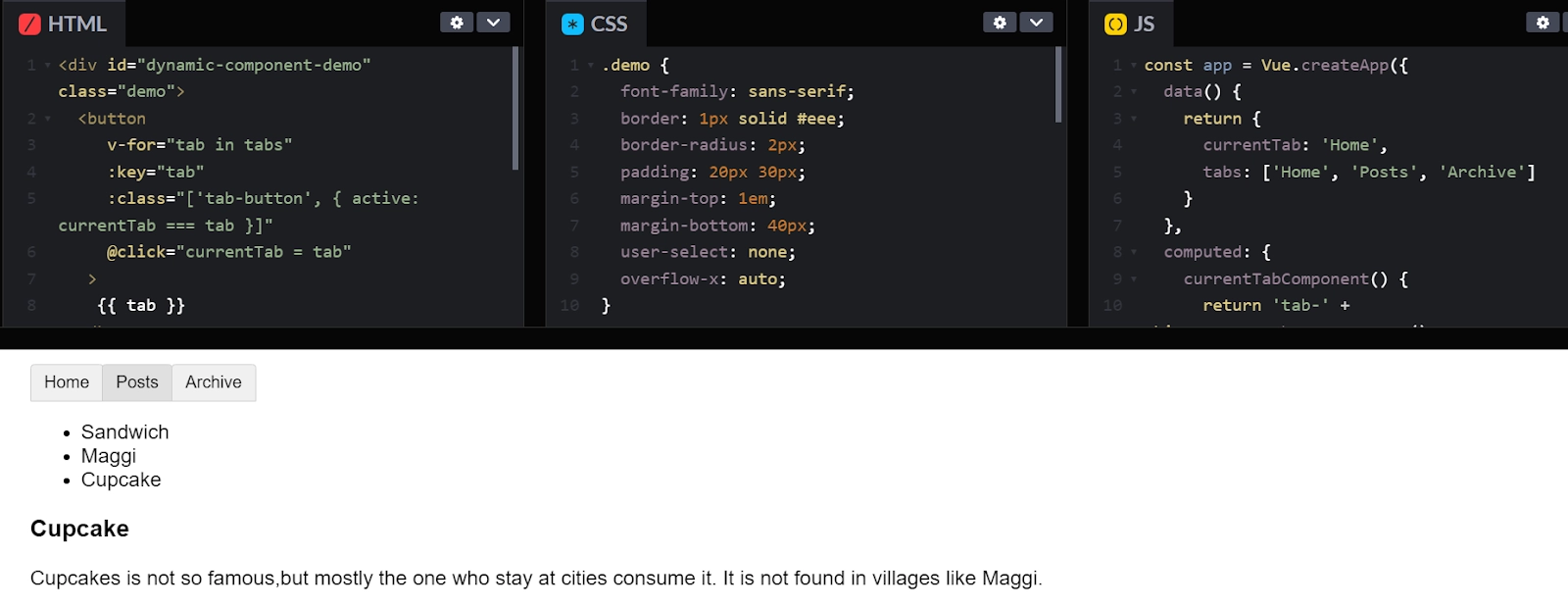
The above program depicts the working of various tabs all at a time. The interesting part to notice is on clicking on a post, then switching to another tab let’s say to archive, again if you backtrack to the posts tab, you will notice that it’s no longer showing the previous post you have selected. The reason is every time on switching to a new tab, Vue creates a new component of the currentTabComponent.
Recreation of dynamic instances is a very general behavior. But in this case, we just want the tab component instances to be caught only once when they are created. To solve this problem, just wrap the dynamic component with a <keep-alive> element.
|
<!-- Inactive components will be cached! --> <keep-alive> <component :is="currentTabComponent"></component> </keep-alive> |
HTML:
|
<div id="dynamic-component-demo" class="demo"> <button v-for="tab in tabs" :key="tab" :class="['tab-button', { active: currentTab === tab }]" @click="currentTab = tab" > {{ tab }} </button> <!-- Inactive components will be cached! --> <keep-alive> <component :is="currentTabComponent"> </component> </keep-alive> </div> |
CSS:
|
.demo { font-family: sans-serif; border: 1px solid #eee; border-radius: 2px; padding: 20px 30px; margin-top: 1em; margin-bottom: 40px; user-select: none; overflow-x: auto; } .tab-button { padding: 6px 10px; border-top-left-radius: 3px; border-top-right-radius: 3px; border: 1px solid #ccc; cursor: pointer; background: #f0f0f0; margin-bottom: -1px; margin-right: -1px; } .tab-button:hover { background: #e0e0e0; } .tab-button.active { background: #e0e0e0; } .demo-tab { border: 1px solid #ccc; padding: 10px; } |
Javascript:
|
const app = Vue.createApp({ data() { return { currentTab: 'Home', tabs: ['Home', 'Posts', 'Archive'] } }, computed: { currentTabComponent() { return 'tab-' + this.currentTab.toLowerCase() } } }) app.component('tab-home', { template: `<div class="demo-tab">Home component</div>` }) app.component('tab-posts', { template: `<div class="dynamic-component-demo-posts-tab"> <ul class="dynamic-component-demo-posts-sidebar"> <li v-for="post in posts" :key="post.id" :class="{ 'dynamic-component-demo-active': post === selectedPost }" @click="selectedPost = post" > {{ post.title }} </li> </ul> <div class="dynamic-component-demo-post-container"> <div v-if="selectedPost" class="dynamic-component-demo-post"> <h3>{{ selectedPost.title }}</h3> <div v-html="selectedPost.content"></div> </div> <strong v-else> </strong> </div> </div>`, data() { return { posts: [ { id: 1, title: 'Sandwich', content: '<p>Sandwich is one of the famous recipies consumed all over the world. It is made with breads. Now the interesting part is consumers who consume it or the persons who made it, they use variety of things inside sandwich. Some prefer using eggs, some prefer cheese, some fresh veggies and some cheese or corn.</p>' }, { id: 2, title: 'Maggi', content: '<p>Maggi is every Indian favourite dish. Whenever we think about college life, there is one word which comes to mind.Its none other than maggi. </p>' }, { id: 3, title: 'Cupcake', content: '<p> Cupcakes is not so famous, but mostly the ones who statys at cities consume it. It is not preferred in villages like maggi.</p>' } ], selectedPost: null } } }) app.component('tab-archive', { template: `<div class="demo-tab">Archive component</div>` }) app.mount('#dynamic-component-demo') |
Output:


Here, the posts tab maintains its state. In other words, whenever we clock on the posts tab, then choose anyone from the available posts and then click on some other tab, let’s say, on the archive tab then again if we backtrack on the posts tab, we can easily get the previous state. This feature was not available on the previous code snippet. Here, the posts tab is maintaining its state even when it is not rendered.
Async components:
For large applications, the app is divided into smaller chunks and during execution or when needed, we only load a component from the server. For performing such operations, Vue has a defineAsyncComponent method.
|
const { createApp, defineAsyncComponent } = Vue const app = createApp({}) const AsyncComp = defineAsyncComponent( () => new Promise((resolve, reject) => { resolve({ template: '<div>I am async!</div>' }) }) ) app.component('async-example', AsyncComp) |
Here, the method is accepting a factory function and returns a promise. The resolved callbacks by promise’s are called when you have completed retrieving your component definition by the server. For indicating that the load has failed, reject(reason) is called. You can also return a promise by a factory function. The syntax for the same is:
|
import { defineAsyncComponent } from 'vue' const AsyncComp = defineAsyncComponent(() => import('./components/AsyncComponent.vue') ) app.component('async-component', AsyncComp) |
Another way is using defineAsyncComponent when registering a component locally.
|
import { createApp, defineAsyncComponent } from 'vue' createApp({ // ... components: { AsyncComponent: defineAsyncComponent(() => import('./components/AsyncComponent.vue') ) } }) |
Using with suspense
Async components are by default very suspensive in nature. This implies, presence of <suspense> in the parent chain, components will be treated as an async component of that <suspense>. Further, the <suspense> will be responsible for controlling the loading state, and all other options like the component’s own loading, delay, error, and timeout options will be ignored.

 40+ registered

