Do you think IIT Guwahati certified course can help you in your career?
Introduction
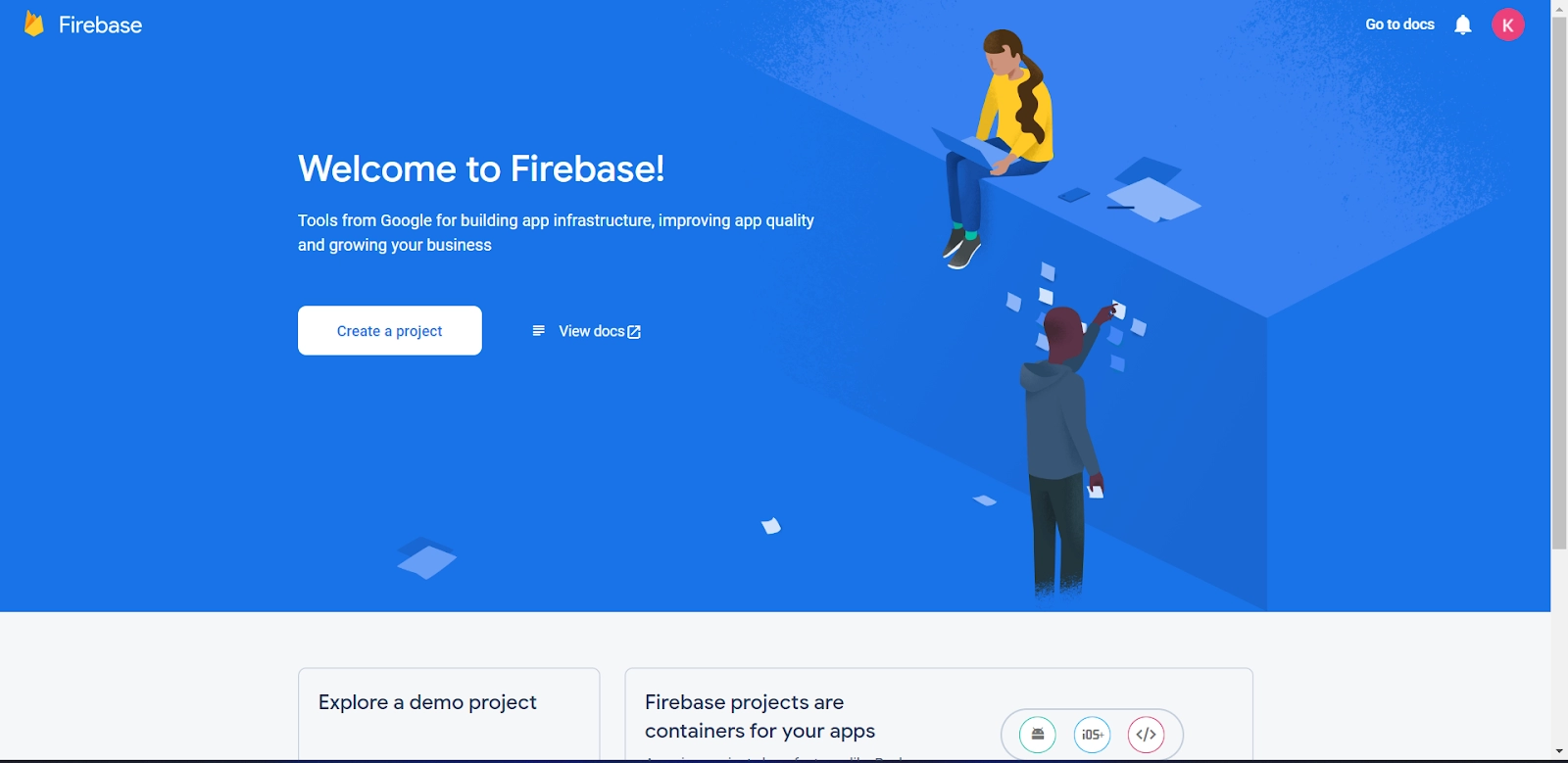
Have you ever heard the name ‘Firebase' as a hosting application service🤔 or Firebase App? Do you want to learn more about Firebase App? If yes, you are at the right place, my friend.
In this article, we will learn about the different types of Project Identifiers, Firebase App, and Firebase Project ID. This will help you to have a better understanding of Firebase.
Let's first start with Firebase!!
Firebase
Firebase is a collection of application hosting services. It provides NoSQL, a real-time database, content, social authentication, notification hosting, and services such as a real-time communication server.
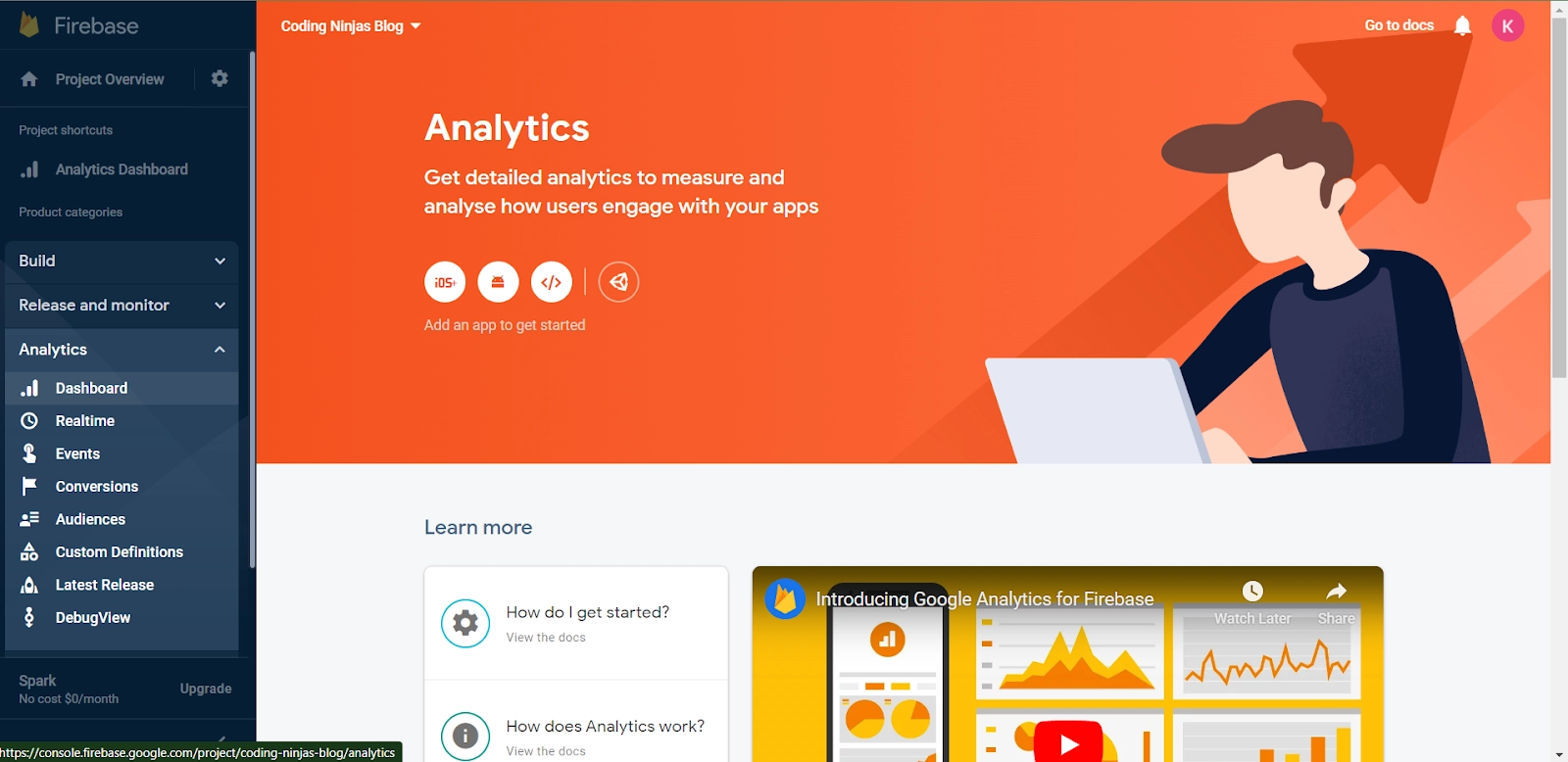
App developers can create iOS, Android, and Web apps using Google Firebase, a program funded by Google. Firebase offers resources for managing analytics, reporting and resolving app errors, and developing marketing and product experiments.
Firebase Project
A Firebase project is Firebase's top-level entity. You can register your Apple, Android, or web apps in a project. After registering your apps with Firebase, you can add Firebase SDKs for any number of Firebase products, such as Analytics, Cloud Firestore, Performance Monitoring, and Remote Config.
Google Cloud Platform projects that use Firebase services are known as Firebase projects.
This means project billing and project permissions are shared across consoles.
Unique project identifiers (such as Firebase Project ID) are shared across consoles.
Projects in the Firebase console are also visible in the Google Cloud Platform and Google APIs consoles. When you delete a project, it is removed from all consoles.
Projects allow you to share users, data, and analytics across platforms (Android, iOS, and web) so that your users have the same experience regardless of device. Every Firebase app is linked to a Firebase project, allowing you to manage all app variants through the Firebase console.
Project Identifiers
In making the firebase app, an administrative identifier used to identify field tasks is the project identifier. The project identifier can be compared to the user and group identities as a workload tag.
One or more projects may be a part of a user, group, or both. These projects can reflect the tasks in which the user is permitted to take part.
This member can then serve as the foundation for refunds based on initial resource allocation decisions or consumption. For example, the processes that a user starts can be connected to any of the projects they are a member of, even though they must be allocated to a default project.
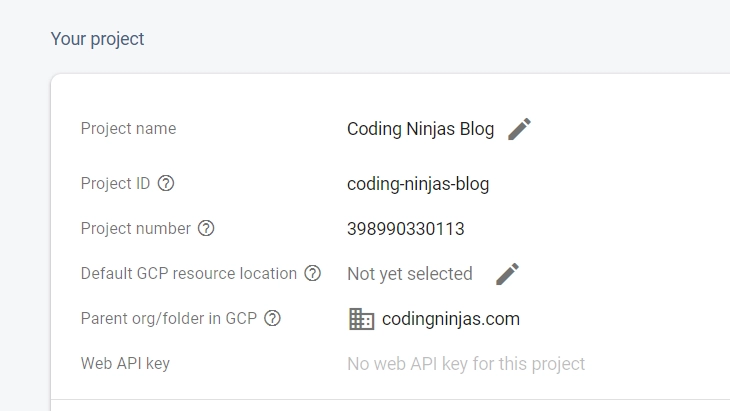
Different identifiers, such as the firebase project name, firebase project number, and firebase project ID, can identify a Firebase project in the Firebase backend and various developer interfaces.
Project Name in Firebase
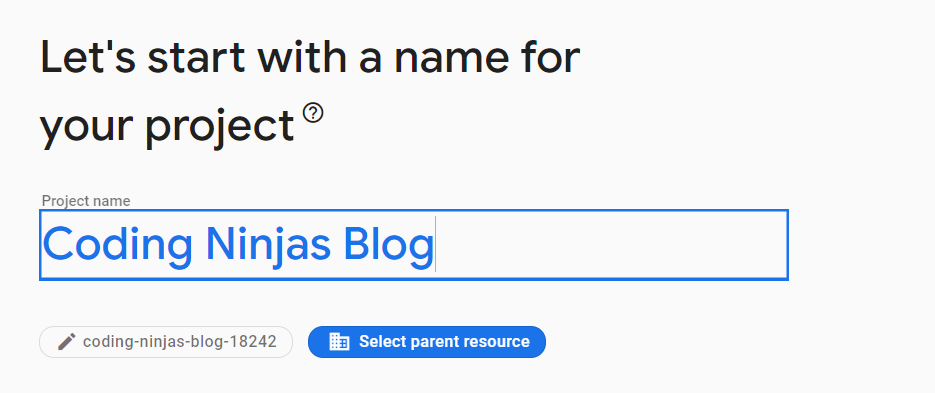
A human-readable name for your project. Google APIs do not make use of the project name. You can change the project name any time during or after the project is formed. Project names do not have to be unique.
Project ID in Firebase
A firebase project ID is a one-of-a-kind string that distinguishes your project from all others in Google Cloud. You can generate a firebase project ID using the Google Cloud console, or you can end up creating your own. You can only alter the project ID when you're creating it.
These are some firebase project ID requirements:
💥Must be between 6 and 30 characters long.
💥Just lowercase letters, numbers, and hyphens are permitted.
💥It must begin with a letter.
💥A hyphen cannot be used at the end.
💥Cannot include deleted projects that were previously used or are currently in use.
💥Cannot include restricted strings like google or SSL(secure sockets layer).
Project Number in Firebase
Project numbers are the automatically generated identifiers unique to your project.
Avoid using sensitive information in the firebase app in the names of your project, project ID, or other resources. Many other Google Cloud resources use the project ID in their names, and any reference to the project or related resources exposes the project ID and resource.
Identifying Projects
To interact with Google Cloud resources, each request must include the identifying project information. The project ID and project number are used to identify a project.
To obtain the project ID and number, perform the following steps:
1️⃣Navigate to the Google Cloud console's Dashboard page.
2️⃣At the top of the page, select from the drop-down list. Select your project from the Select from the window that appears.
The project ID and project number are shown on the project Dashboard.
Listing Projects
Arrange all Projects under a Resource.
☘️Use the v3 projects(initiation, planning and, execution) to list all direct children of a resource.
☘️Projects that are direct children of the particular folder or organization resource are listed here. List () returns a highly consistent view of the projects within the specified parent resource.
Updating Projects
The Google Cloud console or the projects.patch() method can be used to update projects.
The project name and labels are the only fields that can be changed. See the project API reference page for more information on updating projects.
Frequently Asked Questions
What is the purpose of the Firebase?
Firebase allows you to build high-quality apps, develop your user base, and earn more money. Each feature works perfectly, but they work even better together. Name.
Can we change the name of a Google project?
The project name can be changed at any time during or after the project is created. The names of projects do not have to be unique.
What is a firebase project ID?
The project ID is a unique identifier for a project only used within the console.
Is Firebase a SQL or NoSQL database?
The Firebase Realtime Database is a NoSQL database hosted in the cloud that allows you to sync and store data between your users in real time.
What is the Firebase API?
Google's Firebase is a platform for developing mobile applications. It can power the backend of an application.
Conclusion
In this article, we have covered the project identifiers for Firebase. We are learning about project identifiers, Firebase App, Firebase Project ID, etc. Check out some related articles below.








 18+ registered

