Get a skill gap analysis, personalised roadmap, and AI-powered resume optimisation.
Introduction
Hey Ninjas! Pickling is a process of serializing Python objects to be used later, allowing us to store complex Data structures or Machine learning models without recomputing them every time.
In this article, we will explore the concept of pickling in Python. And learn how to use the pickle module to serialize and deserialize Python objects.
What is Pickling
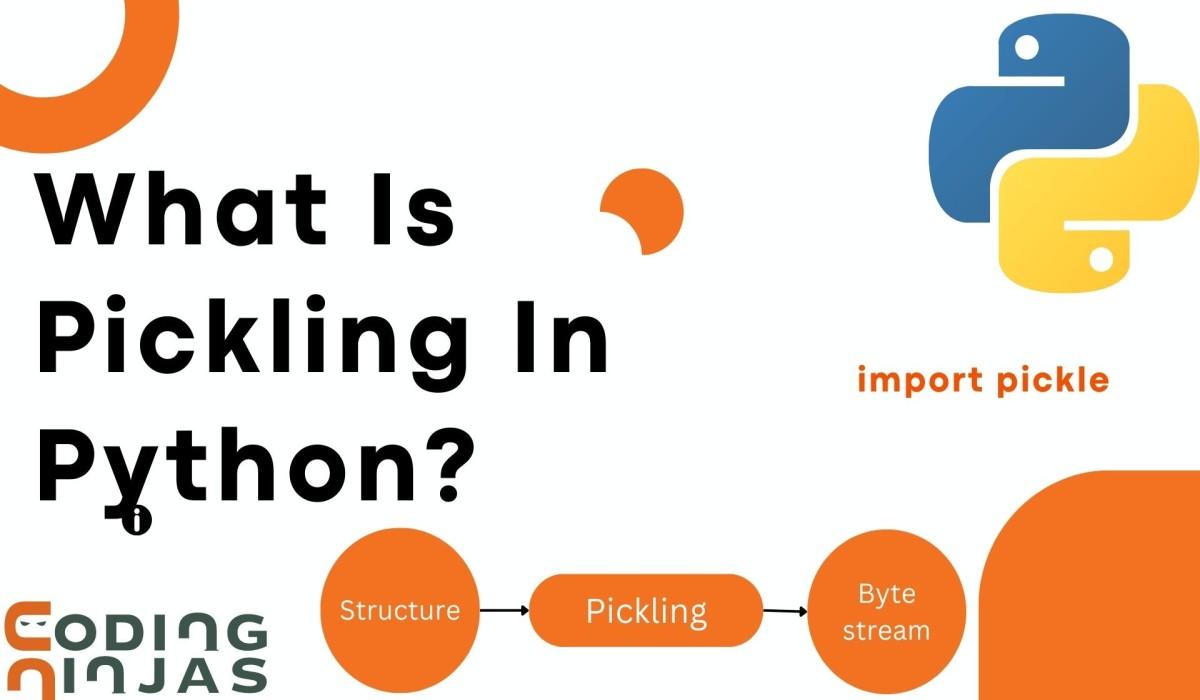
Pickling is converting a Python object into a format that can be stored or transmitted and then converting it back into a Python object.
Pickling is implemented in Python using the pickle module.
Pickling works by serializing a Python object into a stream of bytes that may be saved to a file or sent over a network.
When the object is needed again, deserialize it by reading the bytes from the file or network and recreating the original Python object.
Most built-in Python objects, including lists, dictionaries, tuples, and strings, can be pickled.
Yet, some types of objects cannot be pickled, such as functions, classes, and modules. Pickled data, for example, may be less human-readable and more challenging to debug, and deserializing data from an untrusted source may pose security problems
Advantages of Using Pickle Module
Here are the advantages of using the pickle module Python:
Pickling makes it easy to save and restore objects in Python programs. It makes serialization of Python objects to byte streams easy which can be transmitted over the network.
As we can use pickling to store almost any Python object, this makes it a versatile tool for many different types of applications.
Pickling is an efficient way to store large amounts of data, as byte stream data obtained after serialization is much smaller than the original object.
We can share data between different systems and pickled objects can be transferred between different platforms.
Pickling can be beneficial for saving and loading sophisticated Python objects like machine learning models or large data structures without recomputing them every time they are needed. It may also be used for inter-process communication and data transmission via a network.
What Can be Pickled and Unpickled?
Pickle is a module in Python that is used to serialize and deserialize objects. However, there are restrictions to what can be pickled and what cannot be pickled.
Here's a table to give you an idea about pickling.
Can be Pickled
Cannot be Pickled
Integers, floating point, complex numbers
Un-instantiated user-defined classes
Tuples
User defined class with unpickable attributes(like instances of unpickable classes)
Sets
User defined classes with their own ‘__getstate__’ methods that may not return the expected values
Lists
Open file handles
Dictionaries
Generator functions
Boolean Values
Partial Functions
Bytes, byte arrays
User defined classes with their own ‘__setstate__’, ‘__reduce__’ methods that may not return the expected values
Here’s a simple example of how using ‘pickle’ we can serialize a Python object and save it to a ‘.pickle’ file.
Code
import pickle

# Define a Python object to serialize
person = {"name": "Abhay", "age": 20, "gender": "male"}

# Serialize the object to a file
with open("person.pickle", "wb") as f:
    pickle.dump(person, f)

# De-serialize the object from the file
with open("person.pickle", "rb") as f:
    loaded_person = pickle.load(f)

# Print the de-serialized object
print(loaded_person)
You can also try this code with Online Python Compiler
In this code, First, we define a Python object person as a dictionary with some attributes. The item is then serialized to a "person.pickle" file using pickle. dump(). To verify that the file may be written as bytes, it is opened in binary mode("wb").
We open the file in read-binary mode ("RB") and use pickle to deserialize the object. Load() reads the pickled data from the file and returns it as a Python object. We save the successfully deserialized object in a new variable called loaded_person and print it to confirm that it was successfully deserialized.
Serialization and Deserialization
Serialization and deserialization convert data structures or objects into a format that can be easily stored, transmitted, or reconstructed later.
Now we will discuss Serialization and Deserialization in detail.
Serialization
Serialization refers to converting an object in memory into a stream of bytes that can be saved to a file or transmitted over a network.
It involves transforming the object's state and structure into a series of bytes or a string representation. Which can be easily saved to a file, sent over a network, or stored in a database.
Deserialization
Deserialization is the process of converting a stream of bytes back into an object in memory.
The pickle module also supports Python objects' deserialization or unpickling. The pickled data is read from a file or network stream, and the original Python object is rebuilt in memory.
Below given diagram shows a end-to-end process of serialization and de-serialization of a file:
Pickle Protocol Versions
Because the Python pickle module is version-specific, a developer who pickled a Python object with a given Python version may be unable to unpickle it with a previous version due to compatibility issues.
In Python, the pickle module supports different protocol versions that determine the serialized data format. Here's a rundown of the various protocol versions:
Protocol version 0
This is the original Python 1. x and 2.x protocol. It is no longer supported and should only be used for backward compatibility with previous Python versions. It was the first human-readable protocol and backwards compatible with previous Python versions.
Protocol version 1
This protocol was added in Python 2.3, and it offers support for new data types like sets and frozen sets. It was the first binary format that allowed for backward compatibility. However, it could be more efficient and utilized in current Python program.
Protocol version 2
This protocol was introduced in Python 2.3 and enhances serialization performance by employing a more compact binary representation. It also includes support for additional data types like decimals and bytes.
Protocol version 3
This protocol was introduced in Python 3.0 and is similar to version 2 but adds support for storing and restoring objects that have a reference to themselves (e.g., a doubly-linked list). Python2.x versions cannot unpick it.
Protocol version 4
This protocol was added in Python 3.4 and allowed for more efficient serialization of big objects like NumPy arrays. It also contains additional capabilities like serializing and deserializing objects without creating them beforehand.
By default, the pickle module employs the most recent protocol version compatible with the Python version. However, you can specify a specific protocol version by using the protocol argument of the pickle.dump() and pickle.dumps() functions. Adopting a higher protocol version may result in bigger serialized data sizes and less backward compatibility with previous Python versions.
Functions in Pickle Module
Python's pickle module contains methods for serialising and de-serializing Python objects. Here's a rundown of the functions available in the pickle module:
This function takes in a Python object and writes it to a file-like object in a pickled format. The 'protocol' argument specifies the protocol version to use for pickling.
This class allows you to deserialize Python objects slowly by reading them in parts from a file-like object.
7.
pickle.HIGHEST_PROTOCOL
pickle.HIGHEST_PROTOCOL
This constant specifies the highest protocol version supported by pickle.dump() and pickle.dumps().
8.
pickle.DEFAULT_PROTOCOL
pickle.DEFAULT_PROTOCOL
This constant specifies the default protocol version of pickle.dump() and pickle.dumps() if the protocol argument is not specified.
9.
pickle.protocol_version
pickle.protocol_version
This constant specifies the default protocol version used by the pickle module. It is initially set to the highest protocol version supported by the module.
10.
pickle.whichmodule()
pickle.whichmodule(obj, name)
This function returns the name of the module in which the specified object was defined or None if the module cannot be determined.
Exception in Pickling
Several exceptions can be raised when pickling and unpickling objects in Python using the pickle module. Now we will discuss some standard exceptions that could occur during pickling.
S.No
Exception
Description
1.
pickle.PicklingError
When a mistake occurs when pickling an object, this exception is thrown. For instance, if an object cannot be pickled due to the presence of an unsupported data type.
2.
pickle.UnpicklingError
When an error occurs while unpickling an object, this exception is thrown. For instance, if the pickled data is damaged or tampered with.
3.
AttributeError
If an object being pickled or unpickled contains a property that cannot be accessed, this exception is thrown. This can happen if the definition of the item has changed between the time it was pickled and the time it is being unpickled.
4.
EOFError
If the end of the input stream is reached before the anticipated data has been read, this exception is thrown. If the pickled data is short or partial, this can happen.
5.
TypeError
This exception is thrown if an object being pickled or unpickled has an unsupported type. For instance, if the item is a file or a socket.
6.
ValueError
If an argument supplied to the pickle module is invalid, this error is thrown. For instance, if an incorrect protocol version is given.
Pickling Class Instances
In Python, its also possible to pickle class instances using the ‘pickle’ module. When an instance of a class is pickled, all of its instances variables are pickled recursively.
This means that the entire state of the instance, including all its data and methods are saved.
To pickle a class instance, we simple have to create an instance of class and then call the ‘pickle.dump()’ function. With the instance as the first argument and a file object as the second argument.
We can understand this with the following code.
import pickle

class Ninja:
    def __init__(self, name, age,phone):
        self.name = name
        self.age = age
        self.phone = phone

person = Ninja("Abhay", 20,6294379314)

# Pickle the class instance
with open("ninja.pickle", "wb") as f:
    pickle.dump(person, f)
You can also try this code with Online Python Compiler
In this example we create and instance of the ‘Ninja’ class and then pickle it to a file called ‘ninja.pickle’. To unpickle the instance later, we can use the ‘pickle.load()’.
In output a pickle file will be created. The below code will read the pickled data from the file and recreate the original Person instance. We will then access the object's instance variables as we would any other Python object.
# Unpickle the class instance
with open("ninja.pickle", "rb") as f:
    person = pickle.load(f)

print(person.name)
print(person.age)
print(person.phone)
You can also try this code with Online Python Compiler
While the Python pickle module is a convenient way to serialize and deserialize objects. There are some security considerations to be aware of when using it.
If the data is not trusted, the pickle module can execute arbitrary code when unpickling it. If the pickled data comes from an untrustworthy source, an attacker could create malicious data that executes arbitrary code on the system.
An attacker can manipulate pickled data in transit or at rest, resulting in the execution of unwanted code while unpickling the data. This can lead to various security problems. Such as data theft, privilege escalation, and remote code execution.
An attacker can create malicious pickled data that consume large quantities of memory or CPU resources, resulting in a denial of service (DoS) attack.
Best Practices
To mitigate the above-stated security risks, it's essential to follow these best practices when using the 'pickle' module:
Use a secure communication protocol when transferring pickled data over a network. .
Consider using a more secure serialization format, such as JSON or protobuf.
Refrain from unpickling data from untrusted or unknown sources.
Only unpickle data that you trust and from sources that you trust.
Consider using a third-party library that provides additional security features, such as data signing and verification, when working with pickled data.
Frequently Asked Questions
What is pickling in Python?
Pickling transforms a Python object hierarchy into a byte stream that may be stored or transferred in Python. This is also referred to as serialization.
Why would I want to pickle an object in Python?
Pickling an object in Python can be helpful for a variety of reasons. For instance, you could save an object's state to disk so that it can be loaded later, or you could want to send an object across a network.
What types of objects can be pickled in Python?
Most Python types, as well as many third-party objects, can be pickled. Some objects, however, such as file handles and network connections, cannot be pickled.
Can I pickle class instances in Python?
Yes, you can pickle class instances in Python. When an instance of a class is pickled, all of its instance variables are pickled recursively.
How do I pickle an object in Python?
In Python, you can pickle an object by writing it to a file or network stream with the pickle.dump() function. You can use the pickle.load() function to read the pickled data and reconstruct the original object to unpickle the item.
Conclusion
We learned about Pickling in Python. It is a robust technique for serializing and deserializing Python objects. It enables developers to save easily and load object states, send objects over networks, and store objects in databases. Pickling can serialize most Python built-in types as well as numerous third-party objects.








 7+ registered

