





Introduction
Turtle is a Python module that comes pre-installed. It allows you to draw using a screen (cardboard) and a turtle (pen). We must move the turtle to draw something on the screen (pen). Some functions, such as forward() and reverse(), can be used to move the turtle.
Steps to draw the chess board:
- Import a turtle, and create an object from it.
- Set the size of the screen and the turtle's position.
- Define a square-drawing method.
- Call the procedure eight times in a loop, each with a different color.
- Remove the turtle object.
Python implementation
# importing turtle package to draw the chess board using turtle
import turtle

# create screen object and turtle object
screen = turtle.Screen()
pen = turtle.Turtle()

# method to draw square
def draw():
  for i in range(4):
    pen.forward(30)
    pen.left(90)
  pen.forward(30)

# Main Code to draw the chess board using turtle
if __name__ == "__main__" :

    # set screen
    screen.setup(600, 600)

    # set turtle object speed
    pen.speed(1000)

    # loops for board
    for i in range(8):

      # not ready to draw
      pen.up()

      # set position for every row
      pen.setpos(0, 30 * i)

      # ready to draw
      pen.down()

      for j in range(8):
        # conditions for alternative color
        if (i + j)% 2 == 0:
          color ='black'
        else:
          color ='white'
        # fill with given color
        pen.fillcolor(color)
        # start filling with color
        pen.begin_fill()
        draw()
        pen.end_fill()
    # hide the turtle
    pen.hideturtle()


# Output: Draw the chess board using turtle
You can also try this code with Online Python Compiler
Output
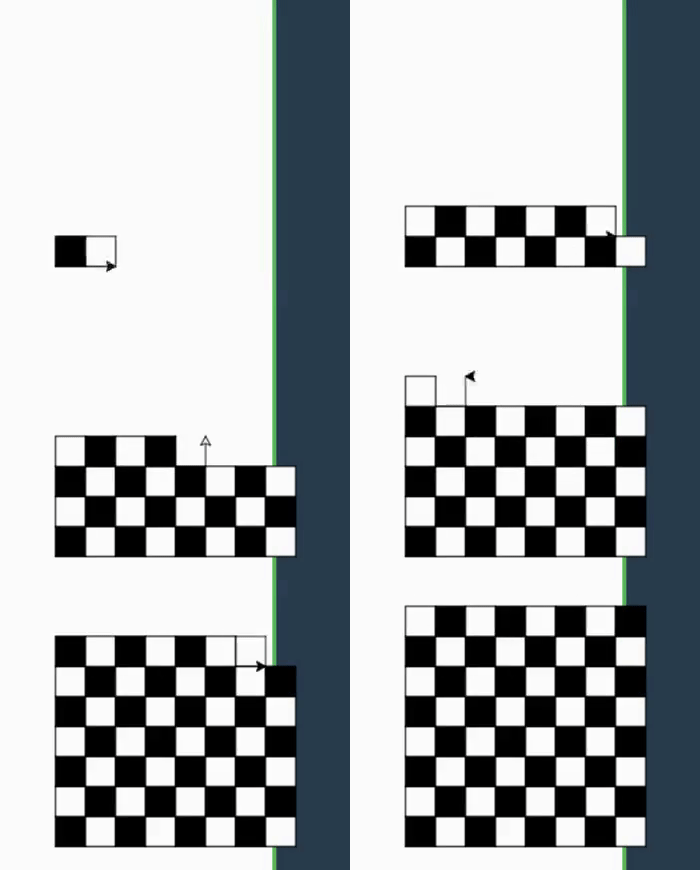
You can compile it with online python compiler.
You can also read about Palindrome Number in Python here.


 1+ registered

