Do you think IIT Guwahati certified course can help you in your career?
Introduction
Azure App Service is a cloud service that lets users make their own applications without any hassle and then deploy them over the cloud. It is used to create highly scalable, easily maintainable and secure applications.
In the user-created web applications, RESTful API and mobile back end, you can sign in users and access data by writing little to no code since Azure App Service has built-in authentication and authorization features called "Easy Auth".
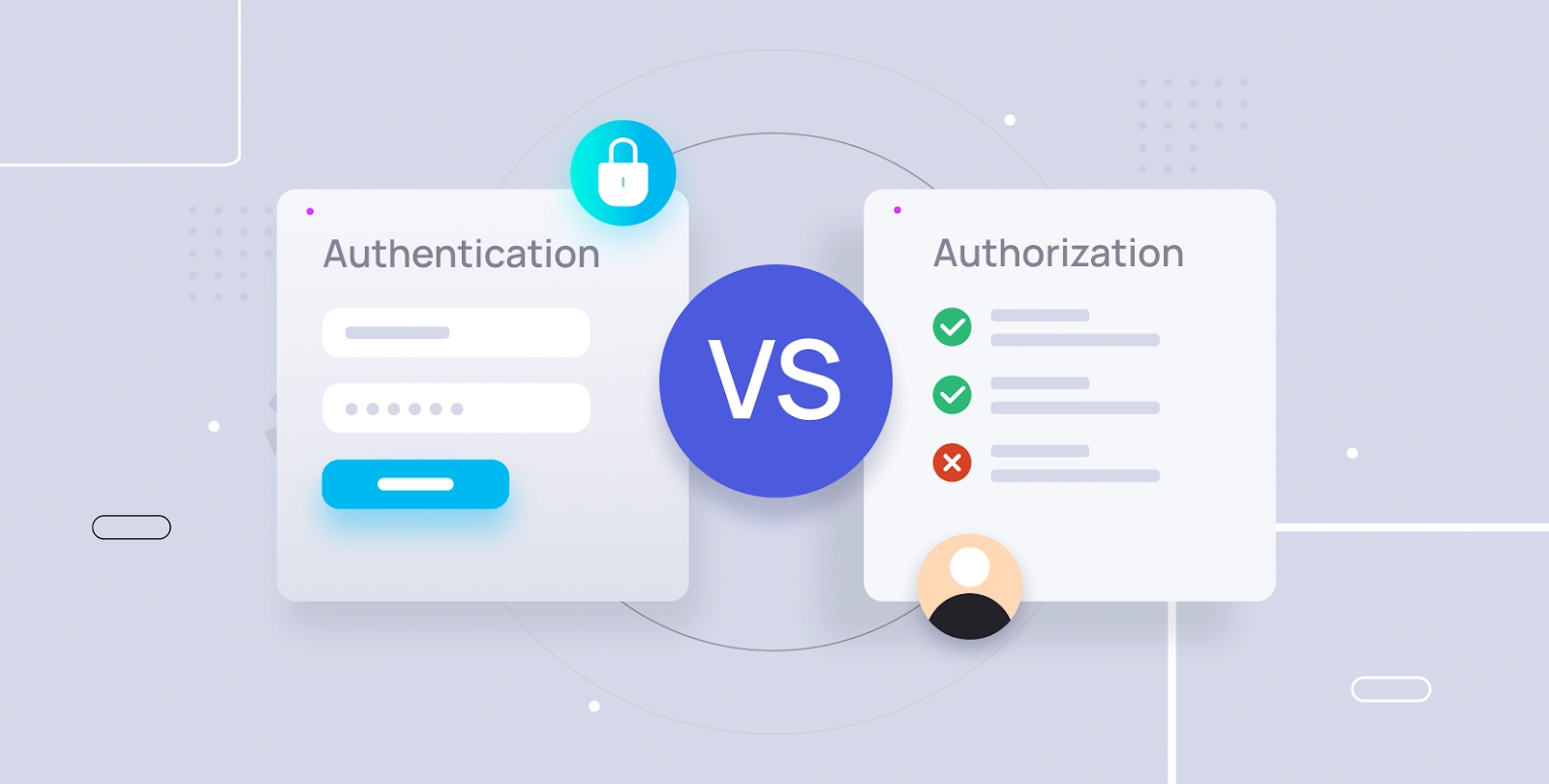
In this article, we discuss what authentication and authorization are, its need, and the various methods used for authentication and authorization.
Well, really we don’t. We can write our own security measures or choose security features from any web framework we want. In that case, however, we will have to maintain this feature to keep it updated with the latest browser updates and security protocols.
By offering out-of-the-box authentication with federated identity providers, the built-in authentication functionality for App Service and Azure Functions can help you save time and effort while enabling you to concentrate on other parts of your service.
Some of the advantages that authentication provides are:
It is already included in the platform and may be used without the need for a special language, SDK, security knowledge, or even any code.
Azure App Service enables you to include a range of auth features into your web application or API without developing them yourself.
Multiple login providers can be integrated for authentication.
Identity providers
Using federated identity, App Service maintains user IDs and the authentication process on your behalf. The following identity providers are by default accessible:
Provider
Sign-in Endpoint
Facebook
/.auth/login/facebook
Google
/.auth/login/google
Microsoft Identity Platform
/.auth/login/aad
OpenID Connect providers
/.auth/login/<providerName>
Twitter
/.auth/login/twitter
Its sign-in endpoint is accessible for user authentication and provider authentication token validation after you activate authentication and authorization with one of these providers.
These sign-in choices are all ones that you may give your users.
Considerations before using Azure authentication
Regardless of the App Service configuration choice to enforce HTTPS, using this feature will automatically redirect all queries to your application to HTTPS. You may turn this off with the requireHttps setting in the V2 settings. However, it is advised to keep with HTTPS, and we caution against sending security tokens via insecure HTTP connections.
You may use App Service for authentication with or without limiting access to the APIs and site content. Set Action to execute when the request is not authenticated to log in with one of the preset identity providers to limit app access to just authenticated users. Also, you can set Action to take when the request is not authenticated to "Allow anonymous requests (no action)" to authenticate without limiting access.
Authentication Method
Feature architecture
The platform's middleware for authentication and authorization operates on the same virtual machine as your application. Every incoming HTTP request goes via it when it's enabled before being processed by your application.
For the app, the platform middleware manages a number of tasks:
Uses the identity provider to authenticate users and clients.
OAuth tokens issued by the selected identity provider are validated, stored, and refreshed.
Manages the authenticated session.
HTTP request headers are injected with identity information.
Architecture on Windows
The authentication and authorization module functions in the same sandbox as your application as a native IIS module. Every incoming HTTP request goes via it when it's enabled before being processed by your application.
Architecture on Linux
Your application code is segregated from the authentication and authorization module, which runs in a separate container. It interacts with the incoming traffic using what is known as the Ambassador pattern to carry out comparable functionality as on Windows. Direct integration with certain language frameworks is not feasible since it does not run in-process, but request headers are used to deliver the necessary data to your app.
Authentication flow
All identity providers use the same authentication flow. The difference between them is that each of them has its own SDK if you choose to use it. The authentication flow would be:
With identity provider SDK: After manually authenticating users with the provider, the application sends the authentication token to App Service for approval. This is frequently the case with browserless apps, which cannot show the user the provider's sign-in page. It is also known as client-directed, or client flow since the application code controls the sign-in procedure. REST APIs, Azure Functions, JavaScript browser clients, and browser apps that require additional flexibility in the sign-in procedure are all covered by this case. It also applies to native mobile apps that enable sign-in using the SDK of the provider.
Without identity provider SDK: Federated sign-in is delegated by the application to App Service. This is frequently the case with browser extensions, which might show the user the provider's login page. It is also known as server-directed flow or server flow since the server code controls the sign-in procedure. Browser applications are covered in this scenario. Because the Mobile Apps client SDK exposes a web page to sign users in with App Service authentication, it also applies to native apps that sign users in using that method.
Authorization behaviour
When an incoming request is not authorized, you may configure App Service with a variety of actions in the Azure portal. Let us discuss some of those choices.
Allow unauthenticated requests
This option leaves unauthenticated traffic authorization up to your application code. App Service additionally transmits authentication data in the HTTP headers for requests that have been authenticated.
With this choice, managing anonymous requests is more flexible. For instance, it enables you to offer your consumers a choice of sign-in providers. But you will have to write the code for this.
Require authentication
Any unauthenticated traffic to your application will be rejected using this setting. One of the specified identity providers may be redirected due to this refusal. A browser client is forwarded to the chosen identity provider’s /.auth/login page in certain circumstances. The returning answer is an HTTP 401 Unauthorized if the anonymous request originates from a native mobile app. You can also set the refusal for all requests as HTTP 401 Unauthorized or HTTP 403 Forbidden.
Token store
A token store that is connected to the users of your online applications, application programming interfaces, or native mobile applications is a feature of App Service.
This token storage becomes immediately accessible to your app whenever authentication with any provider is enabled. You usually need to develop code to collect, store, and update these tokens in your application if your programme wants to access data from these providers on the user's behalf. When using the token store, you just obtain the necessary tokens and instruct App Service to update them when they expire.
Logging and tracing
You can easily view authentication and authorization traces in your log files if you enable application logging. You can quickly obtain all the specifics if you observe an unexpected authentication problem by checking your current application logs. You may precisely determine what function the authentication and authorization module may have served in a failed request if you activate failed request tracing. Search for references to a module named EasyAuthModule 32/64 in the trace logs.
Frequently Asked Questions
What is the difference between authentication and authorization in Azure?
Authentication is the process of proving you are who you say you are. It is sometimes shortened to AuthN. Authorization is the act of granting an authenticated party permission to do something.
Which comes first, authorization or authentication?
The organisation implements and maintains settings that are used for authorization.
Effective identity and access management procedure starts with authentication. Authentication is always followed by authorization. The user may see and modify several aspects of authentication.
What are the three types of authentication?
Three categories of authentication factors exist: A token, like a bank card, is something you have; a password or personal identification number (PIN) is something you know; and biometrics, like voice and fingerprint recognition, is something you are.
Conclusion
This article discusses the concept of authentication and authorization in Azure, its need, and the various methods used for authentication and authorization.







 1+ registered

