Do you think IIT Guwahati certified course can help you in your career?
Introduction
Microsoft's privacy statement outlines the types of personal data they collect, how they use it, and its intended use when we are using any stuff from Microsoft. Then ask for some product-specific details in the privacy statement, which provide additional information. It means how you interact with the Microsoft and Microsoft products.
Microsoft collects our information from various sources like Microsoft services, its websites, apps, software, servers, and devices. We generally do not read the privacy policy, but it can sometimes be harmful or can be useful. It is a great responsibility for everyone to protect our information. If you want to be a ninja and safeguard your relevant information, You should follow this blog on how you can do this!
Microsoft collects the various information from us by having a good interaction. The data it collects includes:-
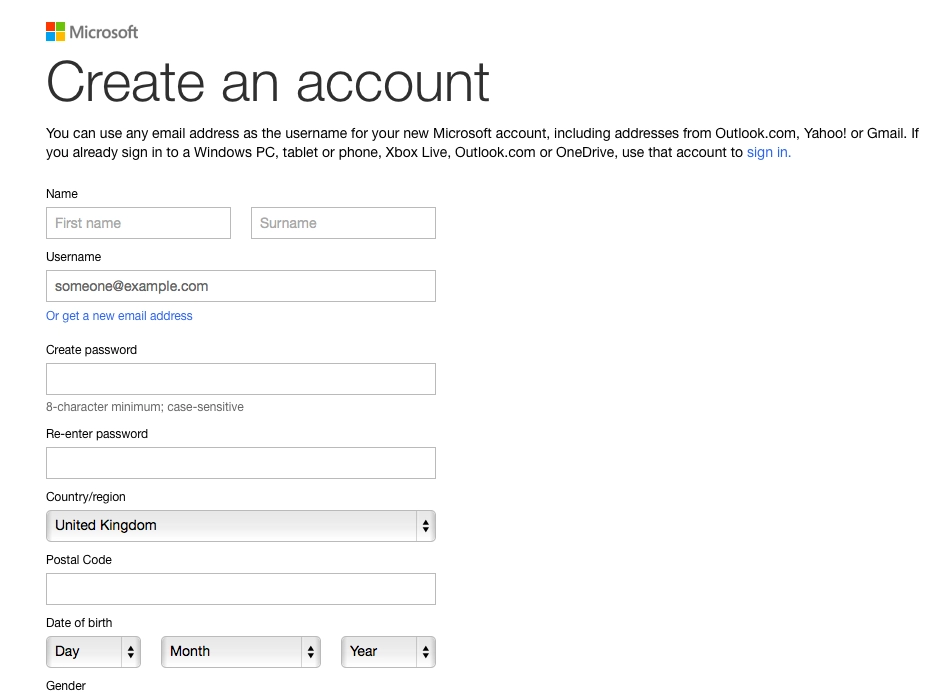
Name and contact data:-First & Last name, email address, phone number, etc, and much other information while signing up the account.
Searches, commands & voice data:-Search queries and commands, and voice data tell us what we are doing and what we can be our Interests.
Device and usage data:- Data regarding your device, the product, and the services you use, including details regarding your hardware and software, the functionality of our goods, and your settings.For example: → Payment, browsing history, and account history:-Information about the things you buy and transactions connected to your account. Your browser history tells web pages that you visit in your past. → Troubleshooting and help data. It includes information you give to Microsoft when you ask for support, like the products you use and other things that help you. → The device, connectivity, and configuration data:-Information about your device, its settings, and adjacent networks. Information such as product keys, the operating systems, and other software that are installed on your device. Aside from that, your device's IP address, device identifiers (such as the IMEI number for mobile phones), regional and language preferences, and details about nearby WLAN access points are also recorded.
Content:-In a message, email, call, chat, meeting request, or other forms of communication, including voice, video, and various types of text, our data in one form or other are recorded. The content they collect when providing products includes all the media or documents you store, retrieve, and process using the cloud, including pictures, music, videos, software, and other files.
A company like Microsoft provides rich, engaging experiences by using the data we gather. Data is used in particular to:
The provision of our goods includes upgrading, securing, troubleshooting, and customer support. When it is necessary to deliver the service or complete the transactions you desire, it also includes exchanging your data.
Promote and market to you, which involves contacting you with marketing materials through social media, focusing on advertising, and making sensible offers that attract you.
Customize our offerings and provide suggestions that help you in various fields like business management, study, etc.
They use both automatic and human processing techniques to handle the personal data they process for these purposes. Company manual procedures are frequently connected to and complemented by our automated approaches. The primary purpose of the processing is as follows:-
Customer support:-They utilize data for various purposes, including to help us offer, enhance, and secure the quality of our goods, services, and training, to assist us in troubleshooting and diagnosing product faults, repairing customers' devices, and providing additional customer care and support services.
Product improvement:-They use data to continuously enhance our products, including adding new features and capabilities. They use error reports to improve security features, search queries, and clicks on Bing to enhance the relevance of search results, use data to choose which new features to prioritize, and voice data to create and enhance speech recognition accuracy.
Advertising:- Microsoft does not utilize your email, chat, video, or voice mail conversations, documents, pictures, or other private information to target advertisements to you. They use data you acquire from our contacts with you, through some of our products, and on third-party websites, for advertising our products and third-party properties.
Safety:- To ensure the security of both our customers' purchases and our own, they employ data. Their security tools and malware solutions can stop dangerous software in its tracks and alert users when it is discovered on our devices. We reserve the right to block the delivery of a communication or remove content if it violates our terms. For some products like Outlook.com or OneDrive, routinely scanning the content is done in an automated fashion to identify suspected spam, viruses, abusive behavior, or URLs that have been flagged as fraud, phishing, or malware links.
How to access and control the personal data
You have a choice in how Microsoft collects and uses your data. By contacting Microsoft or utilizing the different tools they offer, you can manage the personal information that Microsoft has collected about you and exercise your data protection rights. Your services will also affect how you access or handle your data. For example:-
You can access and delete some of your data through the Microsoft privacy dashboard.
You can visit their opt-out page to manage how Microsoft uses your Data for targeted advertising.
You can decide if you want Microsoft to contact you by phone, email, SMS, or mail with promotional materials.
You have the right to revoke any consent that Microsoft may have received to use your personal information.
You have the right to request updates, deletion, and access to your data.
If you want to move your data to another location, you may do it using the tools Microsoft offers.
Microsoft contacts with us and our usage of products will decide which tools are the most helpful to us. An overview of the resources that Microsoft offer is provided below:-
Bing:- On your privacy dashboard, you may access and delete your search history once you are signed into Bing. You may examine and delete the search history related to your device in your Bing settings.
Cortona:-In your Cortana settings, you can manage some of the information Cortana obtains or detains.
Microsoft Account:-By visiting the Microsoft account website, you can update your password, add security information, or terminate your account. You can view or erase your profile and get information about payment information from your Microsoft account.
OneDrive. In One Drive, You can view, download, and delete your files and photos by signing into your OneDrive.
Outlook.com:- You can download your emails on Outlook.com by signing into your account and navigating to your Privacy and datasettings.
Xbox:- You can see or edit your personal information, including billing and account information, privacy settings, and preferences for online security and data sharing, by signing into My Xbox on your Xbox console.
Microsoft Store:- By visiting Microsoft Store and choosing View account or Order history, you can see your profile and account details.
Using the browser-based cookie options outlined in the Cookies section, you can manage the information saved by cookies and revoke your agreement to their use. With the help of Microsoft Edge and Internet Explorer, you may limit the information that third-party websites can gather about you. Any website included in a Tracking Protection List you upload will have third-party content, including cookies, blocked by this function.
Microsoft Products provided to you by any Organization
If you access a Microsoft product using an account provided to you by a company or institution with which you are associated, such as your work or school account, then that company or institution can:
Access and handle your information, including interaction and diagnostic data, as well as the content of your conversations and files connected to your Microsoft product and product accounts.
Manage privacy-related settings for the product or product account. Also, your organization can control and administer your Microsoft products and product accounts.
If you lose access to your work or school account, you may lose access to products and the content associated with those products, including those you acquired on your own. If your company gives you access to Microsoft products, you must abide by any applicable company policies when using such items. You should contact the administrator of your organization if you have any questions about privacy, including any requests to exercise your data protection rights. When you use a Microsoft product offered by your company, a contract between Microsoft and your company governs how it processes your personal data in connection with that product. For Microsoft products provided by any school, Microsoft will:
Not create a student's profile unless allowed by the student's parent, guardian, or student of legal age or for support of legitimate educational or school reasons.
Not assemble or use student information beyond what is required for legitimate academic or academic-related purposes.
Not to sell or rent student information.
Not to use or share student information for advertising or other commercial purposes.
Microsoft account
You can sign into Microsoft products and those of specific Microsoft partners using a Microsoft account. You can use cloud data storage, make payments using payment instruments saved in your Microsoft account, have personalized experiences across products and devices, and access more services by logging into your Microsoft account. There are three types of Microsoft accounts:-
Personal Microsoft accounts:- It includes creating a new Microsoft account, Signing into a Microsoft account, and Signing in to the third-party product. In order to identify your account and the data linked with it, they will ask you for some personal information when you create a private Microsoft account.
You can sign in and use other Microsoft programs without supplying your real identity, despite some products requiring it, such as those that involve payments. When you sign in to your Microsoft account, they keep a record of your sign-in data which contains the date and time, information about the product you were using when you signed in, your sign-in name, particular phone number signed into your account, the specific identifier assigned to your device, your IP address, your operating system, and the version of your browser.
By logging in to your account, you may access and use cloud data storage, increase personalization, get smooth and consistent experiences across products and devices, pay with payment methods saved in your Microsoft account, and access additional improved features and settings.
You will share information with a third party in line with that third party's privacy policy if you log in to a third-party product with your Microsoft account. The third-party will give the version number assigned to your account and information indicating whether it has been deactivated.
Work or school accounts:-The way the data connected to a work or school account is used typically similar to how the data related to a personal Microsoft account is used and collected. If you use a work or school account to log in to Microsoft products, take note:-
The domain owner connected to your email address has the right to manage your account, get access to, and process your data, including the information in your conversations and files as well as information kept on products your company gives you or things you buy on your own.
Your organization's policies will govern how you utilize the items. Before choosing to use your work or school account to sign in to products you purchase for yourself, you should consider both your organization's policies and whether you are comfortable allowing your organization access to your data.
You might lose access to products, including content related to those products you purchased on your behalf, if you used your work or school account to sign in to those products if you lose access to your work or school account (for instance, if you switch employment).
Your organization's privacy and security policies, which may differ from Microsoft's, are not Microsoft's responsibility.
Please get in touch with your administrator with any questions regarding privacy, including any requests to exercise your data subject rights, if your company is managing how you use Microsoft products. See also this privacy statement's Notice to End Users section.
Please contact your company if you're unsure whether your account is for work or education.
Third-party accounts:-The usage and acquisition of the information linked to a third-party Microsoft account will generally be comparable to that of a personal Microsoft account. Your account is under the jurisdiction of your service provider, who also has access to and can delete your account.
Enterprise and developer products
Products from Microsoft that are marketed to and primarily intended for usage by businesses and developers are known as "Enterprise and Developer Products".The products include:-
Cloud services that an organization (College, schools ) contracts with Microsoft for the services, such as Microsoft 365 and Office 365, Microsoft Azure, Microsoft Dynamics 365, and Microsoft Intune, are called Online Services.
Other corporate and developer tools, cloud-based services, and hybrid cloud platform products, including Windows Server, SQL Server, Visual Studio, System Center, Azure Stack, and open-source software like Bot Framework solutions.
Hardware and applications used in storage infrastructure, like StorSimple.
Note:-The terms of agreements between a customer and Microsoft for Enterprise and Developer Products shall take precedence over this Microsoft privacy statement in the event of a disagreement.
You can purchase, subscribe to, or use other products and online services from Microsoft or third parties with different privacy practices facilitated by Enterprise and Developer Products. Other products and online services are subject to the privacy statements and policies of the respective providers. These products include mainly two things:-
Enterprise online services.
Enterprise and developer software and enterprise appliances.
Enterprise online services
Microsoft utilizes data you submit (such as Customer Data, Personal Data, Administrator Data, and Payment Data) as well as Data it gathers or creates in connection with your use of the Enterprise Online Services to deliver the Enterprise Online Services. They handle data following the Microsoft Trust Center, the Product Terms, and the Data Protection Addendum for Microsoft Products and Services. It includes several subparts such as personal information, payment data, administrative data, local software, and diagnostic data.
Personal Data:-Microsoft collects personal data. Hence customer acts as a processor of Personal Data, in which case Microsoft is a subprocessor in this process.
Administrative Data:- Administrator Data is the information Microsoft gives during Enterprise Online Services,sign-up, and purchase. They utilize this Data to deliver Enterprise Online Services, finish transactions, maintain accounts, stop fraud, and uphold regulatory requirements.
Local Software and Diagnostic Data:- The installation of local software may be necessary for some online services, or it may enhance their functionality. The local software may gather Diagnostic Data on how it is used and performed (as stated in the Products and Services DPA). Microsoft receives this Data and uses it for the reasons listed in the Products and Services DPA.
You can easily explore and access services, and information across your computing devices, including phones, tablets, and the Surface Hub. It acts as a customized computing environment.
Enterprise and developer software and enterprise appliances
To run efficiently and give you the most remarkable experiences, enterprise, developer applications as well as enterprise equipment gather your data. The data they collect is restricted mainly to your device and use statistics, depending on the features you use and your setup and settings. Customers can choose what information they disclose. There are various types of data they collect:-
We may gather use and device data when you use corporate software or appliances to understand your operating system and security features better.
They can gather devices and use data during installation or when upgrading enterprise and development software to find out if you run into any issues.
You can opt to submit Microsoft an error report while using corporate software or equipment to assist us in identifying the issue and providing customer assistance.
Halolens:- HoloLens headsets are standalone Windows PCs with Wi-Fi connectivity that provide apps and solutions accessible to a mixed reality experience. Microsoft collects diagnostic data to address issues and maintain the most recent, secure, and functional version of Windows for HoloLens.Also, HoloLens processes and gathers information on the HoloLens experience and hardware, including data from cameras, microphones, and infrared sensors that provide speech and motion navigation.
You can opt to have cameras automatically sign you in using your iris. HoloLens takes a picture of your iris and measures the distances between essential locations to build and maintain a numeric number that uniquely reflects you. You can delete Data from your HoloLens at any time; it remains on the device and is not shared with anyone.
Additionally, HoloLens recognizes hand motions used for system interactions. Your HoloLens device processes this Data; it is not saved.
To recognize surfaces in space and let you place digital objects on them, HoloLens calculates tracking points based on your environment. This environmental information is saved locally on the HoloLens device and is not accompanied by any visuals. You always have the option to remove this information from your HoloLens.
You can easily explore and access services, and information across your computing devices, including phones, tablets, and the Surface Hub. It acts as a customized computing environment.
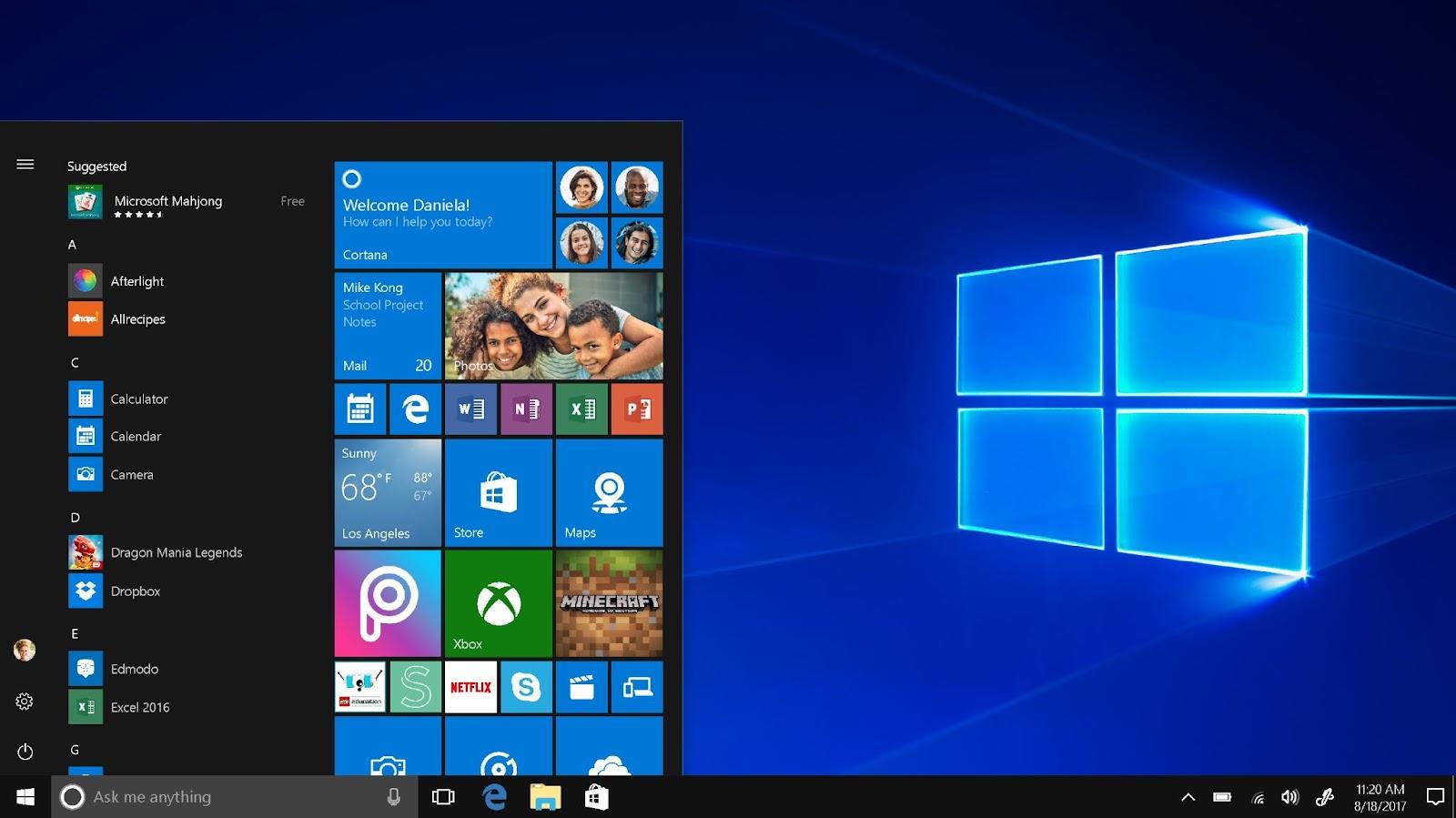
A significant portion of Windows is cloud-based, and the cloud and local components are often updated to provide you access to the newest features and enhancements. They gather different information about you, your device, and how you use Windows to offer its computing experience. Additionally, Microsoft provides you choices regarding the personal data that they collect and how they use it because Windows is personal to you. The centralized management tools provided by Microsoft are used by the organization(If an organization provides you this) if it manages your Windows device to access and process your data and manage device settings, device policies, software updates, data collection by us or the organization, or other aspects of your device.
Microsoft gathers Windows diagnostic data to address issues and maintain Windows' functionality and security. Additionally, it enables us to improve Windows and associated Microsoft products and services, as well as, for users who have enabled "Tailored experiences," to offer more crucial advice and suggestions to better cater Microsoft and third-party products and services for Windows to the needs of the user. This information is sent to Microsoft and saved with one or more special IDs that enable us the microsoft to identify a certain user on a specific device and comprehend service problems and usage trends. A pre-loaded software called Input Hub offers a mechanism to collect feedback on installed first-party and third-party apps as well as Microsoft goods. Either your personal Microsoft account given by your organization (such as your work or school) that you use to sign into Microsoft products can be used to access Feedback Hub. You can provide feedback to Microsoft on behalf of your company by logging in using your work or school account.
Frequently Asked Questions
What do you understand about the privacy policy?
It is defined as the types of personal data it collects, how it uses it, and its intended use when using any stuff from Microsoft. The company asks for some product-specific details in the privacy statement, which provide additional information.
How any company uses your personal data?
A company like Microsoft provides rich, engaging experiences by using the data we gather. They utilize data for various purposes, including to help us offer, enhance, and secure the quality of our goods, services, etc.
What are the different types of Microsoft accounts they provide to anyone?
There are three types of accounts that Microsoft provides:-
Personal Microsoft account.
Work or school account.
Third-party account.
Conclusion
To summarise this blog, we first talked about how Microsoft collects data from customer and uses it for different purposes, How you can control your data and have control over it. Microsoft also provides different online services.










 1+ registered

