Image Augmentation Techniques
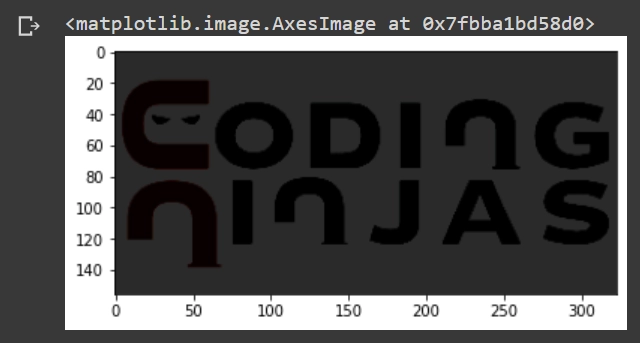
Original Image
import tensorflow as tf
import matplotlib.pyplot as plt

You can also try this code with Online Python Compiler
image = tf.io.read_file("sample_data/tf_CN.png")
image = tf.io.decode_jpeg(image)
plt.figure()
plt.imshow(image)
You can also try this code with Online Python Compiler
Output
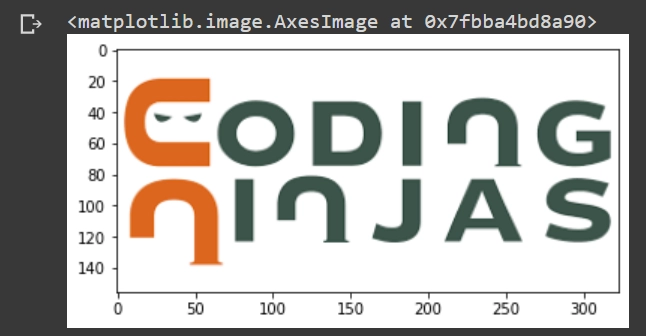
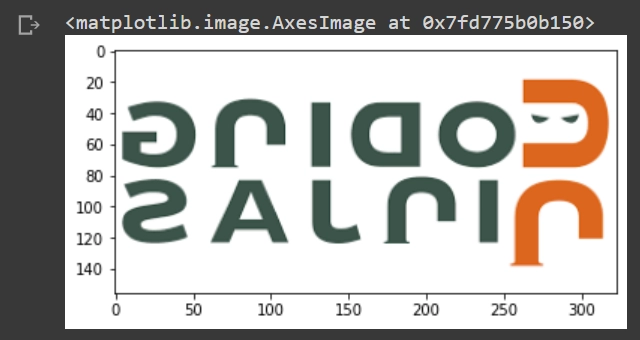
Flipping the Image
flip = tf.image.flip_left_right(image)
plt.imshow(flip)
You can also try this code with Online Python Compiler
Output
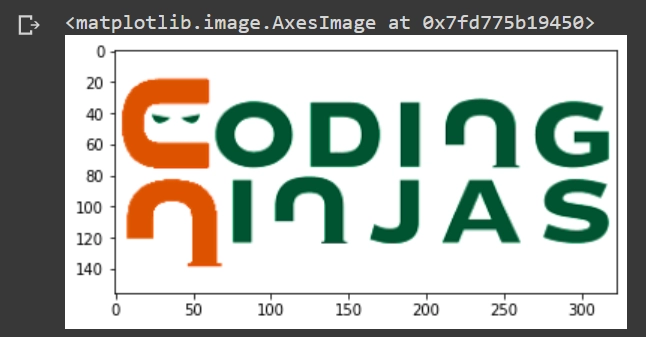
Adjusting Saturation in the Image
saturate = tf.image.adjust_saturation(image, 10)
plt.imshow(saturate)
You can also try this code with Online Python Compiler
Output
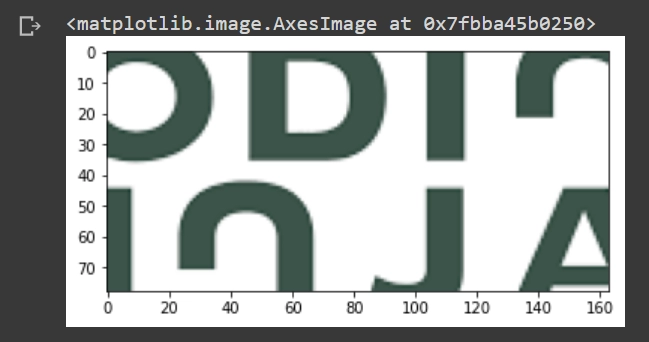
Cropping the Image
crop = tf.image.central_crop(image, central_fraction=0.5)
plt.imshow(crop)
You can also try this code with Online Python Compiler
Output
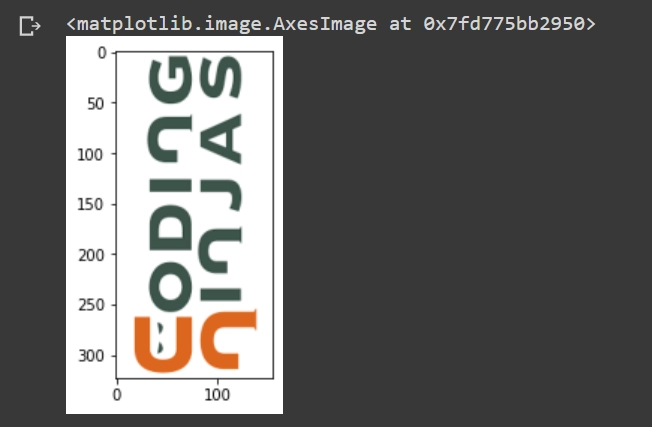
Rotating Image by 90 Degrees
rotate = tf.image.rot90(image)
plt.imshow(rotate)
You can also try this code with Online Python Compiler
Output
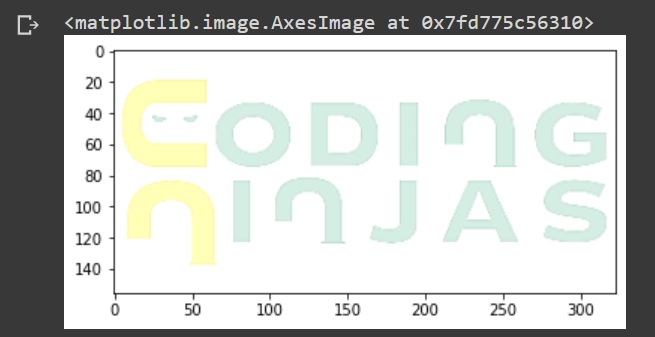
Brightening the Image
brighten = tf.image.adjust_brightness(image, delta=0.6)
plt.imshow(brighten)
You can also try this code with Online Python Compiler
Output
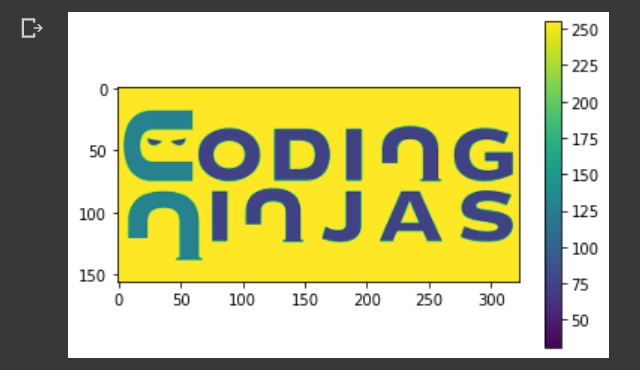
Grayscaling the Image
gray = tf.image.rgb_to_grayscale(image)
plt.imshow(tf.squeeze(gray))
_ = plt.colorbar()
You can also try this code with Online Python Compiler
Output
Random Image Constrast
seed = (5, 0)
rand_contrast = tf.image.stateless_random_contrast(image, lower=0.1, upper=0.9, seed=seed)
plt.imshow(rand_contrast)
You can also try this code with Online Python Compiler
Output
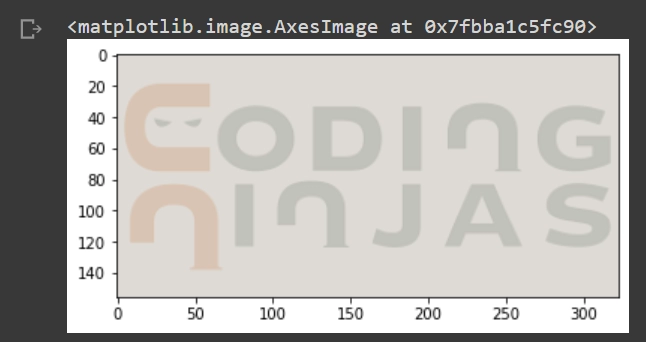
Random Image Brightness
seed = (5, 0)
rand_brightness = tf.image.stateless_random_brightness(image, max_delta=0.95, seed=seed)
plt.imshow(rand_brightness)
You can also try this code with Online Python Compiler
Output
Frequently Asked Questions
Q1. How can you create a Black Image with the same shape as the input image?
Ans. A Black image contains all zeros; hence we can use tf.zeros_like. The tf.zeros_like takes a tensor (input_image) as input & creates a tensor of zeros of the same shape and size.
tensor = tf.constant([[1, 2, 3], [7, 8, 9], [4, 5, 6])

tf.zeros_like(tensor) #[[0, 0, 0], [0, 0, 0], [0, 0, 0]]
You can also try this code with Online Python Compiler
Q2. What is ImageDataGenerator?
Ans. ImageDataGenerator is one of the features of tensorflow.keras API. We use it to perform data augmentation, such that we can train our model with different new combinations of data. With ImageDataGenerator, we do not generate new images directly, but the dataset images are transformed dynamically.
Q3. What are image augmentation techniques available in TensorFlow?
Ans. We can augment the image by following ways in TensorFlow:
- Flipping
- Changing Saturation
- Cropping
- Brightening
- Grayscaling
Key Takeaways
Congratulations on finishing the blog!! Below, I have some blog suggestions for you. Go ahead and take a look at these informative articles.
In today’s scenario, more & more industries are adapting to AutoML applications in their products; with this rise, it has become clear that AutoML can be the next boon in the technology. Check this article to learn more about AutoML applications.
Also Read - Image Sampling
If you are preparing for the upcoming Campus Placements, don't worry. Coding Ninjas has your back. Visit this link for a carefully crafted and designed course on-campus placements and interview preparation.





 21+ registered

