




Introduction
Do you know that JavaFX was developed with the intention of replacing Swing and becoming the standard GUI library for Java Standard Edition (SE). But, JavaFX’s market share degraded because of the rise of ‘mobile first’ and ‘web first’ applications. Hence, it was dropped from new Standard Editions while Swing and AWT continued to remain on the scene. In this blog, we will learn about one in-built transformation made available by JavaFX, that is, JavaFX Translation.
JavaFX Translation
When we say Translation, it means to displace the object from its original location. JavaFX Translation is used to relocate or change the position of any node and, consequently the object, present in the graph screen. The object is relocated by moving it in the X-Y direction. The class used to represent translation is javafx.scene.transform.Translate in which javafx.scene.transform is the parent class. In order to apply various rotation effects, we use this class. It has the ability to translate any object by changing the position of its nodes. This translation is done according to the specified parameters.
You can refer to the images below for a better understanding.
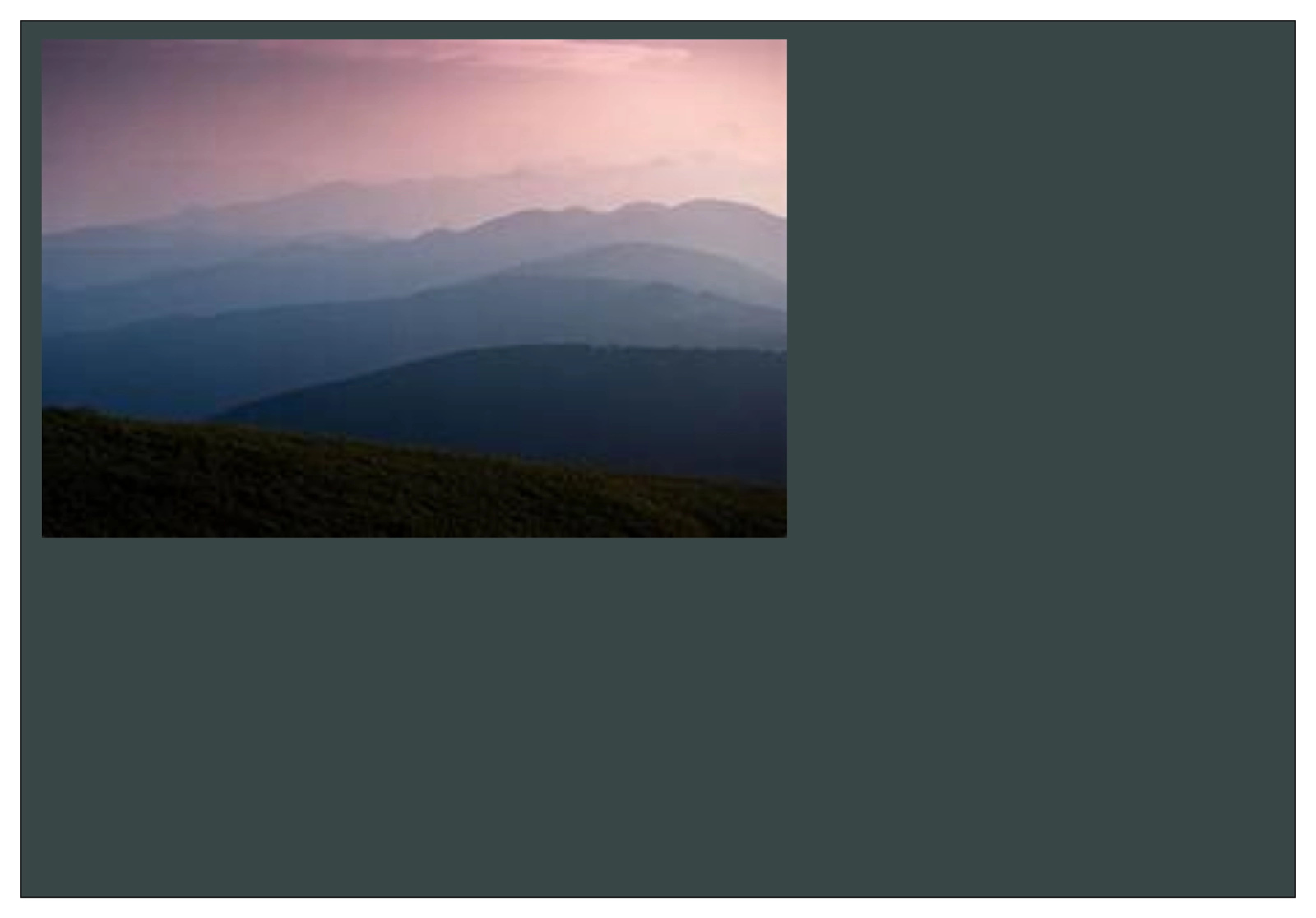
Before JavaFX Translation

After JavaFX Translation
From the images, we could imagine that how actually performing JavaFX translation would look like. The image has been translated to a new position.
The various properties used to create rotate transformations are mentioned below in the table.
| PROPERTIES | DESCRIPTION | METHOD |
| X | The X is a double-type property used for the representation of the distance by which the object has to be translated in the X-axis. | setX(Double value) |
| Y | The Y is a double-type property used for the representation of the distance by which the object has to be translated in the Y-axis. | setY(Double value) |
| Z | The Z is a double-type property used for the representation of the distance by which the object has to be translated in the Z-axis. | setZ(Double value) |
Types of Constructors
The javafx.scene.transform.Translate class contains three types of constructors. To learn about them, follow these descriptions below.
- public Translate()
This constructor creates the new instance of the Translate class using the default parameters.
2. public Translate(double X, double Y)
This constructor is used to translate any 2D figure and hence, it contains two parameters. It creates the new instance of the Translate class using the specified 2D (X, Y) coordinate.
3. public Translate(double X, double Y, double Z)
This constructor is used to translate any 3D figure and hence, it contains three parameters. It creates the new instance of the Translate class using the specified 3D (X, Y, Z) coordinate.
Implementation in Java
import javafx.application.Application;
import javafx.scene.Scene;
import javafx.scene.image.Image;
import javafx.scene.image.ImageView;
import javafx.scene.layout.Pane;
import javafx.scene.transform.Translate;
import javafx.stage.Stage;


import java.io.FileInputStream;
import java.io.FileNotFoundException;


//Function to create Translate transform.
public class TranslateTransformationExample extends Application
{
    public static void main(String[] args) {
        launch(args);
    }
    //Function to create a figure.
    public void start(Stage primaryStage)
    {
        ImageView imageViewOriginal  = createImageView();
        ImageView imageViewTranslated = createImageView();
        Translate translateTransform = new Translate();
        translateTransform.setX(200);
        translateTransform.setY(100);
        imageViewTranslated.getTransforms().add(translateTransform);


        Pane pane = new Pane();
        pane.getChildren().add(imageViewTranslated);
        pane.getChildren().add(imageViewOriginal);
        Scene scene = new Scene(pane, 1024, 800, true);
        primaryStage.setScene(scene);
        primaryStage.setTitle("2D Example");
        primaryStage.show();
    }
     //Function to provide memory to the figure.
     private ImageView createImageView() {
        FileInputStream input = null;
        try {
            input = new FileInputStream("assets/media/abstract-5719221_640.jpg");
        } catch (FileNotFoundException e) {
            e.printStackTrace();
        }
        Image image = new Image(input);
        ImageView imageView = new ImageView(image);
        return imageView;
    }
}
On executing the implementation above, we get the output image as:


 1+ registered



