


Free Online Resume Maker
Fast-track your job search with our AI resume builder
Experience ourPremium resume builder

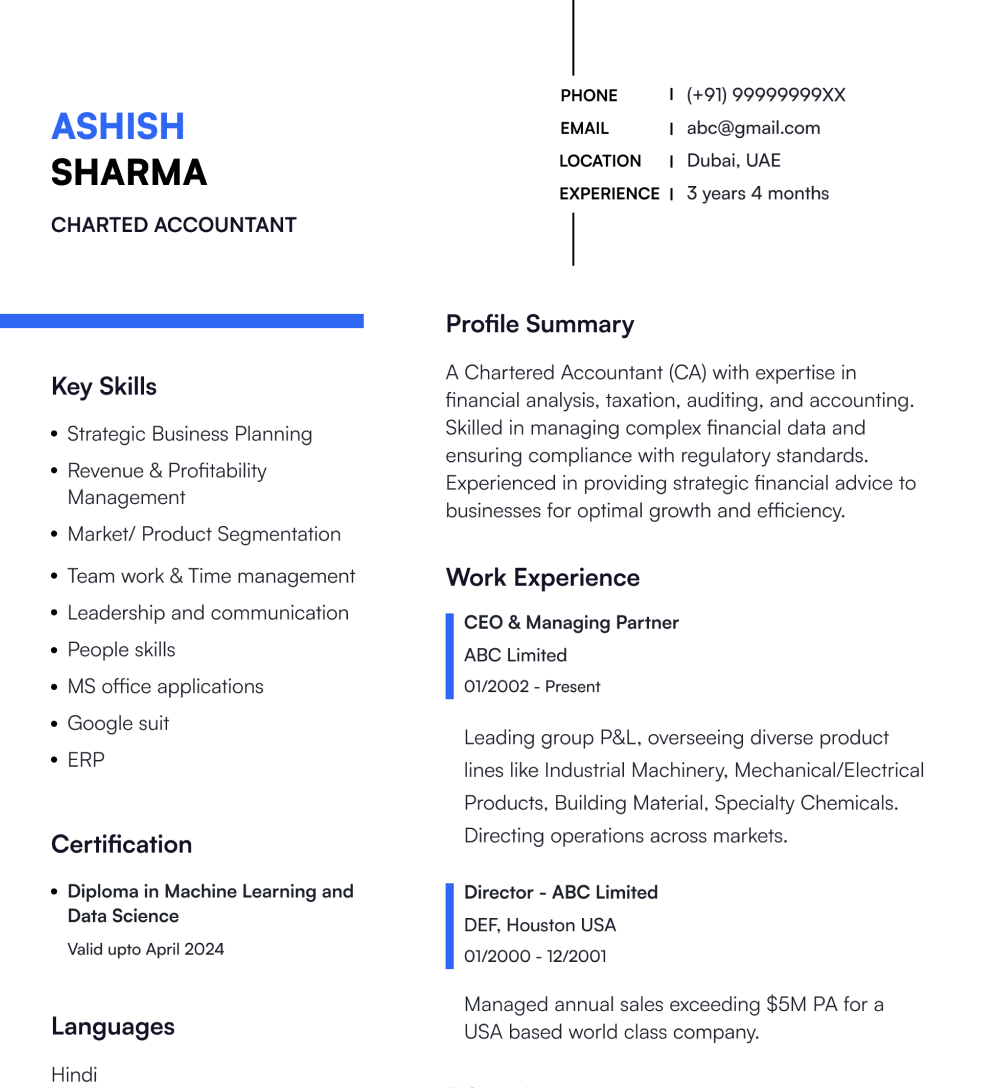
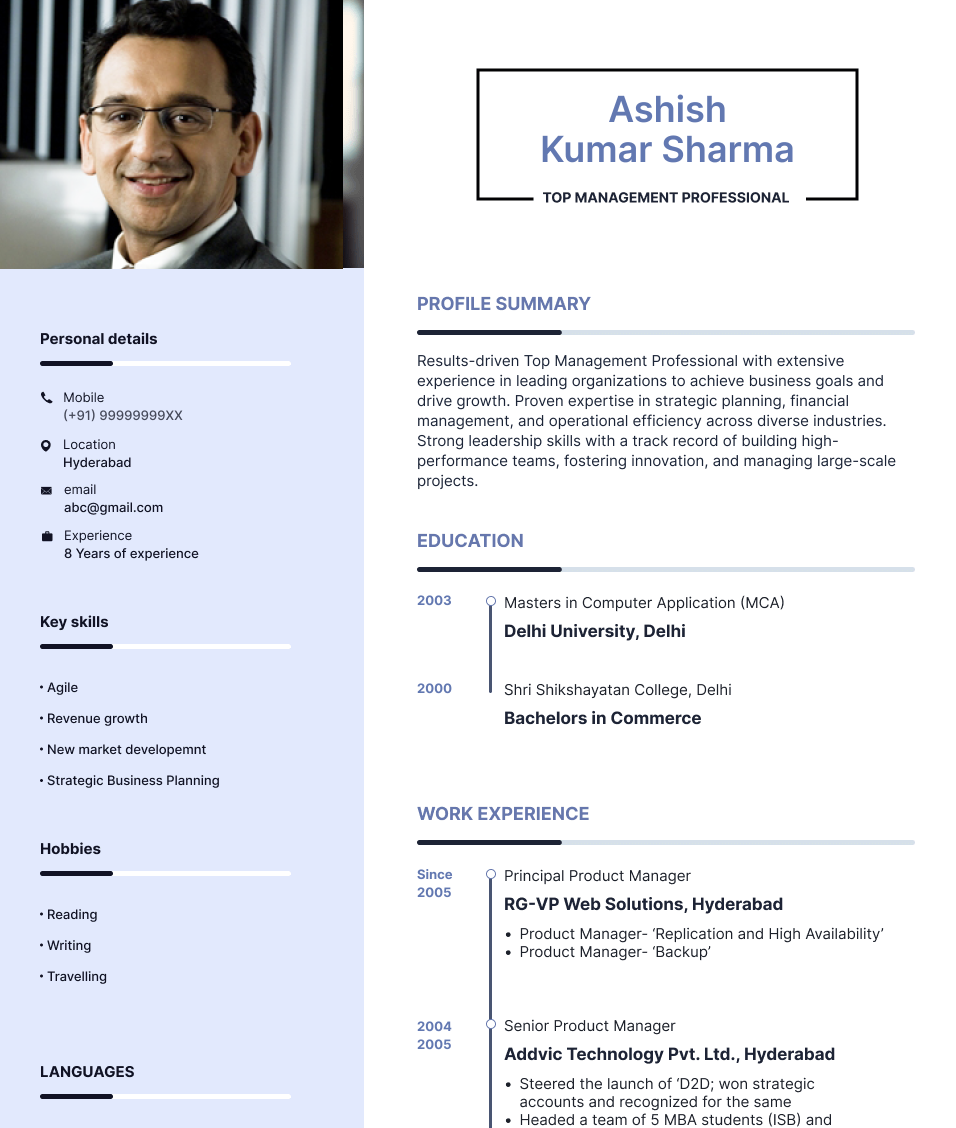
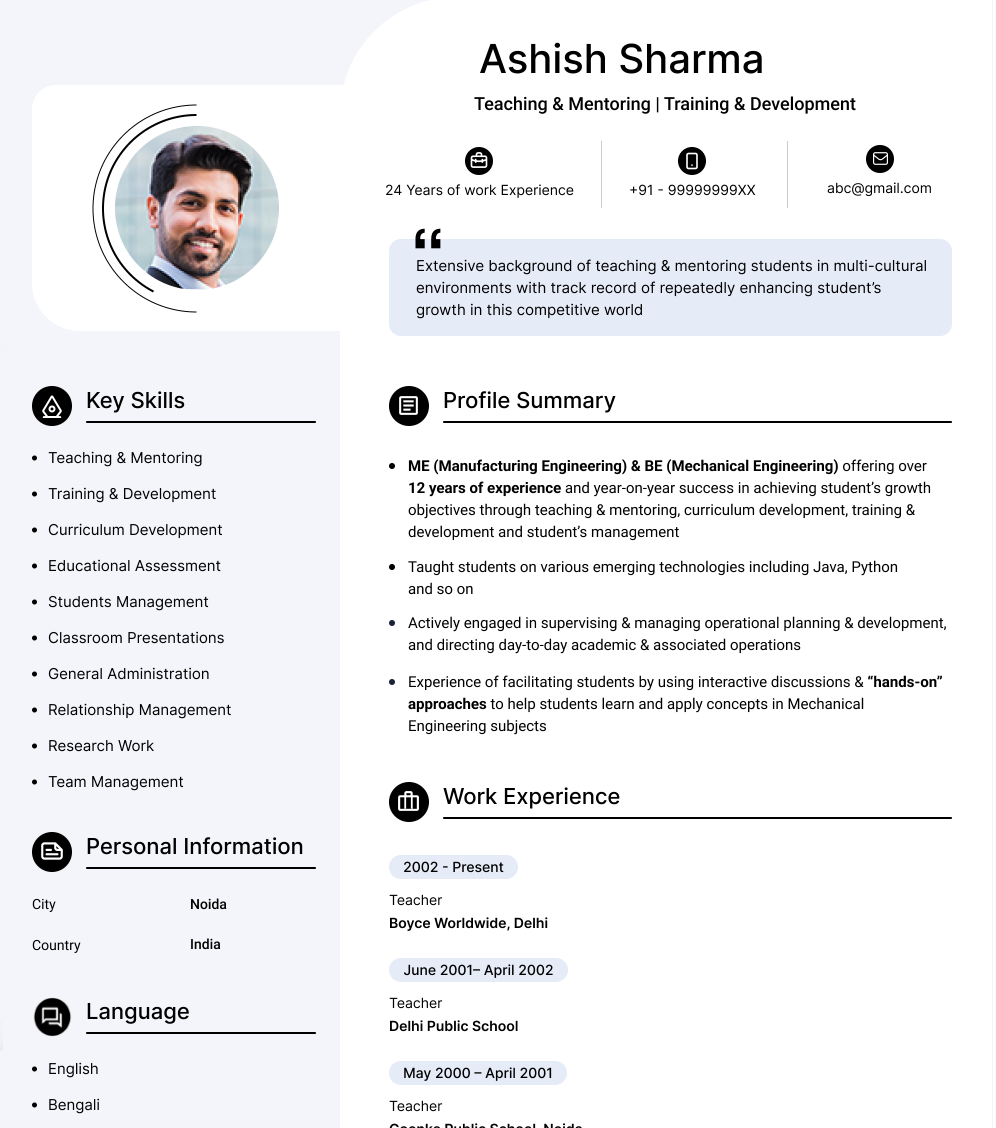
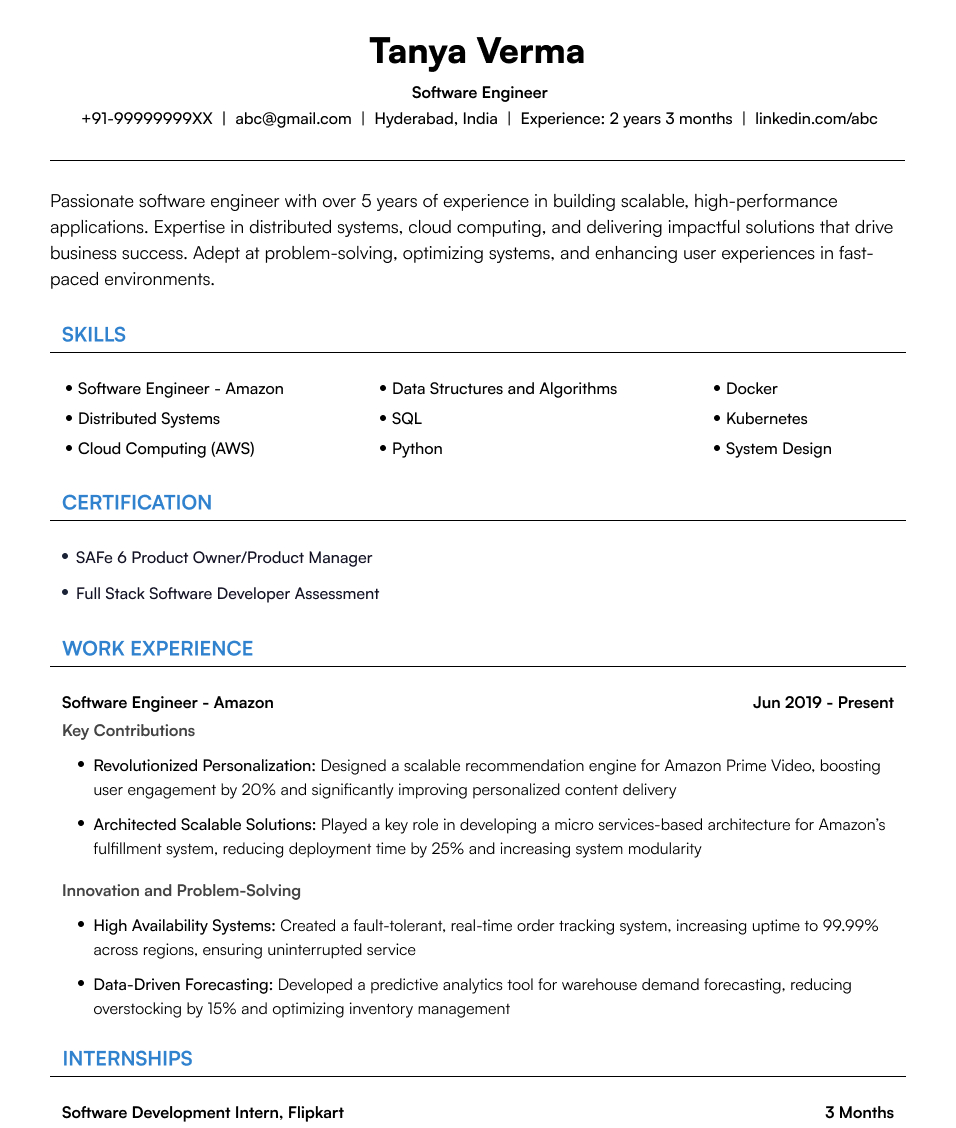
Explore impactful resume templates
 Pro
Pro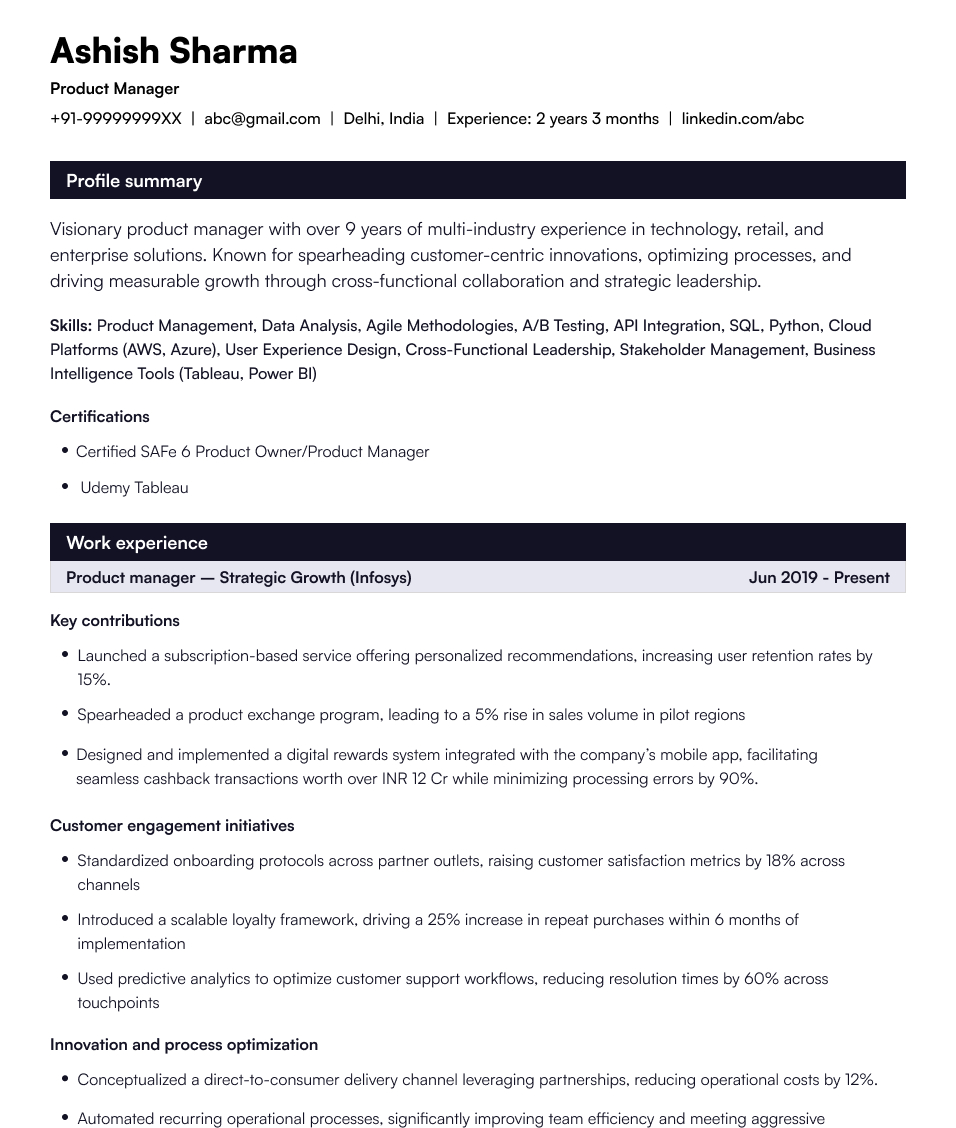 Pro
Pro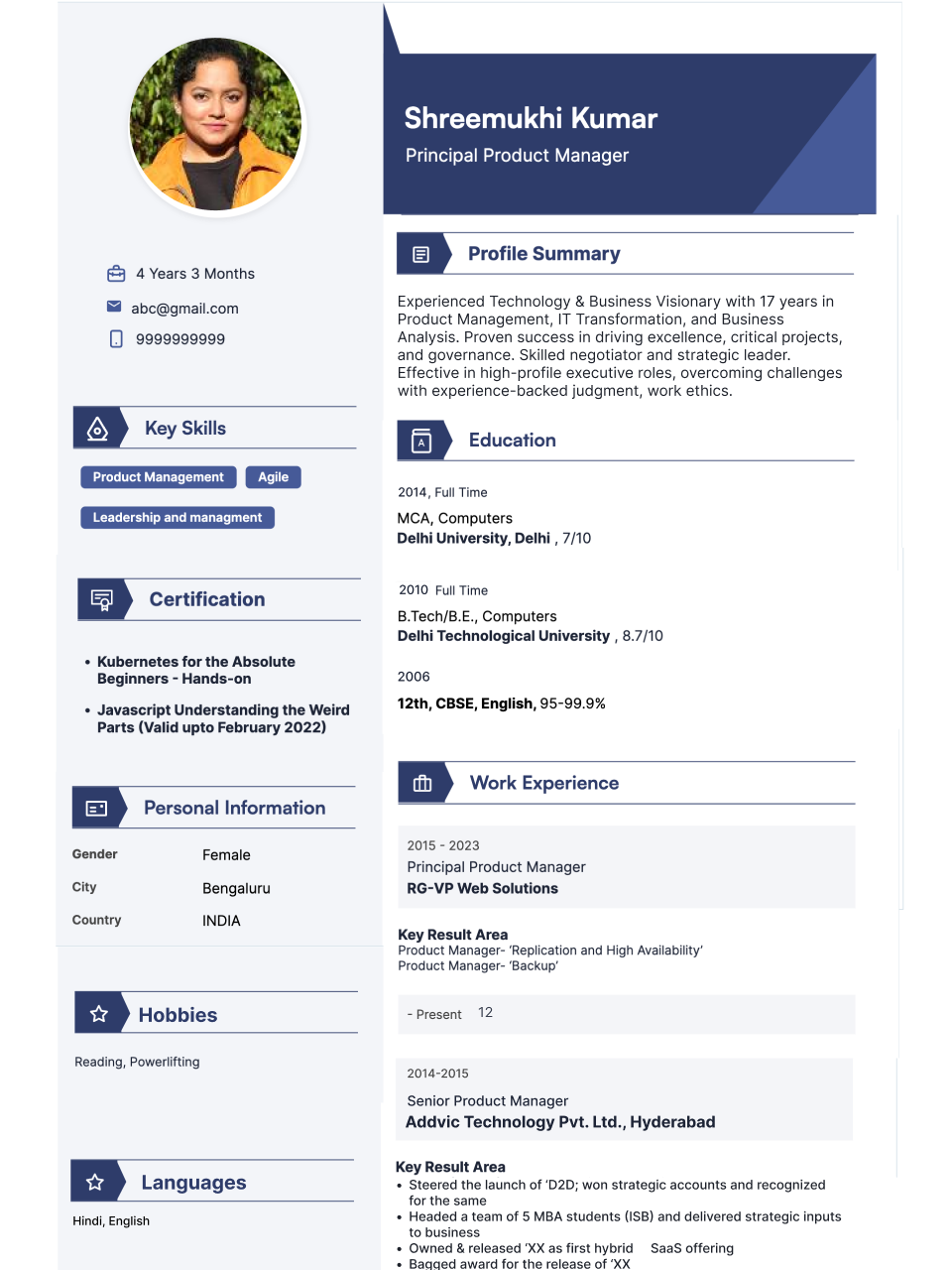 Pro
Pro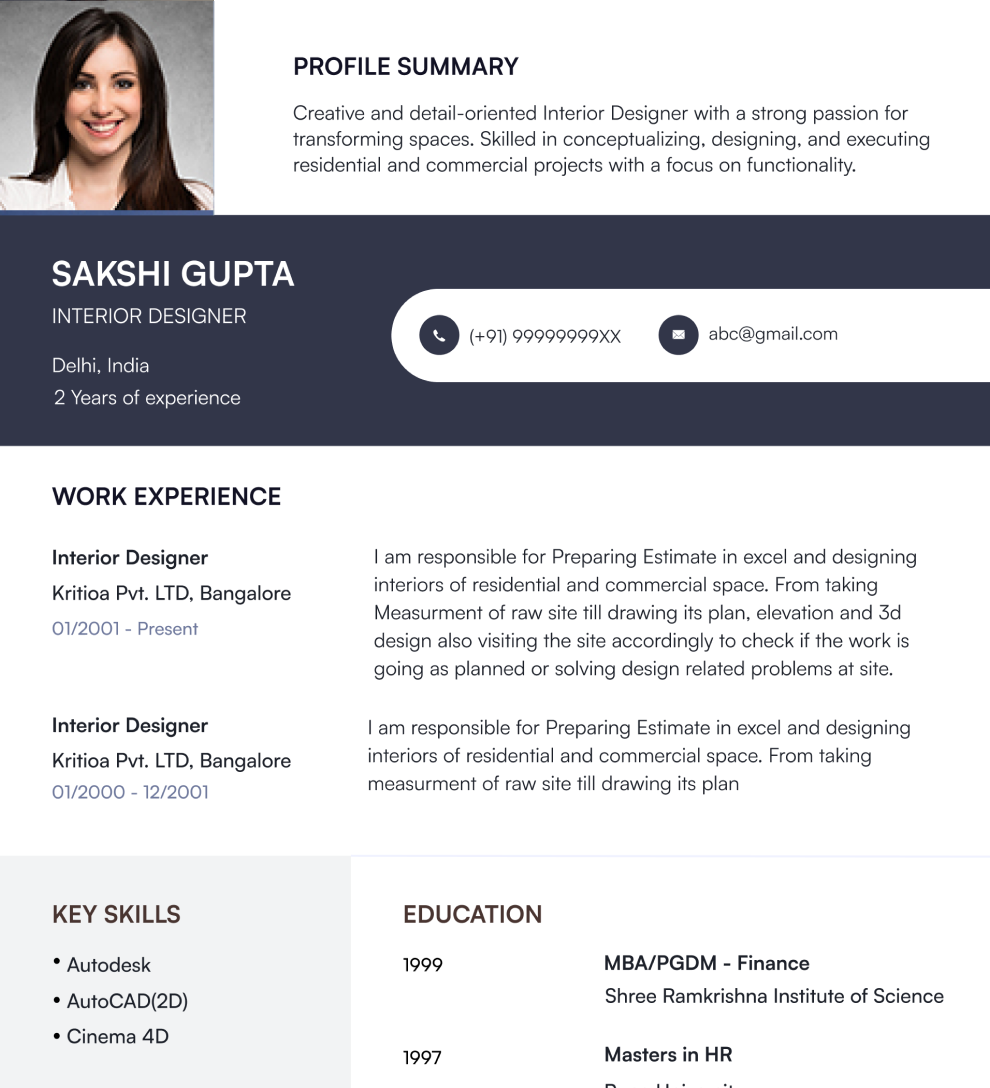 Pro
Pro Pro
Pro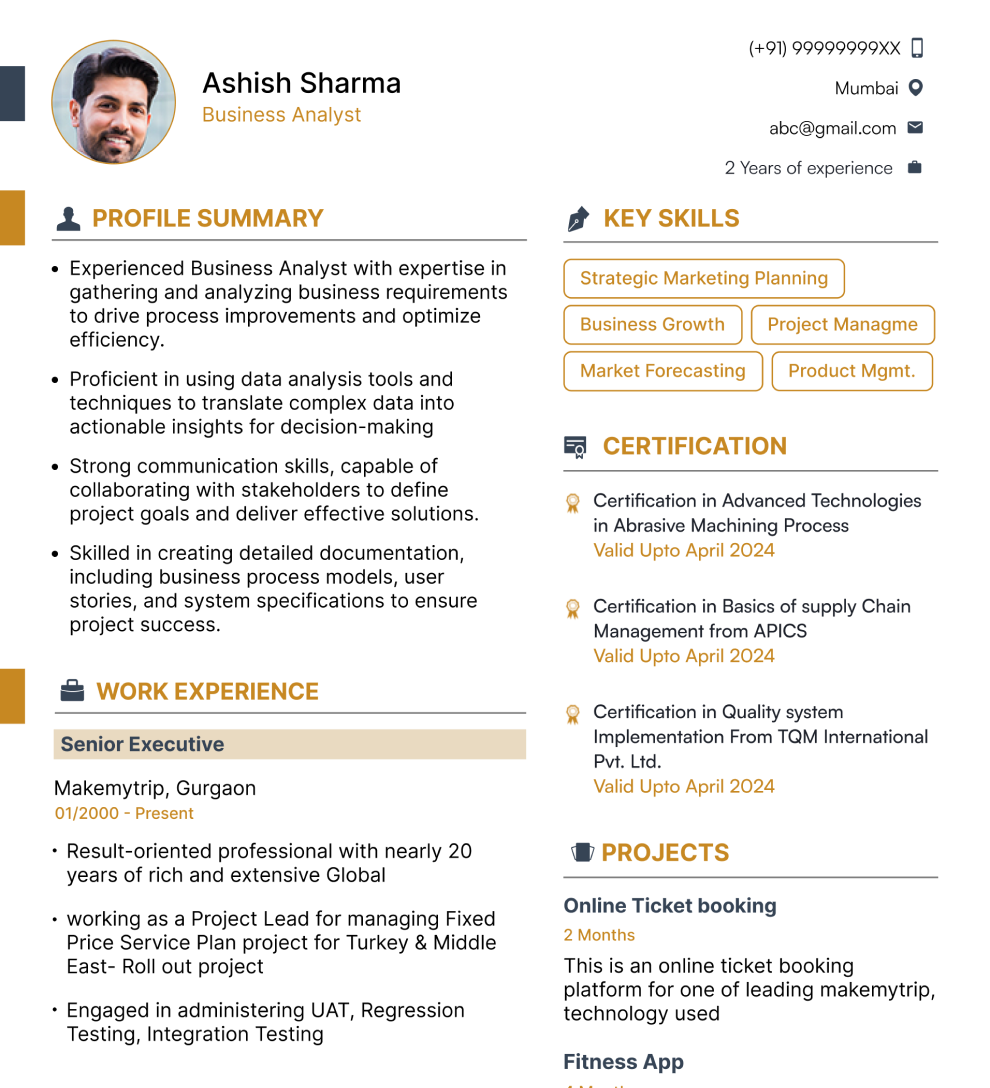 Pro
Pro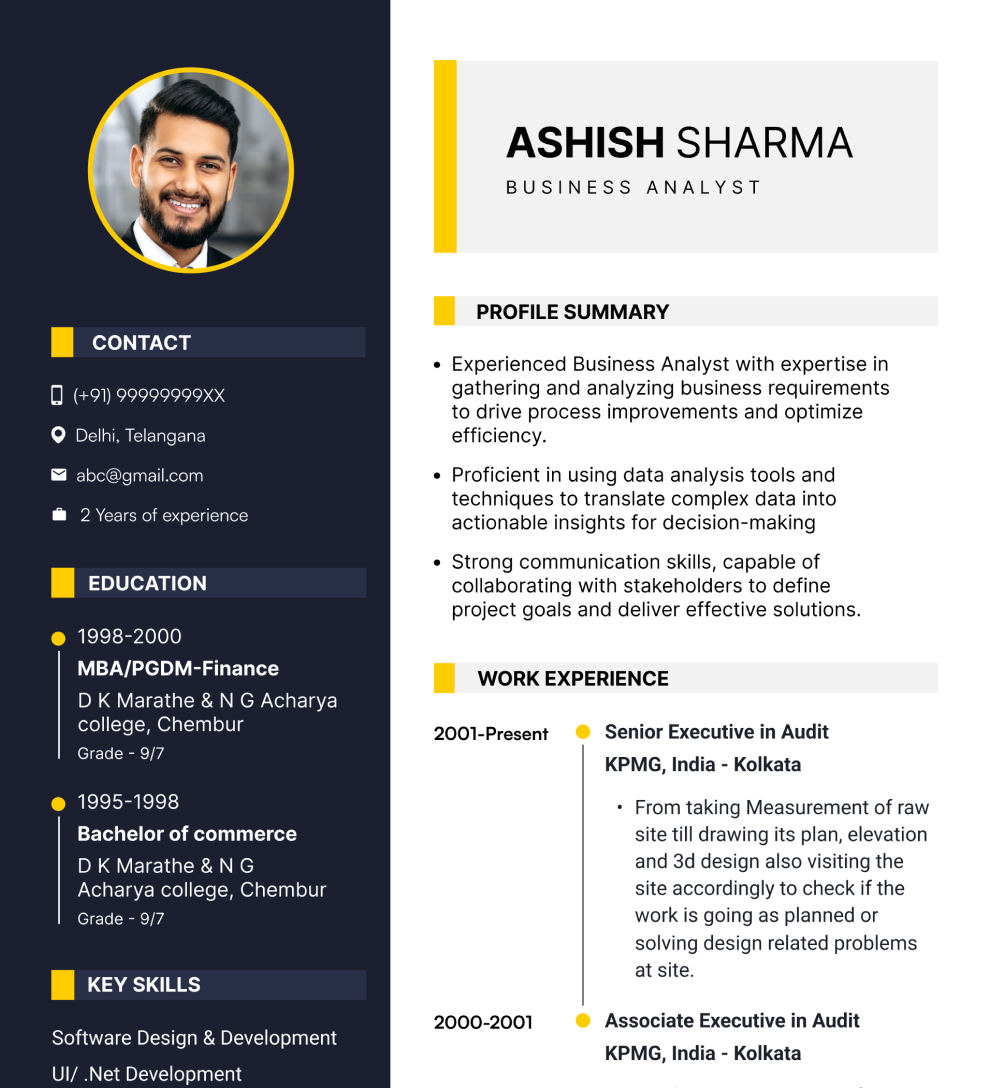 Pro
Pro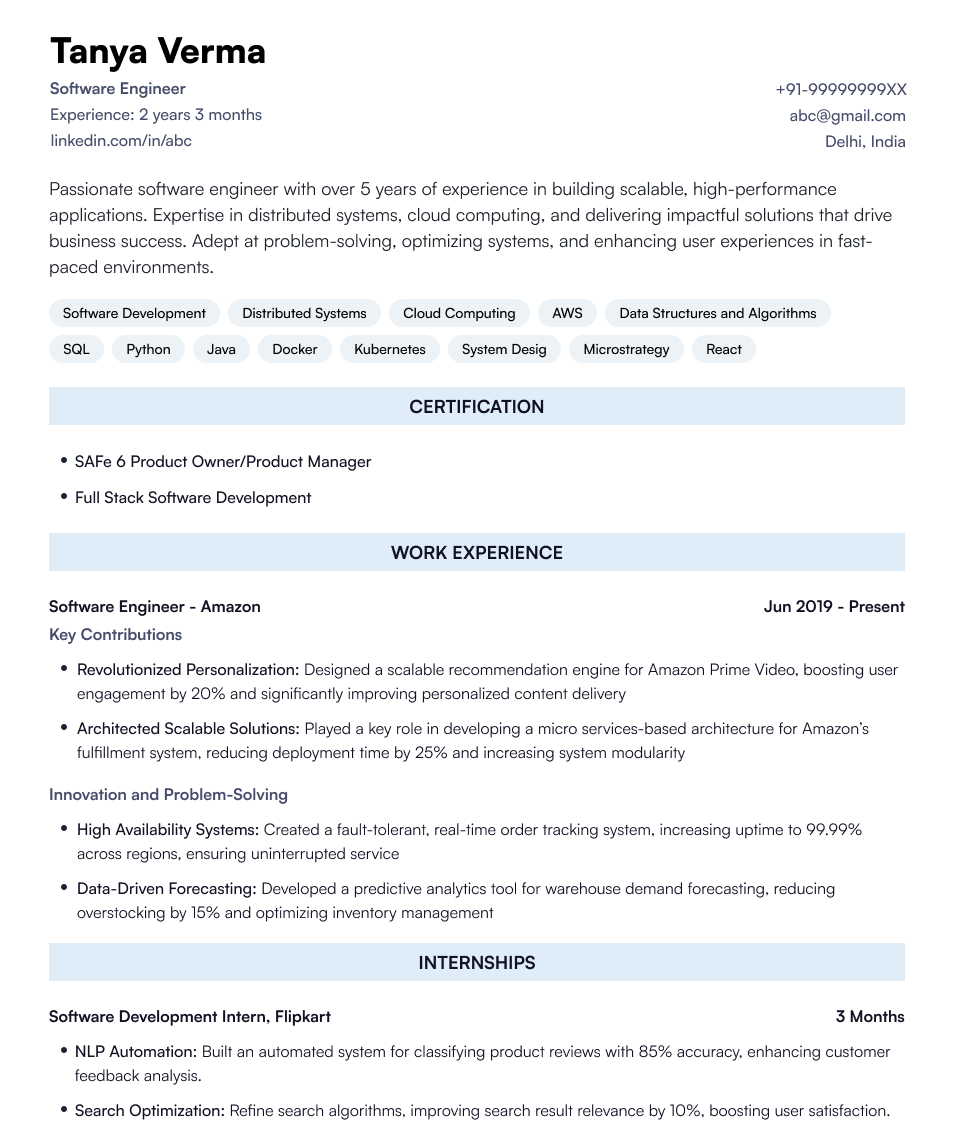 Pro
Pro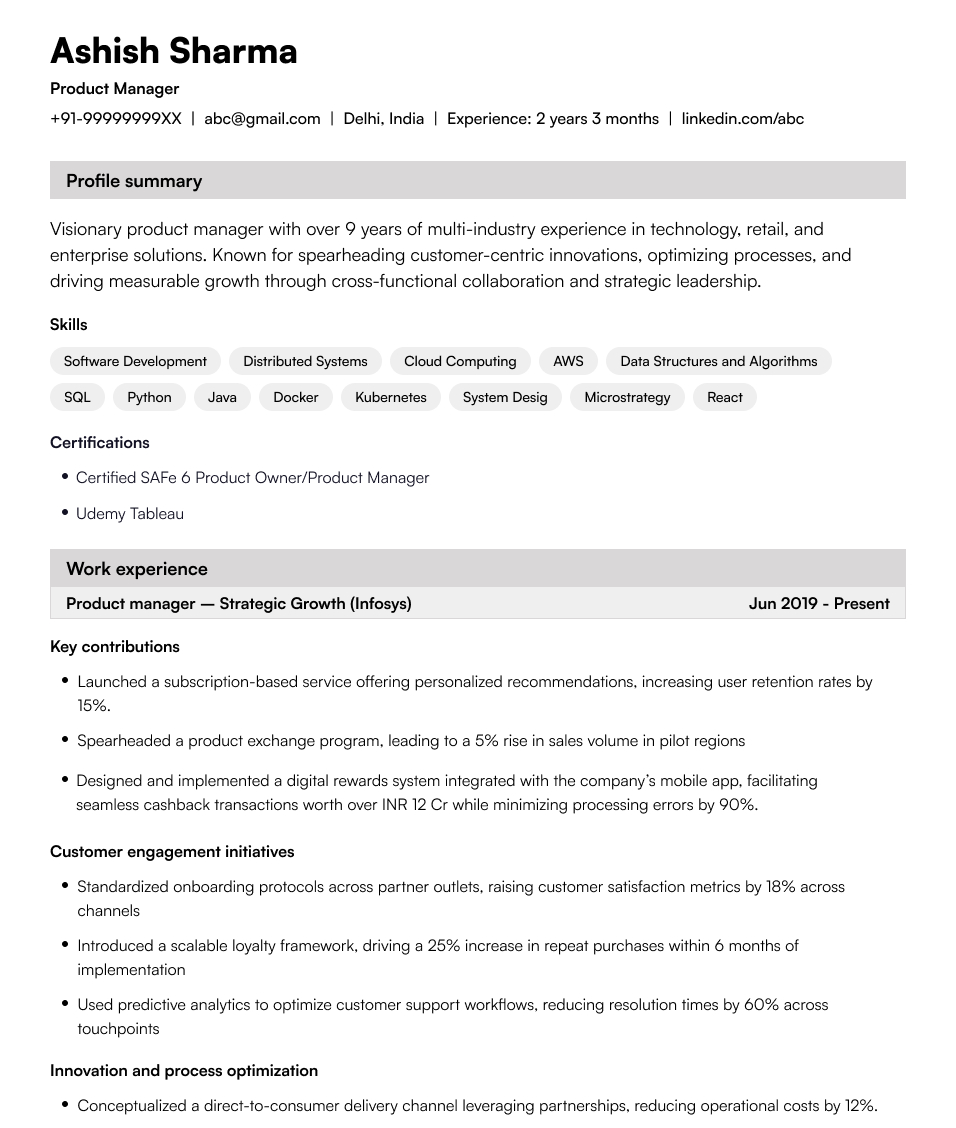 Pro
Pro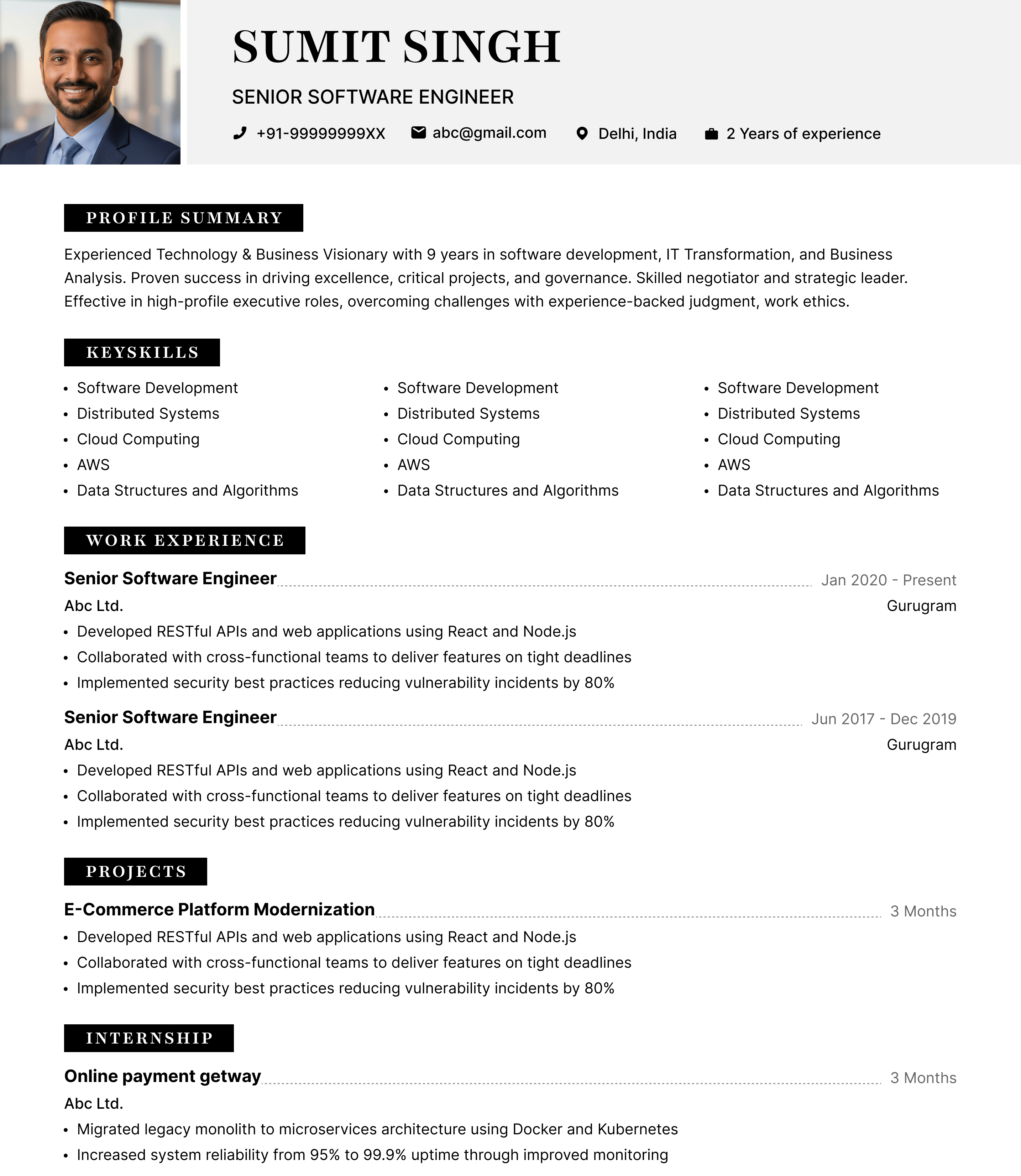 Pro
Pro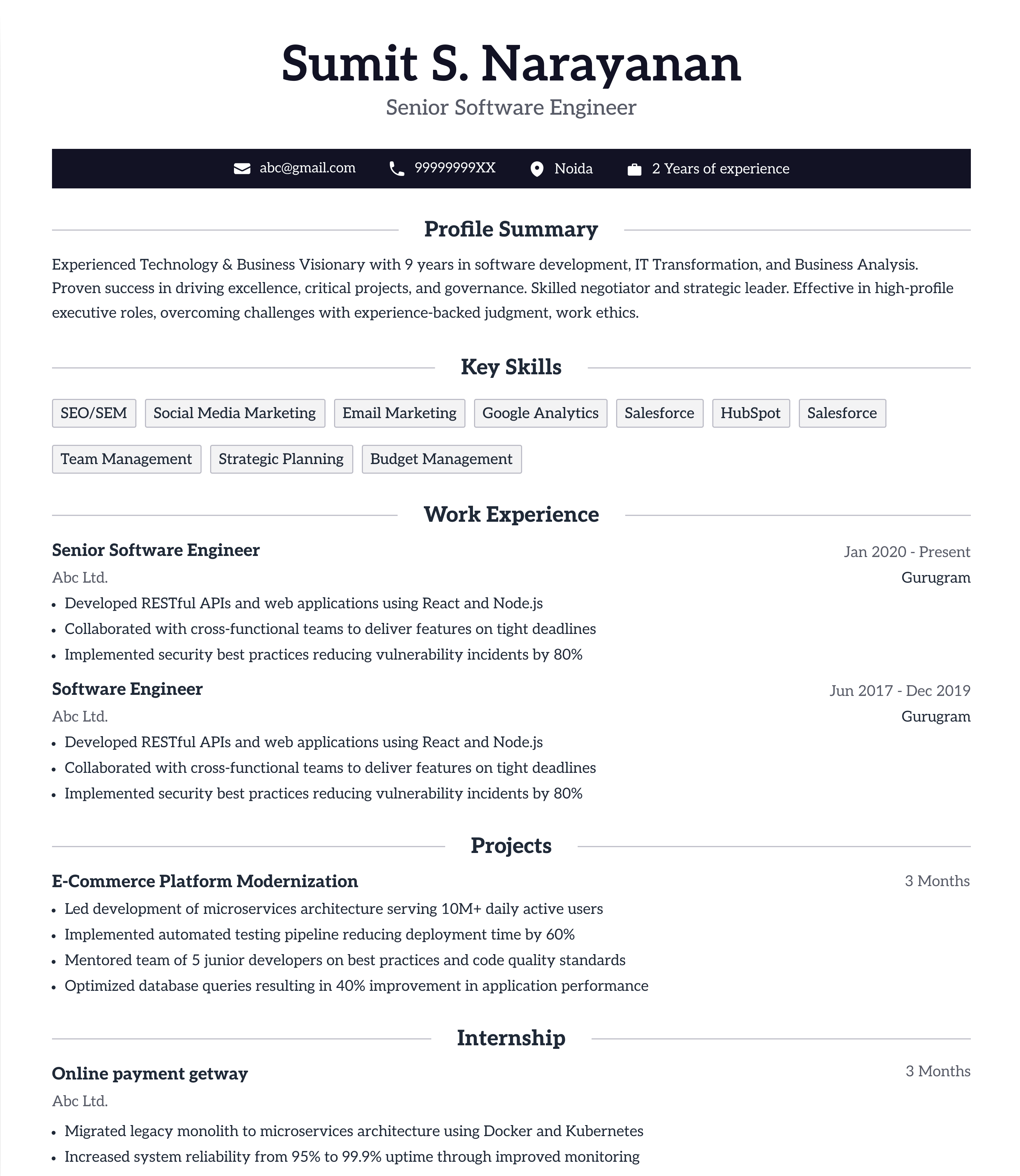 Pro
Pro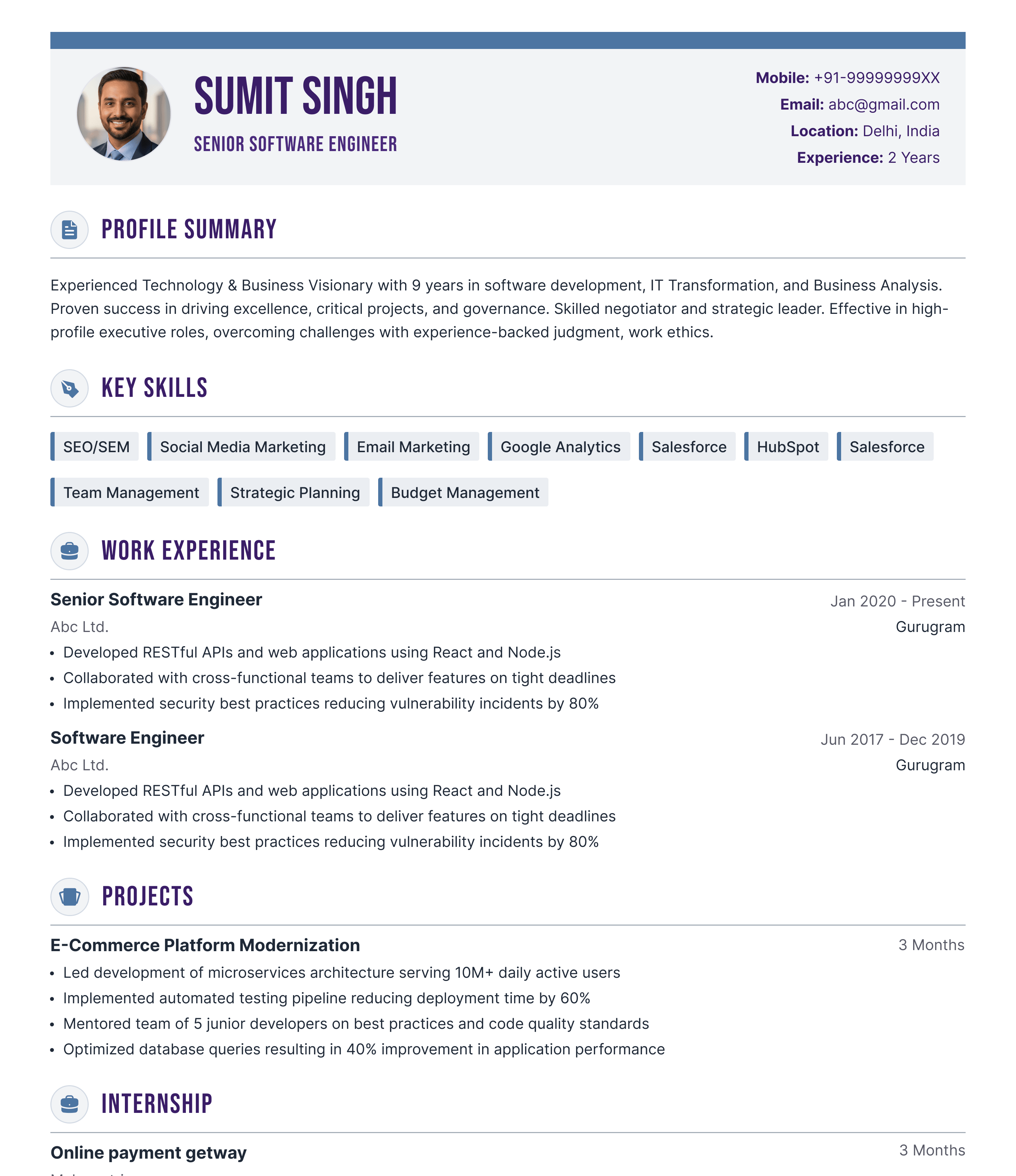 Pro
Pro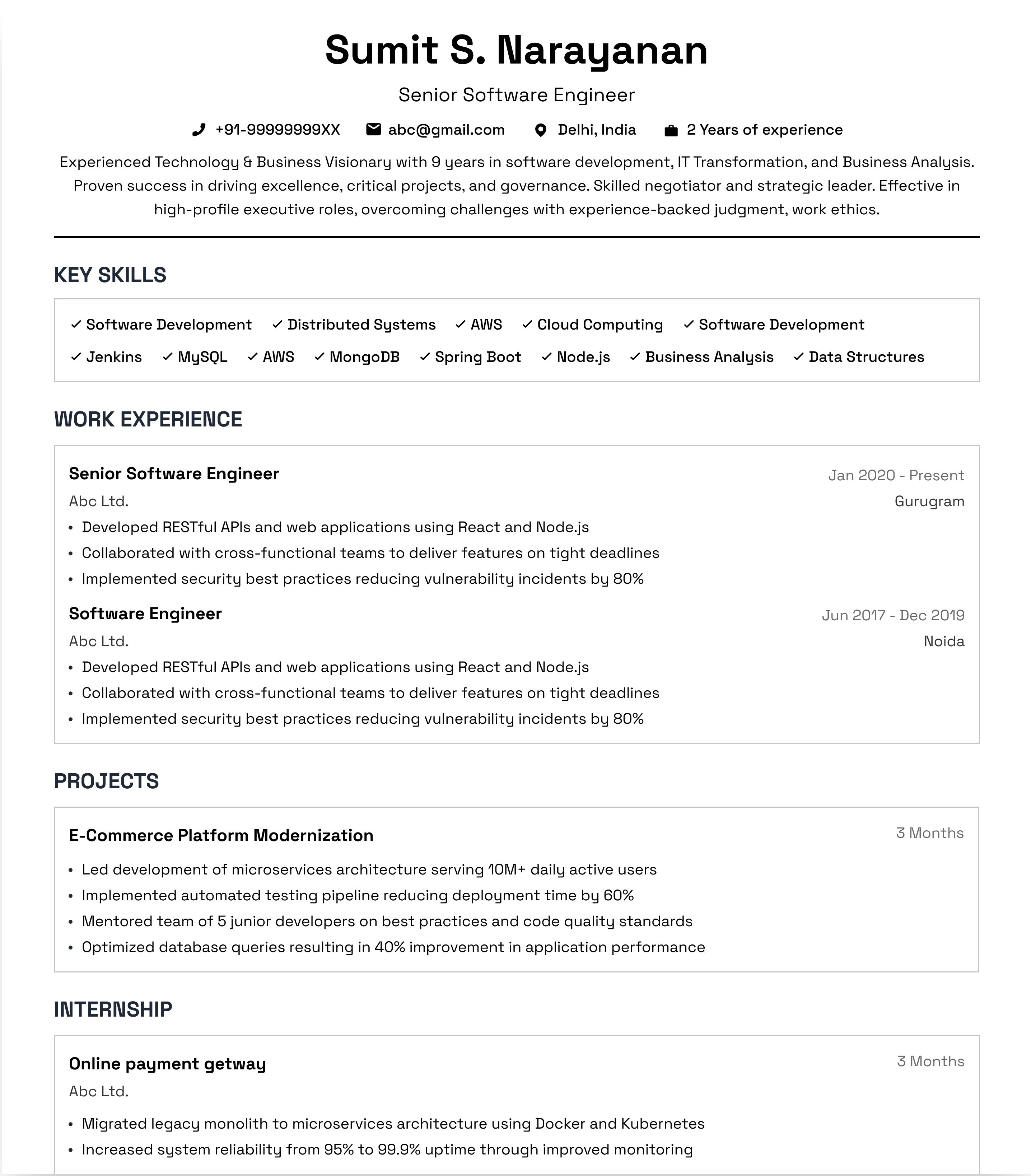 Pro
Pro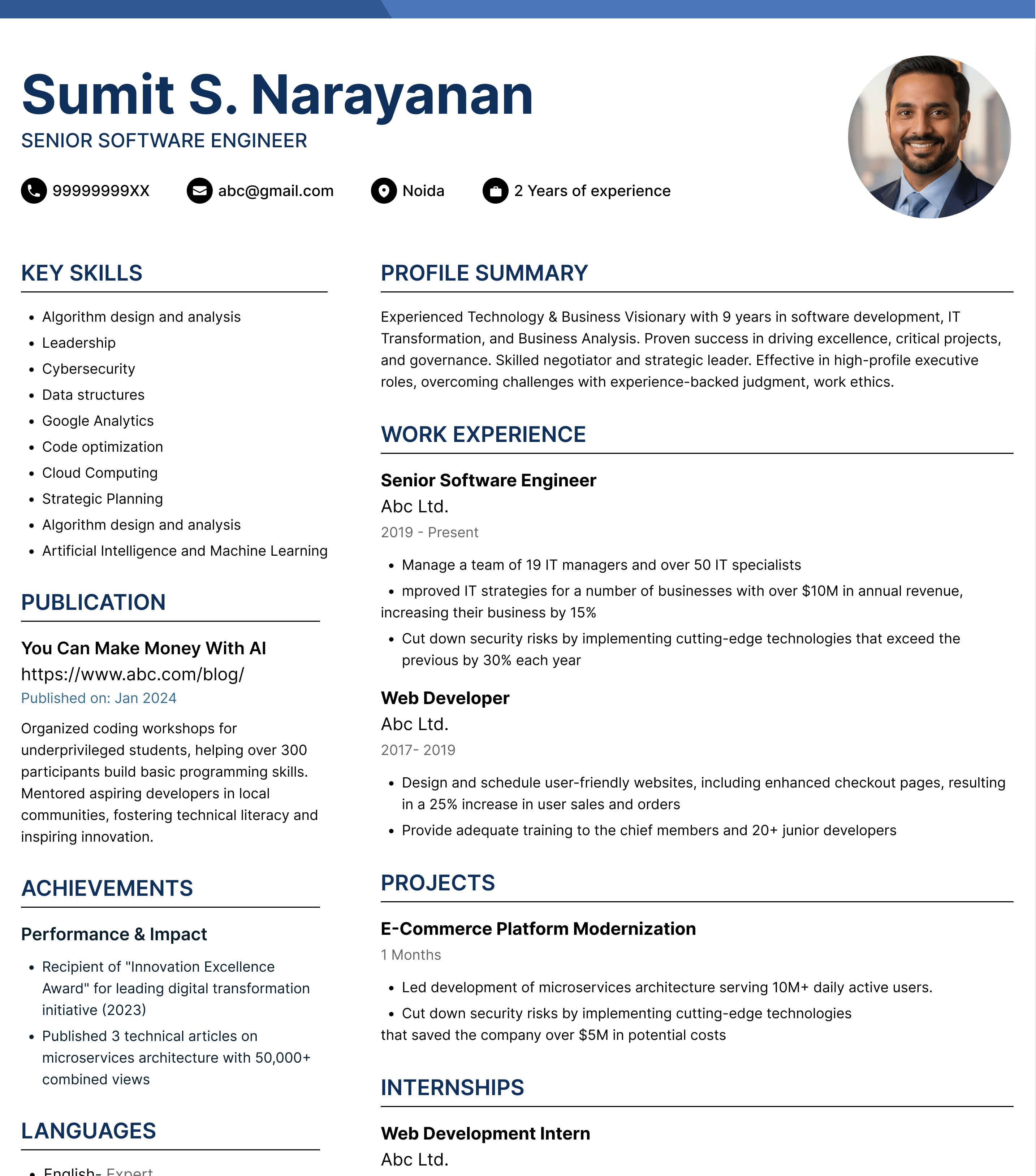 Pro
Pro Pro
Pro Pro
Pro Pro
ProWhy use our resume maker in your job search?

Save time & effort
Keep your information organized


More applications, less time
How to use resume maker?
What jobseekers are saying


AMAN KR.KUSHWAHA
Banking
Ravi S.
Marketing Professional
Sudheer Kumar Yadav
Metals & Mining

Priya M.
Software Developer
Tushar u mutharia
BPO / Call Centre
Ankit K.
Data Analyst
B.DORAIRAJ
Engineering & Construction
Vikram T.
Recent Graduate
SUBRATA MAITY
E-Learning / EdTech
Nisha Sharma
Marketing
Pooja Malhotra
Software Developer
Frequently asked questions
Q1
What is AI resume maker?
Q2
How to use AI resume maker?
Q3
How much does it cost to create a resume with AI resume maker?
Q4
How long is Naukri Pro valid for?
Q5
How many resumes can you create with AI resume maker and Naukri Pro?
Q6
How many AI attempts can I use to build my resume?
Q7
Which format will you be able to download your resume in?
Q8
Who should you contact if you need any help?
Q9
Why should I use a resume builder?
Q10
Is this a completely free resume builder?
Q11
How can I create my resume?
Q12
What’s the recommended layout for a resume?
About Naukri’s AI-powered resume maker
AI-assisted writing | ATS-compliant | Recruiter-friendly
Naukri’s AI Resume Builder helps you create a professional resume with AI-assisted writing and ATS-friendly templates. Download it as a PDF or add it directly to your Naukri profile to get discovered by recruiters.
Why Choose Naukri Resume Maker?
Naukri’s online resume builder helps you improve your content and connect your finished resume directly to your job search.
- Write Better with AI: Use AI-assisted suggestions to improve summaries, work experience, and achievements while keeping the content true to your experience.
- 20+ ATS-Friendly Professional Templates: Pick from professionally designed templates with clean sections and easy-to-read formatting.
- No Formatting Hassles: Add your career details and let the AI resume generator handle the structure, spacing, and presentation.
- Resume Ready in Minutes: Create a professional resume faster with AI-assisted writing, ready-made sections, and built-in formatting.
- Create on Any Device: Build and download your resume easily on mobile or desktop whenever you need.
- Direct Recruiter Visibility: Attach your completed resume directly to your Naukri profile and make it available to recruiters searching for relevant candidates.
Choose a template that fits your experience and let our online resume builder take care of the formatting and writing.
Modern | Simple | Traditional | Creative | ATS | Two Column | Photo
How to Use Our AI Resume Builder
1. Add Details with AI
- Add experience, skills, and education
- Improve content with AI
- Edit information anytime
2. Pick a Template
- Choose ATS-friendly designs
- Get structured formatting
- Pick Free or Pro templates
3. Download and Apply
- Download as PDF
- Add to your Naukri profile
- Start applying for jobs
Join thousands of professionals using Naukri AI Resume Maker to create a job-ready resume today.
Free Resume Maker vs Naukri Pro
Choose the plan that fits how you want to build your resume and manage your job search.
| Feature | Free Resume Maker ₹0 | Naukri Pro ₹635/month |
|---|---|---|
| AI content improvements | 3 attempts | Unlimited (100 daily) |
| Resume templates | 3 | 20 |
| AI resume creation | × | ✓ |
| Resume editing | ✓ | ✓ |
| PDF downloads | ✓ | ✓ |
| Add to Naukri profile | ✓ | ✓ |
| Mobile and desktop access | ✓ | ✓ |
Also Included with Naukri Pro
- Neo AI Job Agent: Stay ahead of relevant job opportunities.
- Enhanced Profile: Give your Naukri profile greater visibility.
- Unlimited AI Mock Interviews: Practice for interviews with AI.
- Expert Profile Insights: Get suggestions to improve your profile.
- 95% Chance of Pro Invites: Improve your chances of receiving invites.
- Unlimited Interview Question Bank: Prepare for a wider range of interview questions.
More Tools to Power Your Job Search
Use Naukri tools to improve your resume and prepare for better opportunities.
- Free Resume Maker: Create a professional resume with AI assistance and ATS-friendly formatting.
- Resume Templates: Choose professional resume templates designed for different career needs.
- ATS Resume Checker: Check your resume score for common ATS issues and find areas you can improve.
- Professional Resume Examples: See resume examples for different roles and industries to inspire your own.
- Cover Letter Templates: Create a professional cover letter that complements your resume and application by best cover letter templates.
- Career Advice: Get practical guidance on resumes, interviews, job searches, salaries, and career growth with Career Advice.
- AI Interview Preparation: Practice interview questions with AI and prepare with greater confidence using AI Interview Preparation.
How to Create a Resume That Gets Noticed in 2026
Use these quick tips to build a stronger resume with Naukri AI Resume Maker. Create clear content. Follow ATS-friendly practices. Present your experience in a way recruiters can scan fast.
What Recruiters Notice First on a Resume
Recruiters first check whether your recent experience matches the role. Make these signals easy to spot:
- Current role: Show your latest title and employer clearly.
- Relevant experience: Bring role-related work higher on the page.
- Career level: Make your years of experience and progression easy to understand.
- Key skills: Prioritise skills mentioned in the job description when they genuinely match your background.
- Proof of impact: Replace duties with outcomes such as revenue growth or time saved.
- Recent experience: Give more space to your latest roles than work from many years ago.
What Should You Include in Your Resume?
Not every resume needs the same sections. Start with the essentials and add other sections only when they improve your application.
| Section | When to Include It |
|---|---|
| Contact Details | Always |
| Professional Summary | Useful for experienced professionals and career switchers |
| Key Skills | Always. Prioritise skills relevant to the role |
| Work Experience | Always for experienced candidates |
| Education | Always. Freshers can place it higher |
| Projects | Useful for freshers and technical roles |
| Certifications | Add when relevant to the target job |
| Achievements | Add when they show measurable impact |
Resume Length and Structure Cheat Sheet
Use this quick guide before you download and send your resume.
| Element | Recommended Approach |
|---|---|
| Resume length | 1 page for freshers, 1-2 pages for experienced professionals |
| File format | Use PDF by default; choose .docx when specifically requested |
| Heading font size | Keep text around 14-16 pt |
| Body font size | Keep text around 10-12 pt for easy reading |
| Page margins | Keep roughly 0.5-1 inch of clear space |
| Work experience | List your latest role first (descending order) |
| Bullets | Yes (•) |
| Tables | No |
| Photo/Icons | No |
| File name | Use Name_Role_Resume.pdf |
Which Resume Format Should You Use?
Choose the format based on your work history and what you want recruiters to notice first.
| Chronological Resume | Functional Resume | Combination Resume | |
|---|---|---|---|
| Best for | Professionals with steady work experience | Career changers or candidates with limited direct experience | Professionals in specialist or technical roles |
| Starts with | Your latest job | Key skills and strengths | Skills followed by work history |
| Use when | Your recent jobs are in the same or a related field | You are changing careers or returning after a long break | You have strong specialist skills plus relevant experience |
| Limitation | Employment gaps become more visible | Recruiters get less detail on your career timeline | Can become long if both sections are too detailed |
How to Make Your Resume ATS-Friendly
An ATS scans your resume for readable information and job-relevant terms. Keep these points in mind before you apply.
| Check This | Do This | Avoid This |
|---|---|---|
| Section headings | Use standard labels like “Work Experience” and “Education” | Creative headings like “My Profile” or “About Me” |
| Job titles | Write the exact title you held and keep it easy to find | Hiding titles inside graphics or text boxes |
| Dates | Use one clear format such as Jan 2026 - Present | Mixing formats like 01/26 and January ’26 |
| Keywords | Use skills from the job post only when they match your experience | Stuffing keywords unnaturally |
| Achievements | Write measurable results in plain text | Putting key results inside charts or icons |
| File type | Use a text-based PDF or .docx file | Scanned PDFs or image-only resumes |
| Layout | Use a simple reading order from top to bottom | Complex columns with tables and graphics |
One ATS Mistake Many Candidates Make
Do not copy the entire job description into your resume. Instead, identify the skills and terms that genuinely match your experience and use them in the relevant sections.
Want to know how ATS-friendly your resume is?
Use our free ATS resume checker before you apply.
Which Resume Format Should You Use – PDF or Word?
The best format depends on where you are applying. Use this quick guide before uploading your resume.
| Format | Use It When | Why It Works |
|---|---|---|
| No format is specified | Preserves layout across devices | |
| Word (.docx) | Employer requests Word | Easy for most ATS to read |
| Scanned PDF | Avoid for online applications | May be harder for ATS to parse |
Which Format Is Better for ATS?
A text-based PDF or a simple .docx file can both work well with ATS. Avoid scanned resumes with complex graphics and text inside images.
Resume Rules Can Change by Country
The right resume format can depend on where you are applying. Check local hiring practices before sending the same resume everywhere.
| Region | Common Approach | Best Practice |
|---|---|---|
| India | 1–2-page resume | Highlight skills + experience + achievements |
| US & Canada | Resume preferred | Avoid personal details such as age or photo |
| UK | CV commonly used | Focus on relevant experience and skills |
| Europe | CV format varies | Follow local conventions or Europass-style formats |
| Middle East | Resume or CV | Check the employer’s preferred format and details |
Applying for Jobs in Another Language?
- Write your resume in the language used in the job posting
- Translate job titles and skills into terms local recruiters recognize
- Keep company names and official qualification names unchanged
- Match the wording used in the job description
2026 Resume Trends Most Candidates Miss
Hiring technology is changing fast. Here is what should change on your resume in 2026.
| What Is Changing | 2026 Data | What to Do |
|---|---|---|
| Skills are becoming stronger hiring signals | 39% of Indian hiring managers now prioritise skills over education or career history | Show where you used each important skill; add projects or results as proof |
| AI-written applications are creating more noise | 76% of applicants use AI to customize applications; 53% of recruiters finding hiring harder cite the rise in AI-generated applications | Replace generic AI language with real scope; use actual numbers and outcomes |
| Recruiters are using AI to identify skills | 80% of Indian recruiters say AI helps them understand candidate skills; 71% say it helps uncover talent they may have missed | Use standard skill names; show those skills inside your experience rather than only in a skills list |
| Getting noticed is harder | Applicants per open role in India have more than doubled since 2022 | Make the top section immediately show your role; add relevant skills and recent impact |
| AI skills are seeing real hiring demand | Naukri JobSpeak reported 25% YoY growth in AI/ML hiring in June 2026 | Do not simply write “AI” as a skill — name the tool and explain how you used it |
How to Use AI Without Losing Resume Credibility
Use AI as an editor. Naukri Online Resume Maker can help improve how you present real experience without adding details you cannot prove.
| Use AI For | Do This | Avoid This |
|---|---|---|
| Stronger bullets | Give AI the task and result you actually achieved | Asking AI to “make it impressive” with no facts |
| Better wording | Improve clarity while keeping titles and responsibilities unchanged | Letting AI upgrade your job title or seniority |
| Adding impact | Provide real numbers such as revenue or time saved | Asking AI to invent percentages or metrics |
| Job customizing | Highlight existing skills that match the role | Adding skills only because they appear in the job post |
| Shortening content | Remove repetition and weak phrases | Removing details that prove your actual contribution |
Resume Mistakes That Can Lead to Rejection
- Using unclear job titles: Use a standard title recruiters can understand.
- Generic professional summary: Replace broad claims with role-specific strengths.
- Long blocks of text: Break content into short bullets that are easy to scan.
- Listing duties without scale: Add numbers such as team size or revenue.
- Irrelevant information: Remove details that do not support the target role.
- Inconsistent formatting: Keep dates, headings, bullets, and spacing uniform.
- Mismatched resume and profile: Keep titles and dates consistent across Naukri.
- Unverified AI-generated claims: Remove claims you cannot explain or prove.
Resume Guidance for Different Career Stages
Your resume should change as your career grows. Focus on the information that best supports your next role.
- Experienced Professionals: Lead with recent roles and measurable results. Give less space to older or unrelated experiences.
- Senior Professionals: Show leadership scope and business impact. Include team size or budgets when they add useful context.
- Career Changers: Bring transferable skills forward. Connect past achievements directly to the requirements of your target role.
- Returning Professionals: Address the career break briefly. Highlight recent learning or projects that show you are ready to return.
Naukri Resume Maker vs. Other Resume Builders
Most online resume builders stop once you download the file. Naukri connects resume creation with your wider job search.
| Feature | Naukri Resume Maker | Other Resume Builders |
|---|---|---|
| Free resume building | ✓ | Varies by provider |
| AI-assisted writing | ✓ | Often available |
| ATS-friendly templates | ✓ | Often available |
| Download your resume | ✓ | Available |
| Link with Naukri profile | ✓ | No |
| Visibility on Naukri | ✓ | Requires Naukri separately |
| Apply to jobs directly | ✓ | Requires a job portal |
| Resume and job profile connected | ✓ | Managed separately |
| Free career and interview tools | ✓ | Varies by provider |
Other FAQ's
Q1
What is Naukri’s AI-powered resume maker?
Q2
What is the difference between a CV maker and resume maker?
Q3
Can I create a CV with Naukri Resume Maker?
Q4
Can I download my resume as PDF?
Q5
Does Naukri Online Resume Maker work on mobile?
Q6
Can recruiters see my resume?
Q7
Does Naukri provide cover letter support?
Q8
Are Naukri’s resume templates ATS-friendly?
Q9
Can I customise my resume for different job roles?
Q10
What should a good resume include?
Q11
How long should my resume be?
Q12
Can AI improve my resume content?
- Refining and strengthening your wording
- Highlighting your achievements more effectively
- Fixing grammar and spelling errors
- Suggesting role-specific keywords
- Improving clarity and impact
