


 Try this free template
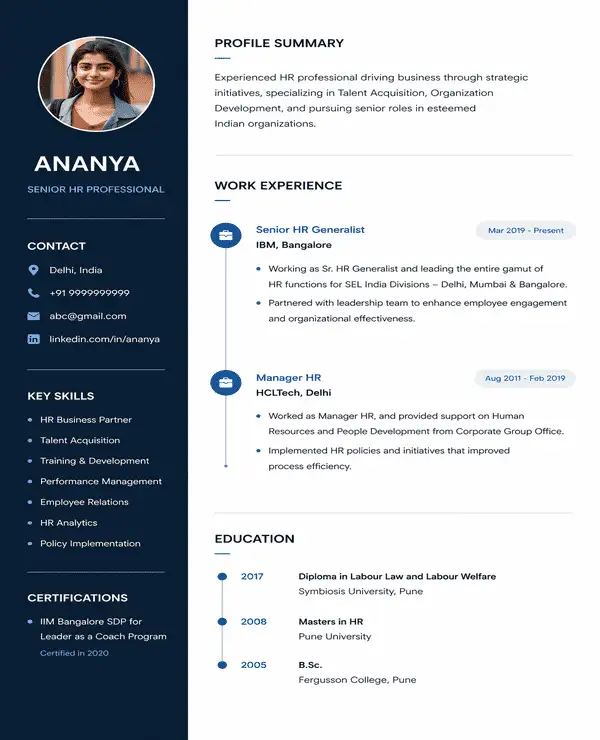
Nova
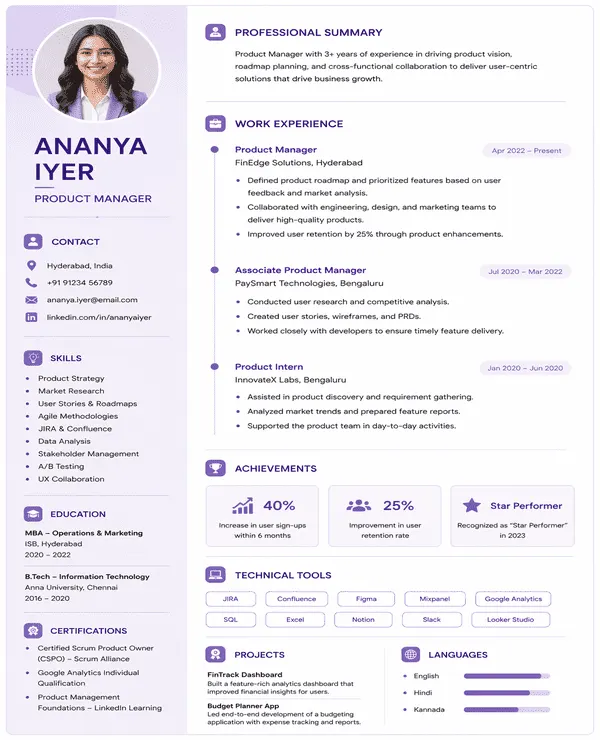
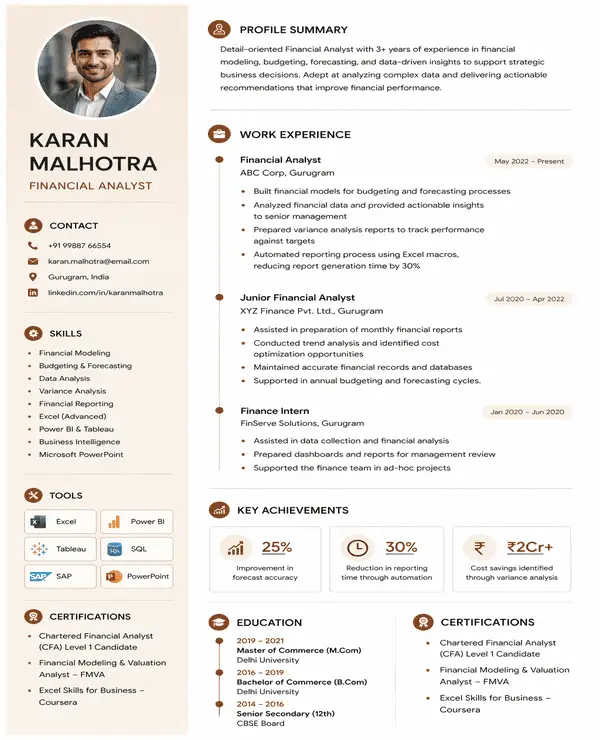
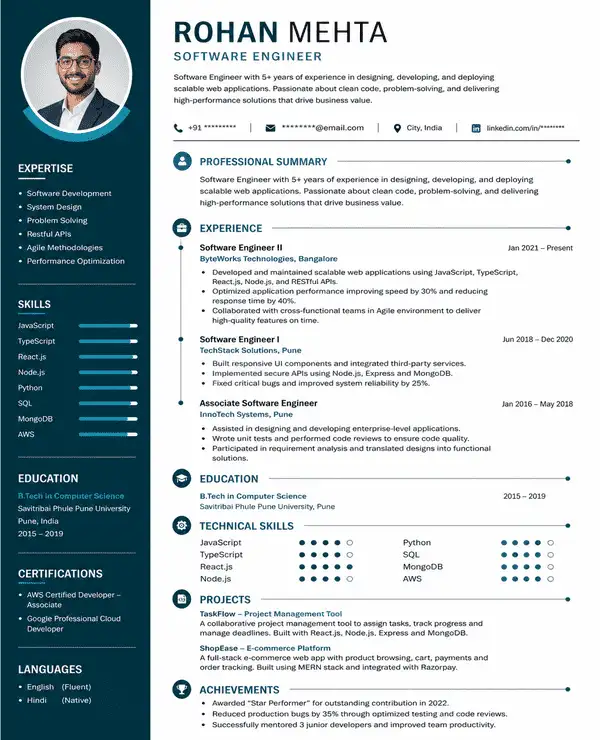
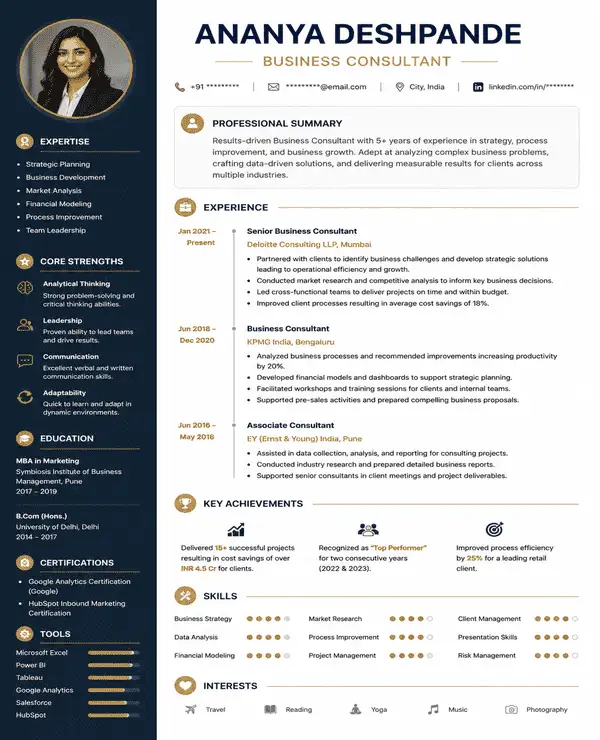
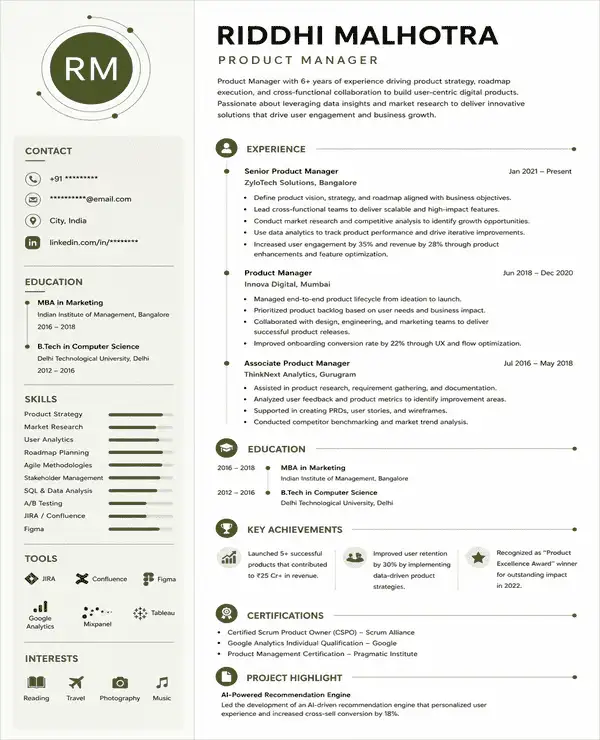
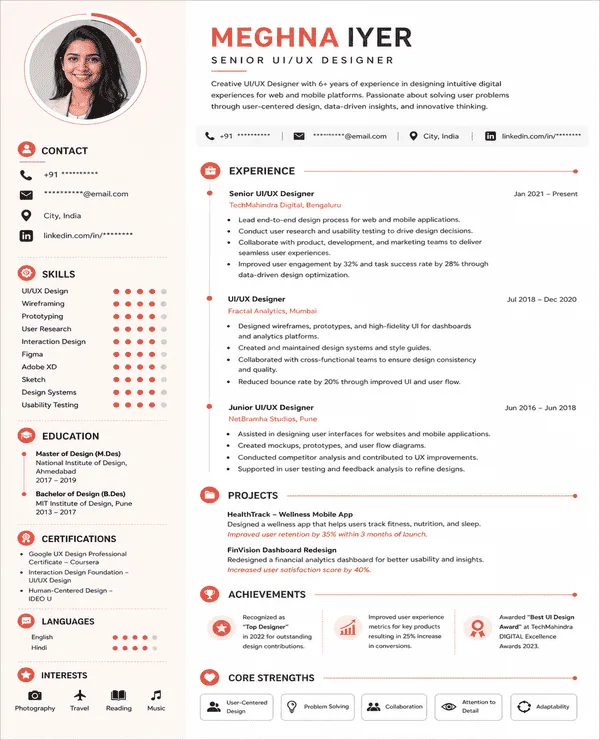
Modern / Two Column Design for Senior Roles
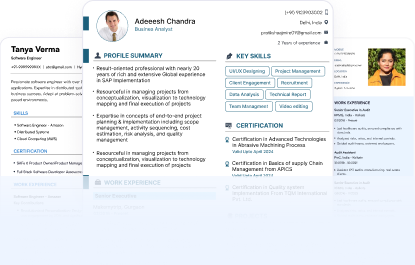
Choose from modern resume templates created for different roles and career levels. Customize the design with your details and download your finished ATS-friendly resume in PDF or DOC format.
Try this free template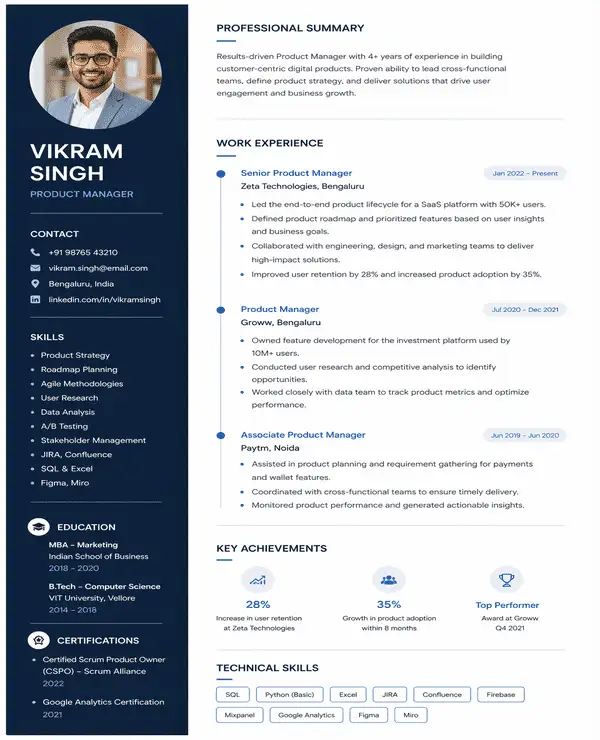 Try this free template
 Try this free template
 Try this free template
 Try this free template
 Try this free template
 Try this free template
 Try this free template
 Try this free template
Modern resume templates are resume designs that use a current and visually structured style instead of the plain text-heavy appearance commonly seen in traditional formats. The word “modern” refers to the way information is presented through updated typography and stronger visual hierarchy with subtle design elements.
Here are the key features of a modern resume template:
Compared with traditional resume formats, modern templates usually look more visually organized while still keeping the focus on professional experience and skills.
Yes. Modern resume templates can be ATS-friendly when they use a clear structure and simple formatting that applicant tracking systems can read easily.
An ATS-friendly modern resume should include:
All our modern resume templates for free download are ATS-friendly. They are designed to keep your information clear and easy for both recruiters and applicant tracking systems to read.
“Modern” describes the visual style of a resume rather than one fixed way of organizing the content. A modern resume template can follow any of the three common resume formats:
Most modern professional resume templates use a reverse-chronological or combination format because they make recent experience and relevant skills easy to find.
A modern resume format follows a clear structure that helps recruiters find the most important information quickly. The sections are usually arranged in an order that puts your current experience and relevant skills before supporting details such as education or certifications.
The exact order can change based on your career level and the type of role you are applying for. All our modern resume templates are fully editable and customizable. You can add or remove sections based on your experience and the role you are applying for.
A good modern resume layout creates a clear reading path. Your name and professional summary should introduce your profile quickly. Your recent work experience should get the most space while sections like skills and education should be easy to find without taking attention away from your experience.
A strong modern resume layout should:
A modern resume format works well when you want to present your experience in a more current and organized way without making the design look overly creative.
Use a modern resume format when:
Modern resume templates can work for professionals across different career levels. They are especially useful for:
| Who It Is For | Why a Modern Resume Works |
|---|---|
| Mid-level professionals | Presents growing experience and achievements clearly |
| Experienced professionals | Organizes detailed work history without making the resume feel crowded |
| Managers and team leads | Highlights leadership experience and measurable results |
| Technology professionals | Presents technical skills alongside work experience |
| Corporate professionals | Gives the resume a polished and current look |
| Career changers | Gives transferable skills and relevant experience more visibility |
| Professionals returning to the job market | Refreshes an older resume with a more current layout |
A well-designed modern resume does more than improve how your resume looks. It helps recruiters move through your profile faster and find the details that matter most.
Choose a modern resume template based on your experience and the information you want recruiters to notice first. Look at the layout as well as how much space it gives to work experience and skills.
| Candidate | Recommended Style | Template |
|---|---|---|
| Mid-level professionals | Single column layout | Pulse |
| Senior professionals | Two column layout | Nova |
| Software and IT professionals | Skills-focused layout | Horizon |
| Data professionals | Data-focused layout | Edge |
| Managers and corporate professionals | Achievement-led layout | Elevate |
| Career changers | Skills + experience layout | Orbit |
| Creative professionals | Visual modern layout | Fusion |
Creating your resume with Naukri is simple. Use our modern resume builder to choose a template, add your details, and download the finished resume in your preferred format.
Looking for a modern resume template free download? Our free templates let you create and customize your resume without designing the layout from scratch.
Once your resume is ready, upload it to your Naukri profile to make your latest resume available to recruiters searching for relevant candidates.
A modern resume works best when the design supports your content instead of competing with it. Keep these points in mind while customizing your template:
The templates were amazing. Got 3 interviews in my first week.

Naukri360 saved me hours. Done in 15 minutes.
Outstanding quality. Got a call that doubled my salary.
Helped me highlight transferable skills. Hired in 2 weeks!
Browse our complete library of professional templates
Choose a modern resume template that fits your profile and create a polished resume in minutes. Join 4 million+ professionals who have used Naukri to build their resumes.
