


 Try this free template
Canvas
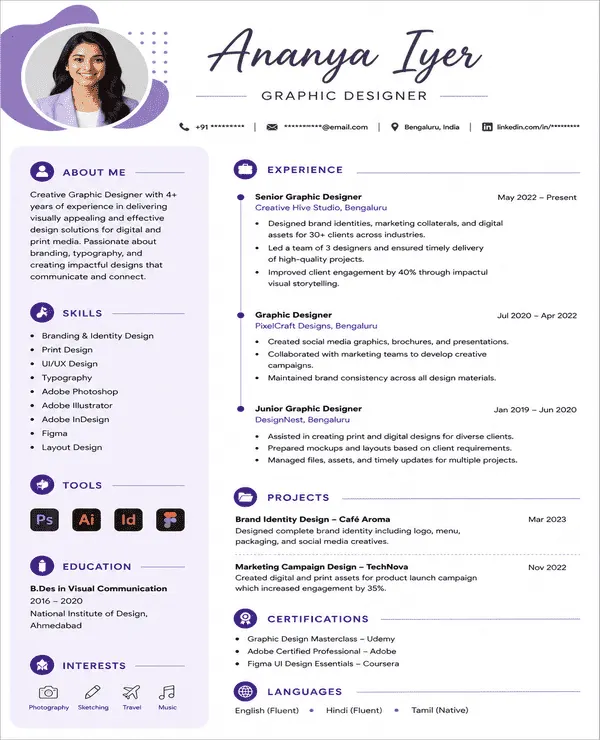
Creative layout with a bold visual profile section
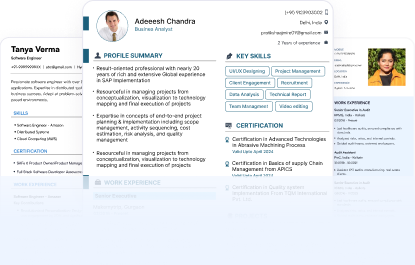
Find creative resume templates for marketing, design, media and other creative roles. Every template is designed to balance visual appeal with professional readability.
Try this free template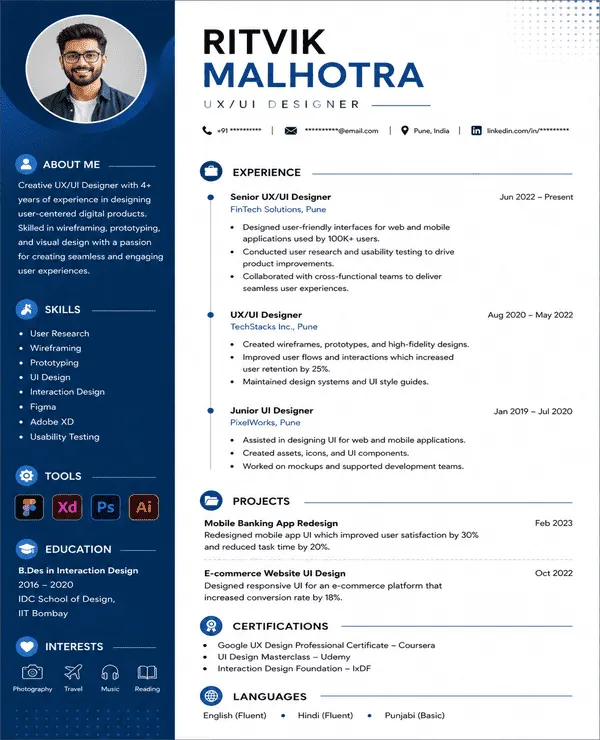 Try this free template
 Try this free template
 Try this free template
 Try this free template
 Try this free template
 Try this free template
 Try this free template
 Try this free template
A creative resume template is a resume design that combines professional content with more expressive visual elements. Unlike a standard resume that relies mainly on plain text, a creative resume gives more freedom to use colours and design elements. These templates work well for creative roles.
Here are the key features of a creative resume design:
A good creative resume format should make your profile more visually engaging without making the content difficult to read.
Creative resumes are not limited to traditional layouts. They may include QR codes, portfolio links, videos, custom graphics or even website-style formats.
Yes. Creative resume templates can be ATS-friendly when the design keeps important information clear and easy to process. A creative layout should add visual appeal without hiding or replacing the text that hiring systems need to read.
An ATS-friendly creative resume should include:
Avoid placing important details inside images or decorative elements. Naukri’s creative resume templates are designed to balance creative presentation with ATS-friendly structure.
A creative resume does not follow one fixed format. The word “creative” mainly describes how the resume looks and presents information. You can use a creative design with any of the common resume formats depending on your experience and career goals.
This creative resume format lists your most recent experience first. It works well for professionals with a clear work history who want to add creative design without changing the familiar structure recruiters expect.
The combination format gives strong visibility to both skills and work experience. It works well for designers and other creative professionals who want to show technical skills alongside career achievements.
This format focuses more on skills than work history. It works best for freshers, freelancers and career changers whose strongest qualities may come from transferable skills.
A creative resume should include the same core information as a standard resume while giving more space to work that shows your creative ability.
Key sections include:
A good creative resume design should make your profile visually distinctive without making the content harder to follow. The layout should help recruiters notice the right information first.
| Element | Use It Well | Avoid |
|---|---|---|
| Colours | Use 1 or 2 accents such as navy, teal or burgundy | Using several bright colours |
| Fonts | Readable fonts such as Lato, Raleway or Montserrat | Decorative fonts for body text |
| Header | Make your name, title and contact details easy to notice | Oversized headers that take up too much space |
| Sidebar | Use it for skills or tools | Placing core work experience in a narrow sidebar |
| Icons | Use simple icons for contact details | Replacing important text with icons |
| Graphics | Use subtle lines, shapes or section dividers | Large graphics that take up content space |
| White Space | Leave enough space between sections | Filling every part of the page with content |
| Portfolio Links | Add one clear portfolio or project link | Adding several unrelated links |
| Profile Photo | Use one only when suitable for the role | Adding a photo only for decoration |
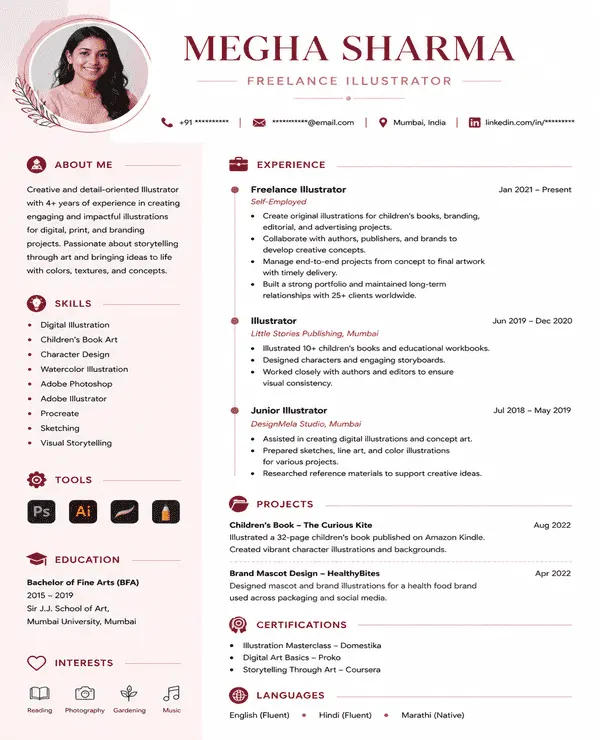
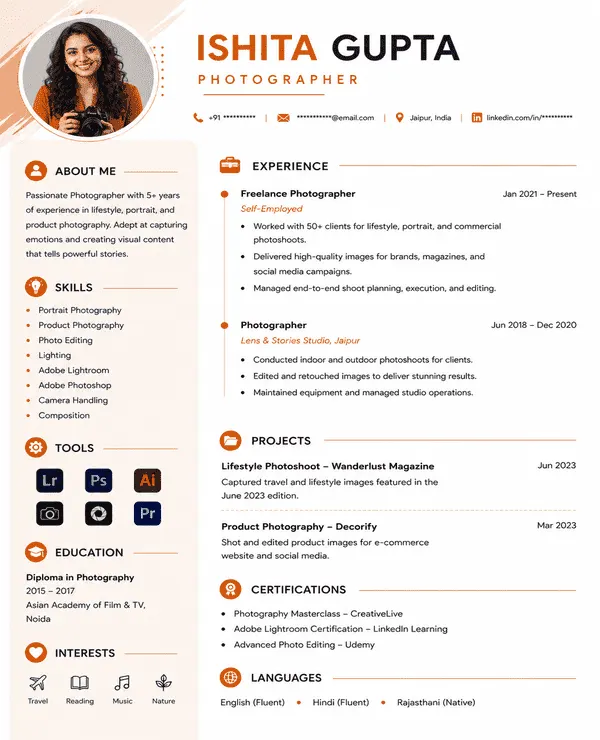
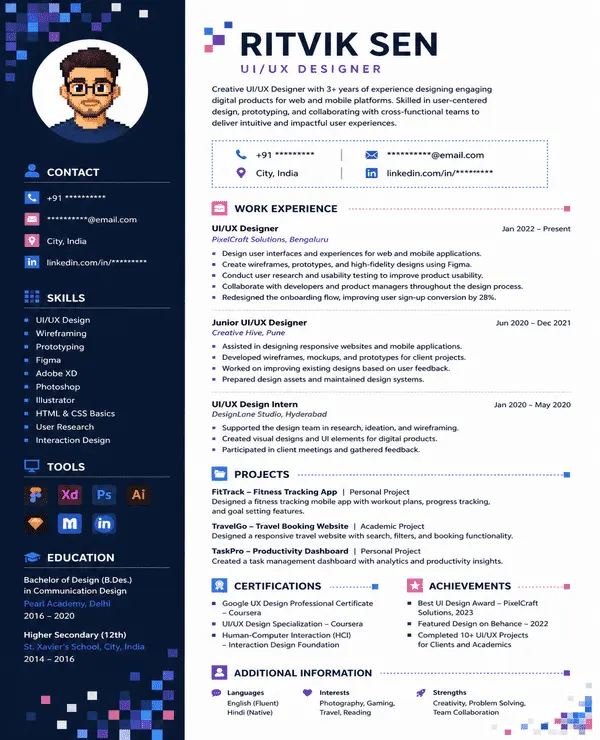
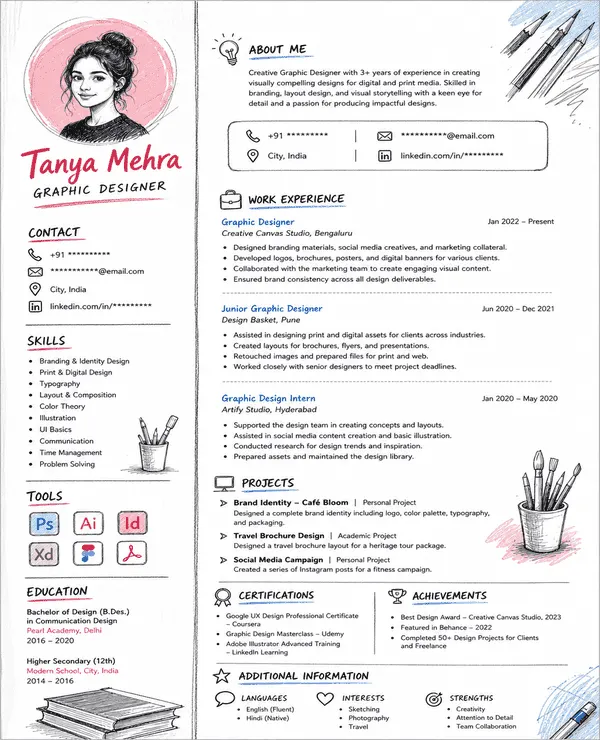
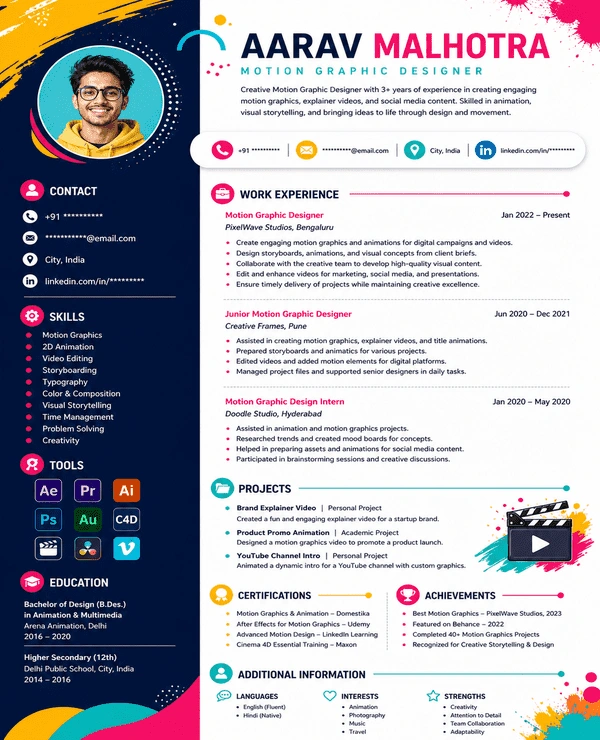
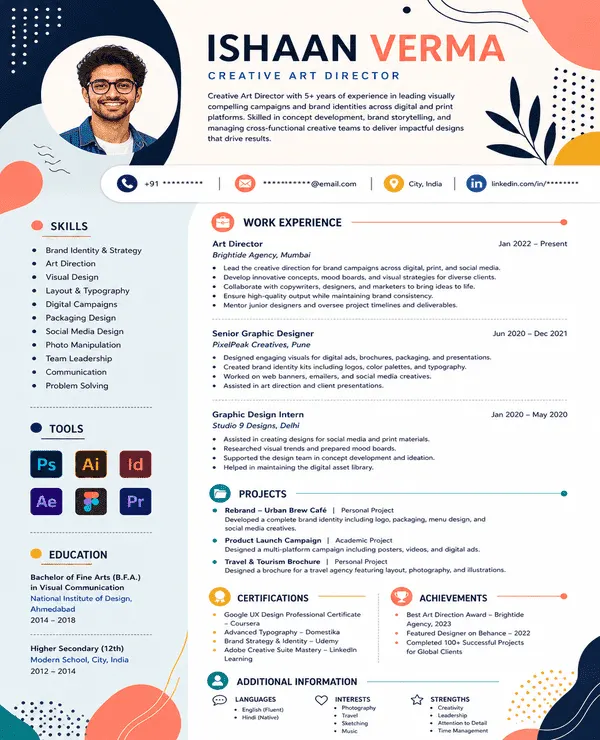
Here is a creative resume sample to help you understand how design and content can work together.
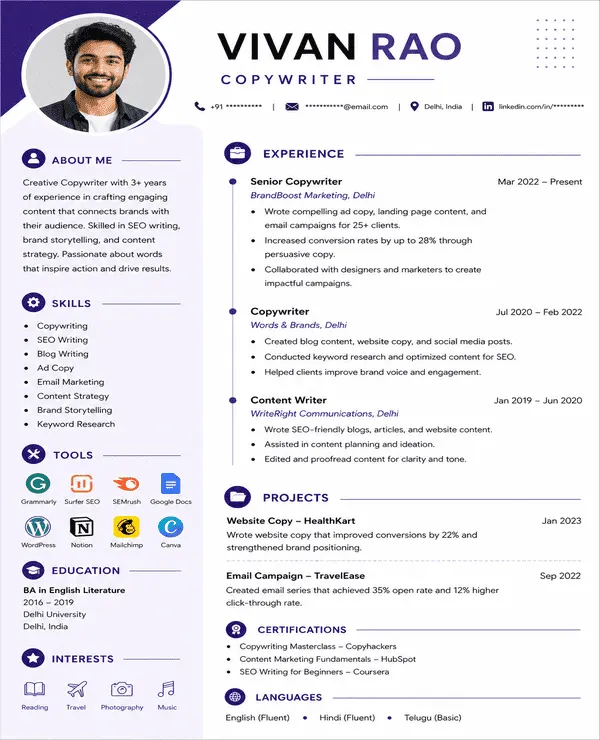
These creative resume examples show how design and content work together for different creative roles:
A creative resume works best when visual presentation supports the type of role or company you are targeting.
Use a creative resume when:
A creative resume may not suit every application. Consider a simpler format when:
In these cases, it is best to use a corporate or traditional resume template.
Creative resume templates work best for roles where presentation and visual communication are part of the job.
| Professional | Why It Works |
|---|---|
| Graphic Designers | Showcases design skills and portfolio work |
| UI/UX Designers | Highlights tools and design experience |
| Marketing Professionals | Gives campaigns and achievements more visibility |
| Content Creators | Presents projects and platforms clearly |
| Writers | Adds space for published work and portfolio links |
| Social Media Professionals | Highlights campaigns and content skills |
| Photographers | Connects recruiters with portfolio work |
| Video Professionals | Highlights projects, tools and showreel links |
| Creative Freelancers | Organizes client work and varied skills |
| Branding Professionals | Supports strong personal presentation |
| Advertising Professionals | Highlights campaigns and creative projects |
| Startup Applicants | Fits modern and flexible work environments |
Creative resume templates can work very well for the right role but they also come with a few limitations.
Choose a creative resume template based on the type of work you want to highlight and how much visual emphasis your profile needs.
| Profile | Recommended Style | Template |
|---|---|---|
| Graphic Designers | Portfolio-based layout | Visual Pro |
| UI/UX Designers | Skills + digital design | Pixel |
| Marketing Professionals | Achievement-led creative layout | Canvas |
| Content Professionals | Clean storytelling | Designify |
| Freshers | Simple creative design | Sketch |
| Freelancers | Project-focused layout | Vibrant |
| Creative Professionals | Artistic visual theme | Creative Flow |
| Skill-heavy Profiles | Sidebar layout for tools and skills | Studio |
| Professionals Wanting a Modern Look | Bold modern layout | Abstract |
Use Naukri’s creative resume builder to create and customize your resume in five simple steps:
Naukri makes it easier to create a creative resume without building the design from scratch.
A creative resume works best when the content is customized to the role and the design helps recruiters understand your strengths quickly.
I wanted my resume to reflect the kind of design work I do without making it look overdone. The creative template gave me a good balance between visual appeal and professional structure.

Most standard resumes didn’t suit my profile because I needed space for projects, tools, and portfolio work. This template helped me present everything in a much more organized way.
I wanted something that looked different from a regular corporate resume but still felt professional. The creative layout helped my experience and campaign work stand out naturally.
My work is very visual, so a plain resume never felt right for my profile. This template gave me enough personality while keeping my experience and skills easy to follow.
Yes. Naukri offers creative resume templates free download options that you can customize and save in the available PDF or DOC format.
Yes. A creative resume for freshers is a good choice when applying for startup or design-focused roles where visual presentation and personality are important.
Use Naukri’s Creative Resume Maker online free to choose a template, add your details, customize the design and download your finished resume.
A good creative resume design should use clear sections, readable fonts, balanced colours and enough white space. The design should make the resume visually distinctive without affecting readability.
You can find creative resume examples on Naukri. Use sample of creative resumes to understand how skills, experience and portfolio details can be presented in a visual format.
Yes. Naukri’s creative resume builder lets you customize design and content based on your profile and target role.
A creative resume can be one or two pages depending on your experience. One page usually works well for freshers and early-career professionals while experienced candidates may need two pages.
PDF is usually best when you want to preserve the creative resume format and layout.
Apply 1-2 professional colors like blue, grey, or subtle accent colors to increase visual appeal and still be readable and professional.
Browse our complete library of professional templates
Choose a creative template that fits your profile. Add your details and build a polished resume with Naukri.
