


 Try this free template
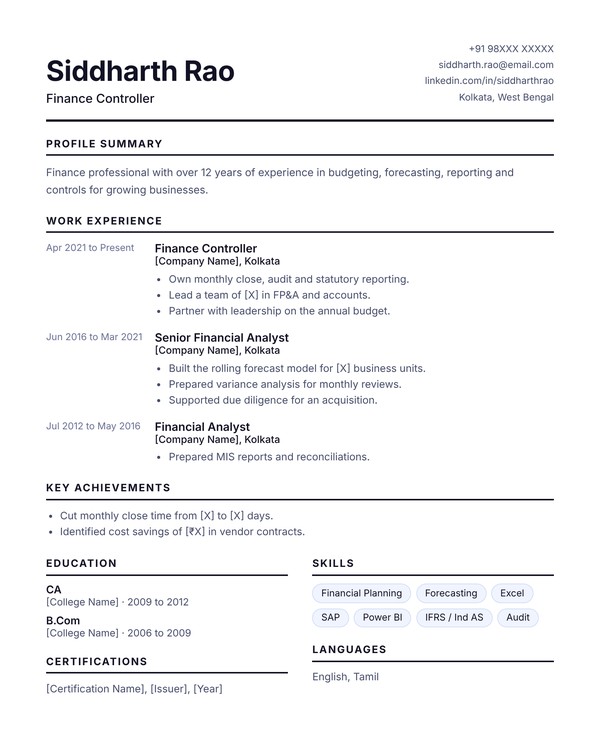
Executive Pro
Clean corporate design for senior roles
Find reverse chronological resume templates for different professions and experience levels. Every template is free to use and follows ATS-friendly design standards.
Try this free template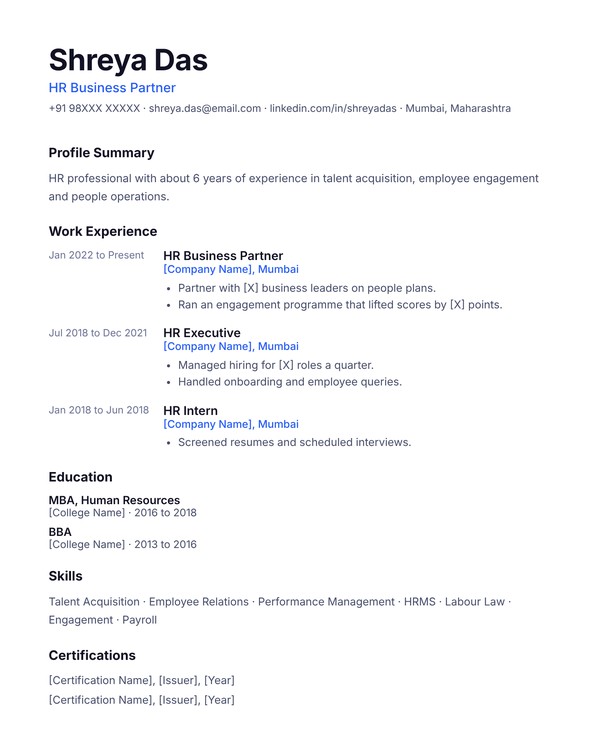 Try this free template
 Try this free template
 Try this free template
 Try this free template
 Try this free template
 Try this free template
 Try this free template
 Try this free template

A reverse chronological resume format is a layout where your work experience section usually appears near the top just after the professional summary. It presents your employment history in reverse chronological order from the most recent position to the earliest.
For example:
This arrangement allows recruiters to follow your employment timeline and identify promotions within the same company. Each job entry also includes bullet points describing your responsibilities and measurable achievements during that employment period.

A standard reverse chronological resume format generally includes the following sections:
The reverse chronological format is also commonly called the chronological resume format. It is especially useful for showing promotions and career advancement through a clear employment timeline.
Recruiters prefer the reverse chronological resume format because it allows them to review recent work experience and understand a candidate’s professional background quickly.
A reverse chronological resume template is a pre-designed layout that helps you organize your work history and qualifications without creating a resume from scratch. These templates come in single-column and two-column designs with dedicated space for employment details and professional achievements.
Here are the main features of reverse chronological CV templates:
Naukri’s reverse chronological resume templates are available in different professional designs. You can personalize the layout and update your information using our AI resume builder.
Yes. Reverse chronological resume templates can work well with Applicant Tracking Systems (ATS) because they present job titles and employment dates in a standard structure. The format helps ATS software identify each position and its employment period accurately.
To make your reverse chronological resume ATS friendly:
However, reverse chronological order alone does not guarantee ATS compatibility. Use Naukri’s ATS Resume Checker to identify potential formatting and content issues before submitting your application.
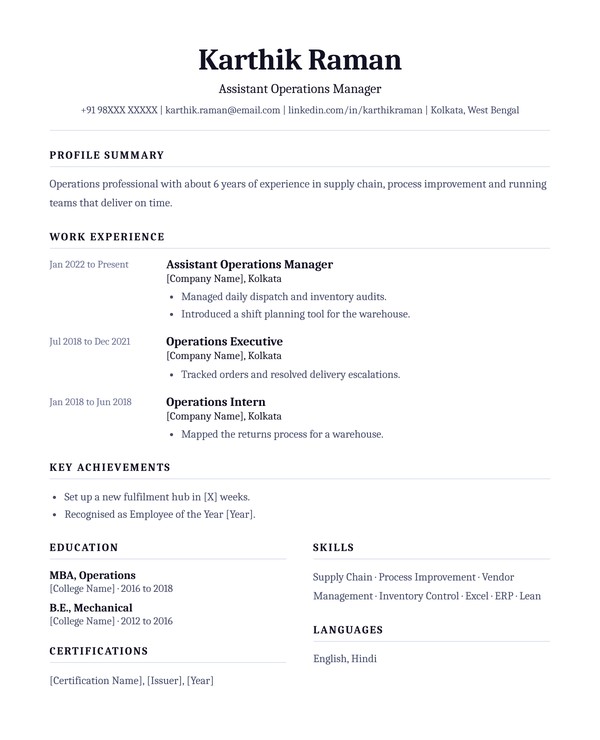
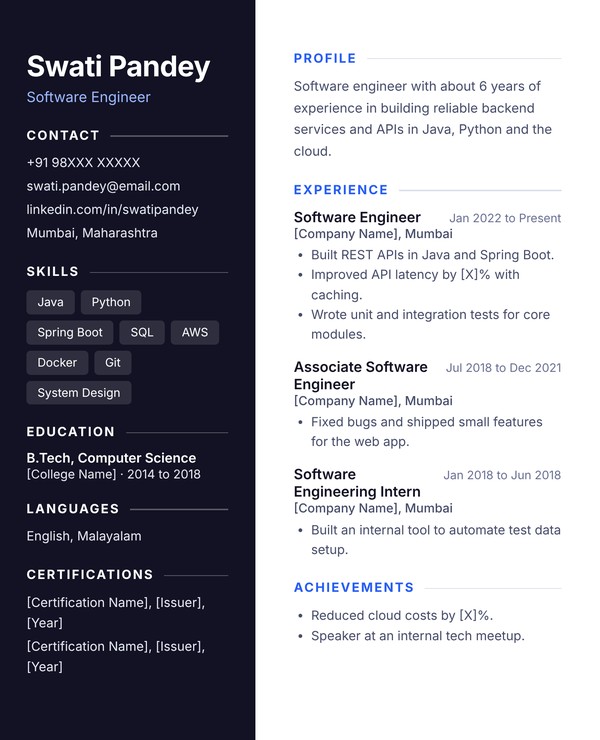
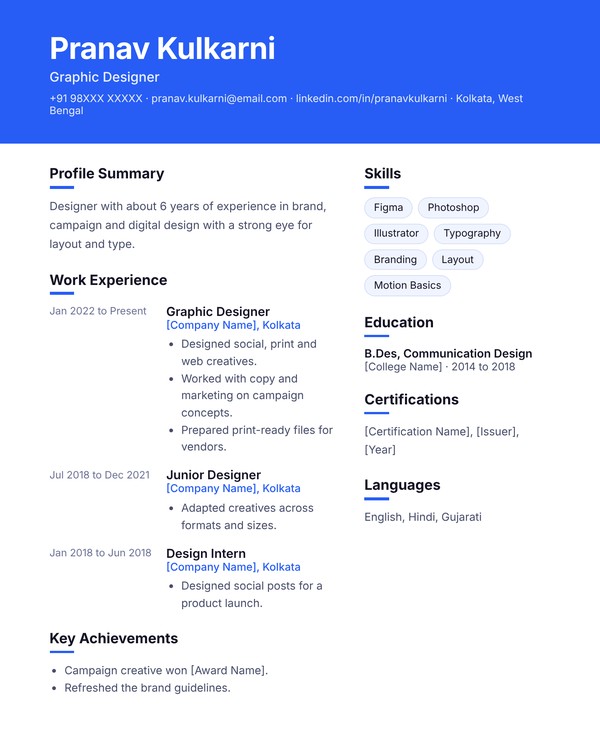
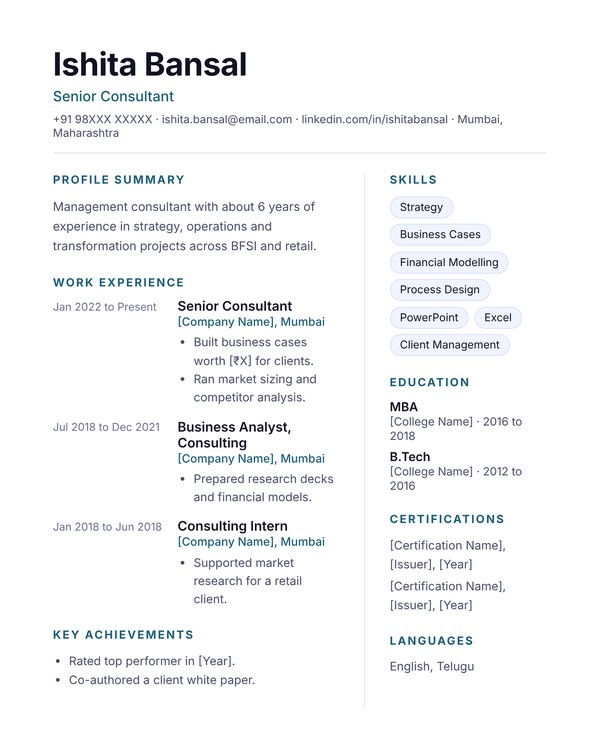
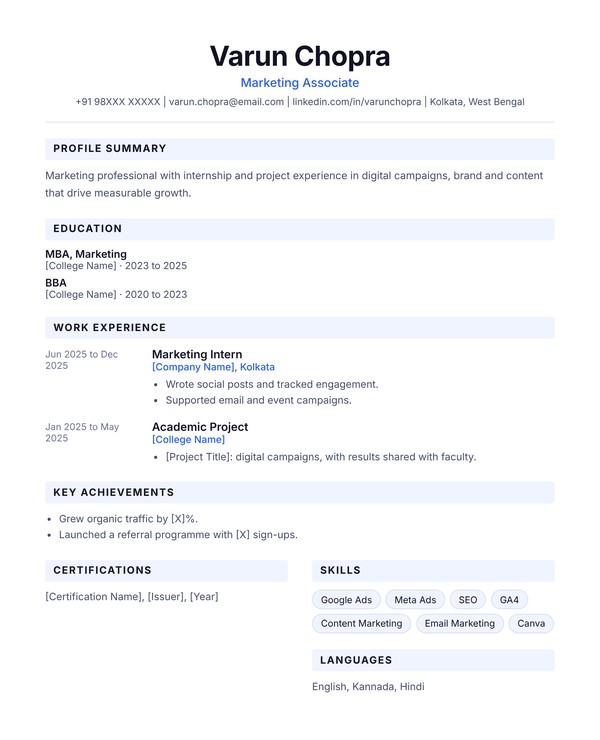
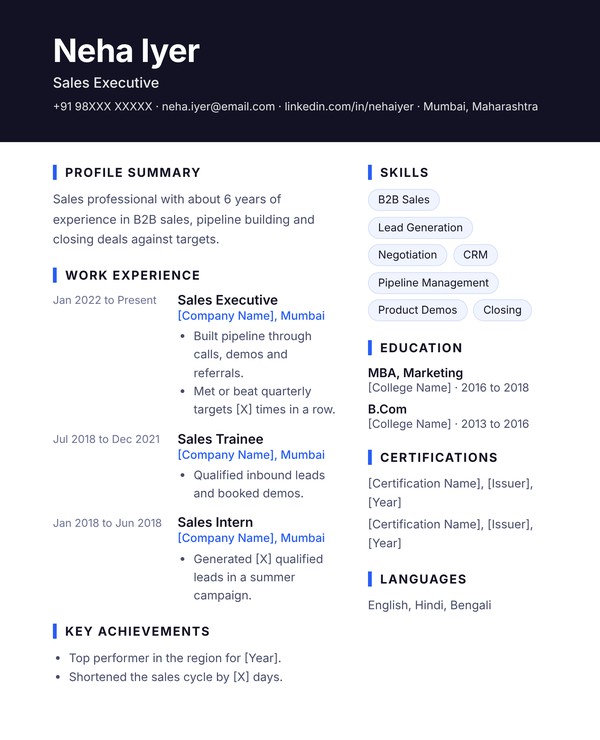
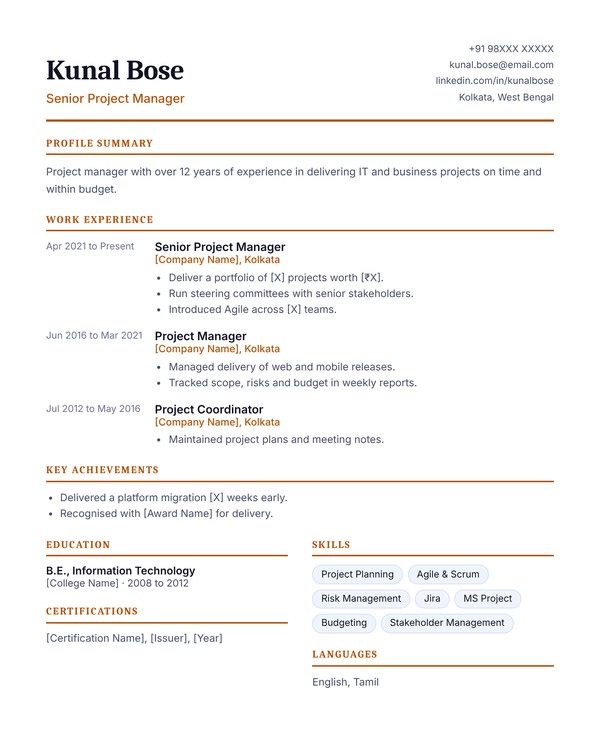
Use this ATS friendly chronological resume sample to see how your work experience and achievements are arranged from the latest position to earlier jobs.
The reverse chronological resume format suits applicants with dated employment records and clear connections between job titles.
Choose the reverse chronological resume format when the application process requires clear employment dates and recruiters need to verify your recent experience against hiring criteria.
Certain professional backgrounds benefit from formats that give greater visibility to practical skills or project experience.
Choose an ATS friendly chronological resume template based on your experience level and professional background.
| Best For | Template Name | Why Choose It |
|---|---|---|
| Freshers | Fresh Start | Simple layout for internships and first jobs |
| Early-Career Professionals | Minimal Edge | Sharp typography for clear employment details |
| Mid-Level Professionals | Bold Impact | High-contrast design for recent achievements |
| Senior Managers and Executives | Executive Pro | Corporate layout for extensive work histories |
| IT and Technical Professionals | Tech Stack | Designed for technical experience and projects |
| Corporate Professionals | Corporate Slate | Two-column layout for experience and qualifications |
| Finance and Accounting Professionals | Classic Plus | Traditional design for formal job applications |
| Creative Professionals | Creative Spark | Bold visual styling for creative careers |
| Administrative Professionals | Amber Classic | Classic design with subtle colour accents |
Follow these steps to create a reverse chronological resume with accurate employment details and relevant professional qualifications.
Start with your full name and professional contact details at the top of your resume.
Write a short summary of 2 to 3 sentences covering your professional background. Mention your years of experience and relevant expertise. Add one measurable achievement that matches the position you are applying for.
Place your latest position first and continue with previous jobs in descending order. Each employment entry should contain:
List your latest qualification first. Include the degree name and specialization along with the institution and graduation year.
Select skills that match the job description. Include specific technical abilities such as SQL or Power BI alongside relevant professional competencies.
Mention professional certifications with their issuing organizations and completion dates. You can also add these additional sections when they support your application:
The reverse chronological resume format is widely accepted in India. However, its date-based structure may present challenges for certain applicants.
These three resume formats differ in section order and how they present work experience and professional skills.
| Feature | Reverse Chronological Resume | Functional Resume | Combination Resume |
|---|---|---|---|
| Main Priority | Recent work experience | Professional skills | Skills and employment history |
| Section Order | Work experience before skills | Skills before work history | Skills summary followed by work experience |
| Employment History | Detailed jobs from newest to oldest | Brief employment details | Detailed jobs in reverse order |
| Achievements | Listed under each job | Grouped by skill category | Included in skills and job entries |
| Best For | Experienced professionals with work history | Applicants with strong skills | Career changers with transferable skills |
Follow these formatting guidelines for a professional reverse chronological resume.
| Element | Recommended Formatting Guidelines |
|---|---|
| Layout | Single-column preferred for ATS Simple two-column designs when suitable |
| Section Order | Contact details → Summary → Work Experience → Education → Skills |
| Work Experience | Descending order with bullet points |
| Employment Dates | Month/Year format (Apr 2025 – Present) |
| Font Style | Arial, Calibri, Aptos or Helvetica |
| Body Text | 10 – 12 pt |
| Section Headings | 12 – 14 pt with bold formatting |
| Margins | 0.5 – 1 inch on all sides |
| Line Spacing | 1 – 1.15 with clear section gaps |
| Colours | Black or dark grey with one subtle accent |
| Bullet Points | 3 – 5 rounded bullets for each job |
| Resume Length | 1 page for limited experience Up to 2 pages for longer relevant work histories |
| Graphics and Photos | Avoid decorative graphics and unnecessary photos |
| File Format | PDF for consistent formatting DOC/DOCX when requested by the employer |
Create your resume with Naukri’s free reverse chronological resume templates. Use our chronological resume builder to personalize your design and prepare your resume in five simple steps.
Naukri offers free resume designs and editing tools to help you prepare professional resumes for different job applications.
Follow these tips to create a professional reverse chronological resume for your next job application.
The chronological format helped me show my career growth clearly. My recent roles and achievements stood out immediately.

This format made my work history easy to follow and kept the focus on my most relevant experience.
The layout worked well for showing my career progression and responsibilities without making the resume feel crowded.
I liked how my recent experience appeared first. It made the resume structured and easier to scan.
Chronological and reverse chronological resumes generally refer to the same format. Both list work experience from the most recent position to the earliest.
Yes. Naukri offers ATS friendly chronological resume templates with standard headings and readable employment sections.
You can find free reverse chronological CV templates on Naukri360. Select a design and customise it with your professional details.
Yes, chronological resume templates show promotions and growth within the company, and it helps employers see your professional progression.
Include the last 10 to 15 years of relevant work experience. Older positions can be included if they directly support your job application.
Most recruiters prefer chronological CV templates because they present a clear employment history. When comparing a reverse chronological vs functional resume, the main difference is that functional resumes give greater priority to skills.
Typically, a chronological resume should be one page if you are a fresher and two pages if you are an experienced professional.
Yes. A reverse chronological resume for freshers can include internships and part-time employment.
Yes. You can use the reverse chronological resume format with employment gaps. Keep employment dates accurate and include relevant training or freelance work completed during career breaks.
Yes. In a reverse chronological order resume, list your latest degree first followed by earlier qualifications. Include the institution name and graduation year.
Yes. You can modify your reverse chronological resume template by updating the professional summary and relevant skills. Adjust your achievements to match each job description.
Yes. Naukri’s chronological resume builder is free to use with three resume templates and three AI writing attempts. Additional designs and AI features are available through Naukri Pro.
Browse our complete library of professional templates
Choose a reverse chronological resume template from Naukri and turn your employment details into a job-ready document.
