Do you think IIT Guwahati certified course can help you in your career?
Introduction
This security baseline applies Azure Security Benchmark version 2.0 guidance to Power BI. The Azure Security Benchmark offers advice on securing your cloud solutions on Azure. The content is organised by the security controls defined by the Azure Security Benchmark and the related Power BI guidance.
Network Security
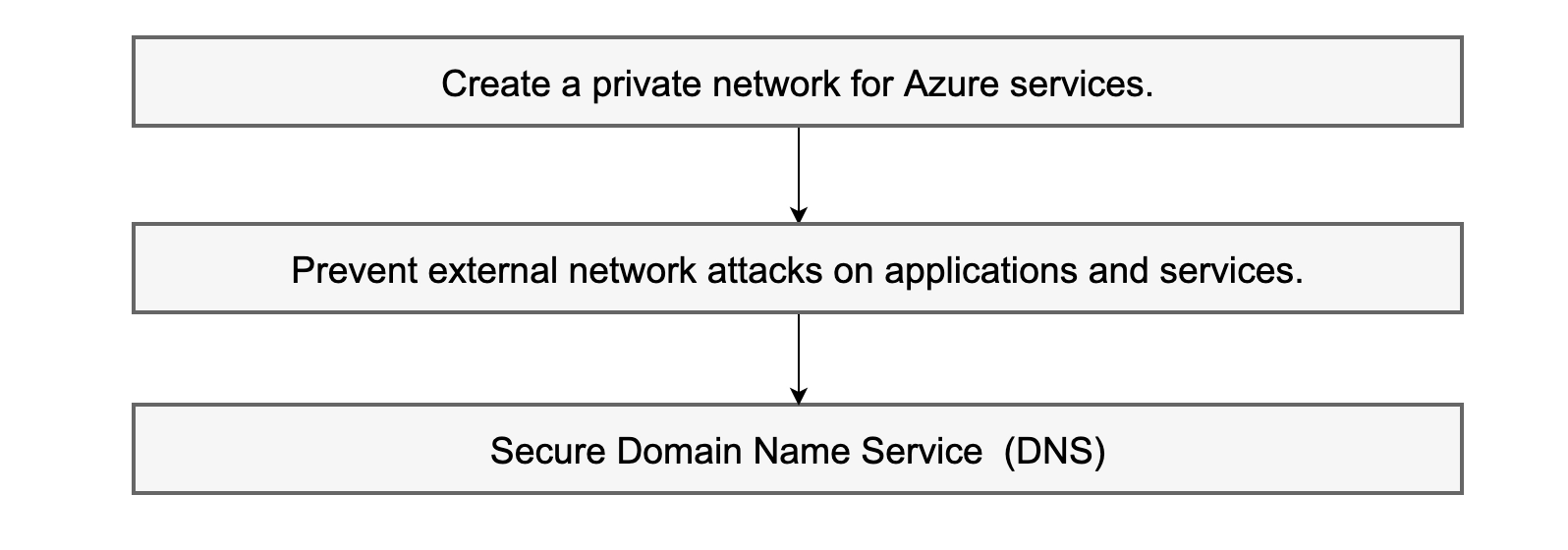
NS-3: Create a private network for Azure services.
Advice: Connecting your Power BI tenant to a Private link endpoint and disabling public internet access is supported by Power BI.
Shared accountability
Microsoft Defender does not support cloud monitoring.
NS-4: Prevent external network attacks on applications and services.
Advice: Power BI is a fully managed SaaS offering with built-in denial of service protections contained by Microsoft. Customers are not required to act to protect the service from external network attacks.
Microsoft is in charge.
Microsoft Defender does not support cloud monitoring.
NS-7: Secure Domain Name Service (DNS)
Advice: Not applicable; Power BI does not expose its underlying DNS configurations; Microsoft maintains these settings.
Microsoft is in charge.
Microsoft Defender does not support cloud monitoring.
Identity Management
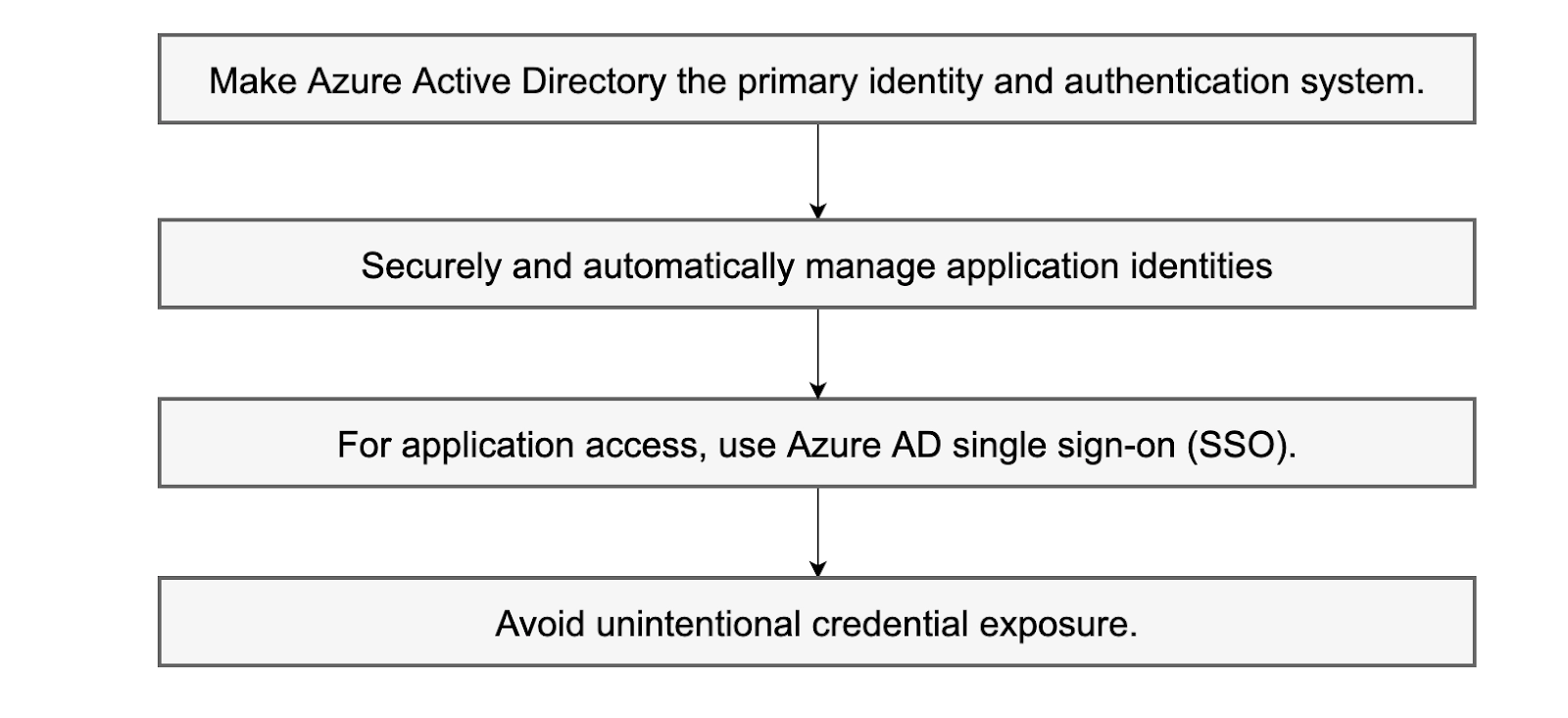
IM-1: Make Azure Active Directory the primary identity and authentication system.
Advice: Azure Active Directory (Azure AD), Azure's default identity and access management service, is integrated with Power BI. To govern your organisation's identity and access management, you should standardise on Azure AD.
Azure AD security should be a top priority in your organisation's cloud security strategy. Azure AD provides an identity secure score to assist you in evaluating your identity security posture compared to Microsoft's best practice recommendations. Use the score to determine how closely your configuration matches best practice recommendations and make security improvements.
It should be noted that Azure AD supports external identities, which allow users who do not have a Microsoft account to sign in to their applications and resources using their outward identity.
The customer is in charge.
Microsoft Defender does not support cloud monitoring.
IM-2: Securely and automatically manage application identities
Advice: Service Principals are supported by Power BI and Power BI Embedded. Store any Service Principal credentials to encrypt or access Power BI in a Key Vault, assign appropriate access policies to the vault, and regularly review access permissions.
The customer is in charge.
Microsoft Defender does not support cloud monitoring.
IM-3: For application access, use Azure AD single sign-on (SSO).
Advice: Power BI manages identity and access to Azure resources, cloud apps, and on-premises applications using Azure Active Directory (Azure AD). Internal identities like those of employees are included, as are external identities like those of partners, vendors, and suppliers. As a result, single sign-on (SSO) can be used to manage and protect access to the data and resources that are stored locally and in the cloud by your company. For seamless, secure access as well as better visibility and control, connect all of your users, programmes, and devices to Azure Active Directory.
The customer is in charge.
Microsoft Defender does not support cloud monitoring.
IM-7: Avoid unintentional credential exposure.
Advice: To find credentials in your Power BI embedded applications, you need utilise Credential Scanner. Additionally, Credential Scanner will nudge users to transfer found credentials to Azure Key Vault or other more safe storage options.
Use a Key Vault to store any encryption keys or Service Principal credentials used to encrypt or access Power BI. Give the vault the proper access controls, and routinely check access permissions.
To identify credentials or other types of secrets within the code on GitHub, use the native secret scanning feature.
Shared accountability
Microsoft Defender does not support cloud monitoring.
Privileged Access
PA-1: Safeguard and restrict highly privileged users
Advice: To reduce risk and follow the principle of least privilege, it is recommended that Power BI administrators be limited to a small number of people. Users with these privileged permissions could access and modify any organisational management feature. Administrator rights in the Power BI service are implicitly granted to global administrators via Microsoft 365 or Azure Active Directory (Azure AD).
Power BI has the following extremely privileged accounts:
Global administration
Billing administration
User administration
License administration
Power BI administrator
Power BI Premium Capacity Administrator
The administrator of Power BI Embedded Capacity
Power BI works with Azure AD session policies to enable conditional access policies and route Power BI sessions through the Microsoft Defender for Cloud Apps service.
Using privileged access management in Microsoft 365, enable just-in-time (JIT) privileged access for Power BI admin accounts.
The customer is in charge.
Microsoft Defender does not support cloud monitoring.
PA-3: Continually review and compare user access
Advice: As a Power BI service admin, you can use custom reports based on the Power BI activity log to analyse usage for all Power BI resources at the tenant level. The activities can be downloaded using a REST API or a PowerShell cmdlet. The activity data can also be filtered by date range, user, and activity type.
To access the Power BI activity log, you must meet the following requirements:
You must be a global administrator or a Power BI service administrator.
You've installed the Power BI Management cmdlets locally or used them in Azure Cloud Shell.
Once these requirements have been met, you can follow the instructions below to track user activity in Power BI:
The customer is in charge.
Microsoft Defender does not support cloud monitoring.
PA-6: Make use of workstations with privileged access.
Advice: For the security of sensitive positions like administrators, developers, and vital service operators, secure, isolated workstations are crucial. Use Azure Bastion or highly protected user workstations for managing Power BI administrative operations. You can deploy a safe and managed user workstation for administrative duties using Azure Active Directory (Azure AD), Microsoft Defender Advanced Threat Protection (ATP), and/or Microsoft Intune. To impose a secure configuration, including strong authentication, software and hardware baselines, and limited logical and network access, the secured workstations can be centrally monitored.
The customer is in charge.
Microsoft Defender does not support cloud monitoring.
Data Security
DP-1: Find, categorise, and label sensitive data
DP-2: Safeguard sensitive data
DP-3: Keep an eye out for unauthorised data transfers.
DP-4: Encrypt sensitive data in transit.
DP-5: Encrypt sensitive data while it is in transit.
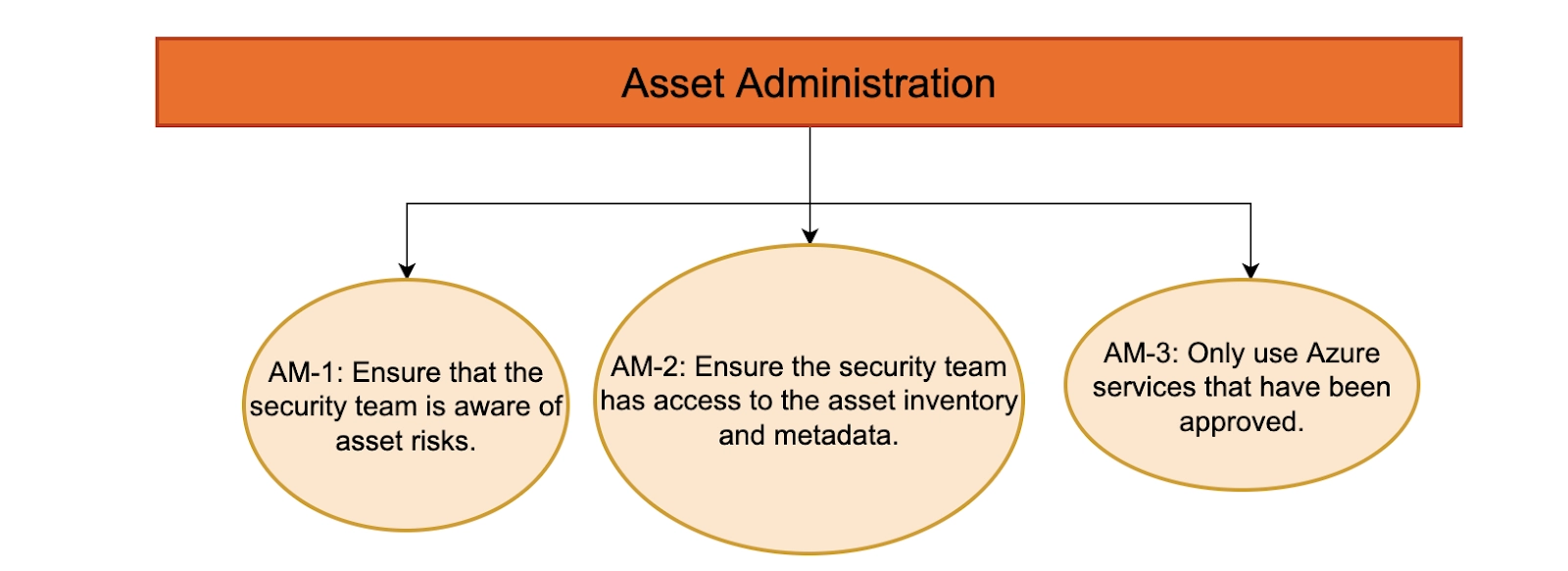
Asset Administration
AM-1: Ensure that the security team is aware of asset risks.
AM-2: Ensure the security team has access to the asset inventory and metadata.
AM-3: Only use Azure services that have been approved.
Frequently Asked Questions
What exactly is an Azure security baseline?
The Azure Security Benchmark offers advice on securing your cloud solutions on Azure. The content is organised around the security controls defined by the Azure Security Benchmark and the related Cloud Services guidance.
Is Power BI compatible with Azure?
You can connect to one or more Azure data sources and then shape and refine data to create customised reports and dashboards. Q2: Does Power BI integration with Azure? Yes, Power BI integrates with Azure to unify your data.
How safe is the Power BI service?
All data saved by Power BI is default encrypted with Microsoft-managed keys. Customer data stored in Azure SQL Databases are fully encrypted using Transparent Data Encryption (TDE) technology from Azure SQL. Azure Storage Encryption encrypts customer data stored in Azure Blob storage.
What is the procedure for running the Azure security benchmark?
You must add the Azure Security Benchmark initiative package to your compliance view to add the benchmark to your Azure Security Center compliance dashboard. Afterwards, you can access the dashboard and begin tracking your compliance status with benchmark controls.
What exactly are the CIS Microsoft Azure foundations benchmarks?
The Central Intelligence Agency The Center for Internet Security's Microsoft Azure Foundations Benchmark is security guidance for establishing a secure baseline configuration for Azure. The benchmark goal is to establish a baseline level of security when using Azure Cloud.
Conclusion
This blog covered all the Azure security baselines for Power BI. We further looked at the features of Network Security, Identity Management, Privileged Access, Data Security and Asset Administration.
Don’t stop here. Check out Coding Ninjas for more unique courses and guided paths. Also, try Coding Ninjas Studio for more exciting articles, interview experiences, and fantastic Data Structures and Algorithms problems.









 1+ registered

