




Introduction
This article covers how to set up your Ruby development environment for a Sinatra project, especially Environments in Sinatra. Ngrok and the Twilio Ruby SDK, two valuable tools we suggest for all Ruby apps that use Twilio, will also be covered.
Sinatra is powerful enough to create a working web application from a single file. Sinatra is recognized as a good way for new developers to get started in Ruby web application development and can aid in learning for larger frameworks such as Rails.
Create an Elastic Beanstalk environment.
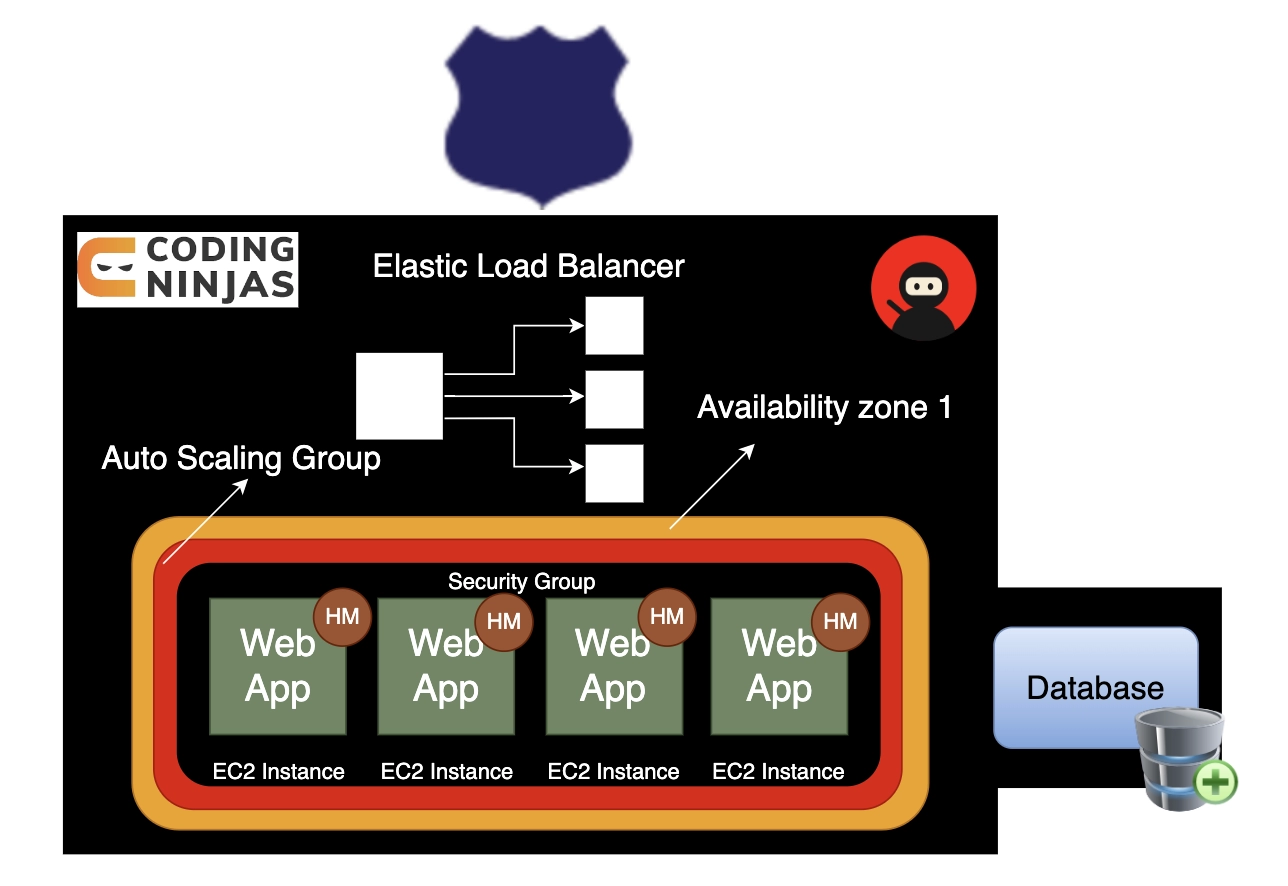
Create an Elastic Beanstalk environment using the Elastic Beanstalk console. Select the Ruby platform and accept the default settings and sample code.
To start a new environment (console)
-
Navigate to the Elastic Beanstalk console.
-
Select the platform and platform branch that correspond to the language used by your application for Platform.
-
Select Sample application for Application code.
-
Select Review and launch.
-
Examine the alternatives. Choose the available option you want to use, and then click Create app.
It takes about a few minutes to create an environment, which includes the following resources:
EC2 instance - A virtual machine in Amazon Elastic Compute Cloud (Amazon EC2) configured to run web apps on the platform of your choice.
Each platform employs software, configuration files, and scripts to support a particular language version, framework, web container, or combination. Most media use Apache or NGINX as a reverse proxy to sit in front of your web app, forwarding requests to it, serving static assets, and generating access and error logs.
Instance security group - An Amazon EC2 security group set up to allow inbound traffic on port 80. This resource provides HTTP traffic from the load balancer to reach the EC2 instance hosting your web application. Other ports are generally not open to traffic.

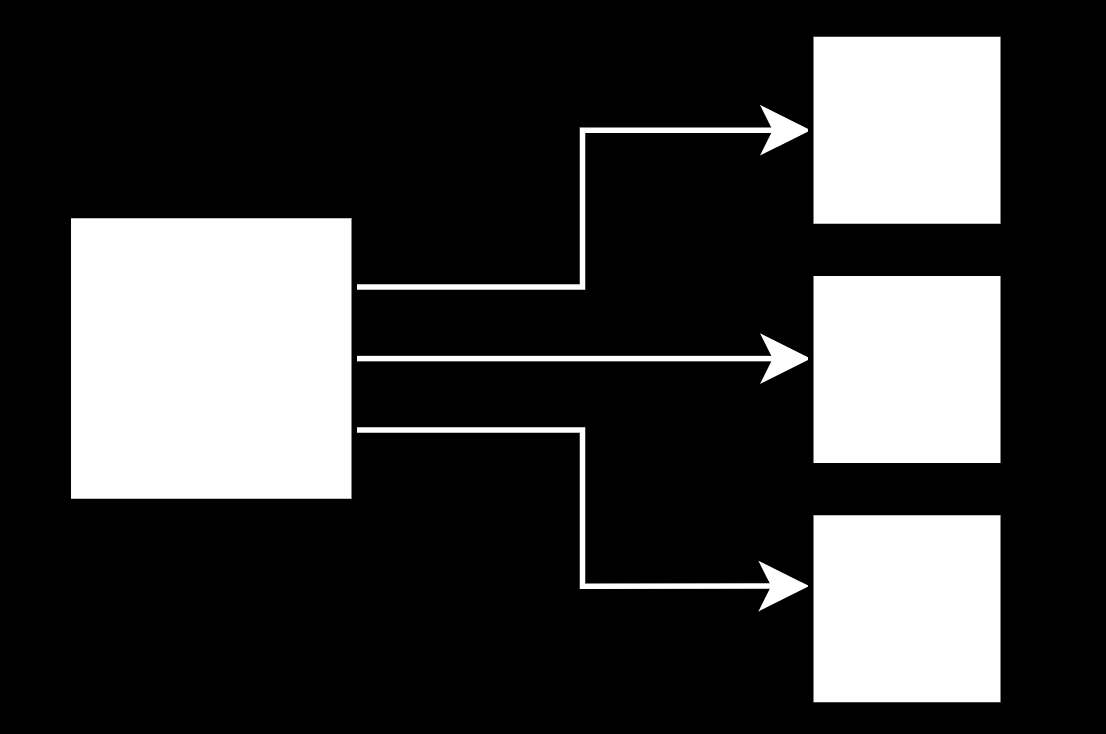
Load balancer - A load balancer configured with Elastic Load Balancing to distribute requests to your application’s instances. A load balancer also removes the need to expose your instances to the internet directly.
A load balancer security group- is an Amazon EC2 security group that accepts inbound traffic on port 80. This resource allows internet HTTP traffic to reach the load balancer. Other ports are generally not open to traffic.
An Auto Scaling group is set up to replace an instance if it is terminated or becomes unavailable.
Amazon S3 bucket - A location to store your source code, logs, and other artifacts generated by Elastic Beanstalk.

Amazon CloudWatch alarms - Two CloudWatch alarms monitor the load on your environment's instances and are triggered if it is too high or too low. When an alarm is triggered, your Auto Scaling group responds by scaling up or down.

Elastic Beanstalk uses AWS CloudFormation - to launch resources in your environment and to propagate configuration changes. The resources are specified in a template, which can be viewed in the AWS CloudFormation console.
Domain name - A domain name in the form subdomain.region.elasticbeanstalk.com that routes to your web app.



 7+ registered

