Do you think IIT Guwahati certified course can help you in your career?
Introduction
Transitions make everything eye-catching, be it presentations, videos, or even websites! Transitions make our web pages come alive! It helps us make changing elements’ form from one to another smooth and fluid.
If you are keeping up with our Vue.js articles, you must have already read our article on Enter and Leave Transition. They are transitions applied to single elements. However, there would be times when we are not just dealing with individual elements; But a whole list of similar elements. In this case, we will be using list transitions.
List Transitions
The enter and leave transitions are for single element transitions or transitions between mutually exclusive elements. However, in the case of a group or list of elements that we want to render simultaneously, we will use the list transitions of Vue.js. We can do this by using the <transition-group> tags. The elements encapsulated in the <transition-group> tags will get the CSS transitions, not the whole group itself.
List entering and leaving transitions
These are transitions applied to list elements entering or leaving the list component. The classes that help us in this are:
transition-group-name-enter-from: The transition class has the styles of the element when the element is about to enter the component.
transition-group-name-enter-to: It has styles of the element when it has entered the component completely.
transition-group-name-enter-active: This class contains the transition name, the transition speed, the transition type of the whole process of entering for the transition group.
transition-group-name-leave-from: The transition class has the styles of the element when the element is about to leave the component.
transition-group-name-leave-to: It has styles of the element when it has entirely left the component.
transition-group-name-leave-active: This class contains the transition name, the transition speed, the transition type of the whole process of the leave transition group.
The transition-group tag has an attribute called name, and we prefix it in front of the transition classes. So, the transition-group-name prefix can be changed to anything you want. By default, the transition group class will have -v as the prefix.
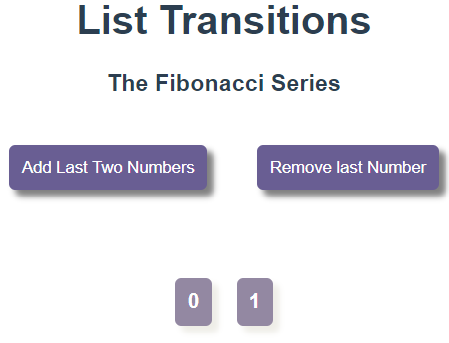
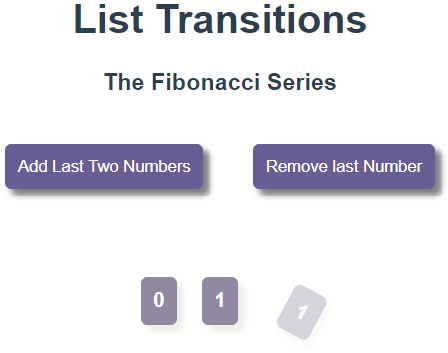
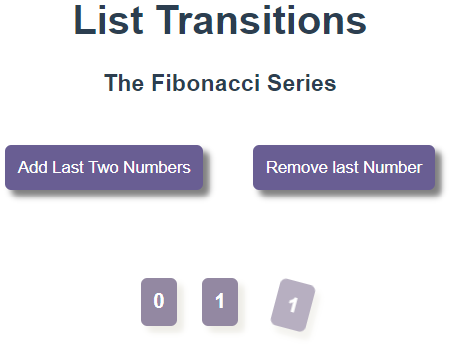
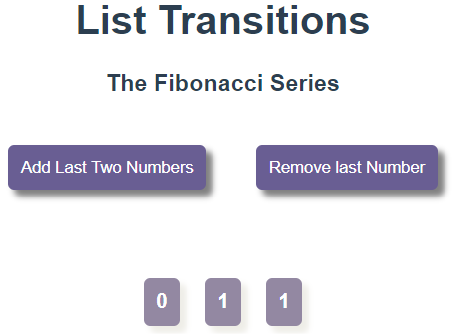
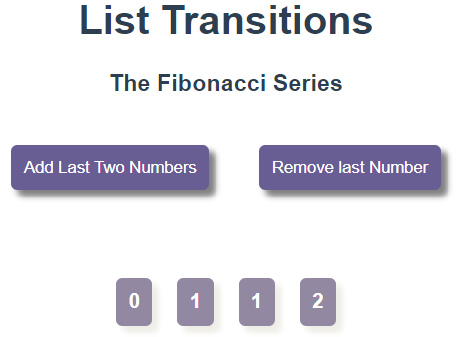
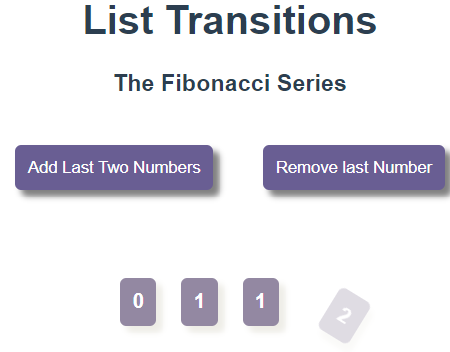
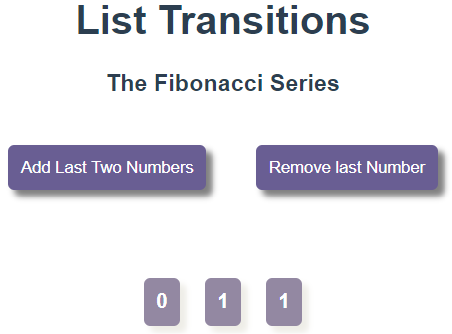
This is a component that prints the Fibonacci series. Clicking the buttons would add or remove numbers from the Fibonacci series. We have named our transition group as series-transition. The tag attribute tells what HTML tag the inner element will have. The v-for will help us loop through the numbers in our nums list.
<template>
<divid="series-div">
<h3>The Fibonacci Series</h3>
<button @click="addLastTwo">Add Last Two Numbers</button>
<button @click="removeOne">Remove last Number</button>
In the previous section we learned how <transition-group> can make list elements leave and enter the components. But this is not all! It can also change the position of the elements! This can be done using the v-move class where prefix v can be replaced with the transition group name. Let us look at how we can use it:
src/App.js
<template>
<h1>List Transitions</h1>
<Move/>
</template>
<script>
importMovefrom'./components/Move.vue'
exportdefault{
components:{
Move
}
}
</script>
src/components/Move.vue
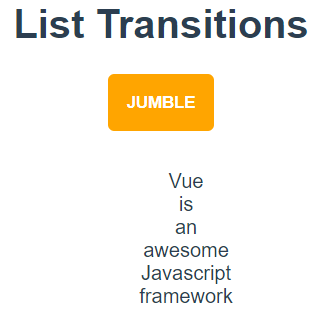
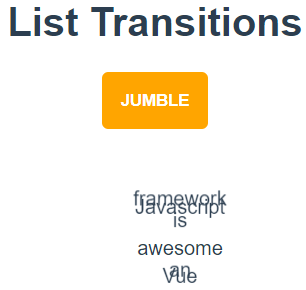
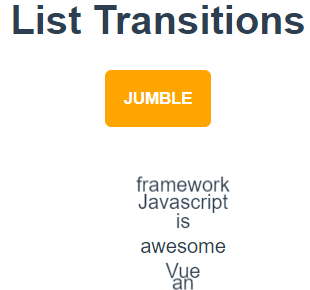
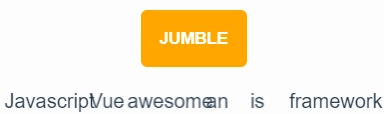
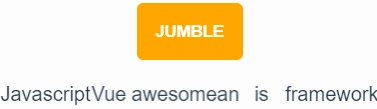
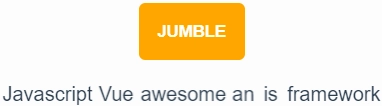
Here, the shuffle method of a Javascript library called lodash has been used to jumble up the words in the list. In the transition-group named jumble-list, the jumble-list-move class will have the styles of elements for the position change.
<template>
<divid="jumble-div">
<button @click="jumble">JUMBLE</button>
<transition-groupname="jumble-list"tag="ul">
<liv-for="word in words" :key="word">{{ word }}</li>
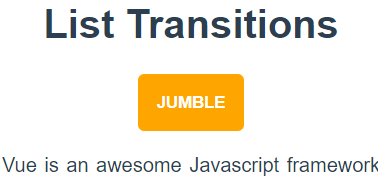
Before button click After button click (transition:transform 1s ease)
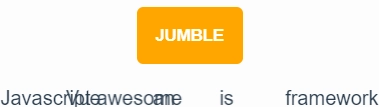
However, the transition group tag is that of an unordered list. When we try to display the list horizontally, the move class does not seem to work! But as we are using <ul> and <li>, the elements are displayed vertically and thus their transition is visible with the move class. So, what should we do if we want to change the position of an element in a horizontal setting? Let us look at this in code:
The span has been given the display as inline-block and transition as transform in 0.8 seconds with ease.The position of the elements becomes absolute when the leave transition is going on.
<template>
<divid="jumble-div">
<button @click="jumble">JUMBLE</button>
<transition-groupname="jumble-list"tag="div">
<spanv-for="word in words" :key="word"class="jumble-class">{{ word }}</span>
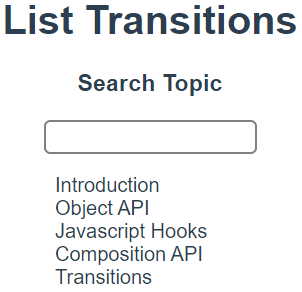
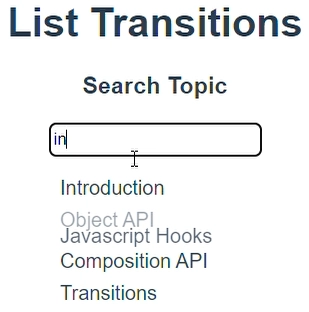
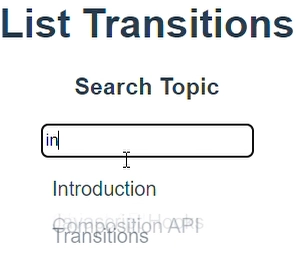
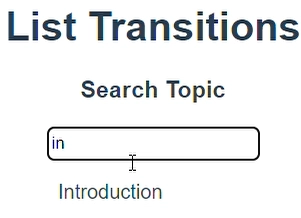
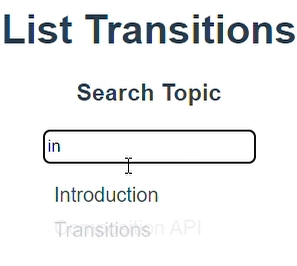
We can always let our list elements transition with javascript hooks. Let us have a look at an example of Search.
src/App.js
<template>
<h1>List Transitions</h1>
<Search/>
</template>
<script>
importSearchfrom'./components/Search.vue'
exportdefault{
components:{
Search
}
}
</script>
src/components/Search.vue
We will be using the GSAP library of Javascript that helps us make animations easier. The computed list will return a list that is filtered according to the query. That is, it will only show the elements that have substring matching to the search element.
Why are transition modes not available in the transition-group? In transition-group, the transition modes like in-out and out-in are not available because we are no longer transitioning between mutually exclusive elements.
Why do we have a tag attribute in the transition-group? The transition-group, by default, doesn't render a wrapper element, but you can specify an element to be rendered with the tag attribute.
Why do we need to specify keys in the inner elements of the transition-group? The inner elements of the transition-group should always have unique keys; otherwise, we will get the following warning:
Key Takeaways
From this article, we learned about list transitions. We saw its practical implementation. We had a look at enter and leave transitions for the list. We also saw the code for the move class for the transition group. We saw how we could stagger transition in lists.
But this is not enough; you need something extra to excel in Vue.js truly. If you want to learn more about Vue.js, you can read our articles on Vue.js or take our highly curated Web Development course.










 1+ registered

