Get a skill gap analysis, personalised roadmap, and AI-powered resume optimisation.
Introduction
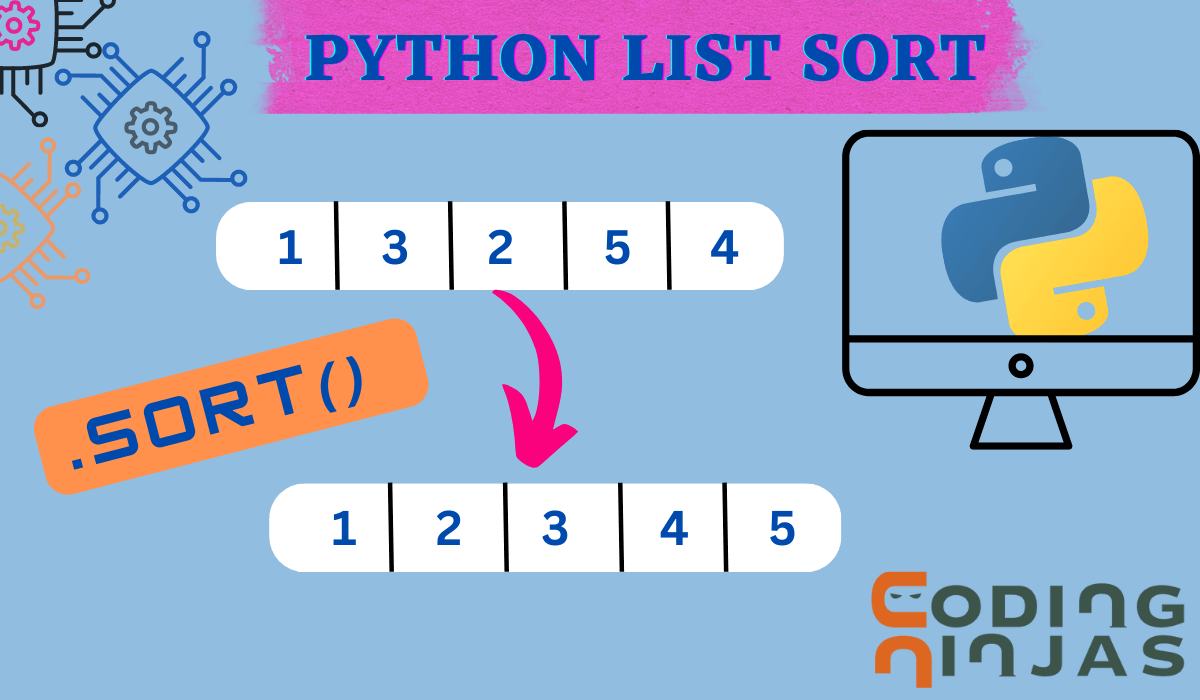
The sort() method in Python is used to arrange list elements in a specific order. With sort in Python, you can organize data in ascending, descending, or even custom order, making it a flexible tool for handling lists effectively.
What is Python list sort?
It is a built-in function in Python used to sort the list of items in place in ascending or descending order. With this sort() function in Python, we can sort the list according to our needs and apply it to any data types. The time complexity of the list sort in each case is O(n*logn).
Python List sort() Syntax
The syntax for the Python List sort function is as follows:-
name_of_list.sort(reverse=False, key=None)
Optional two parameters of the prompt function
Let's discuss each parameter used in sort() method in Python
reverse: This parameter determines the Sorting order of the list. The default value is reverse=False, which means sorting the list in ascending order. If reverse=True, the list sorts in descending order.
key: This parameter specifies a custom function to determine the sorting criteria. It takes a single argument and returns a value to sort the list. The key's default value is None, which sets the list to sort on their default ordering
List sort() in Python Examples
In this section, we are implementing Python List sort and its various use cases.
Sort a List of Numbers in Ascending Order
In this example, we will be sorting a list of numbers in ascending order.
Python
Python
array = [11, 32, 41, 23]
# Sorting list in ascending order
array.sort()
# printing the list
print('Sorted list in Ascending order :', array)
You can also try this code with Online Python Compiler
In this example, we will sort a list of alphabets in descending order.
Python
Python
sentence = ['coding', 'is', 'love', 'ninja']
# sort in descending order
sentence.sort(reverse=True)
# printing the list
print('Sorted Alphabets in Descending:', sentence)
You can also try this code with Online Python Compiler
In this example, we will perform custom sorting through the sort() function using the key parameter.
Python
Python
institute = ['Apple', 'ION', 'Coding Ninjas', 'Atlassian', 'Google']
# function to use as the sorting key
def sorting_length(item):
    return len(item)
#calling the function
institute.sort(key=sorting_length)
# Print the sorted list according to length
print(institute)
You can also try this code with Online Python Compiler
Let's see some more methods that work the same way as sort() in Python
sorted() function
It is a built-in function in Python that returns a sorted list from an iterable object. It does not modify the original list, unlike the sort() function. The syntax is:
sorted(iterable_object, key=None, reverse=False)
numpy sort() function
It is part of the numpy library in Python and returns a sorted list without modifying the actual list. The syntax is
numpy.sort(a, axis=-1, kind=None, order=None)
Here, the axis is the axis along which the array is to be sorted, kind is the sorting algorithm to use ('quicksort,' mergesort,' or 'heapsort'), and order is the field to sort structured arrays.
Frequently Asked Questions
What is the difference between sort() and sorted() functions in Python?
The sort() function modifies the original list and the sorted() function does not modify the original list, which means in the sort() function, the original list gets changed while the other one returns a sorted list, not changing the original list. Hence sort() function performs an in-place sorting operation and saves us memory.
Different data types can be sorted by the sort() function or not.
Yes, different data types can be sorted by sort() function. We need to pass a key parameter to the custom function that we made which will return a value that can be used for comparison to sort the elements. See above example 4, we have implemented a custom function.
Can the sort() function sort a list that contains duplicates?
If the list contains duplicates then the sort() will sort the list according to the appearance of the elements in the original list. So if we have a list [1,2,3,2], on performing sort(), it will give [1,2,2,3] as output.
Conclusion
Congratulations on finishing this article!! This article covered the syntax of the Python List sort() function, and then we looked at the sorting criteria of the Python List sort. We have also discussed examples of how to implement the sort() method and looked at alternatives for the sort() method.













 7+ registered

