Do you think IIT Guwahati certified course can help you in your career?
Introduction
In this blog, we will learn how to use a shader editor. Mainly we’ll learn about rendering & the fundamental difference between Eevee and Cycle Render. A shader editor is one of those editors that some people don’t like getting into just because it sounds tangled to use and understand.
Rendering
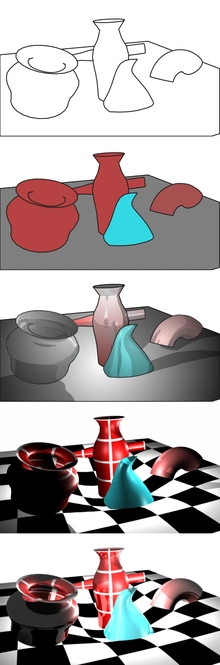
The shader editor is used to edit objects created with colour, pattern, and texture used for rendering. Rendering means the process of making the final image (2D or 3D) as realistic as possible. Shaders are minor graphics programs that run on the GPU.
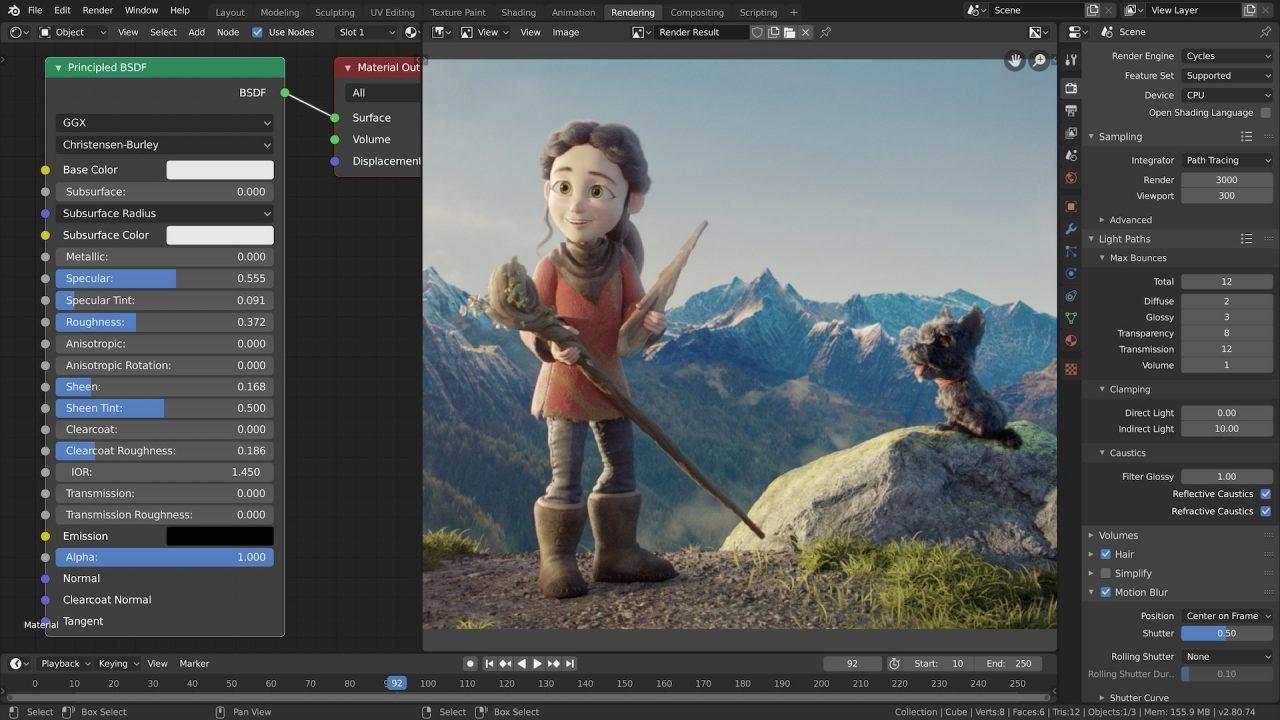
The Node Editor is used to work with node-based workflows. The node tree type can be changed using the buttons in the Node editor header & the main window of the Shader editor is a node editor. A node editor is the main window of the shader editor. Eevee Render and Cycles Render have two rendering engines in a blender.
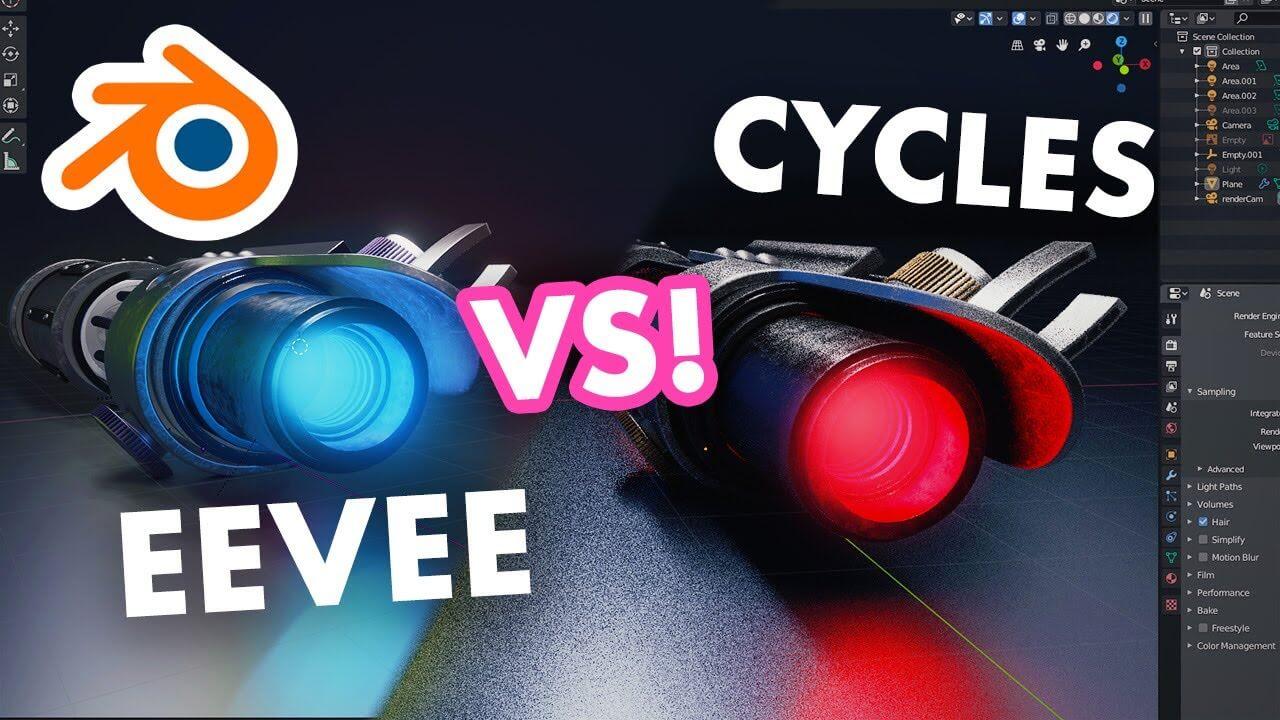
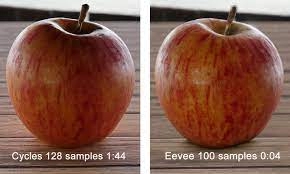
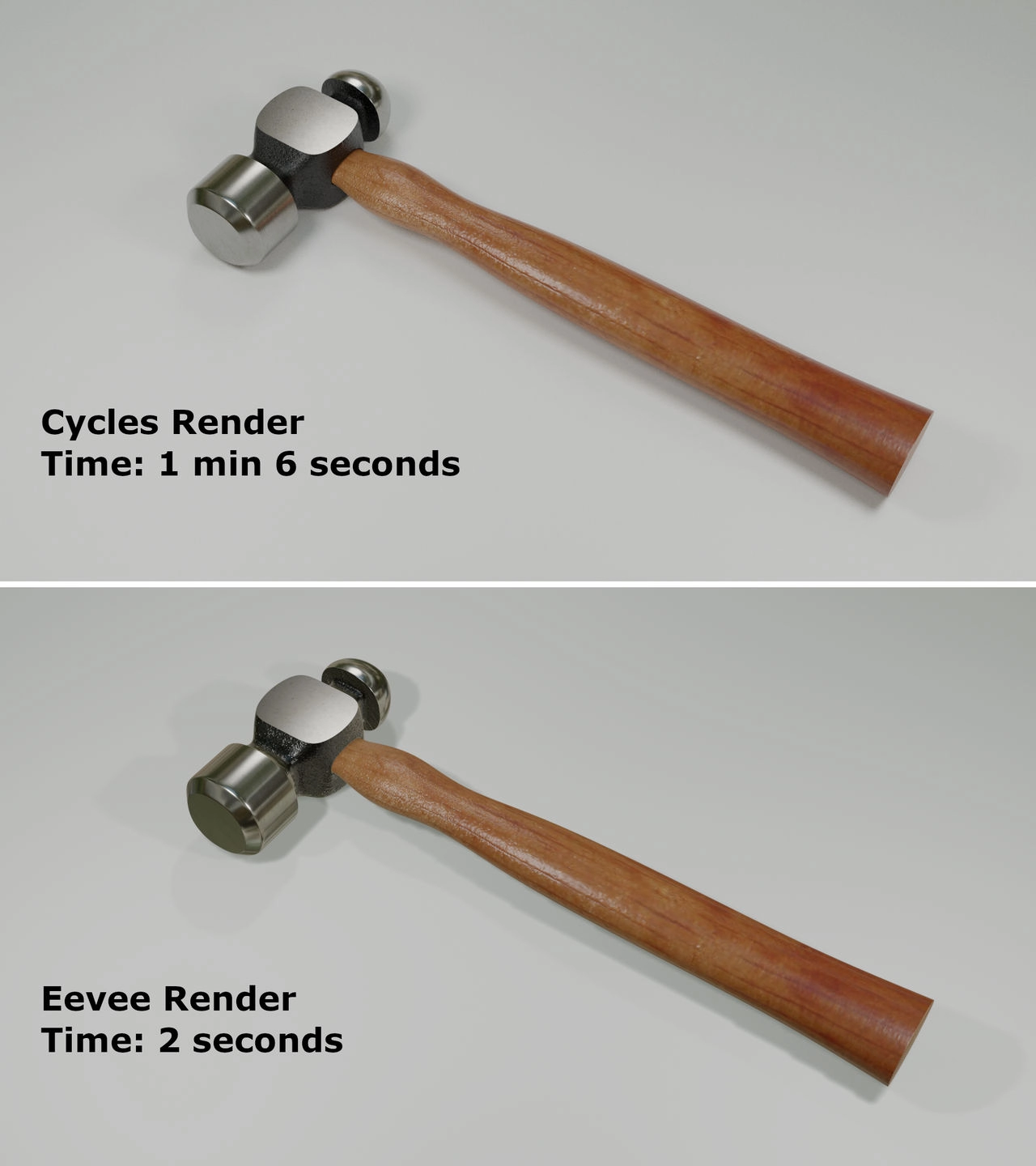
The cycle's ambient occlusion is inherited from the distance between surfaces in 3D space. Eevee AO is created based on the distance between surfaces according to the 2D image the screen sees. It can be up to twelve times faster than Cycles using the same scene and hardware. Eevee manages to render your scenes with good quality. Cycles should be used for still renders, higher quality animations, products, and architectural design for manufacturing. Eevee is focused on real-time rendering.
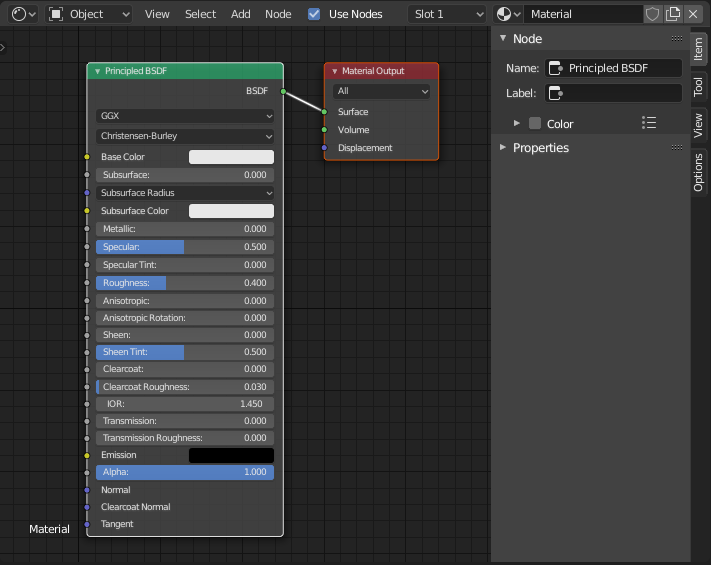
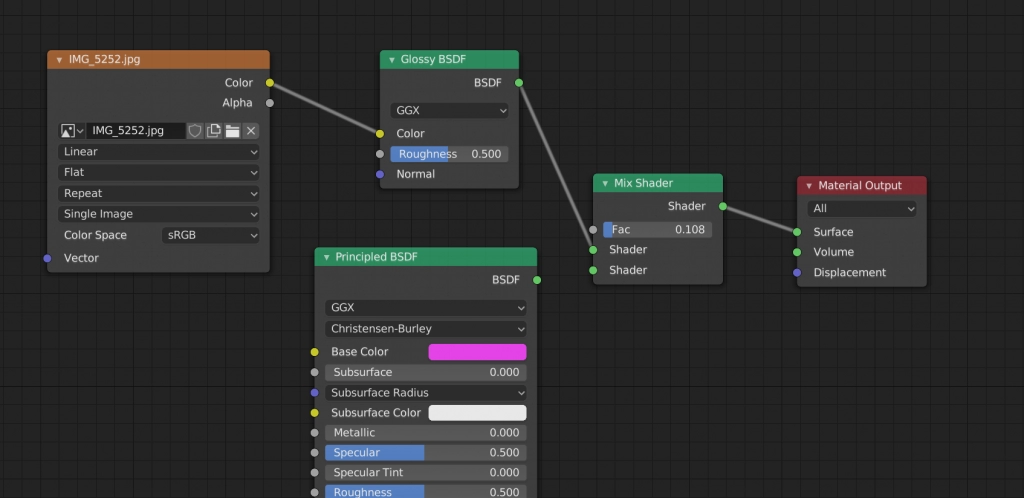
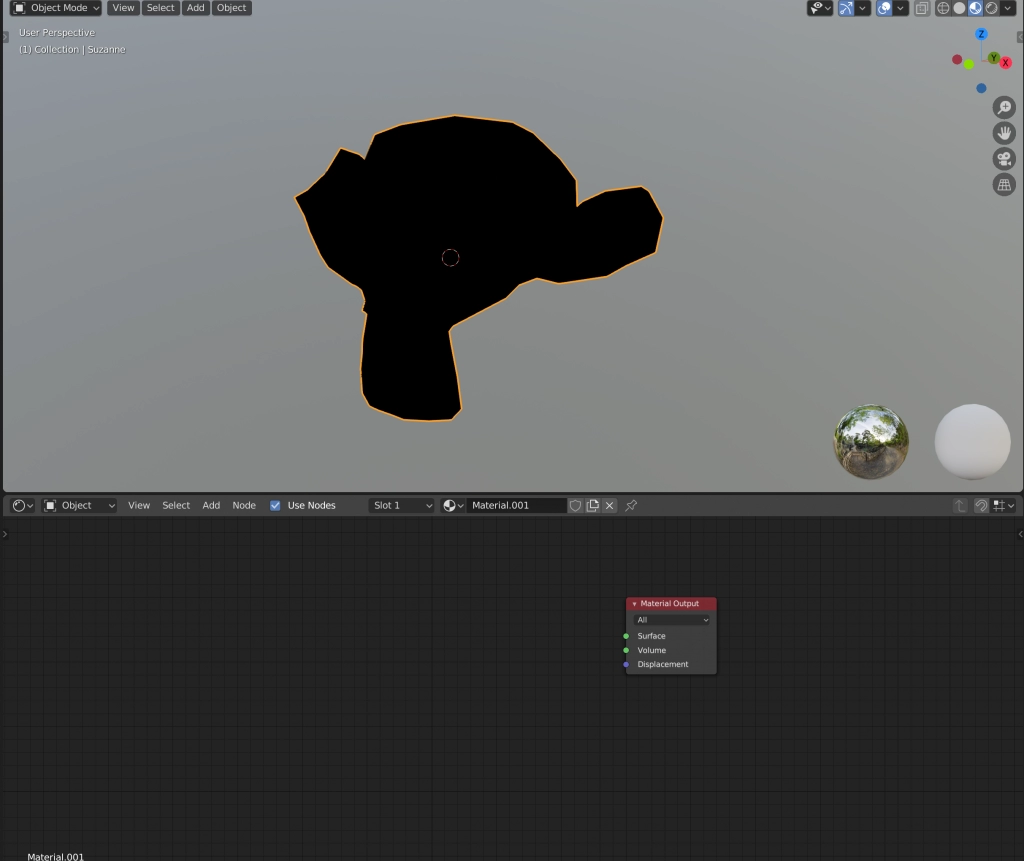
Blender automatically creates the principle BSDF, and this is the node. On the other hand, we can convert any of our editors to the shader editor, so, by default, blender creates these nodes in shader detection.
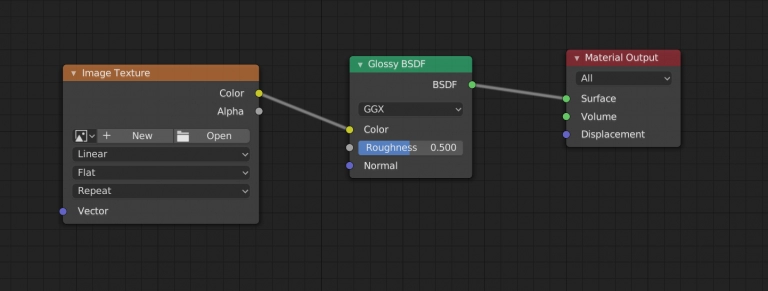
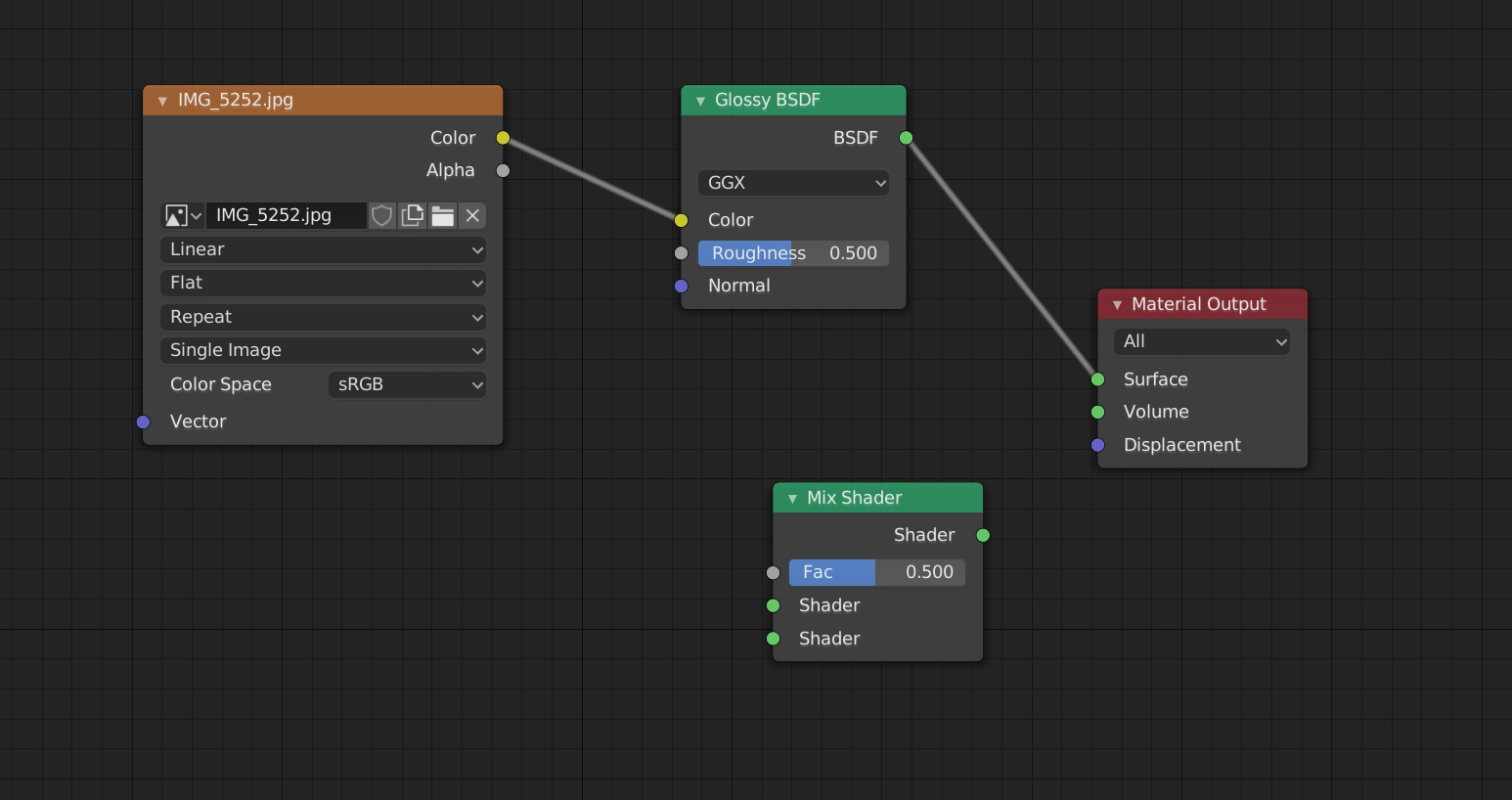
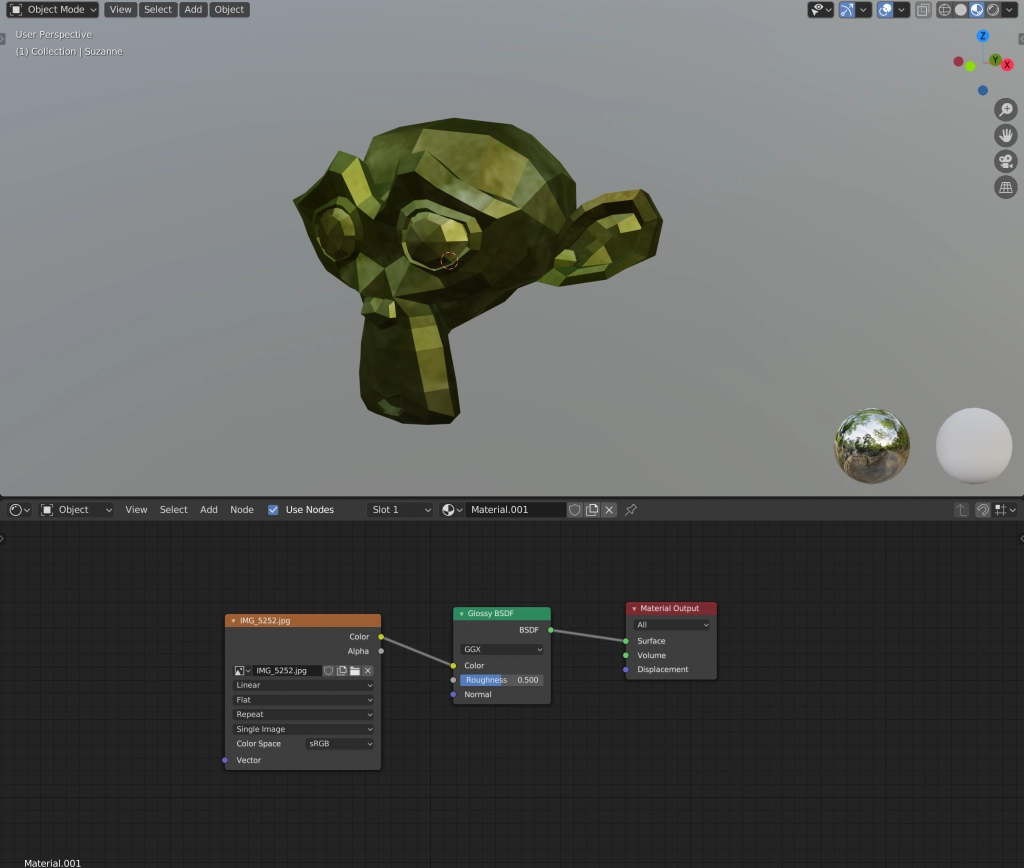
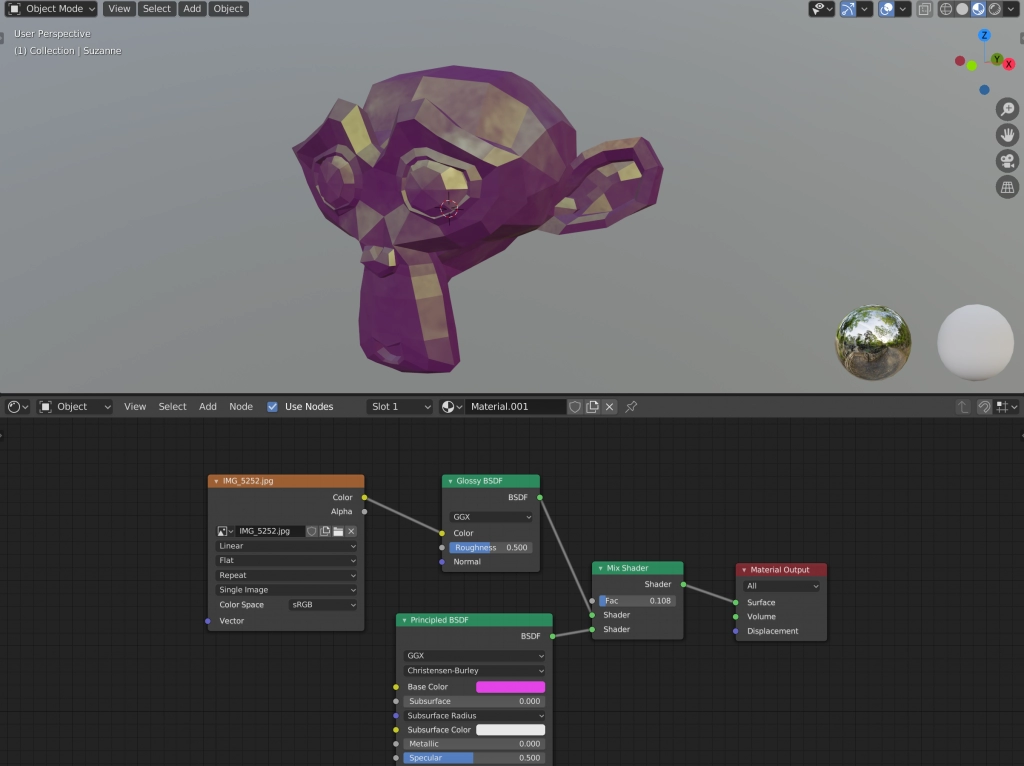
With this base colour, we can attach your textures, images, and anything with this base colour. Select “Image Texture” from the “Texture” menu. When you bring in your texture, you don’t see it to see the texture we have to connect to this BSDF. So we need to click colour to colour here.
Make a copy of the source file and place it in your asset folder. But the original will be replaced in the drop-down and usually better practice to rename the shader.
How do shaders work?
Shaders are simple programs that describe the traits of either a vertex or a pixel. Vertex shaders describe the attributes of a vertex, while pixel shaders describe the traits of a pixel.
How do you apply a shader to the material graph?
Right-click the Shader Graph shader and select Create > Material. Select the material you just created.
Conclusion
In this article, we have briefly discussed shader editor, the differences between eeve and cycles, and how to use shader editor.
If you want to check out some interview experiences, you can refer to this article. We hope that this blog has helped you amplify your knowledge regarding shader editor and if you would like to acquire more knowledge, check out this article. Do upvote our blog to help other ninjas grow. Happy Coding!












 1+ registered

