Do you think IIT Guwahati certified course can help you in your career?
Introduction
Web2py is written in Python and programmable in Python. Web2py is a free, open-source web framework for the agile development of secure database-driven online applications. As a full-stack framework, web2py has every element required to create entirely working web applications.
But why do we even need a web framework? Numerous programming languages are used to construct web apps; however, starting from scratch may take some time. To achieve this, we need web frameworks. A developer needs to be knowledgeable about that language because web frameworks are typically built on top of it.
Web Frameworks
Developers frequently utilize web frameworks to build web apps quickly. A set of modules, libraries, and application programming interfaces (APIs) known as a web framework enables programmers to create online applications rapidly and effectively without worrying about the intricate technical jargon and protocols used in web development.
CRUD in Web2py
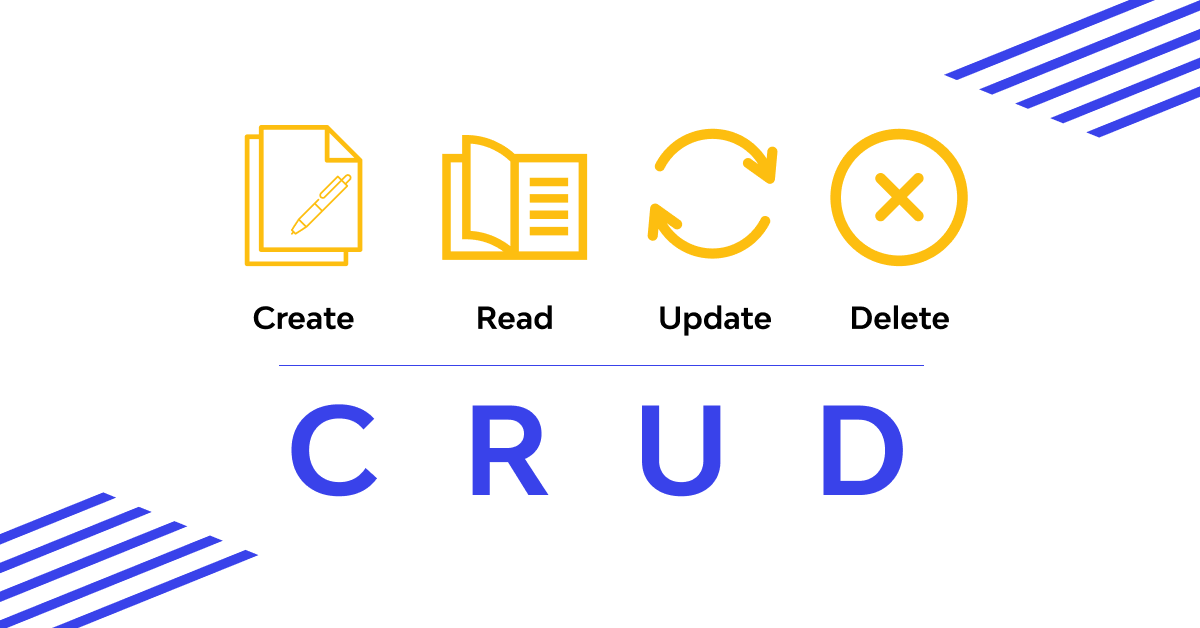
On top of SQLFORM, the Create/Read/Update/Delete (CRUD) API is a test interface. Although it has been deprecated in favor of SQLFORM.grid() and SQLFORM.smartgrid(), several applications were created using it. Therefore it is still mentioned here.
Widgets in Web2py
As helper factories, widgets always take field and value as their first two arguments. The other arguments may contain typical auxiliary characteristics like _class, _style, etc. Additionally, some widgets accept unique views. Notably, the style parameter (not to be confused with _type) for the SQLFORM.widgets.radio and SQLFORM.widgets.checkboxes can be set to "table," "ul," "divs," or any other value that corresponds to the form style of the containing form.
Both new widgets and extensions to existing devices are options available for you.
Here are some web2py widgets, which are defaults for the related field types are these widgets.
When a field's requirement is IS_IN_SET or IS_IN_DB with multiple=False, the "options" widget is utilized (default behavior). When a field's requirement is IS_IN_SET or IS_IN_DB with multiple=True, the "multiple" device is utilised. The "radio" and "checkboxes" widgets can be explicitly set, but they are never used by default. The "autocomplete" widget is unique and is covered separately in this section.
Both new widgets and extensions to existing widgets are options. SQLFORM.widgets[type] is a class whereas SQLFORM.widgets[type].widget is a static member function of the corresponding class. The field object and the field's current value are the two arguments that are passed to each widget function. It gives back a picture of the widget. The string widget, for instance, may be re-coded as follows:
Whereas min length informs the widget to launch an Ajax callback to fetch suggestions only after the user has entered at least two characters in the search field and limit by instructing the widget to display no more than ten suggestions at once. Adding the optional argument distinct=True when using this method can prevent repeated requests.
Keep in mind that the default settings for both the variables limitby=(0, 10) and min length=2 in the example above allow for their omission.
Remember that distinct does not function when a virtual field is autocompleted.
In this instance, the widget's id field value instructs it to save the matching db.category.id even if the item to be autocompleted is a DB.category.name. Order by is an optional argument that tells the widget how to sort the suggestions; for instance, to have them ordered alphabetically, use:
In this situation, you cannot use distinct=True to prevent duplicate suggestions because the id field is also picked when a reference field is autocompleted.
Frequently Asked Questions
Is web2py an MVC framework?
The Ruby on Rails and Django frameworks informed the creation of web2py. Web2py, like similar frameworks, emphasizes rapid development, prefers convention over configuration, and adheres to the model-view-controller (MVC) architectural paradigm.
What is the function of web2py?
Python dynamic web content programming is made possible by Web2py for web developers. Although a web developer can still create a form from scratch if necessary, Web2py is made to make laborious web development chores like creating web forms from scratch less onerous.
Which is better compared, Django or web2py?
Due to its smaller size, more straightforward learning curve, and lack of project-level configuration files, web2py differs from Django. Compared to PHP-based frameworks and Java-based frameworks, web2py has a significantly more explicit syntax. This makes applications easier to comprehend, maintain, and create.
Which is superior, Django or web2py?
Due to its smaller size, simpler learning curve, and lack of project-level configuration files, web2py differs from Django. Compared to PHP-based frameworks and Java-based frameworks, web2py has a significantly clearer syntax. This makes applications easier to comprehend, maintain, and create.
Is the web2py framework reliable?
To sum up, Web2py is a completely Python-written, free, quick, safe online development framework that promotes utilizing Python wherever possible (model, view, controller). Although it is an excellent framework for tiny web applications or prototypes, it does not meet the standards for business-level quality.
Conclusion
This article covers everything you need to know about Widgets and Autocomplete widgets in web2py. Still have more questions; Here are some articles for rescue:










 1+ registered

