




Introduction
A single object used to represent text, numbers, symbols, or special characters is referred to as a character. For example, the letter 'a' is considered a single character, whereas the word "Java" is regarded as a four-character string.
The char keyword is commonly used in Java to represent characters. Java's data type is char, and it is used to store a single character. The char value should be surrounded by single quotes. In Java, a string is defined as zero or more characters. The string value should be surrounded by double-quotes. The code below demonstrates how to declare characters and strings in Java.
Example
class CharCount{
    public static void main(String[] args) {
        String str = "This is Coding Ninjas hello!!";
        int len = str.length();
        System.out.println("Length of the String: " + len);
    }
}
Output

There are many ways to count the number of characters in Java. But here, we focus on using AWT(Abstract Window Toolkit)/String.
Word Character Counter in Java
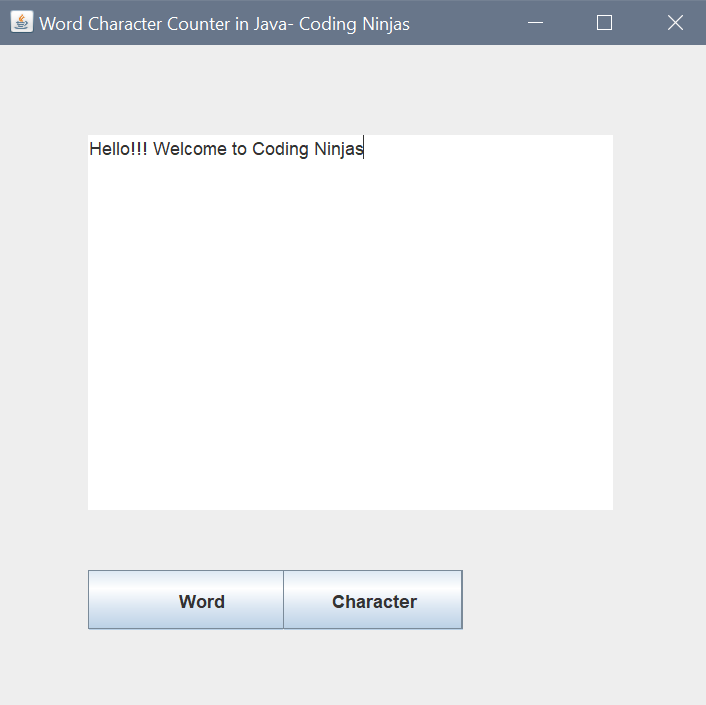
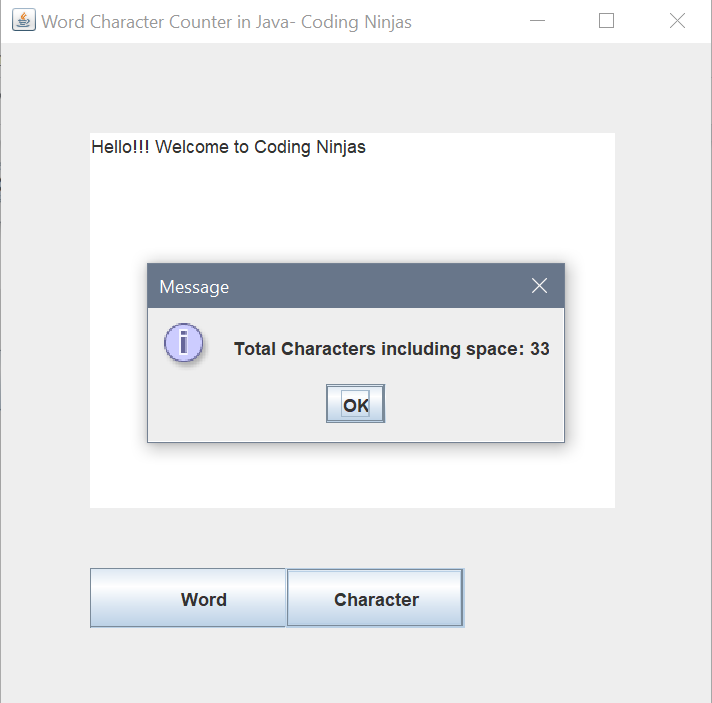
We can create a Word Character Counter in Java using string, AWT/Swing, with event handling with the help of ActionEvent Class.
AWT/Swing
The Java AWT API(Application Programming interface) is used to create graphical user interface (GUI) applications. Java Swing is a Java Foundation Class that is used to create a variety of applications.
| JAVA AWT | JAVA Swing |
| The Java AWT components are heavily weighted. | Java Swing's components are lightweight. |
| When compared to Swing, Java AWT has less functionality. | When compared to AWT, Java Swing provides more functionality. |
| MVC is not supported. | MVC is supported. |
| Components are platform dependent. | Components are platform Independent. |





 1+ registered

