




Introduction
Ansible automates remote system management and configures them to the desired state. The purpose of the Ansible 2.0 porting guide is to contrast versions 1.# and 2.0.
It's intended to assist you in updating your Ansible playbooks, plugins, and other infrastructure parts to work with the current software version.
In this article, we will learn the introduction to Ansible 2.4 porting guide, Python version, inventory, deprecated, modules, plugins, tests, networking, configurations, and their types.

Python versions
Ansible will no longer support Python 2.4 and 2.5 on the target hosts. As is already the case for the controller, Python 2.6 or later will require for targets.
Inventory

Inventory has been refactored to support different sources and may implement via plugins. Users can largely ignore this modification.
The inventory dir is one exception; formerly, it could only have one value, thus plugins set it globally. It is now a host variable. It means, we cannot use it longer to identify hosts early in plays by using the phrases "or similar." Additionally, because they no longer immediately inherit the global value, add hosts and the implicit localhost behave differently and default to None. For further details, consult the module documentation.
Since the inventory file was always host-specific, it hasn't changed much.
Since there is no longer a single inventory, these variables are unavailable for the "implicit localhost".
The inventory path/directory, which sets by default to the current working directory, had an issue that the plugin fixed. When a host lists as an inventory, group vars and host vars are picked up from the current working directory rather than merely next to the playbook or inventory directory.
🔻Initial playbook relative group_vars and host_vars
Before Ansible 2.4, the inventory system would keep the context of the first playbook run. It becomes possible for playbooks added in other folders to inherit group vars and host vars that sets up about top-level playbook file.
Starting with Ansible version 2.4, this capability won't be present in the new inventory system due to some behavioral discrepancies.
Use of vars files including vars, group vars, and host vars relative to the inventory file can still accomplish similar functionality.
Also see, How to Check Python Version in CMD
Deprecated
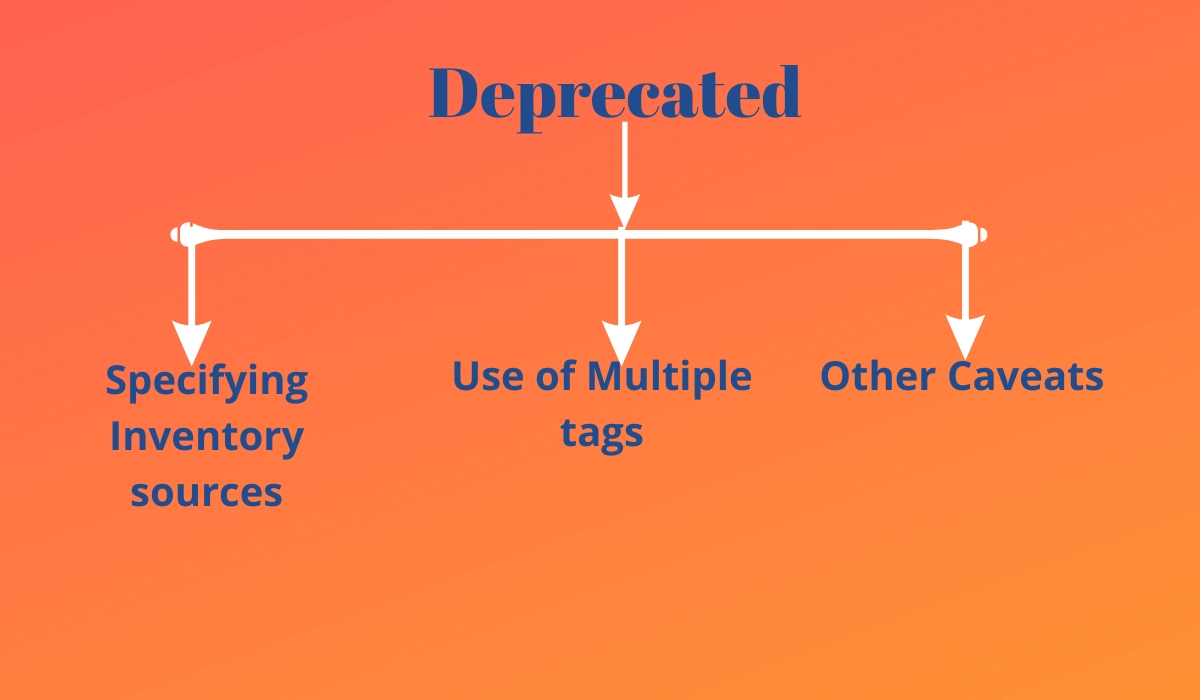
⭐Specifying Inventory sources
The command line option —inventory-file is no longer recommended. Use -i or —inventory. Deprecated components include the ANSIBLE HOSTS environment variable, hostfile, and ini configuration key. Replace these with the environment variable and configuration key inventory. ANSIBLE INVENTORY.
⭐Use of Multiple tags

When —tags (or —skip-tags) are specified several times on the command line, the most recent specification takes precedence over all earlier ones. This action is out of date. In the future, the plugin will combine the tags if you specify -tags more than once. A deprecation warning will now be displayed when —tags are used more than once on a single command line. plugin can activate the new behavior by setting the merge multiple cli tags option in the ansible.cfg file to True.
The default has changed in version 2.4 to merge the tags. Through the config option, you can enable the previous overwriting behavior.
Multiple —tags options will be combined in 2.5, and there will be no way to revert to the previous behavior.
⭐Other Caveats
This version has minimal changes.
Modules
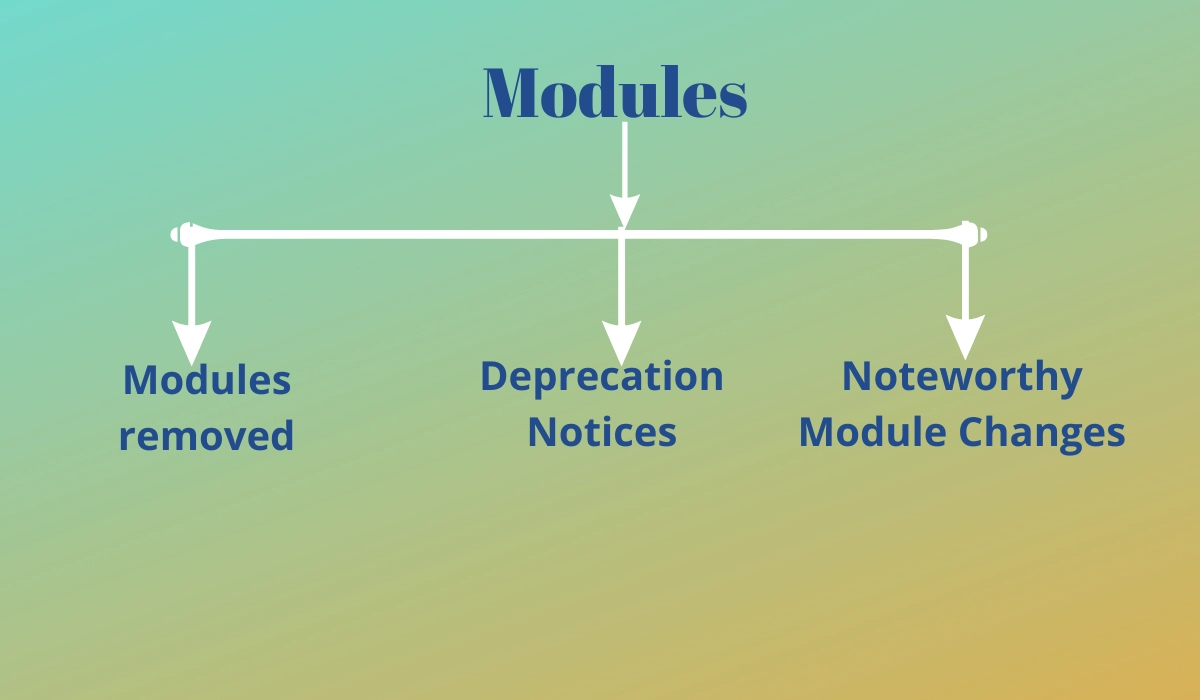
Here are details of significant updates to well-liked modules.
The command-line quotes are now correctly preserved by the win shell and win command modules. It could be necessary to redo tasks that used extra quotes or escaped text to get around the problem.
📑Modules removed
These modules are no longer available.
📑Deprecation Notices
In Ansible 2.8, Ansible will eliminate the following modules. Please revise your playbooks as necessary.
Use the new Resource Manager SDK, supported by Azure's azure rm virtual machine.
use win package rather than win MSI.
📑Noteworthy Module Changes
The dictionary win_get_url in the win_get_url module's results has been deprecated; like other modules, its content is now immediately available in the output. In Ansible 2.8, Ansible will eliminate this dictionary.
The contents are now immediately included in the output, just as in other modules and the win unzips module no longer includes the dictionary win unzip in its results.
In favor of RC and reboot required, the win package module returns the values exit code and restart required have been deprecated. In Ansible 2.6, Ansible will eliminate the deprecated return values.
Plugins

There is now a new method for configuring and describing plugins. Existing installations need not be altered, but developers should start adjusting to the new infrastructure immediately. Each plugin type's developer documentation will include further information.
🔺Vars Plugin Changes
Vars plugin implementation has undergone numerous changes, however, users and developers shouldn't need to make any adjustments to maintain the functionality of present setups. Developers should consider updating their plugins to take advantage of new capabilities.
The biggest change for consumers is that vars plugins are now called on demand rather than during inventory build time. This should increase their efficiency for big inventories, especially when using a portion of the hosts.
🔺Inventory Plugins

Developers should begin switching to the new Inventory Plugins from hardcoded inventory with dynamic inventory scripts. The scripts will still function through the script inventory plugin, however, the focus of Ansible development is on creating plugins rather than improving pre-existing scripts.
Because the new plugins are made to eliminate the need for many of the hacks and workarounds included in the dynamic inventory scripts, users and developers should look closely at them.
🔺Callback Plugins

Users
A new system configured the callbacks. Users shouldn't need to make any changes because the previous system still functions, but if any callbacks that do not inherit from the built-in classes are used, you may receive a deprecation warning. The developers must make the updates listed below.
Developers
Your callback will still function but will display a deprecation notice if it does not directly or indirectly (via another callback) inherit from CallbackBase. Change it to inherit from CallbackBase so that it contains the new options handling methods and properties to avoid this and guarantee that it works in the future. Although you can also use the new options handling functions and properties, future additions won't be immediately inherited. For more information, check out CallbackBase or AnsiblePlugin.
The options may need to change in all callbacks that inherit from other callbacks for them to have the same documented options as their parent, otherwise, they won't be available.
🔺Template lookup Plugin: Escaping Strings
In strings supplied to the template lookup plugin before Ansible 2.4, backslashes were automatically escaped. Users are now in charge of escaping backslashes in version 2.4. The same backslash escaping rules are applied to both after this change by aligning the template lookup plugin with the template module.
Suppose your template lookup looks like this:
- debug:
    msg: '{{ lookup("Ansible 2.4 porting guide", "template.j2") }}'
OLD In Ansible 2.3 (and earlier) template.j2 would look like this:


{{ "name Ansible 2.4 porting guide" | regex_replace("^[^\s]+\s+(.*)", "\1") }}
NEW In Ansible 2.4 it should be changed to look like this:


{{ "name Ansible 2.4 porting guide" | regex_replace("^[^\\s]+\\s+(.*)", "\\1") }}
Tests

🔻Test Succeeded/failed
A task return code of RC overrode a failed return code before Ansible version 2.4. In version 2.4, the task's state is determined using both RC and failed. Test plugins succeeded/failed' have also been altered as a result. This implies that succeeded/failed will return True/False if a task failure is overridden with failed when: no. For instance:
- command: /bin/false
  register: result
  failed_when: no


- debug:
    msg: 'Ansible 2.4 porting guide'
  when: result|failed


- debug:
    msg: 'Ansible 2.4 porting guide'
  when: result|succeeded


- debug:
    msg: 'This is always printed Ansible 2.4 porting guide'
  when: result.rc != 0
As demonstrated by the example above, Ansible 2.3 succeeded/failed merely by examining RC's value.
Networking

The way Networking Modules function has undergone a lot of changes.
Playbooks must continue to utilize connection: local.
🔻Persistent Connection
Deprecated configuration options include connection retries and connect intervals, available in Ansible 2.3. Use connection retry timeout for Ansible 2.4 and later.
Instead of using the previous top-level timeout variable under [default], regulate timeouts using command timeout.
Configuration

Major modifications have been made to the configuration system. Users should not be impacted, except:
The ansible.cfg file is the starting point for all defined relative paths. Before, they varied according to location. The new conduct ought to be easier to anticipate.
Paths now include a new macro called "CWD" that will make paths relative to the "current working directory." It becomes risky, but some users firmly believe they can rely on this behavior.
Some methods were preserved for backward compatibility but will alert users that the function has been deprecated. Developers working directly with the former API should review their usage.
The new setup has been created to reduce the requirement for core code changes to accommodate new plugins. The plug-ins merely.
Frequently Asked Questions
What does Ansible's host file mean?
Host files in Ansible are those files used to store data about distant nodes that we need to manage. Ansible can set the path of this file anywhere. Still, it must be specified in a configuration file or on the command line.
Describe the ansible scripts.
An ordered set of scripts known as an Ansible playbook describes the work for a server setup that the automation tool Ansible is in charge of managing. An Ansible configuration management tool automates numerous servers' configurations through playbooks.
In Ansible, what is YAML?
The YAML sequence that makes up an Ansible playbook comprises mappings and sequences. Additionally, Ansible modules are contained in playbooks, and each one accepts the parameters set forth by its creator. The documentation for a module lists both mandatory and optional parameters.



 1+ registered

