




Introduction
JavaFX is a handy tool if you want to create rich web applications or need to deliver desktop applications. In simple words, JavaFX is a set of graphics and media packages enabling developers to design, develop, test, debug, and deploy rich web and desktop applications that operate consistently across diverse platforms. If you are not familiar with JavaFX, don't worry! We've got you covered. Check out JavaFX on coding ninjas and then carry on forward in this article.
Here we will introduce the core concept, usage, and implementation of the JavaFX Convenience Methods with the help of an example. If you are new to Java or want to brush up your skills before this article, check out this amazing series by Coding Ninjas.
So without further ado, let’s get going!

JavaFX Convenient Methods
Convenient Methods in JavaFX provide a handy way to handle events. JavaFX has various convenience methods to handle events on multiple nodes in a JavaFX application. Convenience methods offer an easy and effective way to add any particular event handler like ActionEvent, MouseEvent, KeyEvent, etc., on different JavaFX application nodes.
A Node class contains various Event Handler properties that can be set to the user-defined Event Handlers using the setter methods or convenience methods defined in the class. Convenience methods can help you automatically register with particular components to receive specific event handlers.

Syntax
The syntax for convenience methods for the event handlers registration is as follows
setOnEvent-type(EventHandler<? super event-class> value) 
Here the Event type is the type of event to be handled through the defined functions. For example, setonMouseClicked() will be the convenience method to register the event handler for the event Mouse_Clicked.
EventHandler Properties
Below are the EventHandler properties and their respective setter methods (convenience methods).
-
onKeyPressed: This is a KeyEvent handler-type property. It is assigned by the user to a particular function when the node encounters the action of a key pressed.
-
onKeyReleased: This is a KeyEvent handler-type property. It is assigned by the user to a particular function when the node encounters the key release action.
-
onKeyTyped: This is a KeyEvent handler-type property. It is assigned by the user to a particular function when the node encounters an action of key typed.
-
onMouseClicked: This is MouseEvent handler type property. It is assigned by the user to a particular function when the node encounters the action of mouse clicking.
-
onMouseDragged: This is MouseEvent handler type property. It is assigned by the user to a particular function when the node encounters the action of mouse dragging.
-
onMouseEntered: This is MouseEvent handler type property. It is assigned by the user to a particular function when the mouse enters the node's scope.
-
onMouseExited: This is MouseEvent handler type property. It is assigned by the user to a particular function when the mouse exits the node's scope.
-
onMouseMoved: This is MouseEvent handler type property. The user assigns it to a particular function on the mouse moving within the node without pressing any button.
-
onMousePressed: This is MouseEvent handler type property. It is assigned by the user to a particular function when the node encounters the action of mouse pressing.
-
onMouseReleased: This is MouseEvent handler type property. It is assigned by the user to a particular function when the node encounters the action of mouse releasing.
-
onRotate: This is the RotateEvent handler type property. It is assigned by the user to a particular function when the node encounters an action of rotation on a specific node.
-
onRotationStarted: This is the RotateEvent handler type property. It is assigned by the user to a particular function when the node encounters the action of starting rotation on a specific node.
-
onRotationFinished: This is the RotateEvent handler type property. It is assigned by the user to a particular function when the node encounters the action of finishing rotation on a specific node.
- onScroll: This is ScrollEvent handler type property. It is assigned by the user to a particular function when the node encounters the action of scrolling on a specific node.
Example
In the example, we will use the onMoueClicked event handlers for two buttons to start and stop the motion in our JavaFX application.
Before writing the code, you can set up JavaFX as a dependency in your maven project. The pom.xml file of the JavaFX project will look like this.
pom.xml
<project xmlns="http://maven.apache.org/POM/4.0.0" xmlns:xsi="http://www.w3.org/2001/XMLSchema-instance" xsi:schemaLocation="http://maven.apache.org/POM/4.0.0 https://maven.apache.org/xsd/maven-4.0.0.xsd">
  <modelVersion>4.0.0</modelVersion>
  <groupId>JavaFX</groupId>
  <artifactId>JavaFX</artifactId>
  <version>0.0.1-SNAPSHOT</version>
  <build>
    <sourceDirectory>src</sourceDirectory>
    <plugins>
      <plugin>
        <artifactId>maven-compiler-plugin</artifactId>
        <version>3.8.1</version>
        <configuration>
          <release>17</release>
        </configuration>
      </plugin>
    </plugins>
  </build>
  <dependencies>
          <dependency>
        <groupId>org.openjfx</groupId>
        <artifactId>javafx-controls</artifactId>
        <version>11</version>
    </dependency>
  </dependencies>
</project>
The code for the program will look something like this.
Java Code
import javafx.animation.TranslateTransition;
import javafx.application.Application;
import javafx.event.EventHandler;
import javafx.scene.Group;
import javafx.scene.Scene;
import javafx.scene.control.Button;
import javafx.scene.input.MouseEvent;
import javafx.scene.paint.Color;
import javafx.scene.shape.Circle;
import javafx.stage.Stage;
import javafx.util.Duration;
public class MenuExample extends Application{
	@Override
	public void start(Stage primaryStage) throws Exception {

    	Circle c = new Circle(100,100,50);
    	c.setFill(Color.ORANGE);
    	c.setStroke(Color.BLACK);

    	Button btn = new Button("Move");
    	btn.setTranslateX(145);
    	btn.setTranslateY(220);

    	Button btn1 = new Button("Stop");
    	btn1.setTranslateX(195);
    	btn1.setTranslateY(220);

    	TranslateTransition trans = new TranslateTransition();
    	trans.setAutoReverse(true);
    	trans.setByX(200);
    	trans.setCycleCount(100);
    	trans.setDuration(Duration.millis(500));
    	trans.setNode(c);

    	EventHandler<MouseEvent> handler = new EventHandler<MouseEvent>() {

        	@Override
        	public void handle(MouseEvent event) {
            	// TODO Auto-generated method stub

            	if(event.getSource()==btn)
            	{
            	trans.play();
            	}
            	if(event.getSource()==btn1)
            	{
                	trans.pause();
            	}
            	event.consume();
        	}

    	};

    	btn.setOnMouseClicked(handler);
    	btn1.setOnMouseClicked(handler);

    	Group root = new Group();
    	root.getChildren().addAll(c,btn,btn1);
    	Scene scene = new Scene(root,420,300);
    	primaryStage.setScene(scene);
    	primaryStage.setTitle("Coding Ninjas JavaFX");
    	primaryStage.show();
	}
	public static void main(String[] args) {
    	launch(args);
	}
}
Output
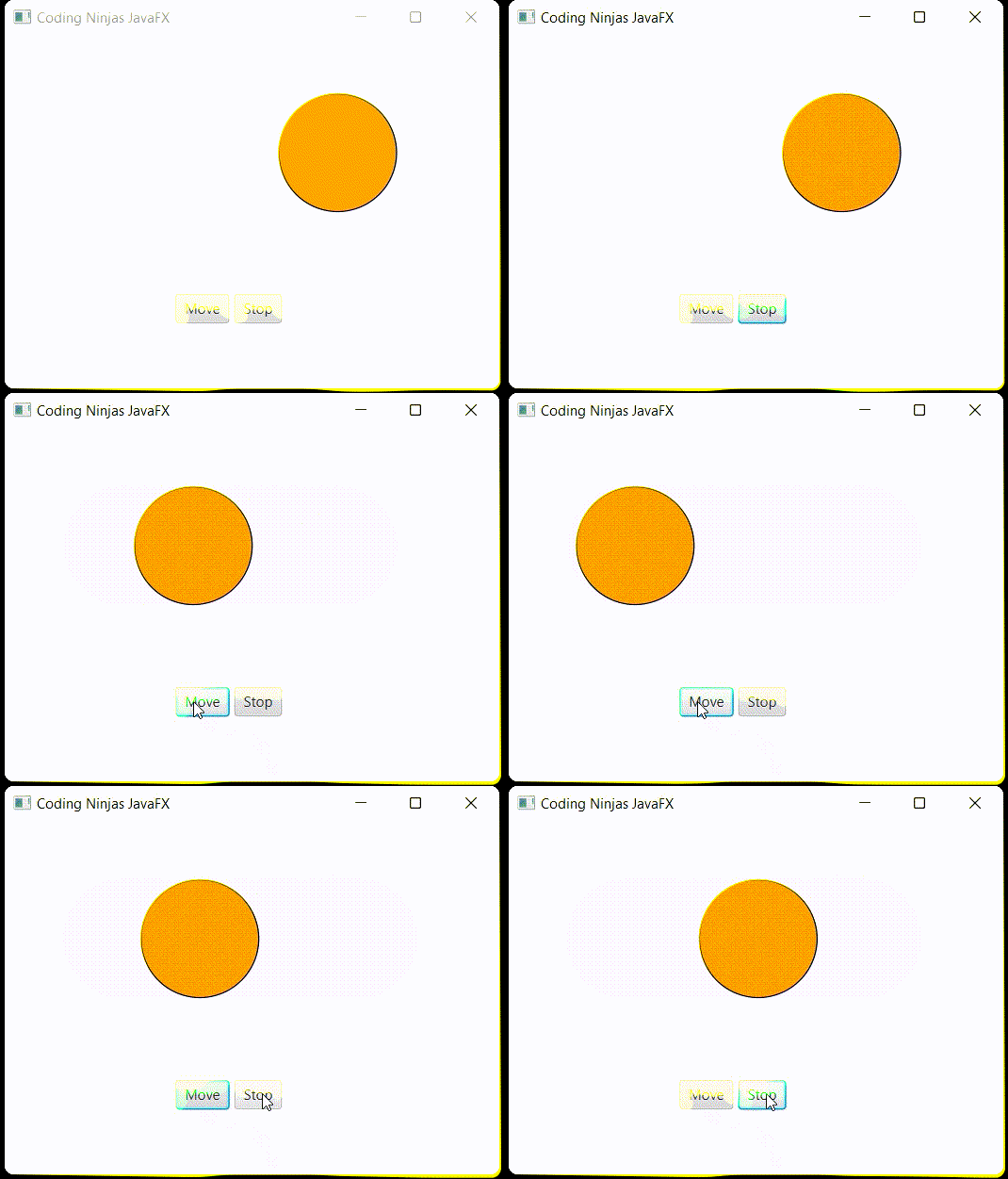
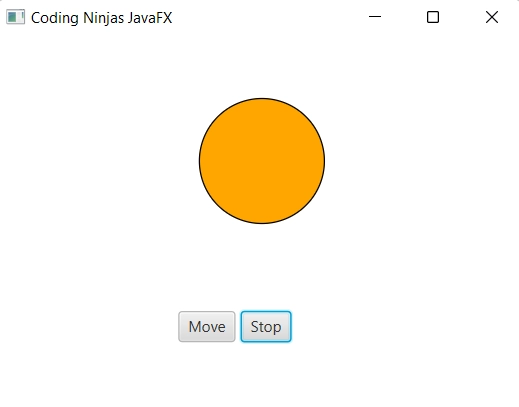
As you can see, the Move and Stop buttons handle the Mouse Click event to affect the animation in the application. That is how a JavaFX convenience method is implemented.



 7+ registered

