Do you think IIT Guwahati certified course can help you in your career?
Introduction
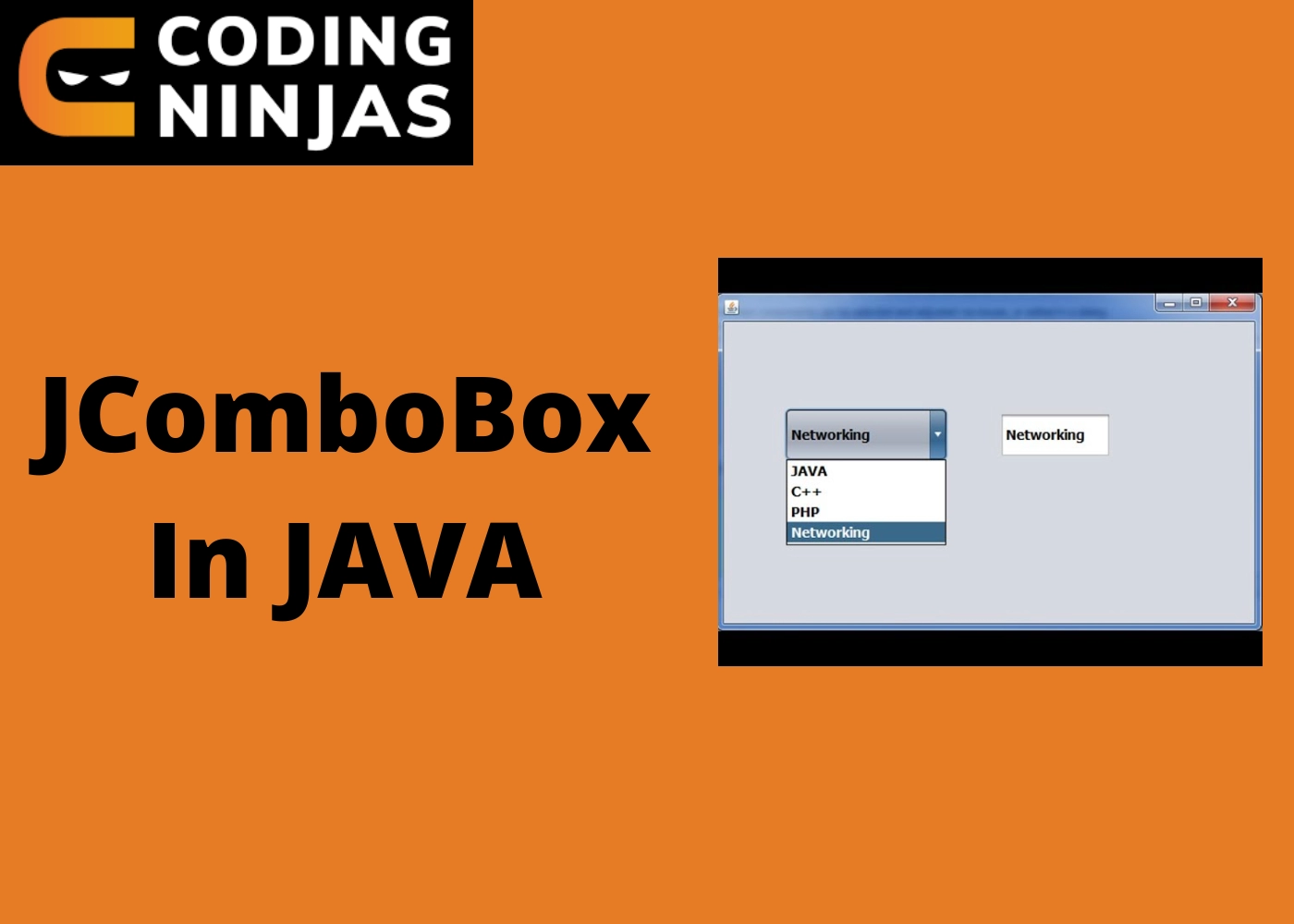
JComboBox is a Java Swing component. JComboBox is a descendant of JComponent. JComboBox displays a popup menu with a set of options from which the user may choose. Depending on the programmer's preference, JComboBox can be editable or read-only.
JComboBox Class Declaration
The javax.swing.JComboBox class declaration can be found here:
public class JComboBox
extends JComponent
implements ItemSelectable, ListDataListener, ActionListener, Accessible
Commonly used Constructors
Let’s look at some of the commonly used constructors with their description:
Constructor
Description
JComboBox()
It makes a JComboBox with a standard data model.
JComboBox(Object[] items)
It generates a JComboBox with the elements from the provided array.
JComboBox(ComboBoxModel aModel)
It builds a JComboBox that uses an existing ComboBoxModel to populate its contents.
JComboBox(Vector<?> items)
It generates a JComboBox with the elements from the provided Vector.
Commonly used Methods
Let's look at some of the commonly used methods with their description:
Methods
Description
void addItem(Object anObject)
It's used to add a new item to the list of items.
void removeItem(Object anObject)
It's used to delete something from the item list.
void removeAllItems()
It is used to remove the list of all items.
void setEditable(boolean b)
It determines whether the JComboBox can be edited.
void addActionListener(ActionListener a)
It's where you'll add the ActionListener.
void addItemListener(ItemListener i)
It's where you'll add the ItemListener.
Java JComboBox Example
import javax.swing.*;
public class ComboBoxExample {
	JFrame f;
	ComboBoxExample(){
		f = new JFrame("ComboBox Example");
		String country[]={“Apple”, “Guava”, “Grapes”, “Mango”, “Orange”};
		JComboBox cb=new JComboBox(country);
		cb.setBounds(50, 50,90,20);
		f.add(cb);
		f.setLayout(null);
		f.setSize(400,500);
		f.setVisible(true);
	}
	public static void main(String[] args) {
		new ComboBoxExample();
	}
}
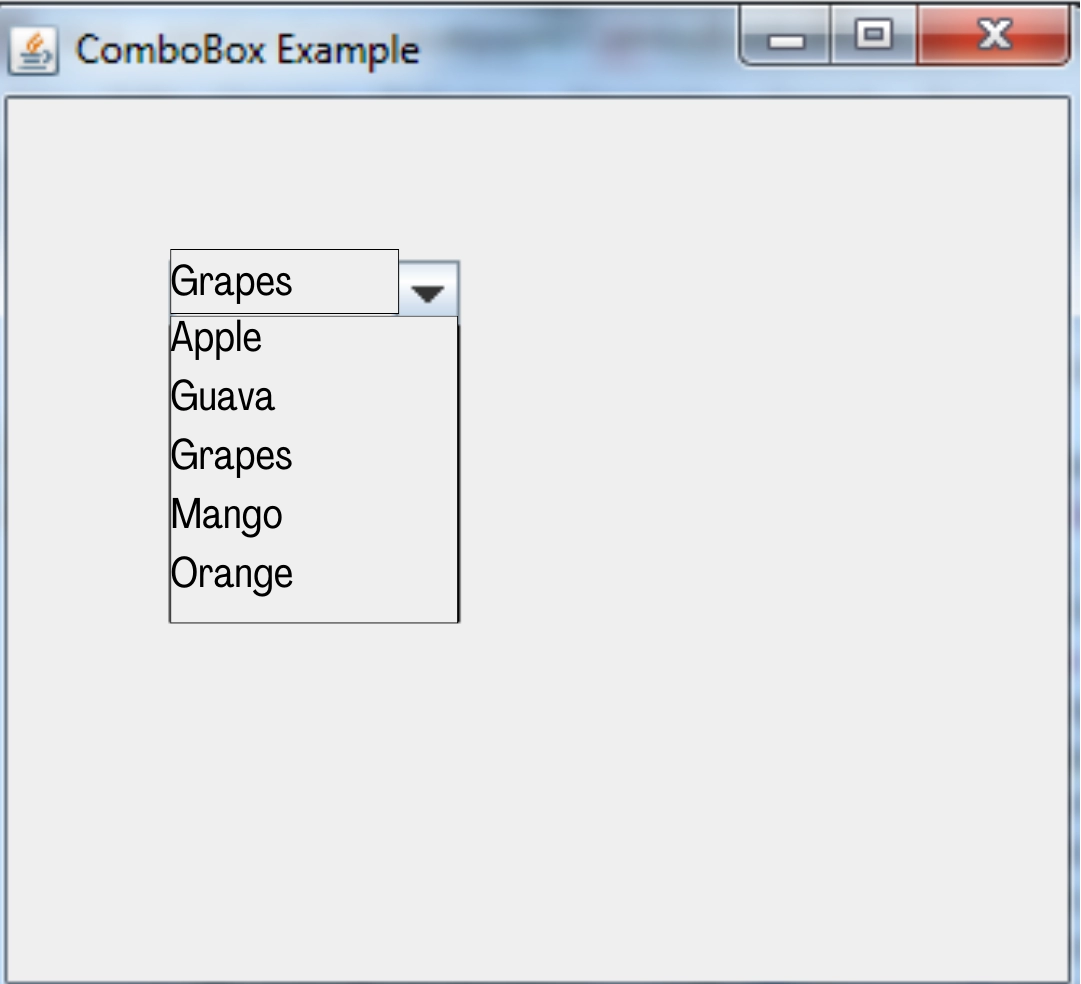
OUTPUT
Frequently Asked Questions
What is a JComboBox?
JComboBox is a component that combines a drop-down list with a button or editable field.
Which property is used to sort ComboBox items?
The Sorted Property allows you to sort the elements in the ComboBox.
Which two controls combine to form the ComboBox control?
The ComboBox is similar to a mix of an ASP.NET DropDownList control and a TextBox control.
Which method is used to add the items in a ComboBox?
The AddRange method is the best way to add a set of items to the ComboBox.
What is the difference between applet and Swing?
Applets are small bits of functionality that operate in a web browser and can be downloaded on demand. Swing is a set of user interface components, such as text boxes and windows, that a developer can create for usage on the desktop.
Conclusion
In this article, we have extensively discussed JComboBox In Java, also learned about the commonly used constructors and methods and saw some examples.
We hope this blog has helped you enhance your knowledge regarding JComboBox In Java.







 1+ registered

