test.skip.each
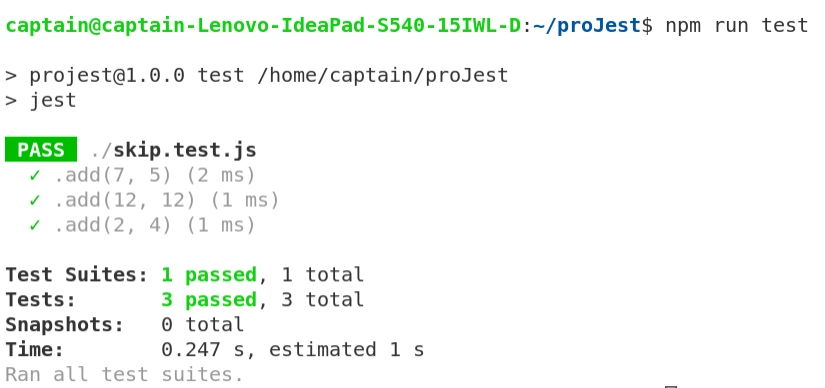
What if you want to run the same test on a set of data? As you know we can use test.each function in such a scenario. test.each function accepts similar arguments as test function. Except, it also accepts the set of data on which the test is to be run.
Let us see an example to better understand. Create a program named skip.test.js with the following program and run the test using npm run test.
Program
test.each([
   [7, 5, 12],
   [12, 12, 24],
   [2, 4, 6],
])('.add(%d, %d)', (v1, v2, resExpected) => {
   expect(v1 + v2).toBe(resExpected); // will not be ran
});

You can also try this code with Online Javascript Compiler
Output
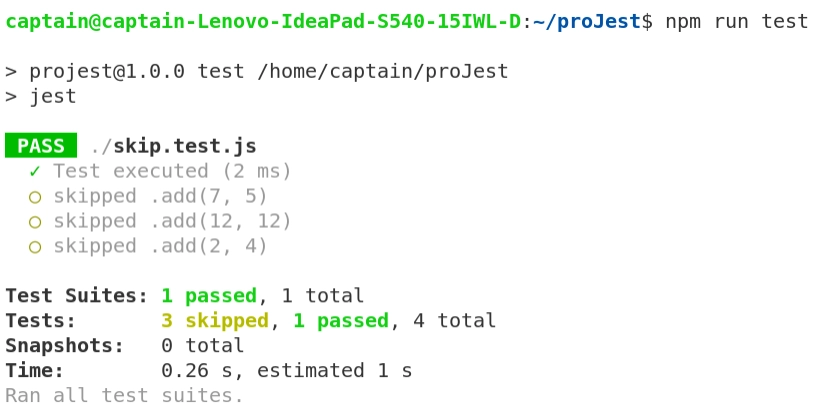
Now, if you want to skip the tests in this function, you just need to use skip.test.each function as shown in the program below.
Program
test.skip.each([
   [7, 5, 12],
   [12, 12, 24],
   [2, 4, 6],
])('.add(%d, %d)', (v1, v2, resExpected) => {
   expect(v1 + v2).toBe(resExpected); // will not be ran
});

test('Test executed', () => {
   expect(1 / 0).toBe(Infinity);
});
You can also try this code with Online Javascript Compiler
Output
describe.skip
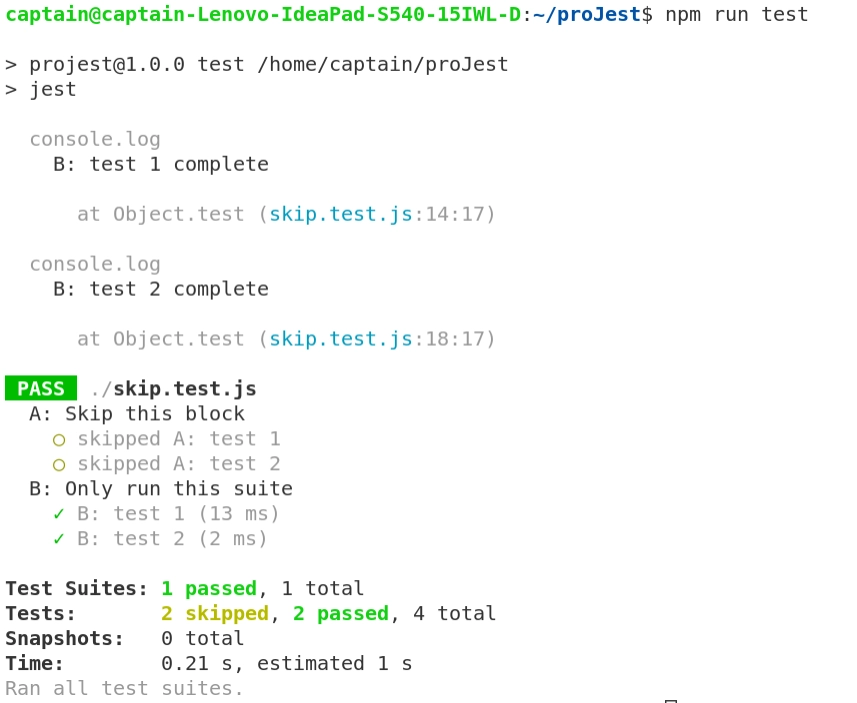
We can also skip whole describe blocks using describe.skip function. The arguments of this function are the same as that of describe function in jest.
Let us see an example.
Program
describe.skip('A: Skip this block', () => {
   test('A: test 1', () => {
       console.log('A: test 1 complete')
   })

   test('A: test 2', () => {
       console.log('A: test 2 complete')
   })

})

describe('B: Only run this suite', () => {
   test('B: test 1', () => {
       console.log('B: test 1 complete')
   })

   test('B: test 2', () => {
       console.log('B: test 2 complete')
   })
})
You can also try this code with Online Javascript Compiler
Output
test.only & describe.only
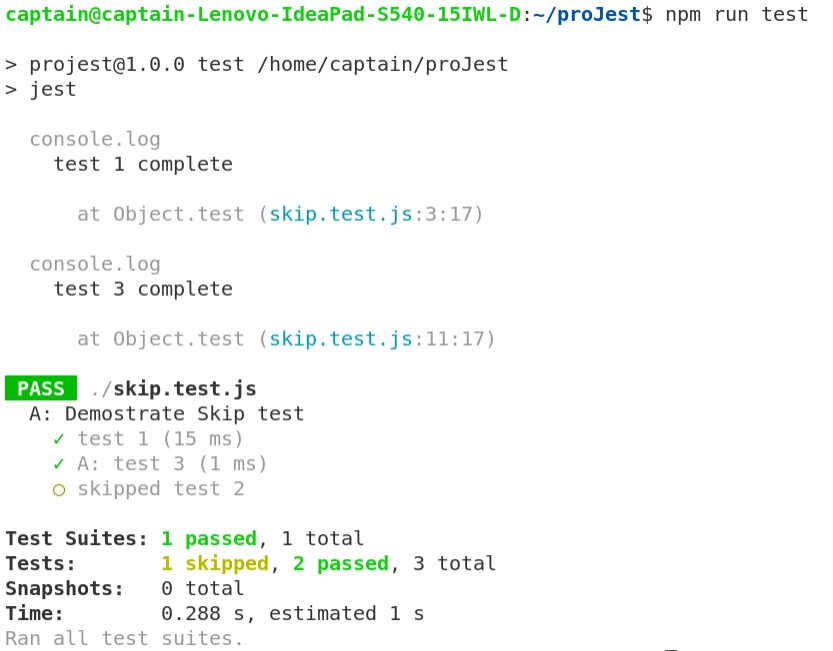
Just opposite to the test.skip and describe.skip function, we can use test.only and describe.only functions if we want to run specific describe and test blocks. These functions are best for debugging purposes.
Let us see an example.
Program
describe('A: This describe block won\'t be executed', () => {
   test('A: test 1', () => {
       console.log('A: test 1 complete')
   })

   test('A: test 2', () => {
       console.log('A: test 2 complete')
   })
})

describe.only('B: Only run this describe block', () => {
   test('B: test 1', () => {
       console.log('B: test 1 complete')
   })

   test('B: test 2', () => {
       console.log('B: test 2 complete')
   })
})
You can also try this code with Online Javascript Compiler
Output

FAQs
-
How to ignore test cases in jest?
We can use test.skip, describe.skip functions to skip individual and blocks of tests in jest.
-
How to run all jest tests?
If you want to re-run all tests when a file has changed, use the --watchAll option instead.
-
How do you run test cases sequentially in Jest?
Rather than generating a worker pool of child processes to conduct tests, run all tests sequentially in the current process (...) Jest is typically executed by a single parent dispatcher process, which deploys child-processes as workers to run your tests in parallel.
-
How do you debug a Jest test?
To debug the code that you have written, you can use describe.only and test.only functions to run only specific tests and describe blocks. Using this, you can run only those tests that are meant to test particular sections of code.
Key Takeaways
In this blog, we discussed how to skip test cases in Jest. We learned how to write the test.skip and describe.skip functions to skip test cases. We also learned how to use the test.each.skip function to skip the same test over multiple data. We also saw the use of test.only and describe.only functions to run specific test cases and describe blocks.
You may want to learn about mock functions in Jest after this. Find out an interesting article here.
Learning never stops, and to feed your quest to learn and become more skilled, head over to our practice platform Coding Ninjas Studio to practice top problems, attempt mock tests, read interview experiences, and much more.!
Happy Learning!







 7+ registered

