Do you think IIT Guwahati certified course can help you in your career?
Introduction
In this article, we show you how to Create Vaadin Templates, a file in the "Vaadin declarative format" that includes some extra information. Each template describes a design in terms of its elements and layouts, but it may also include style information that enhances the design's visual appeal. You may rapidly get started on creating your application with the help of templates.
Starting with a template that defines, for instance, a login screen or the fundamental structure of an application can give you a head start instead of starting with a blank page.
So let's see how to create Vaadin Templates, but before beginning with creating Vaadin Templates, I need your 100% Concentration and focus here.
Vaadin Templates
You can rapidly get up to speed on creating your application using templates. Instead of beginning from scratch, you can save time by basing your new design on a template that outlines, for instance, a login screen or the fundamental organization of an application.
There are several ways to construct your views in Vaadin:
Java should be used to implement the UI logic and to define the layouts of your views.
Using TypeScript and LitElement, create your views entirely on the client side.
Within an application, these methods of building views can be combined and matched. Both declaratively in HTML and through the Java API, all Vaadin components are accessible.
Benefits of Vaadin Templates
Here are some of the advantages of Vaadin Templates that may be quite useful in times of need.
Clear, maintainable code is produced by defining a view's layout outside its functionality. It is simpler to observe where the view is modified and how it is defined.
The declarative template languages LitElement and Polymer are both supported by Vaadin. As the Polymer library's replacement, LitElement is a library. For the foreseeable future, Vaadin will keep supporting both Polymer and LitElement.
Vaadin has access to and can make references to the Java template-defined components. When you provide distinct IDs to template components, every component with an ID can be accessed through the Java API to further define the logic.
A reliable and maintainable method of defining views is through declarative layouts. They are utilized as their format by Vaadin Designer, a visual tool for creating UI for Vaadin apps.
To ensure that each mapped server-side component's initial state is compatible with the characteristics specified in the template, the framework parses the elements and their associated attributes inside a template.
Creating a Component Using Templates
Now let's see how to build a component with the Template API. In our example, we make a view where the user can type their name and press a button.
Creating the Template File on the Client Side
On the client side, under frontend/src/hello-world.ts, construct the LitElement TypeScript template file as the initial step.
Let’s see an example of building the hello-world.ts TypeScript LitElement template file.
LitElement (from the LitElement library): this is the superclass all LitElement templates must have.
html for inline DOM templating.
Vaadin-text-field, Vaadin-button and axa-input-text components.
Creating the Java Template Class
You must develop a related Java class that extends the LitTemplate class in order to use the client-side LitElement template on the server.
Let’s see an example of creating the Welcome here Java template class.
@Tag("Welcome-here")
@NpmPackage(value = "@axa-ch/input-text", version = "4.3.11")
@JsModule("./src/Welcome-here.ts")
public class Welcomehere extends LitTemplate {


    /**
     * Creates the welcome here template.
     */
    public Welcomehere() {
    }
}
You can also try this code with Online Java Compiler
The name of the @Tag annotation corresponds to the TypeScript template. This guarantees that the tag name is consistent between the client and the server.
By stating the relative path to the JavaScript module in the frontend folder at the project root, the @JsModule annotation links the Java class to the hello-world.ts template class..
The annotation @NpmPackage indicates that the package @axa-ch/input-text 4.3.11 is required.
Binding to Template Components
You can communicate with client-side templates on the server side by using the @Id annotation. A component or element reference for an element created in a JavaScript template can be obtained using the @Id annotation.
Let's access a JavaScript LitElement template using the @Id annotation.
Let’s see an example of a WelcomePage TypeScript LitElement template file.
The HTML returns a button element with a welcomeButton identifier and a placeholder div element with a "content" identifier.
You can add a Component as a child to the div element since, in the Java code, it is mapped to a div component.
Let’s see an example of adding a Component to the content of a TypeScript LitElement template element by implementing a method in the WelcomePage class.
@Tag("welcome-page")
@JsModule("./com/example/welcome-page.ts")
public class WelcomePage extends LitTemplate {

    @Id("content")
    private Div content;


    @Id("welcomeButton")
    private NativeButton welcomeButton;


    public WelcomePage() {
        welcomeButton.addClickListener(event -> {
           System.out.println("Pressed!");
        });
    }
    public void setContent(Component content) {
        this.content.removeAll();
        this.content.add(content);
    }
}
You can also try this code with Online Java Compiler
The "content" and "welcomeButton" HTML IDs are used by the @Id annotation to link a component to a TypeScript element on the client.
The Java class's content and welcomeButton properties are used by Vaadin to automatically generate a component instance of the stated type and connect it to the template DOM element.
Using Sub-Templates
Child templates defined in different files may be included in client-side templates. To refer to the child template, utilize the tag name and import feature. Additionally, the server must be instructed on how to load the child file. If you bind the child template in the mapped Java template file using the @Id annotation, you will bind any other component, and this occurs automatically.
Let's show you how to make a parent LitElement template with a child LitElement template.
Let’s see an example of the TypeScript LitElement parent template.
The related Java template file specifies that any template element with the tag name child-template should instantiate ChildTemplate.
On the server, a ChildTemplate instance must be created.
Detecting Component Mappings
You can easily determine whether a component is part of a template by using the isTemplateMapped() method.
This is helpful if you want to run custom logic based on whether the component was built directly using one of its constructors.
Let's see an example of calling the isTemplateMapped() method in MyComponent
@Tag("div")
public class MyComponent extends Div {
  public MyComponent() {
    if (!isTemplateMapped()) {
      getElement().getStyle().set("color", "red");
    }
  }
}
You can also try this code with Online Java Compiler
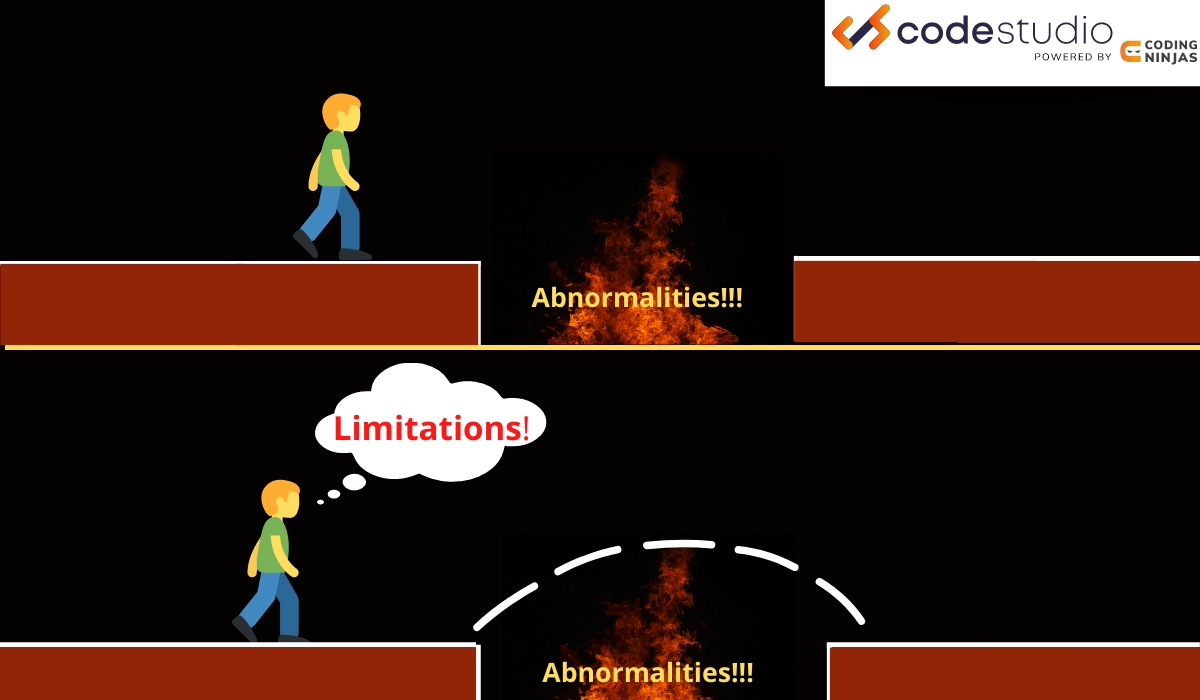
So that was about creating and binding templates along with their benefits. But you must be aware of the template API's limitations too before using it so as not to leave yourself with partial knowledge of Vaadin templates.
For server-side initialization, the attribute value is not processed, and the property is not populated on the server side if it is not a constant. There is parsing of only attributes. The server must initialize properties defined by nested elements, such as grid columns and items, as they are not parsed from the template.
The HTML column renderers for Grid, TreeGrid, or GridPro cannot be configured in LitTemplate. Java must set up the columns and drive the data to the @Id-mapped component.
A template structure can have additional parts and pieces, but nothing from the initial template can be taken away. It is possible to override component properties, though.
Child elements are eliminated when a template-based component in Java calls setText().
Frequently Asked Questions
Can we use the methods from the server side while using Vaadin templates?
Though while using Vaadin templates there are times when a client-side and server-side component or element read methods are not in sync. However, there are no problems using server-side mutation API methods like appendChild(), setProperty(), or setAttribute().
When should we use Vaadin Templates, and why?
You can use templates whenever you need to build a large application and do not want to spend time on writing basic structures. You may construct your application more quickly by using templates. You can gain a head start by basing your new design on a template that specifies, for instance, a login screen or the fundamental structure of an application, rather than starting with an empty page.
How can we interact with client-side templates on the server side?
The @Id annotation enables server-side communication with client-side templates. To obtain a component or element reference for an element specified in a JavaScript template, use the @Id annotation.
How can we add styling to Vaadin Templates?
Client-side templates' content is contained within the shadow DOM because they are Web Components. The local style scope defined by the shadow DOM is separate from the global style scope by design. Scoped styles specific to a component can be added directly in the static styles template property.
Conclusion
In this article, we learned about Vaadin Templates and travelled around the knowledge of binding, combining, and detecting components created using Vaadin Templates.
After exploring Vaadin Templates and their benefits, are you not feeling excited to read/explore more articles on the topic of Ruby? Don't worry; Coding Ninjas has you covered. To learn, see Java Vs. Ruby,Java AWT Basics, and Java Keylistener.








 7+ registered

