




Introduction🧾
Before preceding the topic Deploy in CherryPy, let's discuss what CherryPy is.
CherryPy is a Minimalist Python object-oriented web framework.
It allows the developers to build web applications the same way we build any object-oriented Python program.
CherryPy is used in simple and demanding websites because it is fast and reliable.
Deploy in CherryPy includes various engine plugins, servers, etc. Let's discuss this one by one.
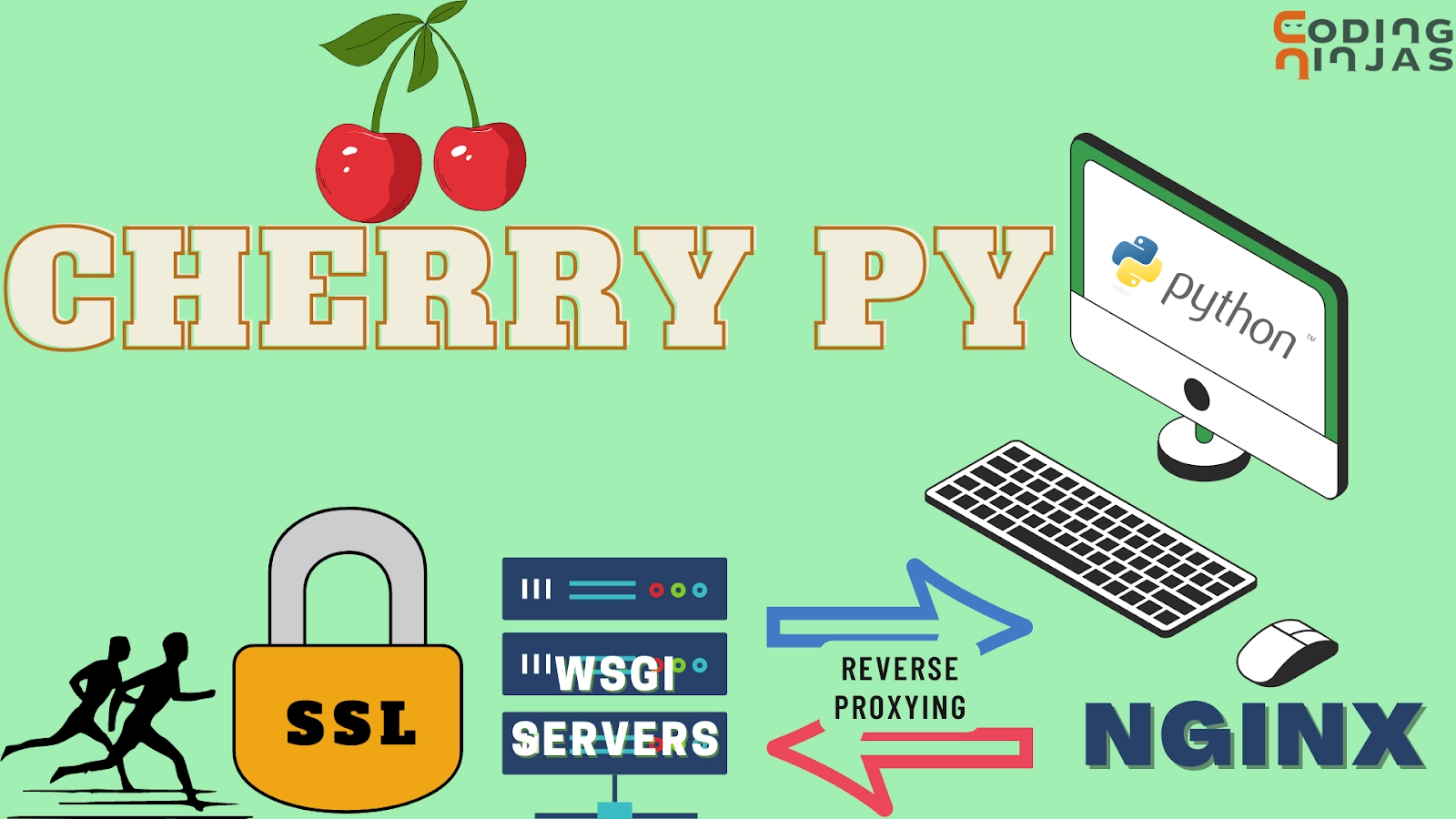
First, let's discuss some of the most used engine plugins used during Deploy in CherryPy.
Run as a daemon
This engine plugin provides a fork() available only on Unix and similar systems.
CherryPy allows us to easily decouple the current process from the parent environment using the traditional double fork.
from cherrypy.process.plugins import Daemonizer
d = Daemonizer(cherrypy.engine)
d.subscribe()
By default, all the plugin takes optional arguments to redirect standard streams like stdin, stdout, and stderr, and all are turned to /dev/null, but you're free to send them to log files or elsewhere.
Run as a different user.
We use this CherryPy to start our site as a root and then reduce privileges to more restricted.
This plugin's "start" listener is slightly higher than the priority for the server.start to facilitate the most common use, such as starting on a low port that requires root and then dropping to another user.
DropPrivileges(cherrypy.engine, uid=1000, gid=1000).subscribe()PID Files💌
It is a straightforward engine plugin as it writes the process id to a file on start and deletes it on exit.
We must provide an absolute path to a 'pidfile' argument.
PIDFile(cherrypy.engine, '/var/run/myapp.pid').subscribe()
Systemd Socket Activation
The Socket Activation is a systemd feature that allows to set up a system a little bit like inetd and xinetd so that the systemd will sit on a port and start services 'on demand.'
CherryPy has a built-in socket activation support, and it will detect the LISTEN_PID environment variable if run from a systemd service file to know that it should consider fd 3 as the passed socket.
Control via Supervisord
Supervisord is a robust process control and management tool that can perform many tasks around process monitoring.
Now, let's discuss Secure Socket Layer (SSL) Support.
SSL Support👥
SSL plays an important role in Deploy in CherryPy as CherryPy can encrypt the connections using SSL to create an HTTPS connection; alternatively, it keeps our web traffic secure.
Let's see How?
The first step is to generate a private key by using the OpenSSL.
$ openssl genrsa -out privkey.pem 2048
We can either create a key that requires a password to use or one without a password. We know that protecting a private key with a password provides security, but we must enter the password every time we use the key.
SSL Labs recommends using 2048-bit RSA keys for security
The second step is to generate a certificate. Again we can use OpenSSL for this.
$ openssl req -new -x509 -days 365 -key privkey.pem -out cert.pem
During this, OpenSSL will ask a series of questions that we have to answer whatever values are applicable, or we can leave most of the fields. But we must have to fill in the Common Name.
The third step is to decide whether we want to use Python's built-in SSL library or the pyOpenSSL library.
As CherryPy supports either of these.
Built-in: Add the following line to our CherryPy congif to use Python's built-in SSL.
cherrypy.server.ssl_module = 'builtin'
pyOpenSSL: As Python did not have a built-in SSL library when CherryPy was first created, therefore If we have to use pyOpenSSL, then first we need to install it (we could recommend you install cython first):
$ pip install cython, pyOpenSSL
The fourth step we have to do is to add the following lines in our CherryPy config to point to our certificate files:
cherrypy.server.ssl_certificate = "cert.pem"
cherrypy.server.ssl_private_key = "privkey.pem"
The fifth step is to specify the certificate chain if we have it at hand.
a cherrypy.server.ssl_certificate_chain = "certchain.perm".
Now, we can start our CherryPy server usually. Note that your browser may show you security warnings if you are debugging locally and/or using a self-signed certificate.
WSGI Servers✍️

A WSGI stands for Web Server Gateway Interface. This server implements the web server side of the WSGI interface for running Python web applications.
We use WSGI as it gives us flexibility, and the WSGI servers promote WSGI.
Tornado HTTP Server
Tornado is a Python web framework and has an asynchronous networking library.
We can use the Tornado HTTP server as follows.
import cherrypy
class Root(object):
    @cherrypy.expose
    def index(self):
        return "Hello World!"
if __name__ == '__main__':
    import tornado
    import tornado.httpserver
    import tornado.wsgi
    wsgiapp = cherrypy.tree.mount(Root())
    cherrypy.config.update({'engine.autoreload.on': False})
    cherrypy.server.unsubscribe()
    cherrypy.engine.signals.subscribe()
    cherrypy.log.error_log.propagate = False
    cherrypy.engine.start()
    container = tornado.wsgi.WSGIContainer(wsgiapp)
    http_server = tornado.httpserver.HTTPServer(container)
    http_server.listen(8080)
    tornado.ioloop.PeriodicCallback(lambda: cherrypy.engine.publish('main'), 100).start()
    tornado.ioloop.IOLoop.instance().start()
Twisted HTTP Server
We can use the Twisted HTTP server as follows.
import cherrypy
from twisted.web.wsgi import WSGIResource
from twisted.internet import reactor
from twisted.internet import task
class Root(object):
    @cherrypy.expose
    def index(self):
        return "hello world"
wsgiapp = cherrypy.tree.mount(Root())
cherrypy.config.update({'engine.autoreload.on': False})
cherrypy.server.unsubscribe()
task.LoopingCall(lambda: cherrypy.engine.publish('main')).start(0.1)
reactor.addSystemEventTrigger('after', 'startup', cherrypy.engine.start)
reactor.addSystemEventTrigger('before', 'shutdown', cherrypy.engine.exit)
resource = WSGIResource(reactor, reactor.getThreadPool(), wsgiapp)
uwsgi
import cherrypy
class Root(object):
    @cherrypy.expose
    def index(self):
        return "hello world"
cherrypy.config.update({'engine.autoreload.on': False})
cherrypy.server.unsubscribe()
cherrypy.engine.start()
wsgiapp = cherrypy.tree.mount(Root())
Reverse-Proxying🙅
It is a proxy server that provides additional level control and abstraction to ensure smooth network traffic flow between clients and servers. It is the most asked topic in the Deploy in CherryPy.
Nginx
nginx is a modern and fast HTTP server with a small footprint. It is one of the popular choices as a reverse proxy to application servers such as CherryPy.
Let's discuss the basic configuration that can be a good starting point.
upstream apps {
   server 127.0.0.1:8080;
   server 127.0.0.1:8081;
}
gzip_http_version 1.0;
gzip_proxied any;
gzip_min_length 500;
gzip_disable "MSIE [1-6]\.";
gzip_types text/plain text/xml text/css
                  text/javascript
                  application/javascript;
server {
   listen 80;
   server_name www.example.com;
   access_log /app/logs/www.example.com.log combined;
   error_log /app/logs/www.example.com.log;
   location ^~ /static/ {
      root /app/static/;
   }
   location / {
      proxy_pass http://apps;
      proxy_redirect off;
      proxy_set_header Host $host;
      proxy_set_header X-Real-IP $remote_addr;
      proxy_set_header X-Forwarded-For $proxy_add_x_forwarded_for;
      proxy_set_header X-Forwarded-Host $server_name;
   }
}
In the above is the sample. We can edit this to match our paths and save this configuration.
If the filename is irrelevant, then run the following commands:
$ sudo service nginx stop
$ sudo service nginx start
Hopefully, this will be enough to forward requests hitting the nginx frontend to your CherryPy application. Till now, we have briefly discussed the Deploy in CherryPy. Now, let's discuss some FAQs related to Deploy in CherryPy.



 7+ registered

