




Introduction
Here, we will focus on how to use them if tag in Django Template, its syntax, example, advantages.
Using these tags makes the code length small and easy for the user to understand.
When you compare the code with tags without tags, you will see a significant amount of change by yourself.
Django Template Tags
First, we will look at the templates in Django and their features and use.
We know that HTML is a static language, whereas python is a dynamic language, so templates act as a bridge in connecting these two, and with the help, we can create a dynamic HTML page.
Django templates provide many features like passing data from view to templates, for loops, variables, if-else, etc.
Syntax
{% if variable %}
// statements
{% else %}
// statements
{% endif %}
Example
{% if student_list %}
Number of Student: {{ student_list|length }}
{% elif student_in_class_room_list %}
Student should be out of the classroom soon!
{% else %}
No Student.
{% endif %}
In the above example, If the student list is not empty, then {{ student_list|length}} will display the number of students in the class. As we can see, if tag is followed by elif and else tag, One can have multiple elif tags with the if tag.
The elif tag will work if all the tags before did not satisfy their conditions student and the same with the else tag.
There can be only one if tag with no elif or else tag, but the vice-versa is not true.
if-Tag
Now, we will see how to use the if tag in the Django template with an example. Consider a project name codingnninja having an app name ninja.
Now create a view through which we will pass the relation dictionary. In ninja/views.py
# importing the HTTP response from django
from django.shortcuts import render
# create a function named ninja view
def ninja_view(request):
   # create a dictionary named relation
   relation = {
       "value" : 22,
   }
   # return response
   return render(request, "ninja.html", relation)
Now, create a URL path to map to this view. In ninja/urls.py.
from django.urls import path

# importing views from views.py
from .views import ninja_view

urlpatterns = [
   path('', ninja_view),
]
Create a template in templates/ninja.html.
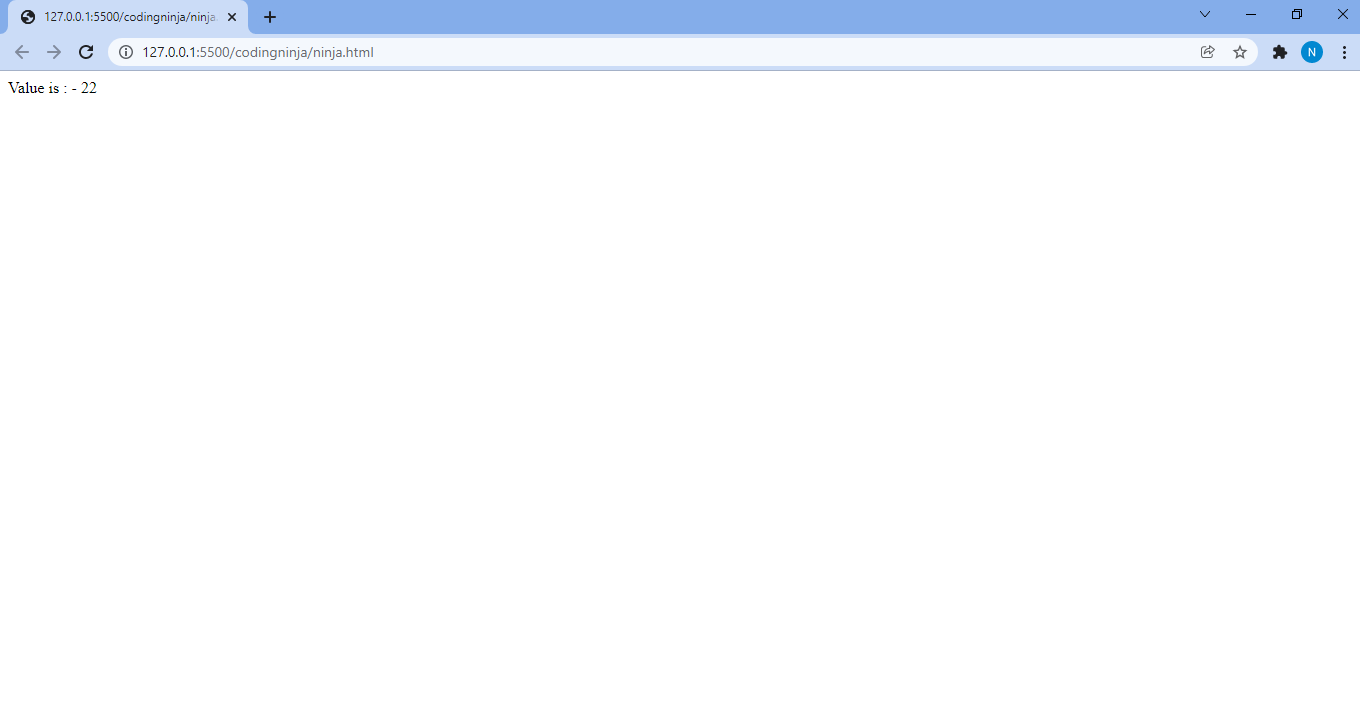
{% if value %}
Value is: - {{ value }}

{% else %}
value is empty
{% endif%}
Let's check what it will look like
else-Tag
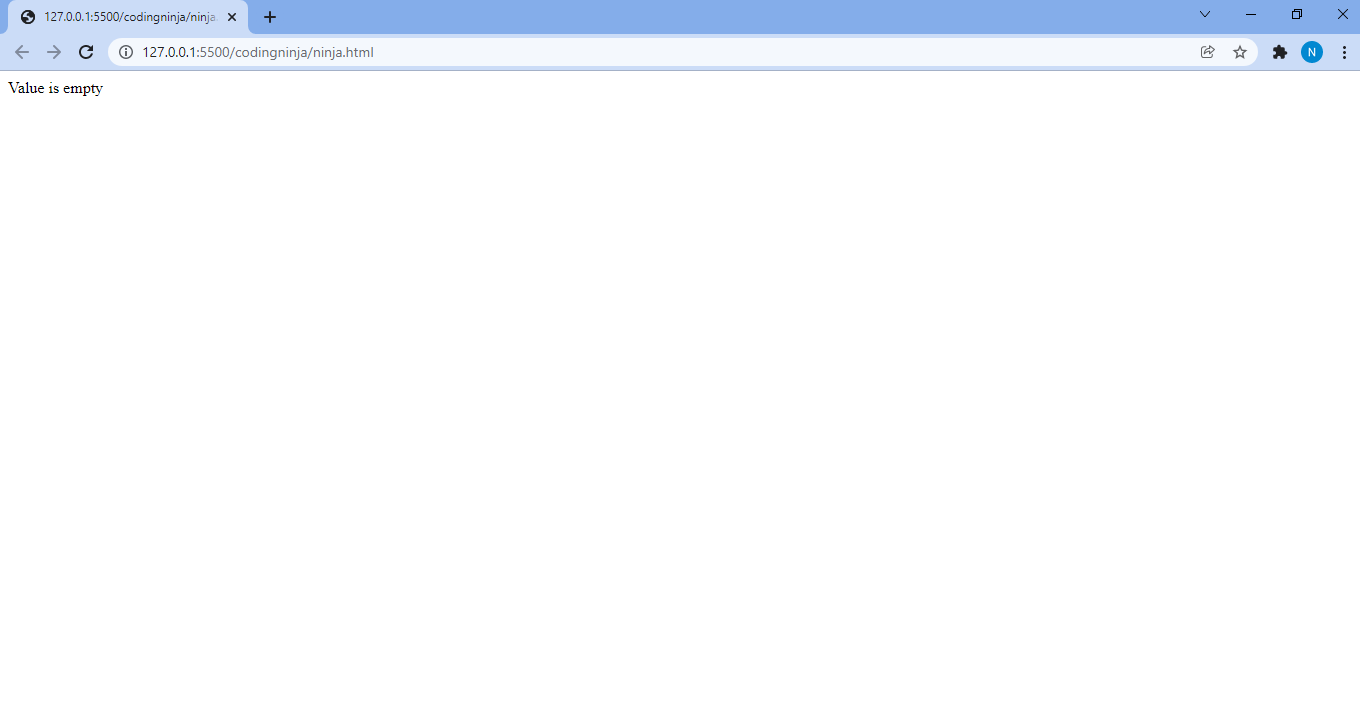
Else tag comes to work when the if tags and elif tags preceding it don't have a condition true.
Now we will see it working in the previous example.
In ninja/vies.py,
#import Http Response from django
from django.shortcuts import render
# creating a function
def ninja_view(request):
  # create a dictionary
   relation = {
       "value" : False,
   }
   # return response
   return render(request, "ninja.html", relation)
Now check what it is showing.


 7+ registered

