Constructors of JTextArea In Java 📖
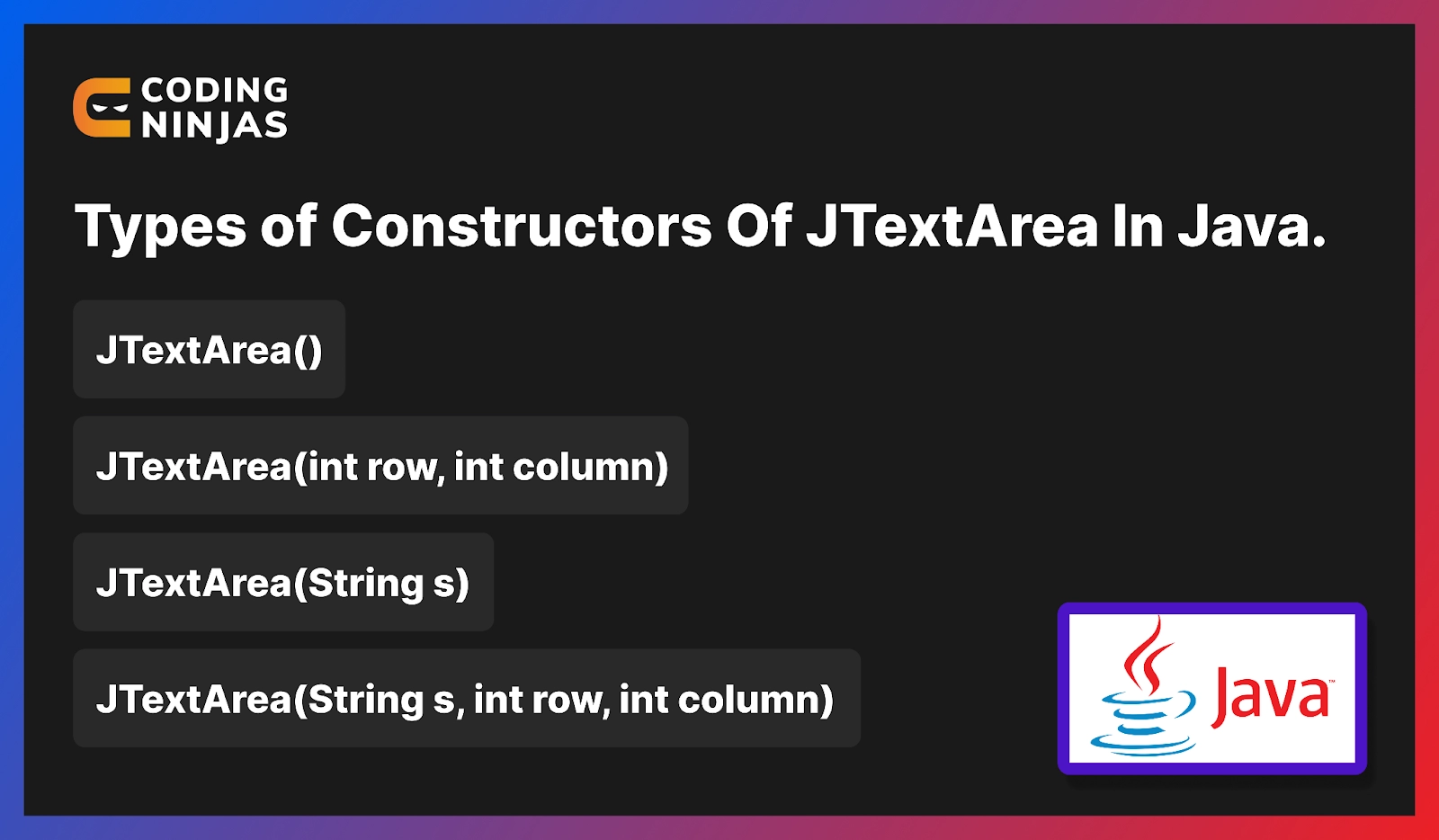
Here are the following constructors of JTextArea-
-
JTextArea(): We can construct a new blank text-based area by using this constructor.
-
JTextArea(int row, int column): Unparameterized JTextArea and this JTextArea are similar because they use the rows and column parameters. This constructor constructs a fixed number of rows and columns and a new text-based area.
-
JTextArea(String s): Along with a given initial text, we can construct a new text-based area using this constructor.
- JTextArea(String s, int row, int column): This constructor is much more similar to those like the string values or those containing rows and columns parameterized values. Therefore, a given initial text and a fixed number of rows and column values are constructed by this constructor.
Methods of JTextArea In Java 📝
After going through the various type of constructors of JTextArea, we will now study about methods of JTextArea that form the basis of JTextArea in java.

-
Append(String s): We can append one given string with the text of the text area by using this method.
-
setFont(Font f): For fixing the font type and size of the text area to the given font, we use this method.
-
getLineCount(): We can get the number of lines in the text area's text field by using this method.
-
setColumns(int c): We can use this method to set the column number of the text area along with the given integer.
-
setRows(int r): We use this method to set the rows of the text area along with the given integer.
-
getColumns(): We can fetch the number of columns along with the text area field by using this method.
- getRows(): We use this method to get the number of rows of a particular text area.
Example of JTextArea👩🏻🏫
Here we will see two different examples of JTextArea in java.
Here we have used IntelliJ IDE. You can use whatever you wish. 😁
Program to Create a Simple JTextArea
Open your IDE and copy-paste the following code in the java file you created like this. For example, we have written the code in the ‘JTextArea.java’ file -

import java.awt.event.*;
import java.awt.*;
import javax.swing.*;
class text extends JFrame implements ActionListener {


  static JFrame f;

  static JButton b;

  static JLabel l;

  static JTextArea jt;

  text()
  {
  }

  public static void main(String[] args)
  {
      f = new JFrame("textfield");
      l = new JLabel("You have entered nothing in text area");
      b = new JButton("Submit");
      text te = new text();

      b.addActionListener(te);

      jt = new JTextArea(10, 10);

      JPanel p = new JPanel();

      p.add(jt);
      p.add(b);
      p.add(l);

      f.add(p);
      f.setSize(500, 500);

      f.show();
  }

  public void actionPerformed(ActionEvent e)
  {
      String s = e.getActionCommand();
      if (s.equals("Submit")) {
          l.setText(jt.getText());
      }
  }
}

You can also try this code with Online Java Compiler
Output-
Now right click and click on the run button to see the output.


After entering text in the text area and clicking on the submit button, you will see the following output-

Creating a JTextArea with Additional Features
The additional features are -
- An initial text for the text area
-
Button to change the font style of text in the text area
Open your IDE and copy-paste the following code into the java file you created like this. For example, we have written the code in ‘codingNinja.java’ file -
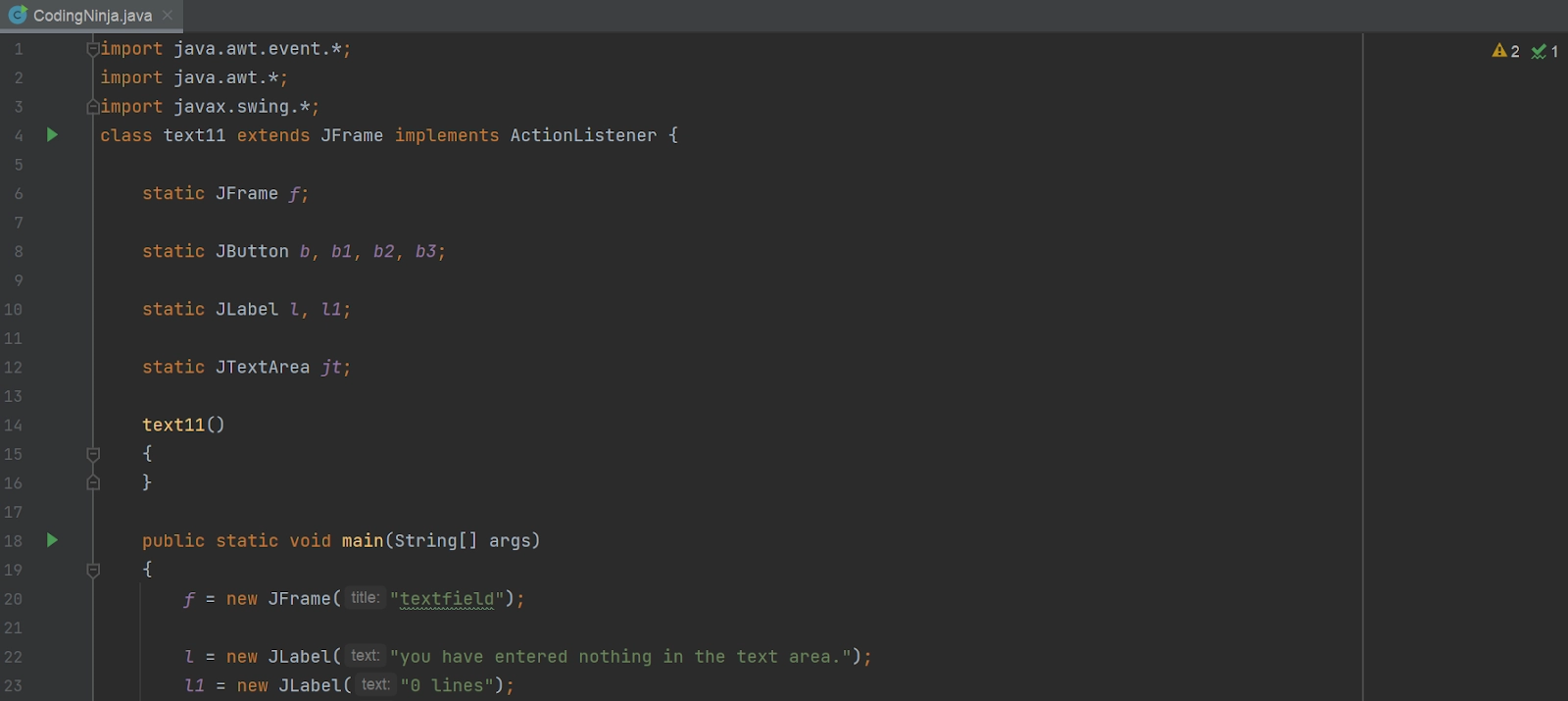
import java.awt.event.*;
import java.awt.*;
import javax.swing.*;
class text11 extends JFrame implements ActionListener {

  static JFrame f;

  static JButton b, b1, b2, b3;

  static JLabel l, l1;

  static JTextArea jt;

  text11()
  {
  }

  public static void main(String[] args)
  {
      f = new JFrame("textfield");

      l = new JLabel("you have entered nothing in the text area.");
      l1 = new JLabel("0 lines");
      b = new JButton("Submit");
      b1 = new JButton("plain");
      b2 = new JButton("italic");
      b3 = new JButton("bold");

      text11 te = new text11();

      b.addActionListener(te);
      b1.addActionListener(te);
      b2.addActionListener(te);
      b3.addActionListener(te);

      jt = new JTextArea("Ninja! please write something in the text area.", 10, 10);

      JPanel p = new JPanel();

      p.add(jt);
      p.add(b);
      p.add(b1);
      p.add(b2);
      p.add(b3);
      p.add(l);
      p.add(l1);

      f.add(p);
      f.setSize(300, 300);

      f.show();
  }

  public void actionPerformed(ActionEvent e)
  {
      String s = e.getActionCommand();
      if (s.equals("Submit")) {
          l.setText(jt.getText() + ", ");
          l1.setText(jt.getLineCount() + " lines");
      }
      else if (s.equals("bold")) {

          Font f = new Font("Inter", Font.BOLD, 15);
          jt.setFont(f);
      }
      else if (s.equals("italic")) {
          Font f = new Font("Inter", Font.ITALIC, 15);
          jt.setFont(f);
      }
      else if (s.equals("plain")) {
          Font f = new Font("Inter", Font.PLAIN, 15);
          jt.setFont(f);
      }
  }
}
You can also try this code with Online Java Compiler
Output-
Now right click and click on the run button to see the output.


After entering text in the text area and clicking on the submit button, you will see the following output-

Frequently Asked Questions🤔
What is Java?
Java is a class-based, high-level, object-oriented programming language with as many implementation dependencies as possible.
What is JTextArea In Java?
JTextArea represents a multiline display of area in java that contains text and is also used for text editing and to inherit the class of java's component.
JTextArea is a part of which package?
JTextArea is a part of the Java Swing package.
What is the swing package in java?
Swing packages in java provide classes of java swing APIs, for example, JTextArea, JRadioButton, JMenu, JColorChooser, JButton, JTextField, JCheckbox, etc.
Which classes in java are used to inherit methods of JTextArea?
The following classes in java are used to inherit methods -
🎯 javax.swing.text.JTextComponent
🎯 java.awt.Container
🎯 javax.swing.JComponent
🎯 java.awt.Component
🎯 java.lang.Object
Conclusion 🙋🏻♀️
We covered JTextArea In Java in this blog. Furthermore, we discussed the class declaration, constructors, and methods of JTextArea In Java. At last, we saw an example to understand JTextArea In Java better and if you would like to learn more, check out our articles on-
Refer to our guided paths on Coding Ninjas Studio to learn more about DSA, Competitive Programming, JavaScript, System Design, etc. Enroll in our courses and refer to the mock test and problems available. Take a look at the interview experiences and interview bundle for placement preparations.
Do upvote our blog to help other ninjas grow.

Happy Learning Ninja! 🥷







 1+ registered

