




Introduction
Vaadin has remarkable compatibility with the most known security handles of the Java Ecosystem. A user can always choose the security framework as per the requirements. Vaadin Flow also comes with a few built-in convenient security helpers.
Being a server-side framework, Vaadin’s application state, business model, and UI logic are stored in the server itself. No browser has access to its internals, where some loopholes must be clutched or vulnerabilities are exposed to the attacker.

There are some advanced modules with which Vaadin works. One of these modules is Securing Plain Java Applications, which will be discussed in this blog.
Securing Plain Java Applications
We already know that Vaadin comes with built-in security helpers that are enough to secure plain java applications. Still, it is recommended to use Spring Security, though it is not mandatory. These helpers facilitate a view-based access control mechanism that will use a few annotations such as @AnonymousAllowed, @PermitAll, @RolesAllowed, and @DenyAll on view classes so that the access control rules can be defined on plain java applications. The @DenyAll annotation is used by default for any view in which any annotation is not defined.

The following should be added in plain Java applications so that this control mechanism can be enabled and used.
👉 Any security realm.
👉 Specified log-in view.
👉 Capability to log out.
👉 Any VaadinServiceInitListener so that ViewAccessChecker can be added as the BeforeEnterListener of all the UIs.
👉 Any service provider under META_INF/services handle so that it could be loaded above custom ServiceInitListener making use of Java SPI loading mechanisms.
Security Realm Configuration
Before going into the configuration part, we will first have a look at what Security Realm is. A mechanism that is used to store and map users to their respective roles and passwords is known as a Security Realm.
The Configuration of a Security Realm is completely dependent on the Application Server you are currently using to run the Vaadin application. That is, for every Application Server, there would be a different configuration that is supposed to be used for their respective roles and passwords.
User Log-in and Log-out Handling
The Handling of user log-in and log-out can be done in numerous ways. Firstly, you need to get an authenticated user for a request. The view-based access control implementation on which Vaadin is based uses getUserPrincipal() and isUserInRole(String) methods in HttpServletRequest handle so that the authentication of the user could be done in a way whether he has access to the view or not.
The following Java code under the SecurityUtils.java extension shows how to check whether the user is authenticated or not, that is, it is one of the ways to handle user log-ins and log-outs.
public class SecurityUtils {
    private static final String LOGOUT_SUCCESS_URL = "/";
    public static boolean isAuthenticated() {
        VaadinServletRequest req = VaadinServletRequest.getCurrent();
        return req != null && req.getUserPrincipal() != null;
    }
    public static boolean authentication(String username, String password) {
        VaadinServletRequest req = VaadinServletRequest.getCurrent();
        if (request == null) {
            // This is in a background thread, and we cannot access the request to
            // log in the user
            return false;
        }
        try {
            req.login(username, password);
            return true;
        } catch (ServletException e) {
            // login exception handle code omitted
            return false;
        }
    }
    public static void logout() {
        VaadinSession.getCurrent().getSession().invalidate();
        UI.getCurrent().getPage().setLocation(LOGOUT_SUCCESS_URL);
    }
}
Log-in View Addition

A log-in view is a must and one of the most basic requirements of every authentication and authorization mechanism. It is necessary so that no unidentified user can access the application. Anonymous users are redirected to this page before granting them access to view and user and protected resources.
The following Java code under the LoginView.java extension shows how to add log-in views for security purposes.
@Route("login")
@PageTitle("Login")
public class LoginView extends VerticalLayout implements BeforeEnterObserver, ComponentEventListener<AbstractLogin.LoginEvent> {
    private static final String LOGIN_SUCCESS_URL = "/";
    private LoginForm login = new LoginForm();
    public LoginView() {
        addClassName("login-view");
        setSizeFull();
        setJustifyContentMode(JustifyContentMode.CENTER);
        setAlignItems(Alignment.CENTER);
        login.addLoginListener(this);
        add(new H1("Test Application"), login);
    }
    @Override
    public void beforeEnter(BeforeEnterEvent beforeEnterEvent) {
        if (beforeEnterEvent.getLocation()
            .getQueryParameters()
            .getParameters()
            .containsKey("error")) {
            login.setError(true);
        }
    }
    @Override
    public void onComponentEvent(AbstractLogin.LoginEvent loginEvent) {
        boolean authenticated = SecurityUtils.authenticate(
                loginEvent.getUsername(), loginEvent.getPassword());
        if (authenticated) {
            UI.getCurrent().getPage().setLocation(LOGIN_SUCCESS_URL);
        } else {
            login.setError(true);
        }
    }
}
Capability to Log-Out
A log-out button is usually used to let the user log out of an application. Log-out basically means signing out of any application.
The following Java code under the extension MainLayout.java is used to implement the log-out button on the header of the main layout page.
public class MainLayout extends AppLayout {
    public MainLayout() {
        H1 logo = new H1("Vaadin CRM");
        logo.addClassName("logo");
        HorizontalLayout header;
        if (SecurityUtils.isAuthenticated()) {
            Button logout = new Button("Logout", click ->
                    SecurityUtils.logout());
            header = new HorizontalLayout(logo, logout);
        } else {
            header = new HorizontalLayout(logo);
        }
        // Other page components omitted.
        addToNavbar(header);
    }
}
VaadinServiceInitListener Addition
A BeforeEnterListener must be registered for the VaadinService for initializing and enabling the ViewAccessChecker. This will help the user to put restrictions on access to the views.
The following Java code under ViewAccessCheckerInitializer.java can be used to add VaadinServiceInitListener.
import com.vaadin.flow.server.ServiceInitEvent;
import com.vaadin.flow.server.VaadinServiceInitListener;
import com.vaadin.flow.server.auth.ViewAccessChecker;
import org.vaadin.example.views.login.LoginView;
public class ViewAccessCheckerInitializer implements VaadinServiceInitListener {
    private ViewAccessChecker viewAccessChecker;
    public ViewAccessCheckerInitializer() {
        viewAccessChecker = new ViewAccessChecker(); 1
        viewAccessChecker.setLoginView(LoginView.class); 2
    }
    @Override
    public void serviceInit(ServiceInitEvent serviceInitEvent) {
        serviceInitEvent.getSource().addUIInitListener(uiInitEvent -> {
            uiInitEvent.getUI().addBeforeEnterListener(viewAccessChecker); 3
        });
    }
}
Enable Loading of VaadinServiceInitListener
In order to enable the Java SPI loading mechanism so that the ViewAccessCheckerInitializer could be loaded as the VaadinServiceInitListener, you need to follow the steps mentioned below.
👉 You need to create a file with exactly the same file name given below under the resources/META-INF/services directory.
File Name: com.vaadin.flow.server.VaadinServiceInitListener
👉 After that, you need to enter the completely qualified name of the ViewAccessCheckerInitializer into the recently created file in the way mentioned. For example, if the ViewAccessCheckerInitializer class is present in the org.vaadin.example.security package, the file should have the following value.
org.vaadin.example.security.ViewAccessCheckerInitializerAccess Annotations
We will first have an attentive look at what these annotations are all about and what they do when applied to any view by the user. Also, along with the description, we will see examples of these access annotations. The list of the annotations present is given below.
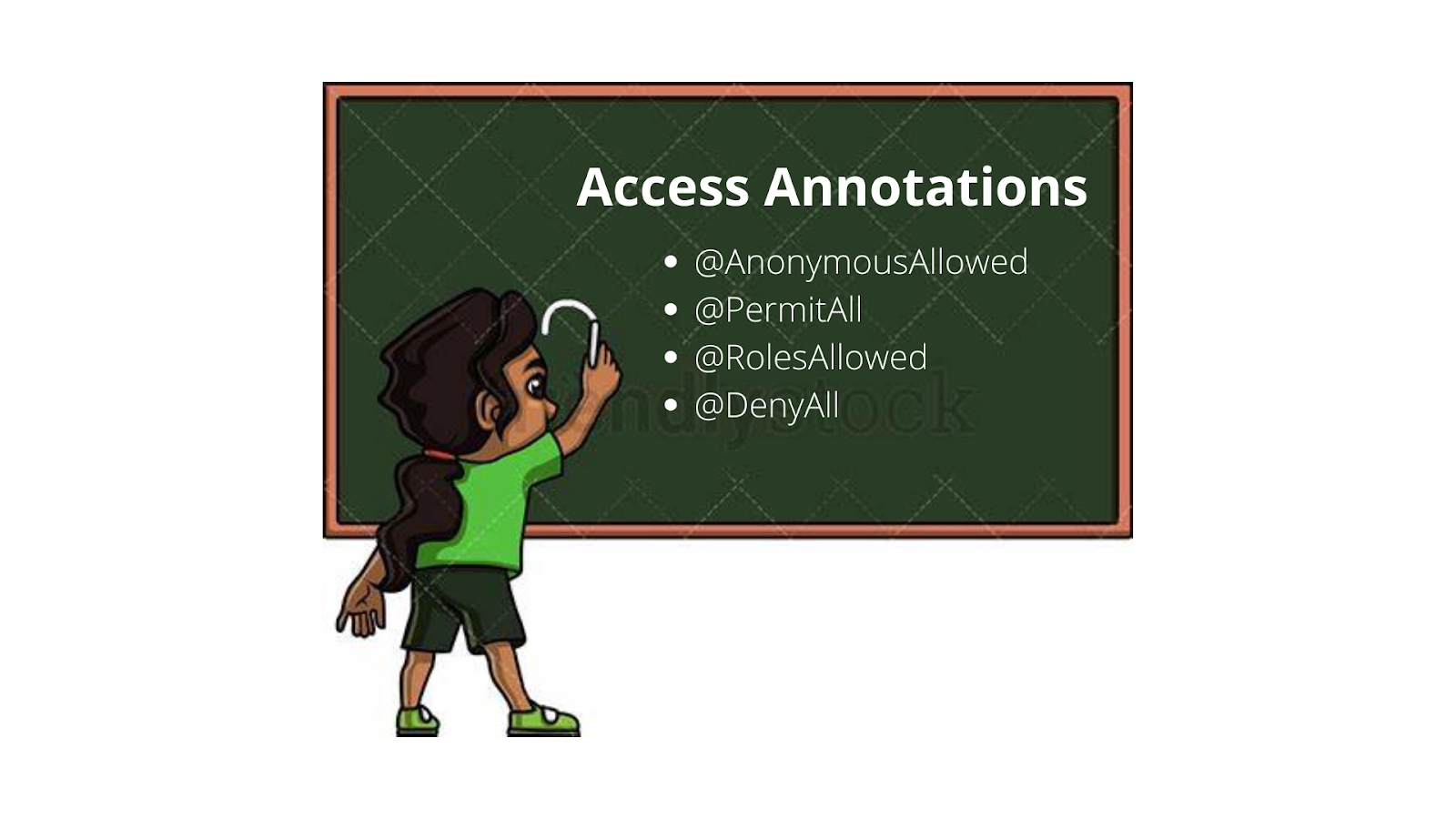
👉 @AnonymousAllowed
As the name suggests, this annotation allows anyone to move through and navigate to the views without any authentication and authorization.
Example:
@Route(value = "", layout = MainView.class)
@PageTitle("Public View")
@AnonymousAllowed
public class PublicView extends VerticalLayout {
    // ...
}
👉 @PermitAll
It permits all the authenticated users to navigate to the views.
Example:
@Route(value = "private", layout = MainView.class)
@PageTitle("Private View")
@PermitAll
public class PrivateView extends VerticalLayout {
    // ...
}
👉 @RolesAllowed
This annotation grants access to only those users those have the roles specified in the respective annotation value.
Example:
@Route(value = "admin", layout = MainView.class)
@PageTitle("Admin View")
@RolesAllowed("ROLE_ADMIN") // <- Should match one of the user's roles (case-sensitive)
public class AdminView extends VerticalLayout {
    // ...
}
👉 @DenyAll
As the name reflects, this annotation will disallow everybody from navigating to any view. This annotation is by default if there is no annotation specified. That implies, that if a view is not annotated at all, the @DenyAll logic will be applied.
You can also check about Java Tokens here.

 7+ registered

